









About SSK Brand
Founded in 2001, SSK is a professional IT peripherals brand with 25 years of experience, focusing on quality, innovation and creativity
We design, develop and manufacture. With ISO9001 certification, we provide efficient connectivity solutions to simplify digital life and enable seamless connection
Each SSK product ensures premium quality, steady performance and sound reliability, bringing trusted storage peripherals to global users worldwide


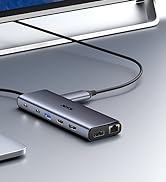
8K + 10Gbps Hub

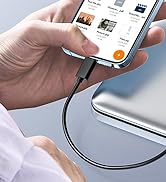
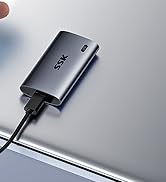
Portable SSD

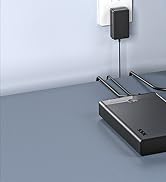
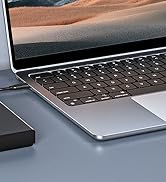
2.5/3.5 HDD Dock


External SSD
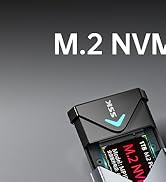
M.2 SSD Enclosure
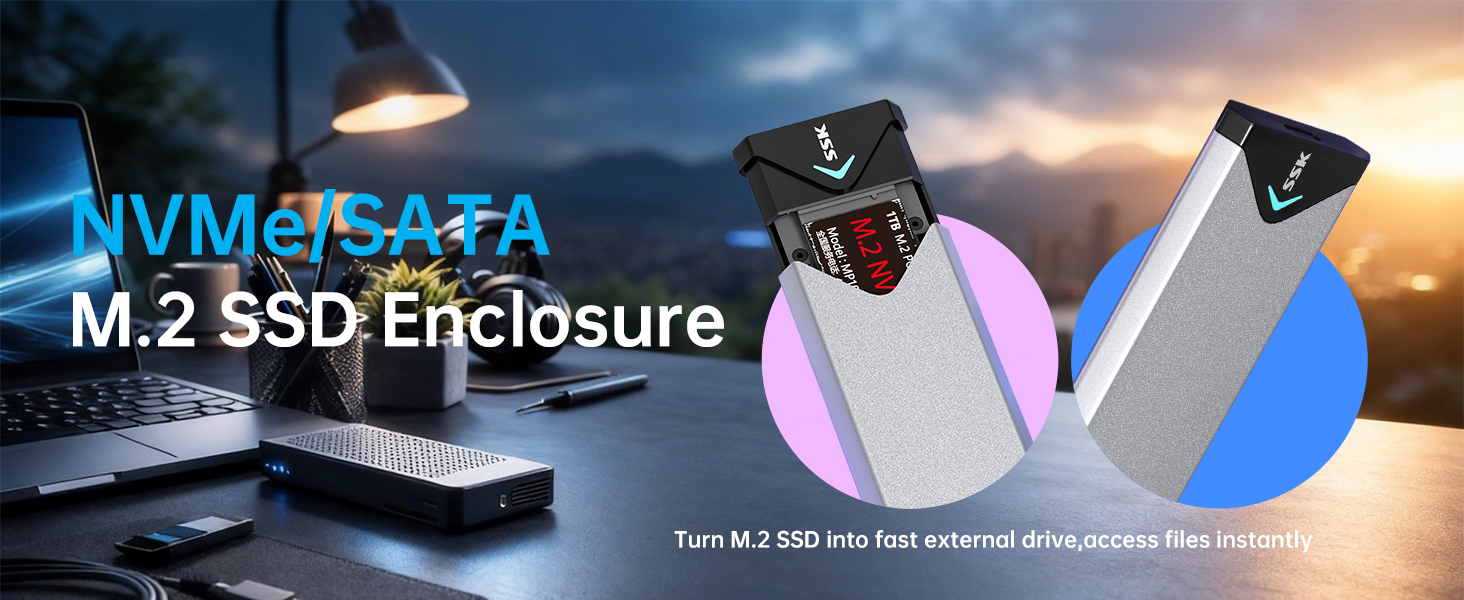
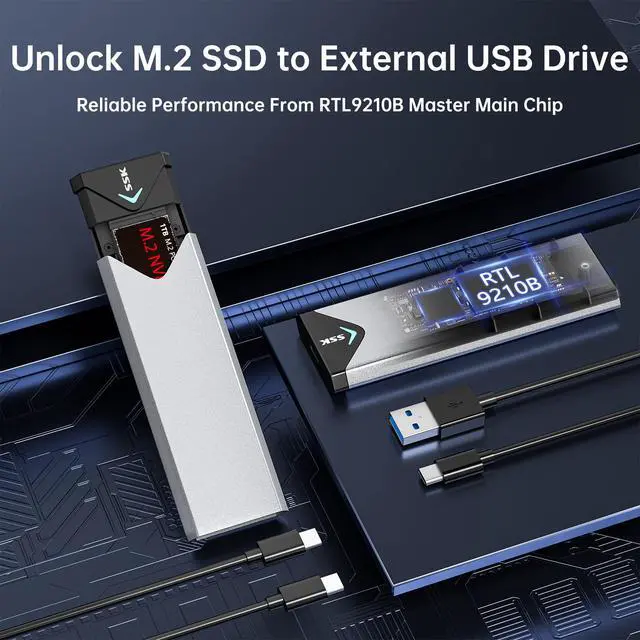
Easily access NVMe or SATA SSD via this USB3.2 SSD enclosure adapter, simplifying data transfer and manage—no more disassembling computer to read SSDs
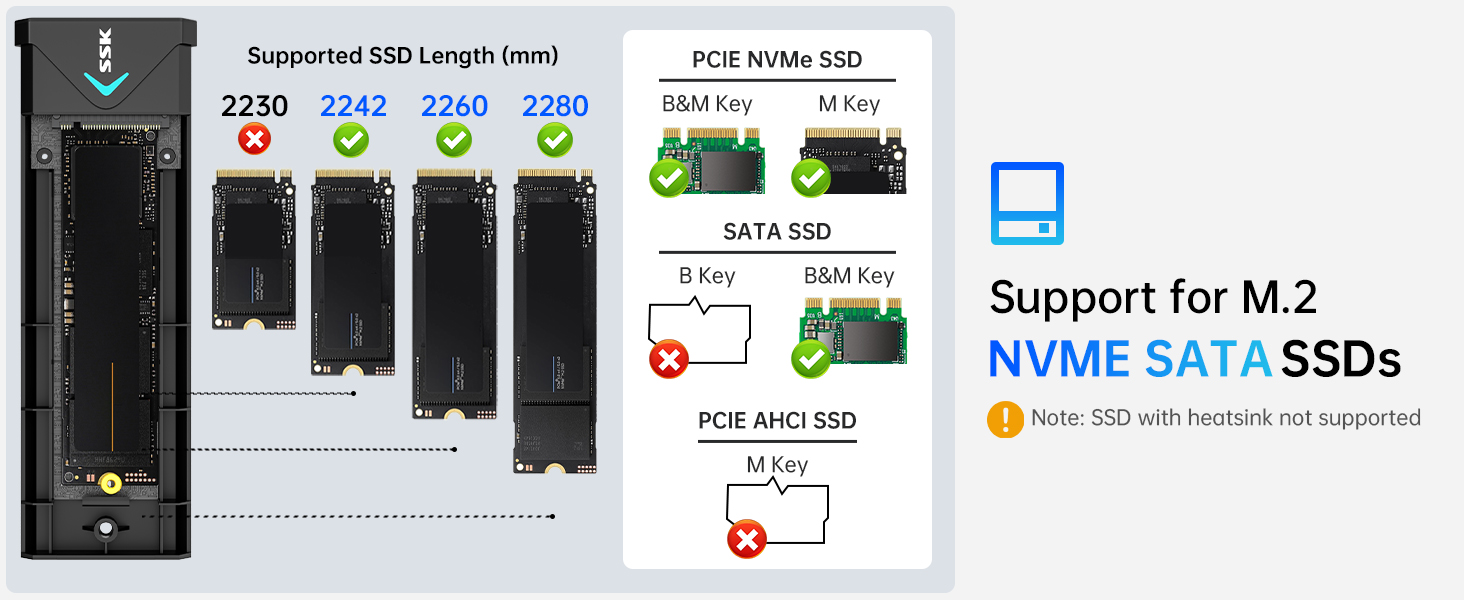
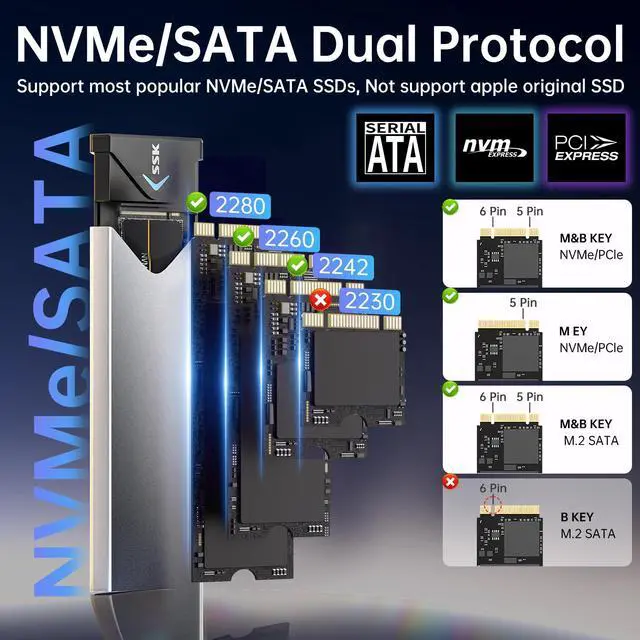
Is this M.2 SATA/NVMe Enclosure support your SSD?
1.Check SSD Key: This SSD enclosure slot can install M Key and B+M Key SSD 2.Confirm Protocol/Label: This M.2 enclosure supports both NVMe and SATA SSD 3.Right SSD length: This M.2 enclosure accommodates SSDs in the length of 2242/2260/2280MM
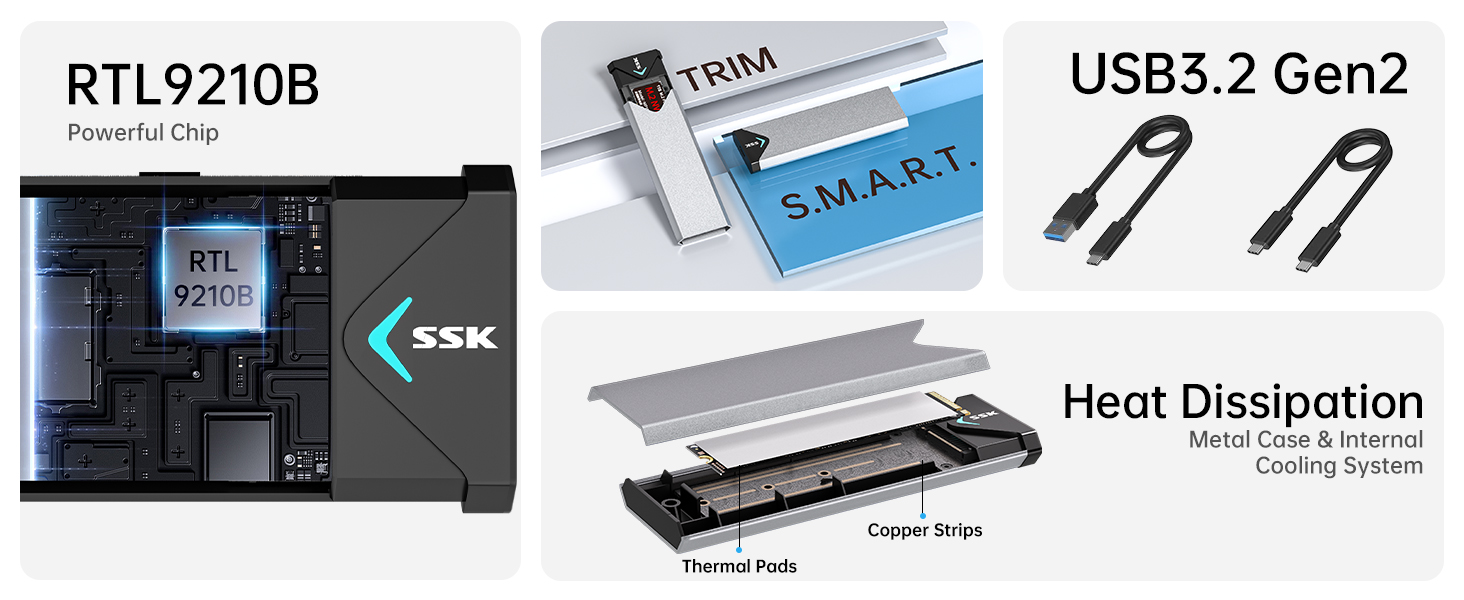
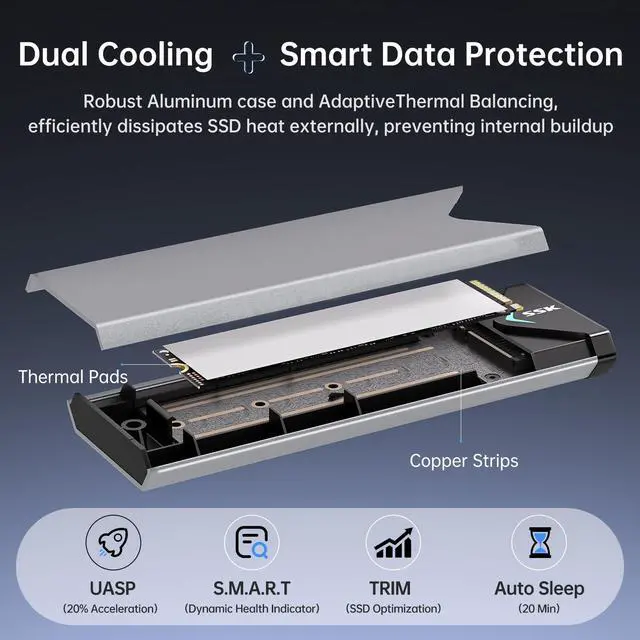
Improved RTL9210B Chip: High-performance RTL9210B master chip greatly enhancing compatibility and heat control. Combined with enclosure’s advanced thermal design, it optimizes heat dissipation during high-speed transfers, improves SSD reliability, and ensures stable data transmission
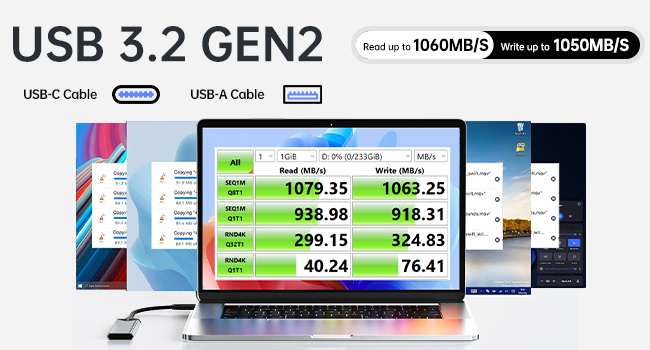
USB 3.2 Gen2 Speed with LED Indicator
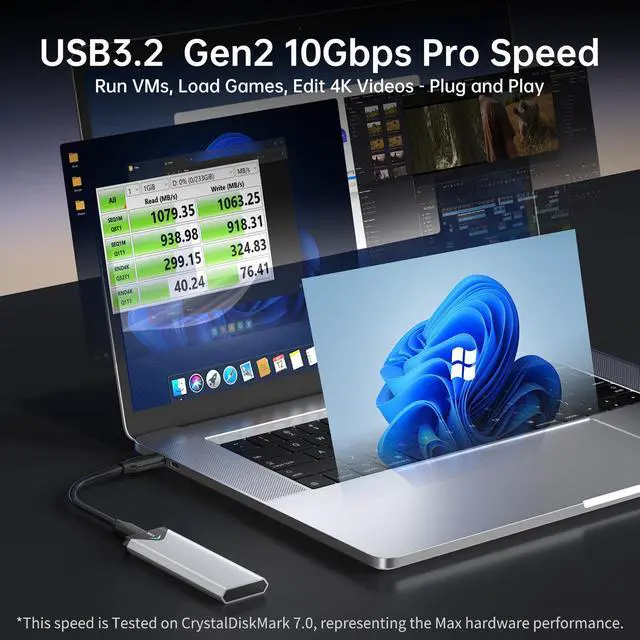
M.2 SSD Enclosure supports 10Gbps NVMe & 6Gbps SATA SSD speed.
NVMe enclosure real-time activity light shows transfer status, helping prevent accidental disconnections and data loss.
Always eject safely—never unplug ssd enclosure during transfers
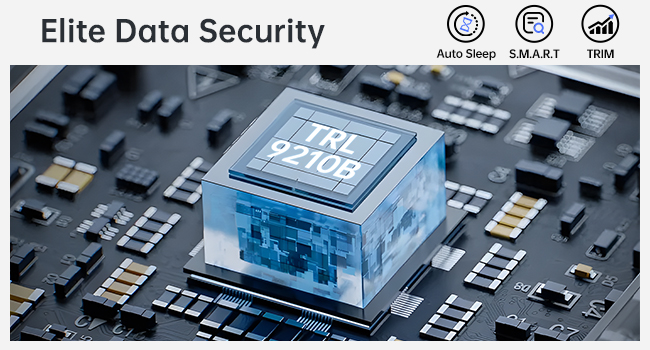
Professional-Grade Data Protection
This SSD enclosure integrates S.M.A.R.T. health diagnostics? and adaptive TRIM data block optimizing.
M.2 enclosure sustains reliable performance and extends SSD's longevity.
Never unplug the enclosure during data transfers in order to protect your data.
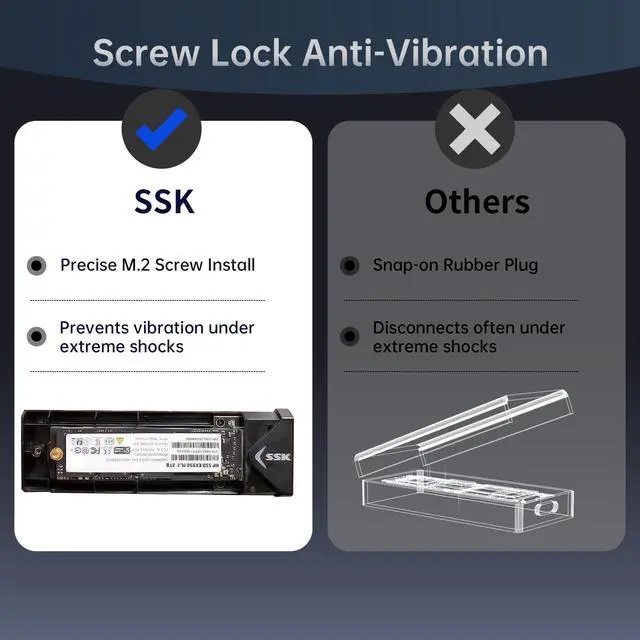
Easy Installation & Secure Screw Fixing for Stable Connection
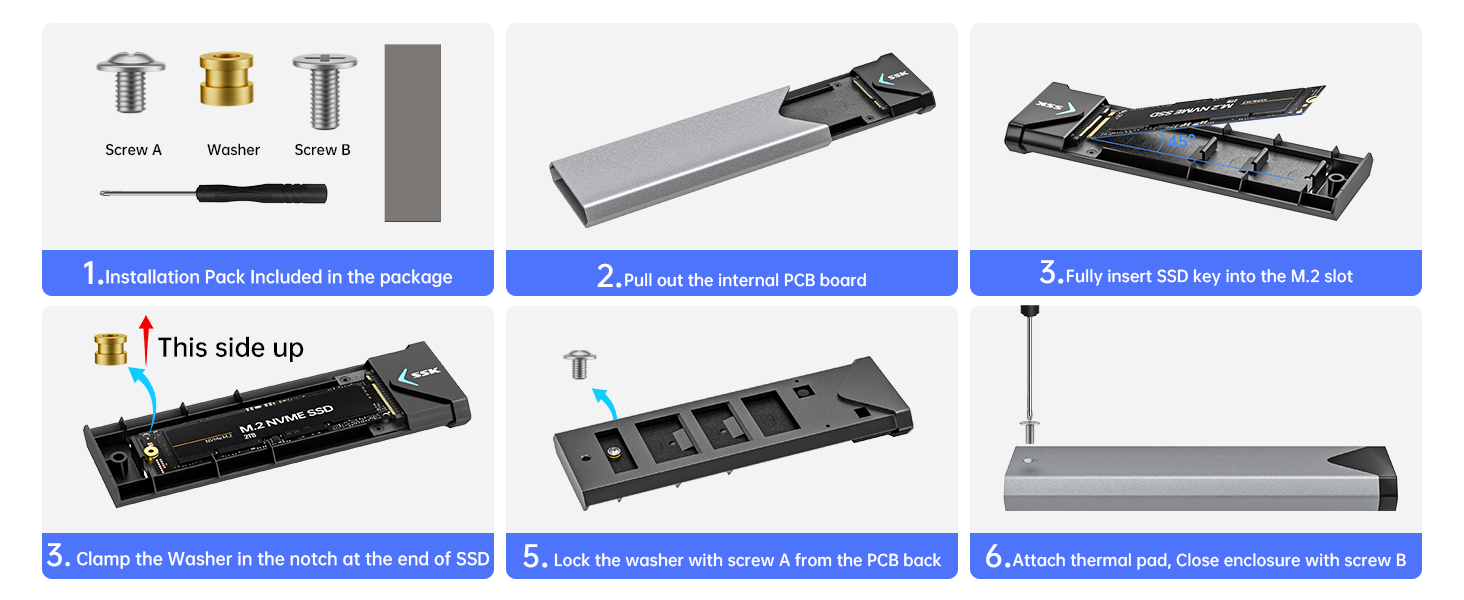
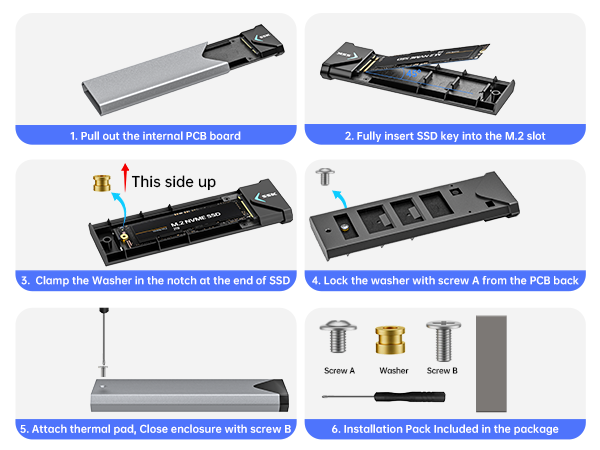
If SSD can not be recognized, First, Please confirm your SSD is M.2 PCIE NVME or SATA SSD. Second, please confirm if SSD is fully inserted into the enclosure M.2 Slot. If not, Please push the SSD into the M.2 Slot at a 45 degree angle. The pins of the SSD will be fully seated and covered.
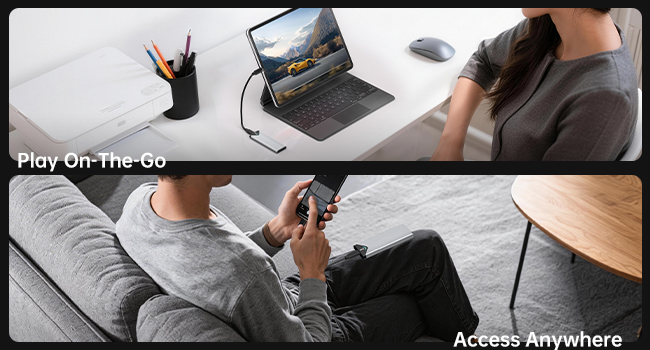
USB-C and USB-A Cable Included
This SSD enclosure is bus-powered, no external power supply required. New SSDs require partitioning and formatting prior to first use; otherwise, SSD may not be detected by SSD enclosure
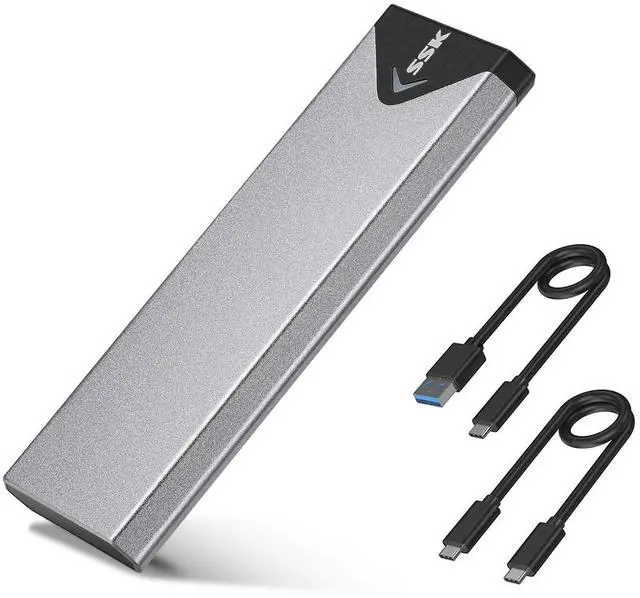
Comes with USB-C/A Dual-Cable, This NVMe M.2 enclosure plug-and-play across desktops, laptops, tablets and phones
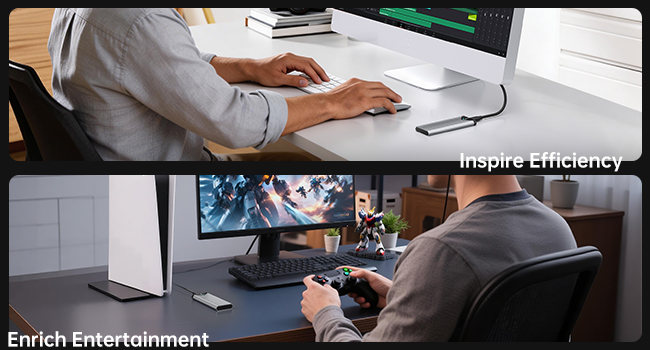
Ultimate Dual Cooling & Stable Operation
This M.2 SSD Enclosure integrates multi copper strips, thick aluminum alloy shell and high-efficiency thermal pad for superior heat dissipation.
The stable long-term operating enclosure runs stably for gaming, office and data transmission, making the enclosure perfect for high-speed M.2 SSD.
M.2 NVME/SATA PCIe SSD Enclosure Instructions
Installation Attention:
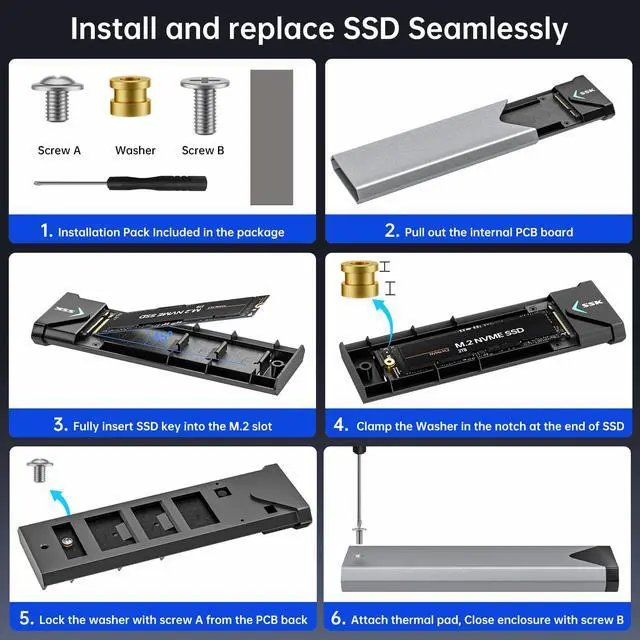
- The package contains all necessary tools: a screwdriver, screws, a washer, thermal pads, and two data cables
- Confirm the SSD is M-Key or B+M Key, then insert it into the enclosure's M.2 slot at a 45-degree angle until fully seated. Not compatible with MacBook original SSD! When install the round washer to assemble SSD and PCB, please pay attention to the thickness of the washer, it has two directions, please keep upper thin and bottom thick. When insert the pcb to house casing, as it is shrapnel design, pls press down the PCB slightly to ensure the proper insertion
- Apply the thermal pad onto the SSD, close the enclosure, and tighten the screw to complete installation
Easy Troubleshooting Steps for SSD Recognition Issues:
- Ensure the data cable is firmly connected to both the enclosure and the computer, and that the SSD is properly installed
- A new SSD must be initialized (partitioned and formatted) before first use. Format the SSD to meet your system's requirements. For use with both Mac and Windows, select the exFAT file system.
About Being Hot During Use:Due to the transmission speed is extreme fast for nvme ssd, the temperature is relatively higher than USB3.0 HDD, Moderate heat during operation is expected for all high-performance SSDs. The enclosure metal case the thermal pad can actively conducts heat away from critical components, protecting both your data and drive integrity.
About Data Transfer Speed:Our SSD enclosure follows USB 3.2 Gen2 10Gbps protocol. For optimal speed, connect the enclosure to a USB 3.2 Gen 2 (10Gbps) port. If used with a older USB 2.0 standard port, speeds will be limited to approximately 40-50 MB/s. The 1000MB/s speed, tested via CrystalDiskMark, represents the enclosure peak capability. File transfer speeds will vary based on the SSD used, the host device's USB port, the files being transferred, and the current state of the drive.
Data Security Alert: To prevent data loss, please perform safe eject operation before unplugging/removing the SSD. On computers, use the "Safely Remove Hardware" option. For smartphones and tablets, look for the "Eject" or "Unmount" option in the file management app. Do not unplug the SSD during a file transfer task. Unplug it when the transfer finishes.
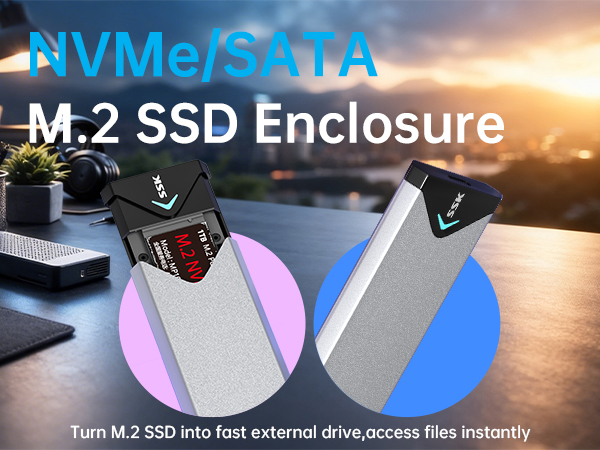
Easily access NVMe or SATA SSD via this USB3.2 SSD enclosure adapter, simplifying data transfer and manage—no more disassembling computer to read SSDs
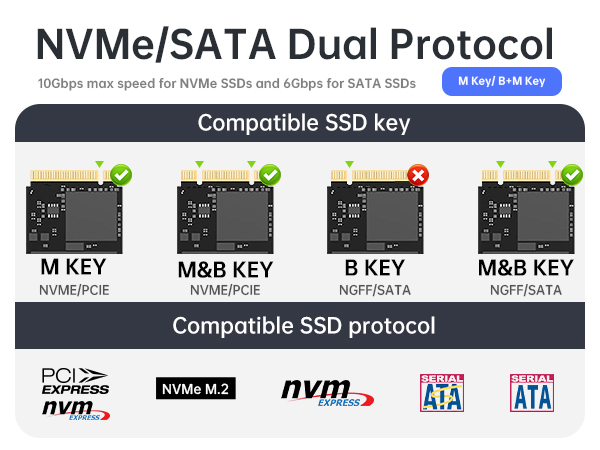
Is this M.2 SATA/NVMe Enclosure support your SSD?
1.Check SSD Key: This SSD enclosure slot can install M Key and B+M Key SSD 2.Confirm Protocol/Label: This M.2 enclosure supports both NVMe and SATA SSD 3.Right SSD length: This M.2 enclosure accommodates SSDs in the length of 2242/2260/2280MM
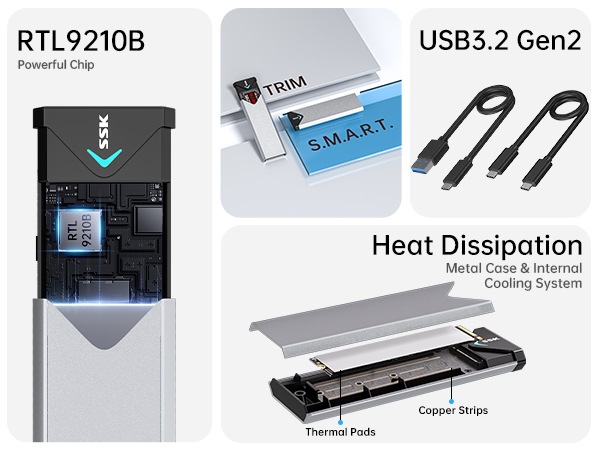
Improved RTL9210B Chip: High-performance RTL9210B master chip greatly enhancing compatibility and heat control. Combined with enclosure’s advanced thermal design, it optimizes heat dissipation during high-speed transfers, improves SSD reliability, and ensures stable data transmission
USB 3.2 Gen2 Speed with LED Indicator
M.2 SSD Enclosure supports 10Gbps NVMe & 6Gbps SATA SSD speed.
NVMe enclosure real-time activity light shows transfer status, helping prevent accidental disconnections and data loss.
Always eject safely—never unplug ssd enclosure during transfers
Professional-Grade Data Protection
This SSD enclosure integrates S.M.A.R.T. health diagnostics? and adaptive TRIM data block optimizing.
M.2 enclosure sustains reliable performance and extends SSD's longevity.
Never unplug the enclosure during data transfers in order to protect your data.
Easy Installation & Secure Screw Fixing for Stable Connection
If SSD can not be recognized, First, Please confirm your SSD is M.2 PCIE NVME or SATA SSD. Second, please confirm if SSD is fully inserted into the enclosure M.2 Slot. If not, Please push the SSD into the M.2 Slot at a 45 degree angle. The pins of the SSD will be fully seated and covered.
USB-C and USB-A Cable Included
This SSD enclosure is bus-powered, no external power supply required. New SSDs require partitioning and formatting prior to first use; otherwise, SSD may not be detected by SSD enclosure
Comes with USB-C/A Dual-Cable, This NVMe M.2 enclosure plug-and-play across desktops, laptops, tablets and phones
Ultimate Dual Cooling & Stable Operation
This M.2 SSD Enclosure integrates multi copper strips, thick aluminum alloy shell and high-efficiency thermal pad for superior heat dissipation.
The stable long-term operating enclosure runs stably for gaming, office and data transmission, making the enclosure perfect for high-speed M.2 SSD.
M.2 NVME/SATA PCIe SSD Enclosure Instructions
Installation Attention:
- The package contains all necessary tools: a screwdriver, screws, a washer, thermal pads, and two data cables
- Confirm the SSD is M-Key or B+M Key, then insert it into the enclosure's M.2 slot at a 45-degree angle until fully seated. Not compatible with MacBook original SSD! When install the round washer to assemble SSD and PCB, please pay attention to the thickness of the washer, it has two directions, please keep upper thin and bottom thick. When insert the pcb to house casing, as it is shrapnel design, pls press down the PCB slightly to ensure the proper insertion
- Apply the thermal pad onto the SSD, close the enclosure, and tighten the screw to complete installation
Easy Troubleshooting Steps for SSD Recognition Issues:
- Ensure the data cable is firmly connected to both the enclosure and the computer, and that the SSD is properly installed
- A new SSD must be initialized (partitioned and formatted) before first use. Format the SSD to meet your system's requirements. For use with both Mac and Windows, select the exFAT file system.
About Being Hot During Use:Due to the transmission speed is extreme fast for nvme ssd, the temperature is relatively higher than USB3.0 HDD, Moderate heat during operation is expected for all high-performance SSDs. The enclosure metal case the thermal pad can actively conducts heat away from critical components, protecting both your data and drive integrity.
About Data Transfer Speed:Our SSD enclosure follows USB 3.2 Gen2 10Gbps protocol. For optimal speed, connect the enclosure to a USB 3.2 Gen 2 (10Gbps) port. If used with a older USB 2.0 standard port, speeds will be limited to approximately 40-50 MB/s. The 1000MB/s speed, tested via CrystalDiskMark, represents the enclosure peak capability. File transfer speeds will vary based on the SSD used, the host device's USB port, the files being transferred, and the current state of the drive.
Data Security Alert: To prevent data loss, please perform safe eject operation before unplugging/removing the SSD. On computers, use the "Safely Remove Hardware" option. For smartphones and tablets, look for the "Eject" or "Unmount" option in the file management app. Do not unplug the SSD during a file transfer task. Unplug it when the transfer finishes.
About SSK Brand
Founded in 2001, SSK is a professional IT peripherals brand with 25 years of experience, focusing on quality, innovation and creativity
We design, develop and manufacture. With ISO9001 certification, we provide efficient connectivity solutions to simplify digital life and enable seamless connection
Each SSK product ensures premium quality, steady performance and sound reliability, bringing trusted storage peripherals to global users worldwide
8K + 10Gbps Hub
Portable SSD
2.5/3.5 HDD Dock
External SSD
M.2 SSD Enclosure