







Why choose ICY BOX?
26 years of German-engineered storage mastery since 1999—where precision engineering meets relentless durability. Backed by lifetime dedicated service. Pure focus, zero compromises.
Q:What types of drives does this docking station support?
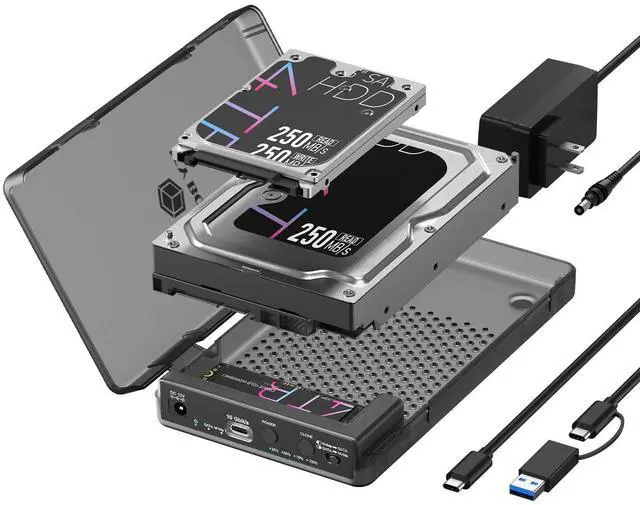
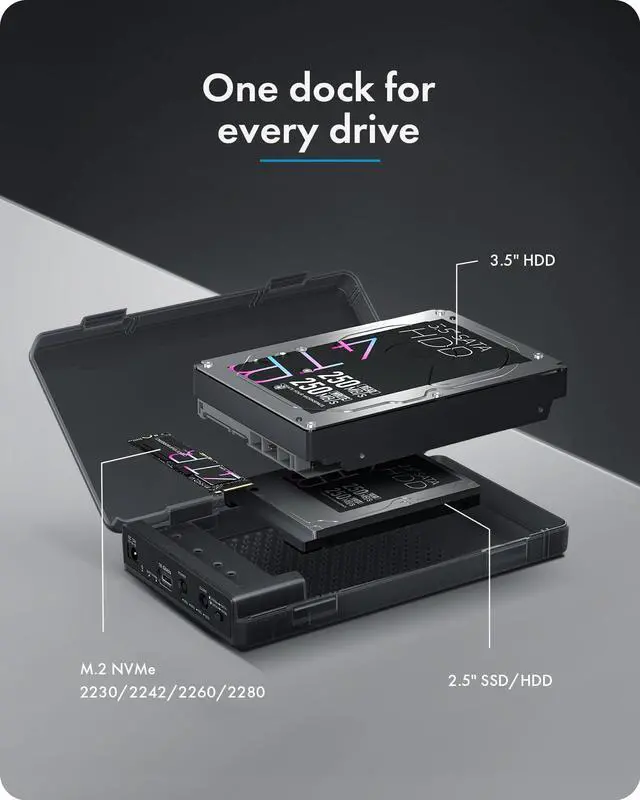
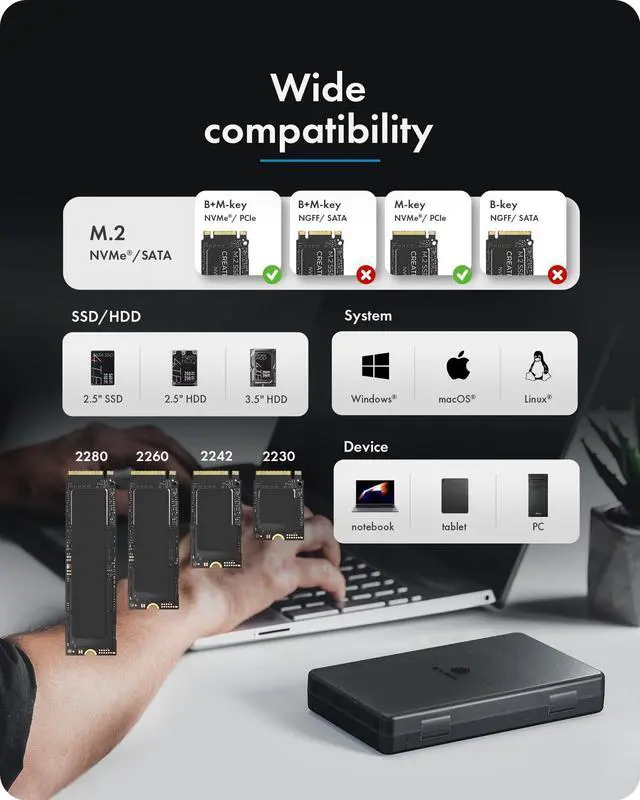
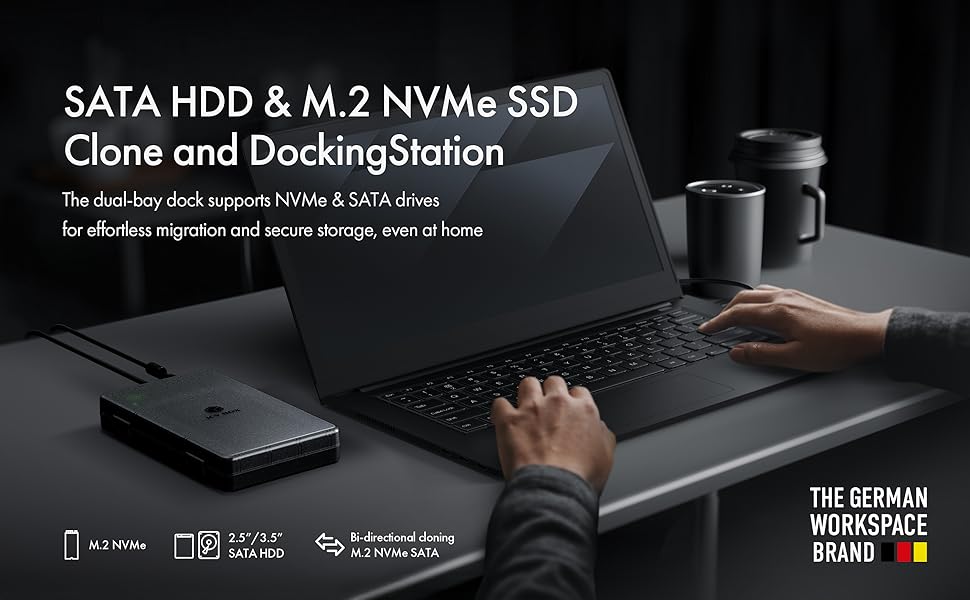
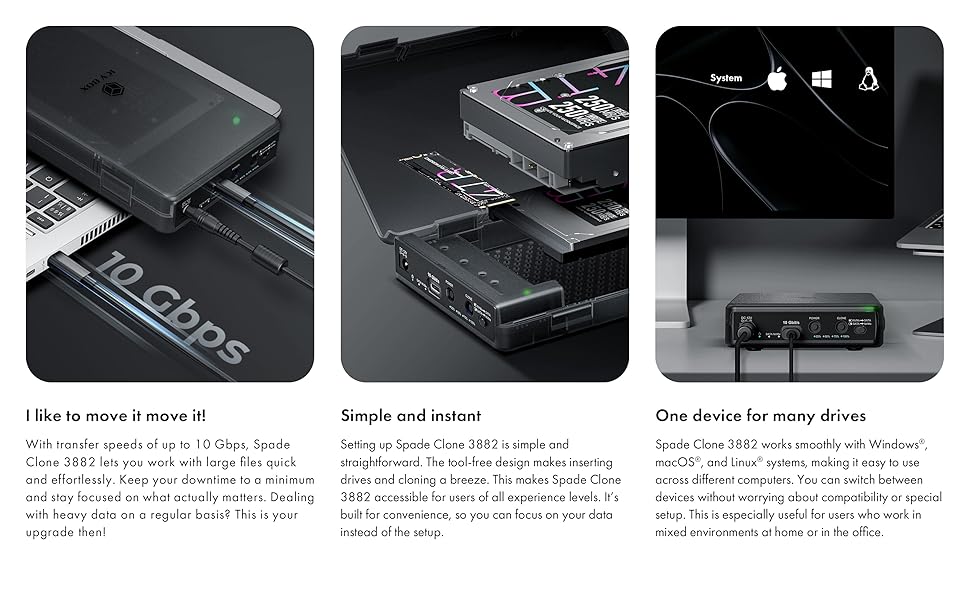
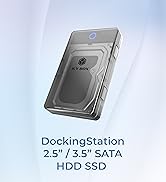
This dock supports M.2 PCIe NVMe SSDs (2230,2242, 2260, 2280) and 2.5”/3.5” SATA SSDs or HDDs, making it ideal for backups, upgrades, and data transfers.
Q:Can I access two drives at the same time?
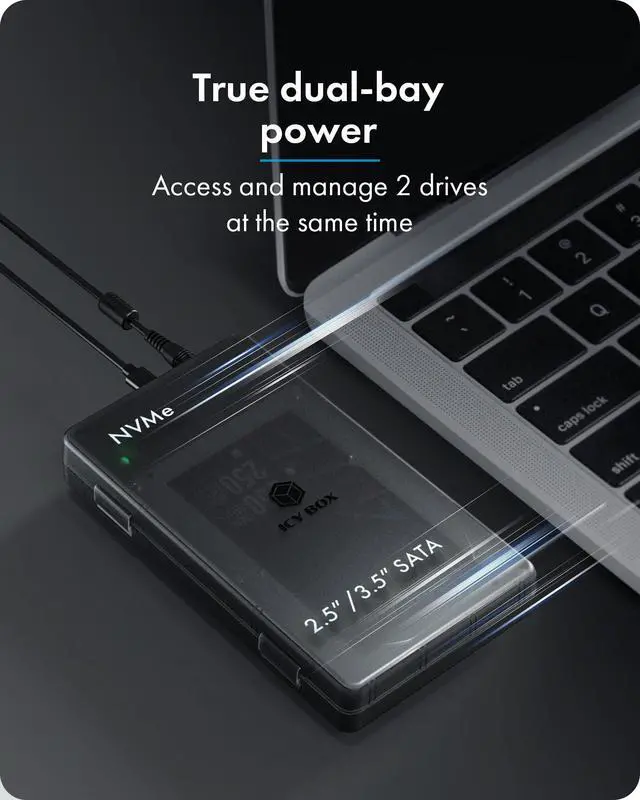
Yes! This is a dual-bay docking station, so you can read and write to both drives simultaneously, whether it’s two SATA drives, two NVMe SSDs, or a combination.
Q:Can I clone drives without a computer?
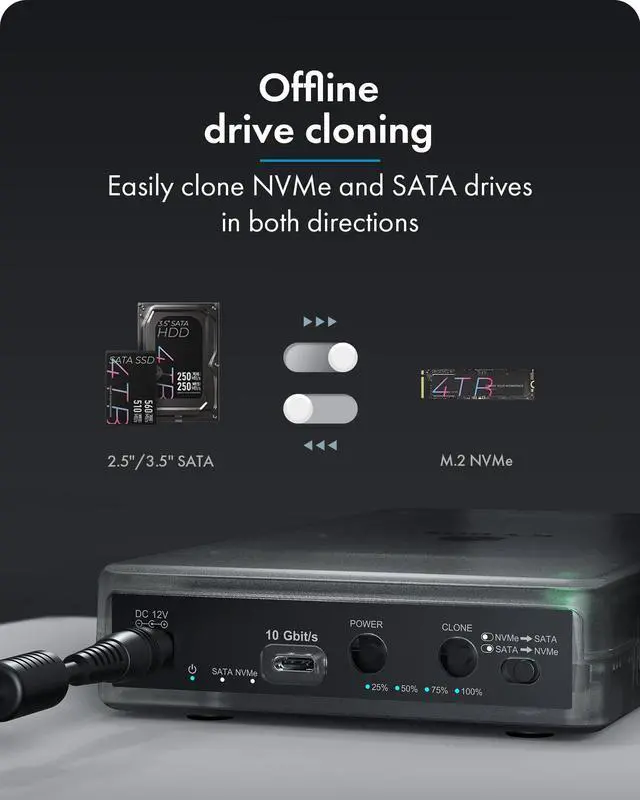
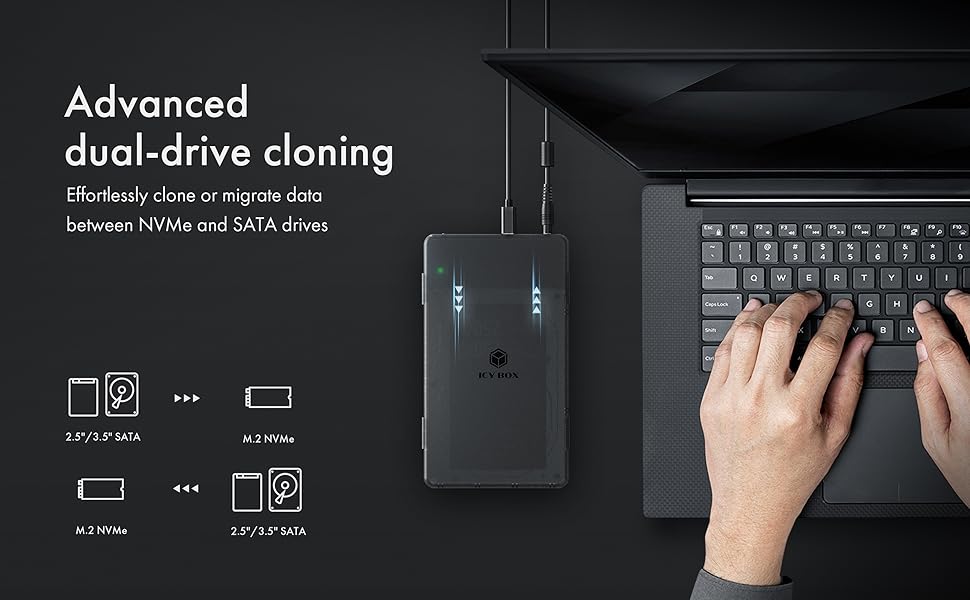
Yes! This docking station has a smart offline clone function. Use the clone button, set the direction switch, and monitor progress with LEDs—no PC required.
Q:Do I need external power?
Yes. The included 12V power adapter ensures stable performance, especially for large 3.5” HDDs.
Troubleshooting:
Q:My drive isn’t recognized. What should I do?
- Ensure the drive is fully inserted.
- Check that the power adapter is connected and turned on.
- Try a different USB-C port or cable.
- For M.2 NVMe SSDs, confirm correct orientation in the slot.
Q:Cloning didn’t start or failed. What should I do?
- Verify that the source and target drives are compatible (SATA or NVMe).
- Make sure the direction switch is set correctly.
- Press the clone button fully and check LEDs for progress.
- Ensure the power adapter is connected; 3.5” drives need stable power.
 M.2 NVMe to SAT2 2.5"/3.5" SSD/HDD Cloner |  M.2 NVMe/SATA&2.5"/3.5" Hard Drive Cloner |  Bidirection M.2 NVMe & SATA SSD/HDD Dock&Cloner |  M.2 NVMe & SATA SSD/HDD Dock&Cloner |  2 Bay M.2 NVMe&SATA Cloner&Reader |  3 Bay M.2 NVMe & SATA SSD/HDD Hard Drive Dock&Cloner | |
|---|---|---|---|---|---|---|
| Customer Reviews | — | — | — | — | — | — |
| Price | — | — | — | — | — | — |
| Supported Protocols | SATA,M.2 NVMe | SATA,M.2 NVMe | SATA,M.2 NVMe | SATA,M.2 NVMe | SATA,M.2 NVMe | SATA,M.2 NVMe |
| Supported Sizes | 2230/2242/2260/2280 2.5"/3.5" SATA SSD/HDD | 2230/2242/2260/2280 2.5"/3.5" SATA SSD/HDD | 2230/2242/2260/2280 2.5"/3.5" SATA SSD/HDD | 2230/2242/2260/2280 2.5"/3.5" SATA SSD/HDD | 2230/2242/2260/2280 2.5"/3.5" SATA SSD/HDD | 2230/2242/2260/2280 2.5"/3.5" SATA SSD/HDD |
| Clone Direction | 2.5"/3.5" <--> M.2 NVMe | 2.5"/3.5" <--> M.2 NVMe | Bidirection (M.2 SATA <--> M.2 NVMe) (2.5''/3.5'' <--> M.2 NVMe) | (M.2 NVMe/SATA-->M.2 NVMe) (2.5''/3.5'' --> M.2 NVMe) | Bidirection 2.5"/3.5" <--> M.2 NVMe | (M.2 NVMe -->M.2 NVMe) (2.5''/3.5'' --> M.2 NVMe) |
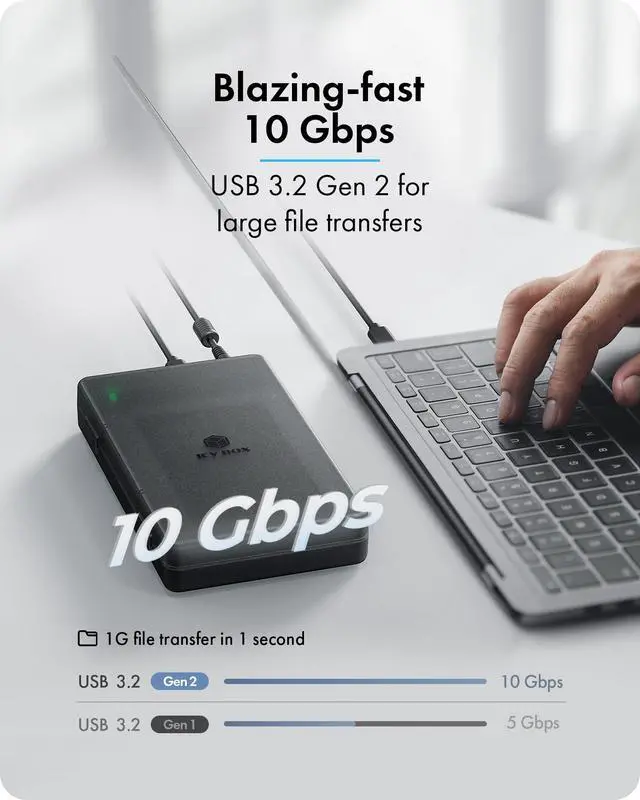
| Transmission Speed | 10Gbps | 10Gbps | 10Gbps | 10Gbps | 10Gbps | 10Gbps |
| Plug and play | ? | ? | ? | ? | ? | ? |
| Support UASP | ? | ? | ? | ? | ? | ? |
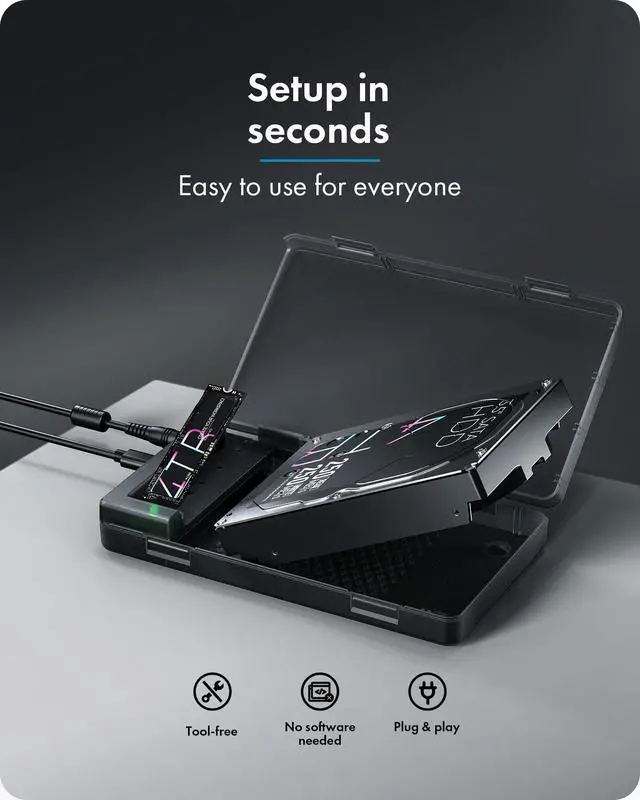
| Assembly | Tool Free | Tool Free | Tool Free | Tool Free | Tool Free | Tool Free |
| Cable | C to C+A | C to C+A | C to C+A | C to C+A | C to C+A | C to C+A |
| Material | Plastic | Plastic | Plastic | Plastic | Aluminum & Plastic | Aluminum & Plastic |
| Support devices | PC/Phone/Game console | PC/Phone/Game console | PC/Phone/Game console | PC/Phone/Game console | PC/Phone/Game console | PC/Phone/Game console |

Why choose ICY BOX?
26 years of German-engineered storage mastery since 1999—where precision engineering meets relentless durability. Backed by lifetime dedicated service. Pure focus, zero compromises.
Q:What types of drives does this docking station support?
This dock supports M.2 PCIe NVMe SSDs (2230,2242, 2260, 2280) and 2.5”/3.5” SATA SSDs or HDDs, making it ideal for backups, upgrades, and data transfers.
Q:Can I access two drives at the same time?
Yes! This is a dual-bay docking station, so you can read and write to both drives simultaneously, whether it’s two SATA drives, two NVMe SSDs, or a combination.
Q:Can I clone drives without a computer?
Yes! This docking station has a smart offline clone function. Use the clone button, set the direction switch, and monitor progress with LEDs—no PC required.
Q:Do I need external power?
Yes. The included 12V power adapter ensures stable performance, especially for large 3.5” HDDs.
Troubleshooting:
Q:My drive isn’t recognized. What should I do?
- Ensure the drive is fully inserted.
- Check that the power adapter is connected and turned on.
- Try a different USB-C port or cable.
- For M.2 NVMe SSDs, confirm correct orientation in the slot.
Q:Cloning didn’t start or failed. What should I do?
- Verify that the source and target drives are compatible (SATA or NVMe).
- Make sure the direction switch is set correctly.
- Press the clone button fully and check LEDs for progress.
- Ensure the power adapter is connected; 3.5” drives need stable power.
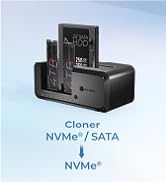
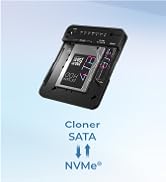
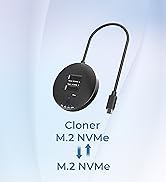
M.2 NVMe to SAT2 2.5"/3.5" SSD/HDD Cloner | M.2 NVMe/SATA&2.5"/3.5" Hard Drive Cloner | Bidirection M.2 NVMe & SATA SSD/HDD Dock&Cloner | M.2 NVMe & SATA SSD/HDD Dock&Cloner | 2 Bay M.2 NVMe&SATA Cloner&Reader | 3 Bay M.2 NVMe & SATA SSD/HDD Hard Drive Dock&Cloner | |
|---|---|---|---|---|---|---|
| Customer Reviews | — | — | — | — | — | — |
| Price | — | — | — | — | — | — |
| Supported Protocols | SATA,M.2 NVMe | SATA,M.2 NVMe | SATA,M.2 NVMe | SATA,M.2 NVMe | SATA,M.2 NVMe | SATA,M.2 NVMe |
| Supported Sizes | 2230/2242/2260/2280 2.5"/3.5" SATA SSD/HDD | 2230/2242/2260/2280 2.5"/3.5" SATA SSD/HDD | 2230/2242/2260/2280 2.5"/3.5" SATA SSD/HDD | 2230/2242/2260/2280 2.5"/3.5" SATA SSD/HDD | 2230/2242/2260/2280 2.5"/3.5" SATA SSD/HDD | 2230/2242/2260/2280 2.5"/3.5" SATA SSD/HDD |
| Clone Direction | 2.5"/3.5" <--> M.2 NVMe | 2.5"/3.5" <--> M.2 NVMe | Bidirection (M.2 SATA <--> M.2 NVMe) (2.5''/3.5'' <--> M.2 NVMe) | (M.2 NVMe/SATA-->M.2 NVMe) (2.5''/3.5'' --> M.2 NVMe) | Bidirection 2.5"/3.5" <--> M.2 NVMe | (M.2 NVMe -->M.2 NVMe) (2.5''/3.5'' --> M.2 NVMe) |
| Transmission Speed | 10Gbps | 10Gbps | 10Gbps | 10Gbps | 10Gbps | 10Gbps |
| Plug and play | ? | ? | ? | ? | ? | ? |
| Support UASP | ? | ? | ? | ? | ? | ? |
| Assembly | Tool Free | Tool Free | Tool Free | Tool Free | Tool Free | Tool Free |
| Cable | C to C+A | C to C+A | C to C+A | C to C+A | C to C+A | C to C+A |
| Material | Plastic | Plastic | Plastic | Plastic | Aluminum & Plastic | Aluminum & Plastic |
| Support devices | PC/Phone/Game console | PC/Phone/Game console | PC/Phone/Game console | PC/Phone/Game console | PC/Phone/Game console | PC/Phone/Game console |
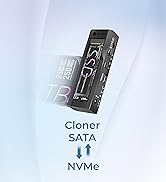
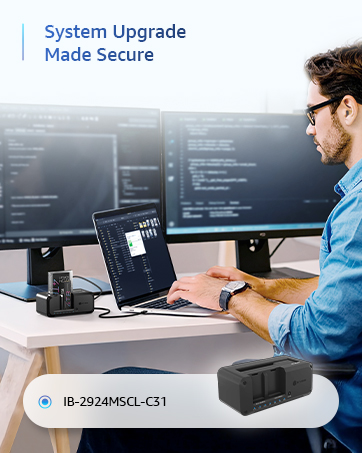
M.2 NVMe / SATA Clone Station
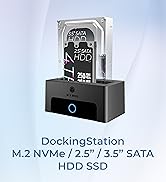
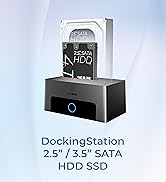
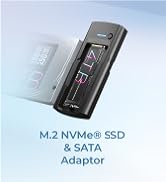
M.2 NVMe/SATA Dock
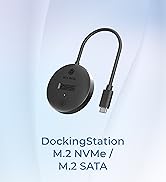
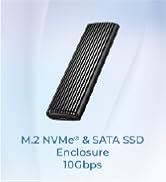
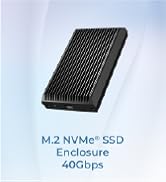
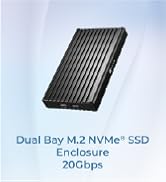
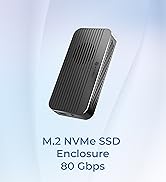
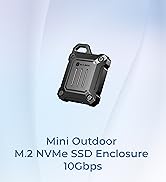
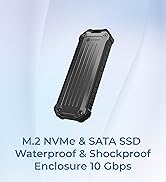
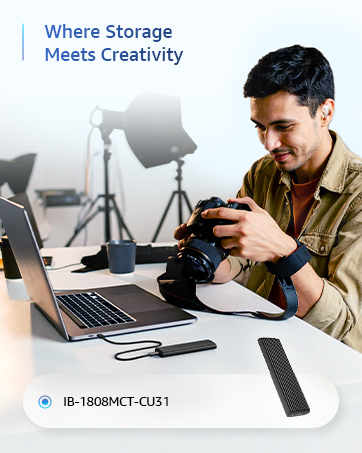
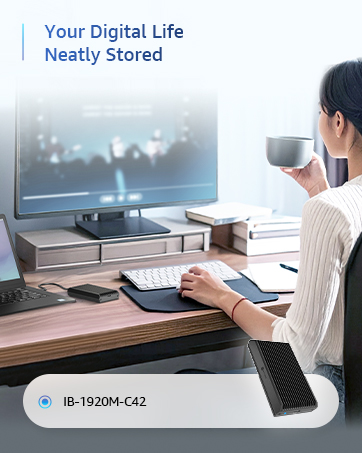
10-80Gbps M.2 NVMe Enclosure
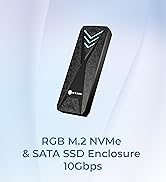
10GB M2 NVMe enclosure
