








NVMe SSD+ SATA HDD to USB 3.2 Gen2 Adapter
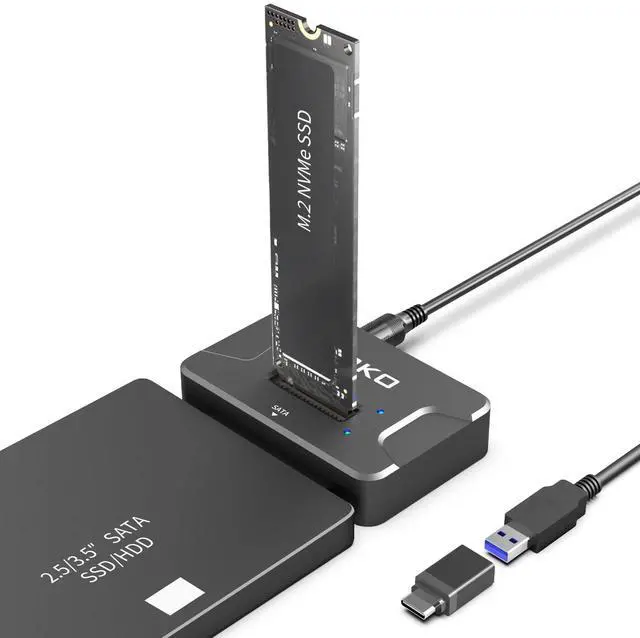
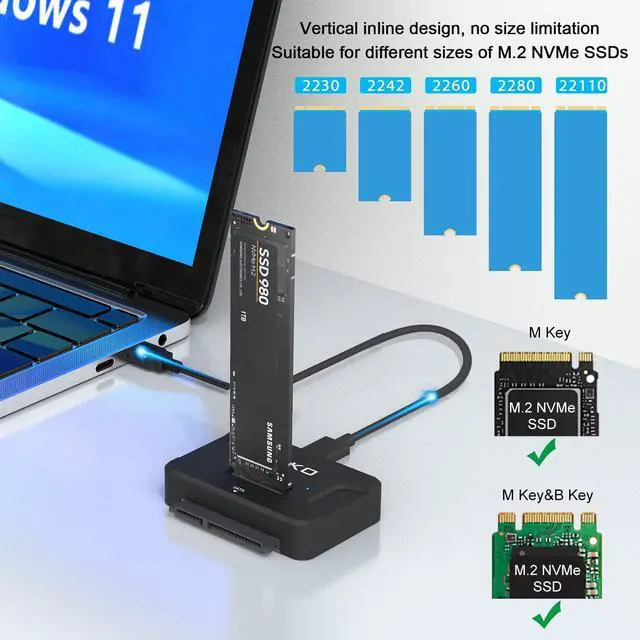
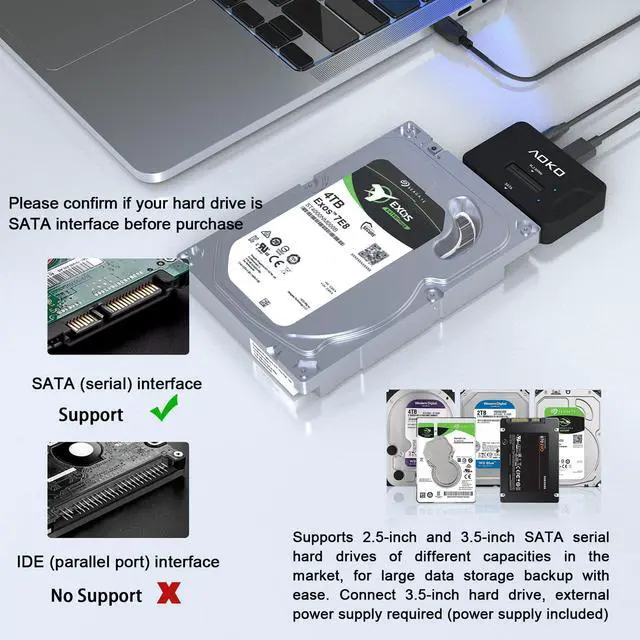
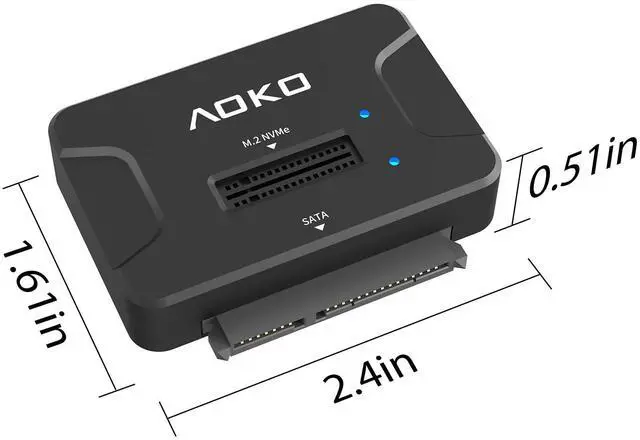
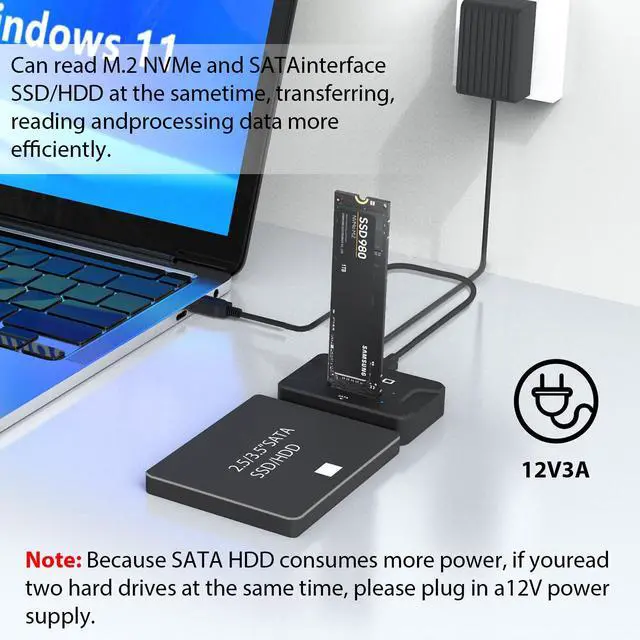
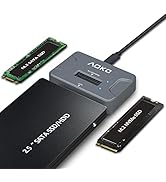
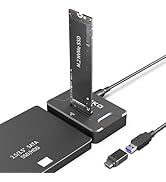
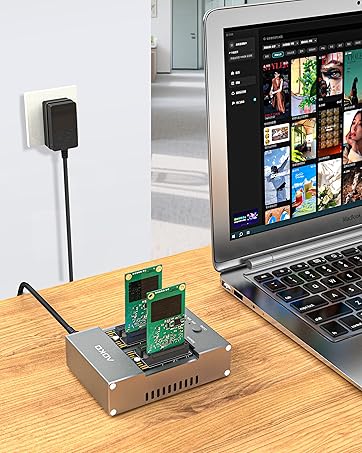
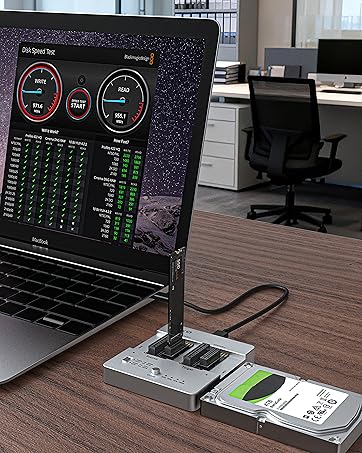
- This is an NVMe SSD Reader, an NVMe Dock and an NVMe to USB Adapter, and it's also a 2-in-1 Hard Drive Reader that supports NVMe SSD and SATA 2.5'/3.5'' HDD for single or simultaneous reading and It is perfect for transferring files, storing data, watching movies, and playing games.
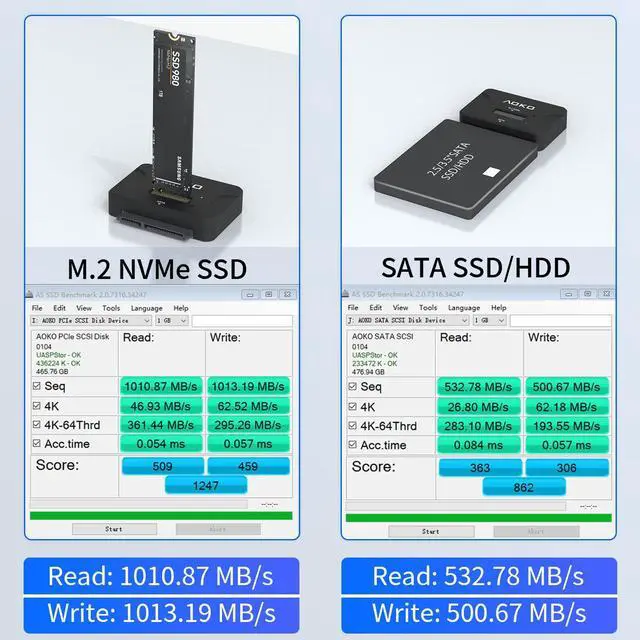
- USB 3.1/3.2 Gen 2 standard (USB C port), supporting amazing data transfer rates up to 10Gbps (theoretical), gives you the best experience when connected to 3.1 /3.2 Gen2 or Thunderbolt 3 ports. (Actual transfer speeds depend on the drive itself and the hardware device)
- 2-in-1 design (This is NVMe to USB Adapter is also SATA Hard Drive Reader Converter) to Support Simultaneous reading function to expand more data
- Plug and play, tool-free installation, no driver required
- Note: This No Cloning Function

How to use
1. Instructions for using the M.2 NVMe SSD & 2.5" SATA SSD/HDD
- Insert the M.2 NVMe SSD or 2.5"SATA SSD/HDD into the corresponding connector
- Use the USB cable to connect to the computer, press the power button
2. Instructions for using the 3.5" SATA HDD or M.2 NVMe SSD+2.5"/3.5" SATA SSD/HDD
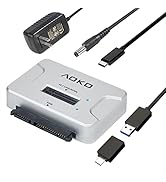
- Insert the 3.5"SATA HDD or M.2 NVMe SSD+2.5"/3.5" SATASSD/HDD into the corresponding connector
- Use the USB A to C cable to connect to the computer
- Plug in the power adapter, press the power button
NOTE:
- Please back up all your data before using the product
- Please safely eject the SSD from your laptop/pc in case of data loss
- Do not unplug the SSD when copying data in case of file loss or drive damage

 AOKO SATA NVMe SSD to USB Reader Adapter- Dual-Bay 2 in 1 Hard Drive Reader 1... | 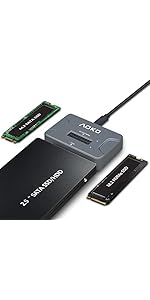 AOKO NVMe to USB 3.2(10Gbps) SSD Reader Docking Station – Portable M.2 SSD to... | 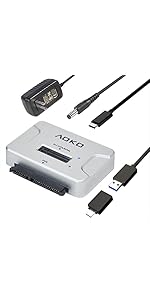 M.2 SATA/NVMe to USB Docking Station,Hard Drive Reader Adapter, External M.2 ... | 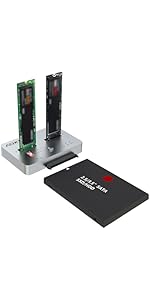 AOKO M.2 Duplicator SATA to NVMe SSD Cloner Docking Staion for NVMe + M.2 NGF... | 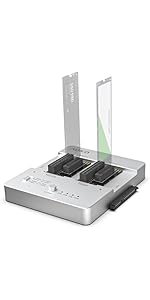 AOKO All-in-one Hard Drive Docking Station,SATA to NVMe and NVMe to NVMe ssd ... | |
|---|---|---|---|---|---|
| Customer Reviews | — | — | — | — | — |
| Price | — | — | — | — no data | — |
| Color | Black | Gray | Silver | Silver | Silver |
| Compatibility | M.2 NVMe&SATA 2.5"/3.5" HDD/SSD | M.2 SATA&M.2 NVMe&SATA 2.5"HDD/SSD | M.2 SATA&M.2 NVMe&SATA 2.5"/3.5" HDD/SSD | M.2 SATA&M.2 NVMe&SATA 2.5"/3.5" HDD/SSD | M.2 SATA&M.2 NVMe&SATA 2.5"/3.5" HDD/SSD&mSATA |
| USB Interface | USB3.2 Gen2 | USB3.2 Gen2 | USB3.2 Gen2 | USB3.2 Gen2 | USB3.2 Gen2 |
| Transmission Speed | 10Gbps | 10Gbps | 10Gbps | 10Gbps | 10Gbps |
| Power Switch | ? | NO | ? | ? | ? |
| Power Supply | 12V3A | NO | 12V2A | 12V3A | 12V3A |
| Material | Plastic | Plastic | Plastic | Aluminum | Aluminum |
| Max HDD Capacity | M.2 8T &SATA 22T | M.2 8T &SATA 8T | M.2 8T &SATA 22T | M.2 8T &SATA 22T | M.2 8T &SATA 22T &mSATA 4T |
| Dual-Bay | ? | NO | NO | ? | ? |


AOKO specializes in producing and selling high-quality computer peripherals, such as hard drive docking stations and HDD/SSD clones. AOKO always takes products as the foundation and technological innovation as the driving force, providing customers with reliable products and services
SSD/HDD Reader
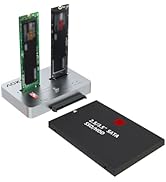
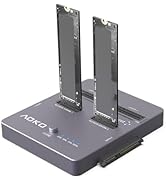
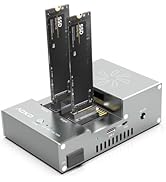
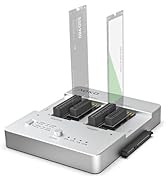
HDD/SSD Hard Drive Cloner
M.2/mSATA Cloner
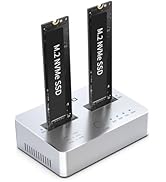
You can use it to clone between two SSDs, or connect to a computer to transfer data
All in one Hard Drive Cloner
With it, you can clone any two hard drives between M.2/mSATA/SATA
Why choose AOKO?
Simple appearance and unique design, compatible with multiple interfaces, provide more convenient services for your storage work.
Are we of superior quality?
AOKO is committed to providing high-quality storage products for every customer, with stable product quality,
NVMe SSD+ SATA HDD to USB 3.2 Gen2 Adapter
- This is an NVMe SSD Reader, an NVMe Dock and an NVMe to USB Adapter, and it's also a 2-in-1 Hard Drive Reader that supports NVMe SSD and SATA 2.5'/3.5'' HDD for single or simultaneous reading and It is perfect for transferring files, storing data, watching movies, and playing games.
- USB 3.1/3.2 Gen 2 standard (USB C port), supporting amazing data transfer rates up to 10Gbps (theoretical), gives you the best experience when connected to 3.1 /3.2 Gen2 or Thunderbolt 3 ports. (Actual transfer speeds depend on the drive itself and the hardware device)
- 2-in-1 design (This is NVMe to USB Adapter is also SATA Hard Drive Reader Converter) to Support Simultaneous reading function to expand more data
- Plug and play, tool-free installation, no driver required
- Note: This No Cloning Function
How to use
1. Instructions for using the M.2 NVMe SSD & 2.5" SATA SSD/HDD
- Insert the M.2 NVMe SSD or 2.5"SATA SSD/HDD into the corresponding connector
- Use the USB cable to connect to the computer, press the power button
2. Instructions for using the 3.5" SATA HDD or M.2 NVMe SSD+2.5"/3.5" SATA SSD/HDD
- Insert the 3.5"SATA HDD or M.2 NVMe SSD+2.5"/3.5" SATASSD/HDD into the corresponding connector
- Use the USB A to C cable to connect to the computer
- Plug in the power adapter, press the power button
NOTE:
- Please back up all your data before using the product
- Please safely eject the SSD from your laptop/pc in case of data loss
- Do not unplug the SSD when copying data in case of file loss or drive damage
AOKO SATA NVMe SSD to USB Reader Adapter- Dual-Bay 2 in 1 Hard Drive Reader 1... | AOKO NVMe to USB 3.2(10Gbps) SSD Reader Docking Station – Portable M.2 SSD to... | M.2 SATA/NVMe to USB Docking Station,Hard Drive Reader Adapter, External M.2 ... | AOKO M.2 Duplicator SATA to NVMe SSD Cloner Docking Staion for NVMe + M.2 NGF... | AOKO All-in-one Hard Drive Docking Station,SATA to NVMe and NVMe to NVMe ssd ... | |
|---|---|---|---|---|---|
| Customer Reviews | — | — | — | — | — |
| Price | — | — | — | — no data | — |
| Color | Black | Gray | Silver | Silver | Silver |
| Compatibility | M.2 NVMe&SATA 2.5"/3.5" HDD/SSD | M.2 SATA&M.2 NVMe&SATA 2.5"HDD/SSD | M.2 SATA&M.2 NVMe&SATA 2.5"/3.5" HDD/SSD | M.2 SATA&M.2 NVMe&SATA 2.5"/3.5" HDD/SSD | M.2 SATA&M.2 NVMe&SATA 2.5"/3.5" HDD/SSD&mSATA |
| USB Interface | USB3.2 Gen2 | USB3.2 Gen2 | USB3.2 Gen2 | USB3.2 Gen2 | USB3.2 Gen2 |
| Transmission Speed | 10Gbps | 10Gbps | 10Gbps | 10Gbps | 10Gbps |
| Power Switch | ? | NO | ? | ? | ? |
| Power Supply | 12V3A | NO | 12V2A | 12V3A | 12V3A |
| Material | Plastic | Plastic | Plastic | Aluminum | Aluminum |
| Max HDD Capacity | M.2 8T &SATA 22T | M.2 8T &SATA 8T | M.2 8T &SATA 22T | M.2 8T &SATA 22T | M.2 8T &SATA 22T &mSATA 4T |
| Dual-Bay | ? | NO | NO | ? | ? |
AOKO specializes in producing and selling high-quality computer peripherals, such as hard drive docking stations and HDD/SSD clones. AOKO always takes products as the foundation and technological innovation as the driving force, providing customers with reliable products and services
SSD/HDD Reader
HDD/SSD Hard Drive Cloner
M.2/mSATA Cloner
You can use it to clone between two SSDs, or connect to a computer to transfer data
All in one Hard Drive Cloner
With it, you can clone any two hard drives between M.2/mSATA/SATA
Why choose AOKO?
Simple appearance and unique design, compatible with multiple interfaces, provide more convenient services for your storage work.
Are we of superior quality?
AOKO is committed to providing high-quality storage products for every customer, with stable product quality,