here!
I’m your shopping assistant for PC builds, upgrades, and everything tech.
Got questions? Ask away!
Start a conversation
here!
I’m your shopping assistant for PC builds, upgrades, and everything tech.
Got questions? Ask away!
Start a conversation
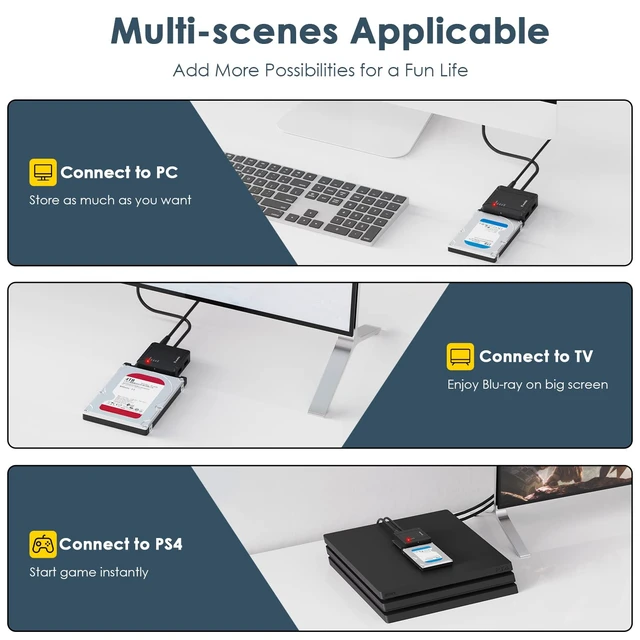



Any questions? Ask CelesteSM will help you find out quickly.
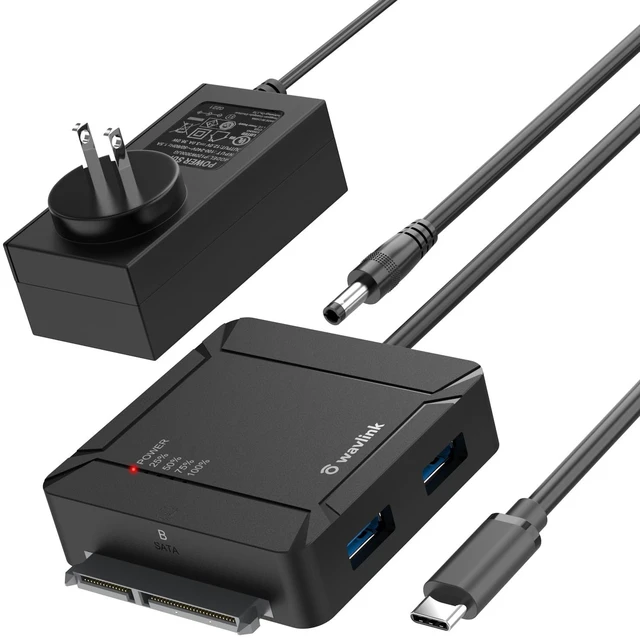
Wavlink USB C to Dual Bay SATA Adapter, Fully "Expand" the Joy of Your Life
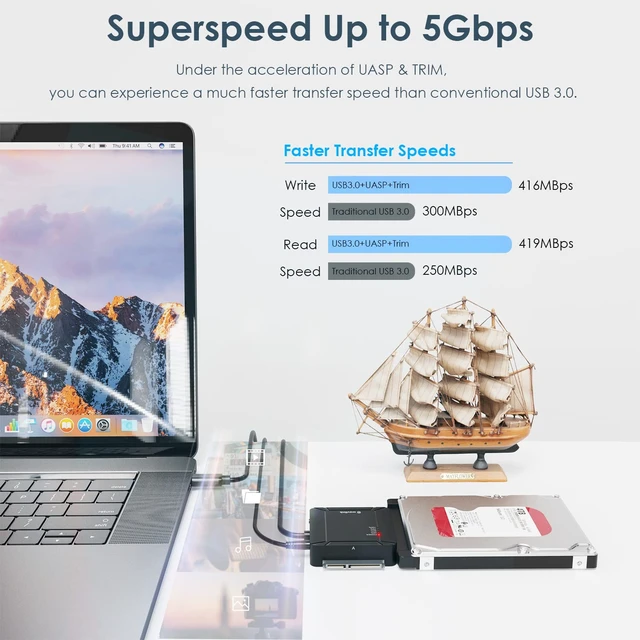
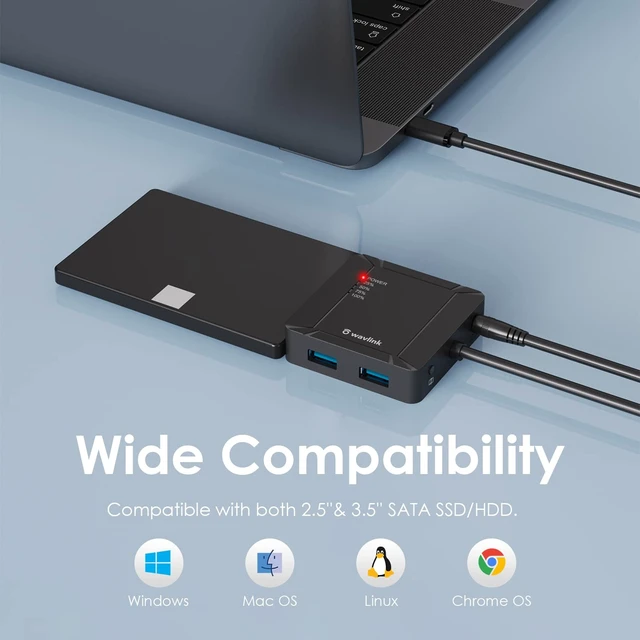
A universal USB-C to dual-bay SATA cable, compatible with most 2.5-inch and 3.5-inch SATA SSDs/HDDs on the market. Connect your desktops, notebooks and other devices through the reversible USB-C port with transmission rate up to 5Gbps. This hard drive docking station allows you to read 2 hard drives at the same time, each capacity can be up to 18TB. One-button offline cloning can be easily operated to make data backup more convenient. Equipped with two additional USB3.0 ports that support BC1.2 fast charging and along with 0.5 meters' USB-C cable. Support plug and play, small and portable, it is an essential companion for digital enthusiasts.
Easy Setup for Plug and Play
Notes:
The new disk window may pop up or you have to find it in ''This PC'' then start using it.
Please make a partition for the new hard drive disk at the first use.
Please remember to safely remove the USB adapter on your PC/laptop first then remove manually.
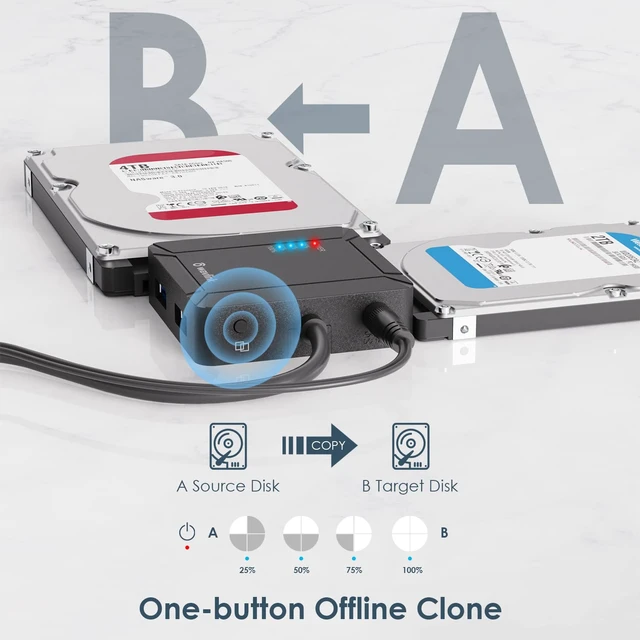
One-Button Offline Clone
Simply pressing "Clone" button to backup files from one hard drive to another (No need to connect with PC). Whether you need a hard drive cloner or an ssd cloner, this feature handles both with ease.
How to operate Offline Clone (A to B)?
Notes:
Make sure that the USB cable is disconnected from any computer during the cloning.
Please backup files before cloning. Any files in the target hard drive will be overwritten when offline cloning occurs.
OTG function: Supports mobile phones and tablets with OTG function to connect to the hard disk, which is simply an artifact of expansion, transferring high-quality photos, music, movies, and games.
Note: Your phones/tablets should support OTG function, or it will not work.
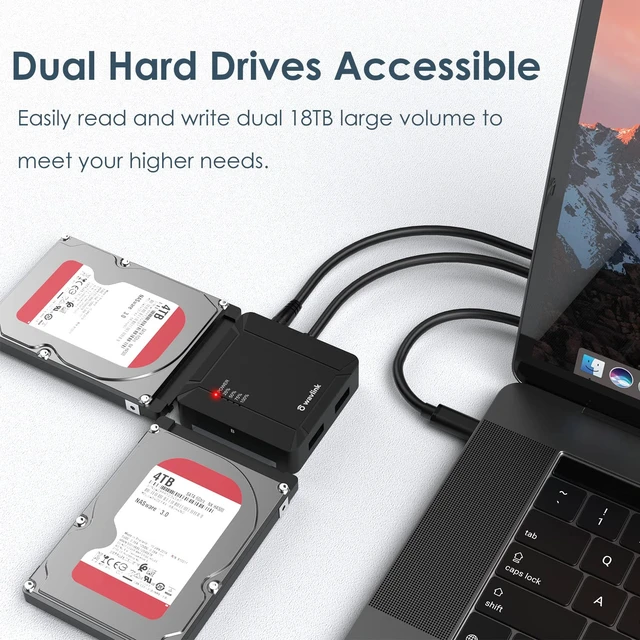
Dual disks accessible: The adapter supports connect with two of SATA HDDs/SSDs with maximum 18TB capacity each to easily expand large-capacity storage space. As a reliable hard drive dock and hdd dock, it handles all your data storage needs.
BC 1.2 fast charging: Two built-in USB 3.0 Type A ports support fast charging for your mobile phone or other compatible devices and support other extended functions of USB port.
LED indicators: Five built-in LED indicators on the adapter enables users to obtain information about its power status and cloning progress quickly and conveniently.
Auto-sleep mode: Entering into auto-sleep mode when for 15-minute no data transfer, which effectively helps to extend the lifespan of your hard drives.
Interface ov