

Your Browsing History







Any questions? Our AI beta will help you find out quickly.
Specification
Compliant with PCI Express Specification Revision v3.0
Backwards compatible with PCIe 2.0, and PCIe1.0
Bus width: X8 with 64Gb/s transmission speed
Compliant with PCI Power Management Specification Revision1.2
Fully compliant with Industry standard PCIe3.0 Slot, no-bifurcation dependency or need for specific brand/model of motherboards
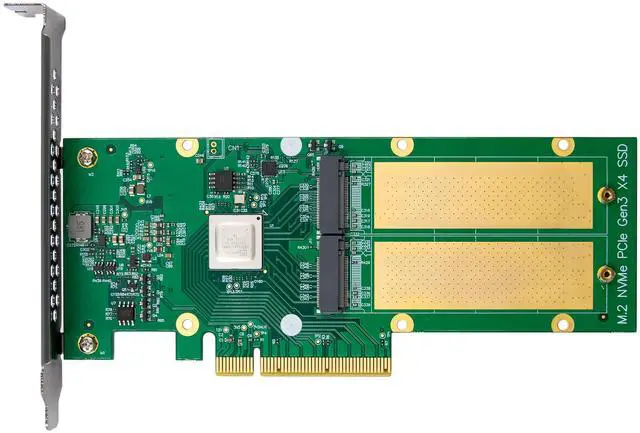
Integrated Intelligent PCIe 3.0 Switch technology ensures up to PCIe x4 lanes are allocated to each M.2 slot
Supporting transfer rate of 2.5Gb(250MB/s),5Gb(500MB/s), 8Gb(1GB/s)
PCI Express interface: x16 lane
Supports NVM Express (NVMe)
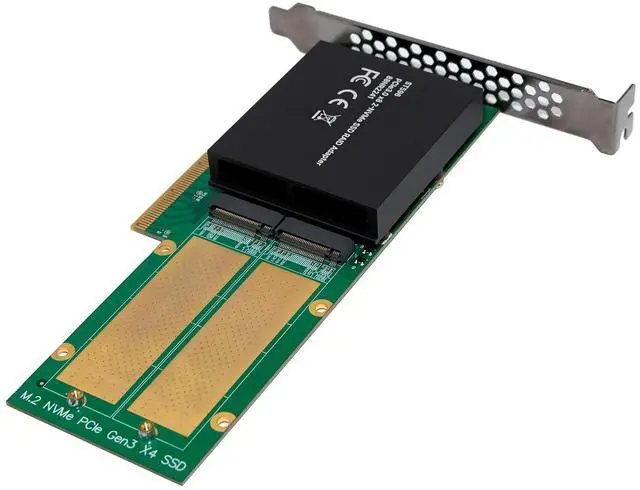
Support for 2-Port x4 lane M.2 Key M NVMe SSD device
Supports M.2 SSD modules sizes:22x80mm
Supports M.2 M key and B+M key with PCIe Protocol
Comes with RAID0 function and automatically builds RAID0.MODE
LED read/write indicator
Compliant to standard NVMe spec v1.3
Automatic detection of lane configuration on boot-up
All ports support hot-plug
Operating temperature range:0~55°C
native, in-box NVMe driver support for all major OS platforms
Supported operating systems Win8,Win8.1,Win10/11, Linux kernel v3.10 or later, FreeBSD 12.1 or later, ESXi 6.5 and later, Mac OS
No driver is required because the driver is transparent to the operating system
Feature table
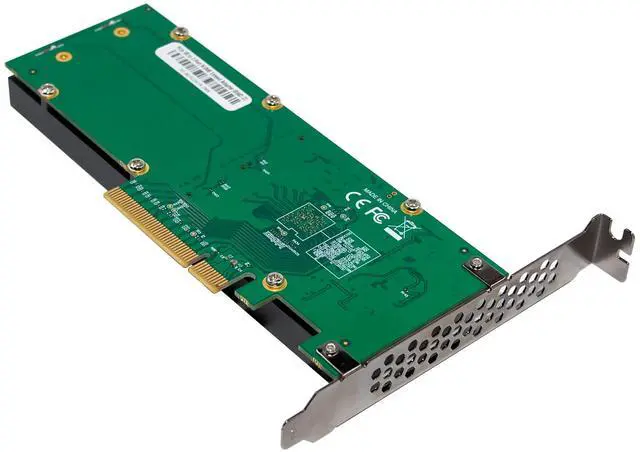
Product name PCIe 3.0 x8 88NR2241 2-PORT M.2 NVMe SSD RAID Adapter
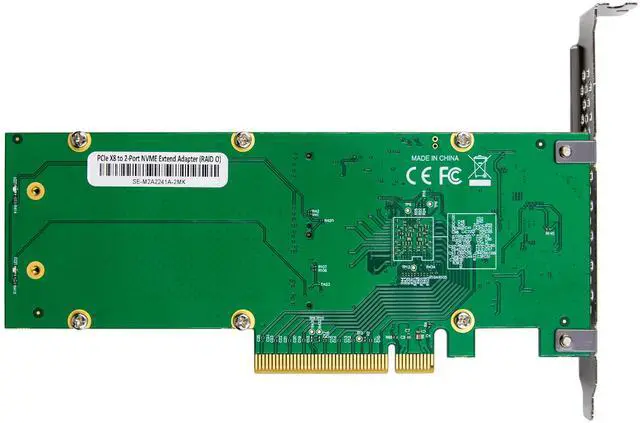
Bus interface PCI-Epxress3.0 x8
Number of devices 2 x M.2 NVMe Ports (up to x4 lanes per port)
Data Transfer Rate 8Gbps per lane
Max Data Transfer Rate 64Gb/s
SSD Form factor 2280 with x2, or x4 lanes
Dimensions L169 x W69 x H20 mm
RAID Function RAID 0
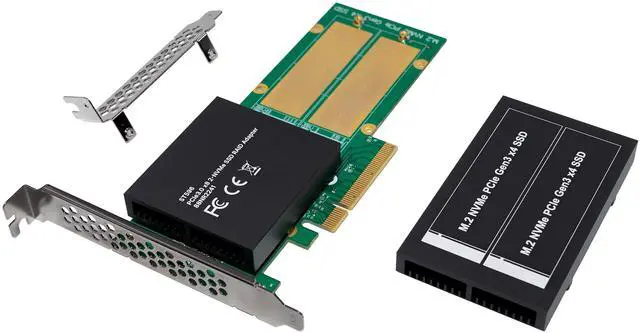
Form Factor Full-Height / Low-Height
Work Temperature 0°C ~ + 55°C,
Relative humidity 5% to 90% non-condensing
Power Typical: 12.78W
Operating Voltage +12V ±8%; 3.3V ±9%
Supported Operating Systems & Platforms
Windows Windows 11, 10,8,8.1 / Windows Server 2022, 2019 / Microsoft Hyper-V
Linux Linux Kernel v3.10 or later
Mac OS MacOS 10.13 and later
FreeBSD FreeBSD 12.1 and later
VMware ESXi 6.5 and later
System Requirements Linux Platforms:
RHEL/Centos7.6/7.9/8.2/8.3
Deep in 15.11/20/20.6/20.9
Ubuntu 16.04.3/18.04.5
Ubuntu 20.04.1/22.04.2
SUSE 12.5/15 SP4
Mac Platforms:
Apple Mac Pro systems:2012; 5.1, 7.1(2019)
Apple M1 Platform compatible
PC platforms:
Any PC or Motherboard with an industry standard PCIe x16/x8 physical
Slot (Bifurcation is not required)
Cooling Full-Length Anodized Aluminum Heat sink with built-in Low-Noise fans
Package content
1 x PCIe 3.0 x8 88NR2241 2-PORT M.2 NVMe SSD RAID Adapter
1 x Users Manual
2 x Screws
1 x Screw driver
2 x heat sink
Hardware installation
1.Turn off the computer and unplug the power cord
2.Remove the computer cover and the adapter slot cover from the slot that matches your adapter
3.Insert the adapter edge connector into the slot and secure the bracket to the chassis
4.Replace the computer cover ,then plug in the power cord
5.Power on the computer
Drivers installation
ALL supported systems do not require an installed driver
Support
More information and settings, please refer to the User Guides or you can contact us.