Your Browsing History





Any questions? Our AI beta will help you find out quickly.
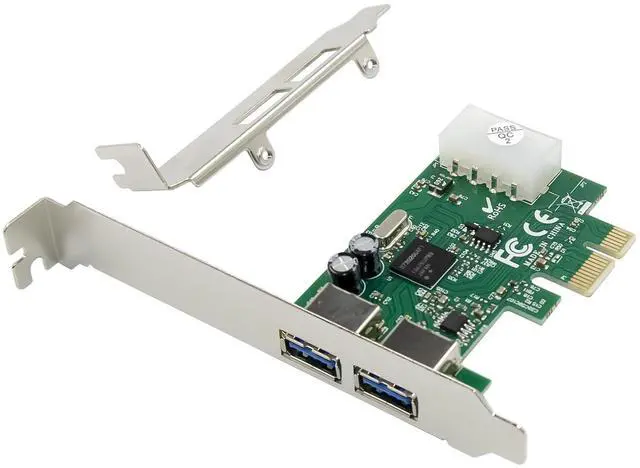
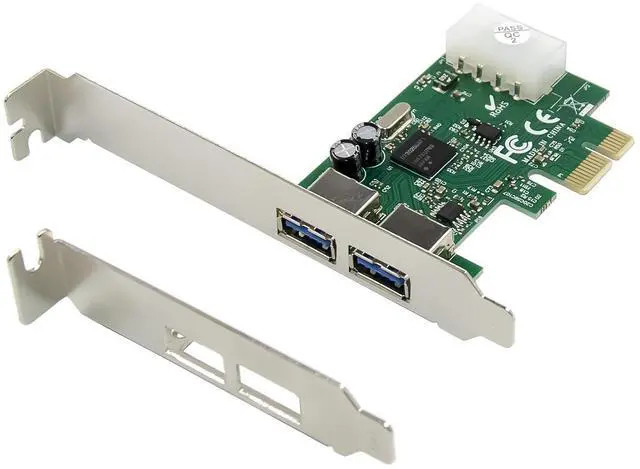
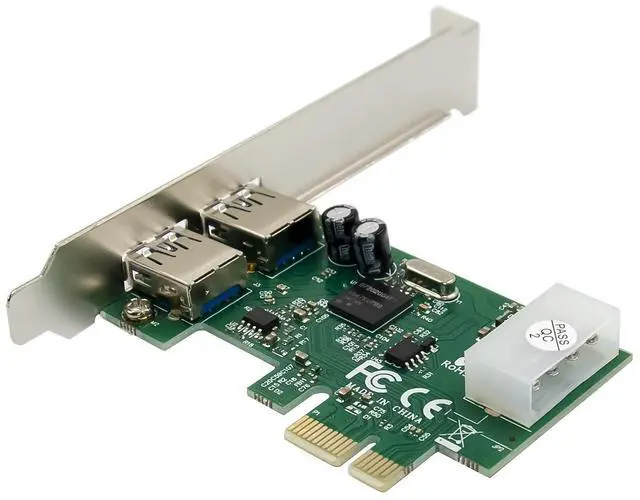
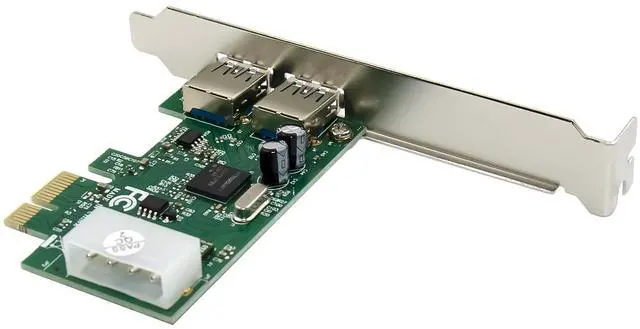
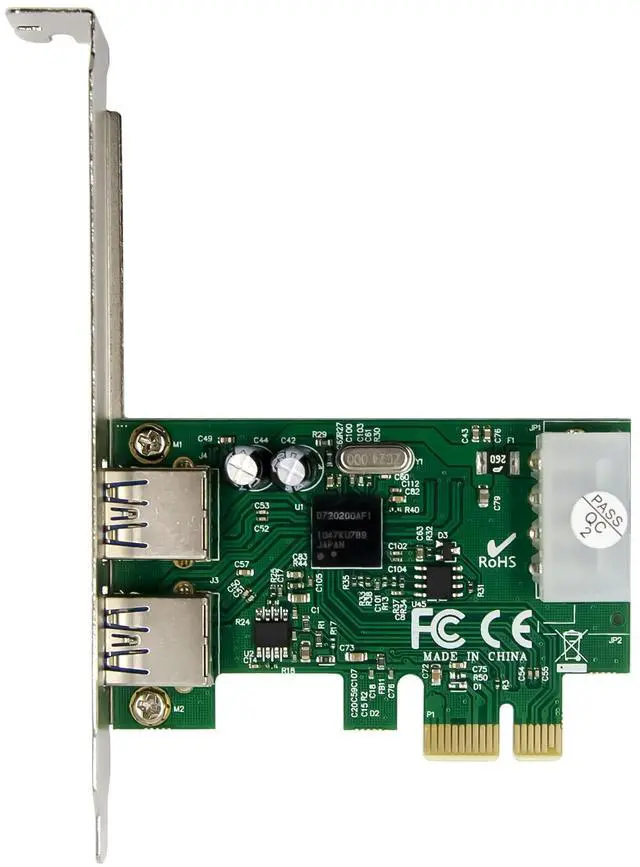
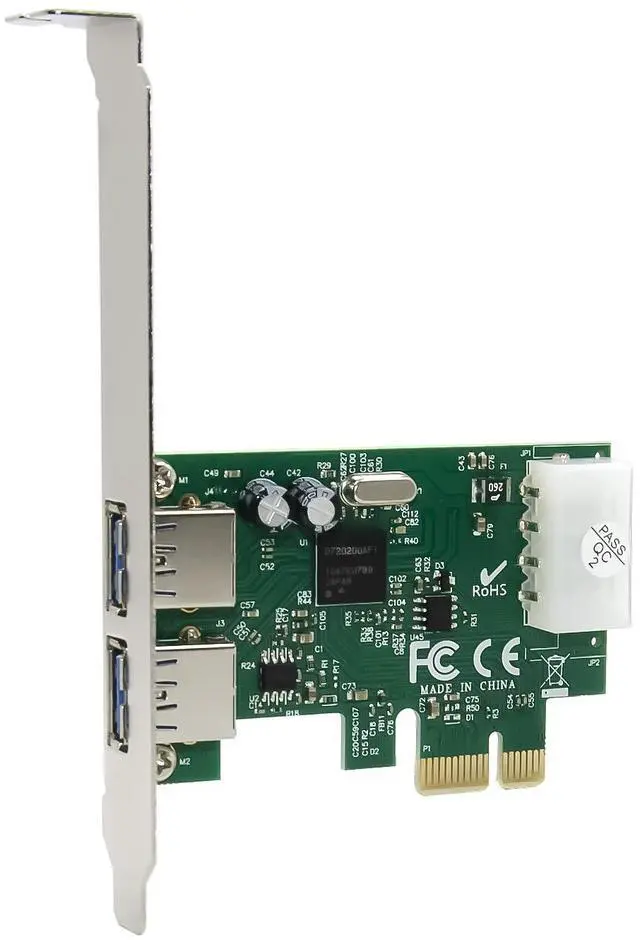
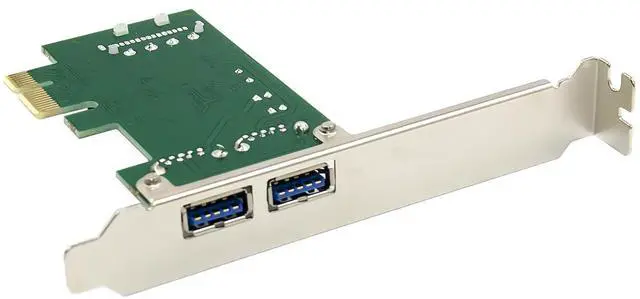
1External USB3.0*2Port
2low profile bracket
Hardware Installation
1. Turn Off the power to your computer.
2. Unplug the power cord and remove your computers cover.
3. Remove the slot bracket from an available PCIe slot.
4. To install the card, carefully align the cards bus connector with the selected PCIe slot on the motherboard. Push the board down firmly.
5. Replace the slot brackets holding screw to secure the card.
6. Replace the computer cover and reconnect the power cord.
Driver Installation
For Windows® XP/Vista/Win7 (32/64 bit)
1. Please insert the CD driver bound with USB 3.0 2-Port PCI Express Card into your CD-ROM Drive.
2. At the Windows desktop, click Start, Run.
3. Type D:\NEC uPD720200\Setup.exe, click OK. (Change D: to match your CD-ROM drive letter)
4. Follow the on-screen instructions to complete the installation.
To Verify Driver Installation
Click on the Device Manager tab in System Properties, which you access from the Windows Control Panel. You should see a NEC Electronics USB 3.0 Host Controller and a NEC Electronics USB 3.0 Root Hub under the Universal Serial Bus controllers item