Your Browsing History
Meet Your Seller
Visit EmpressTech Store
FOLLOW
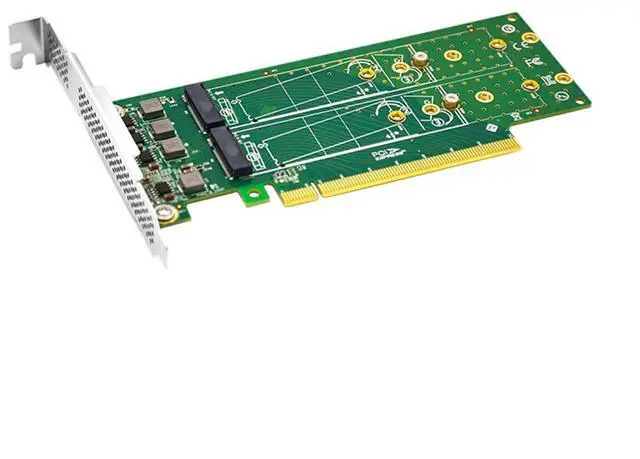
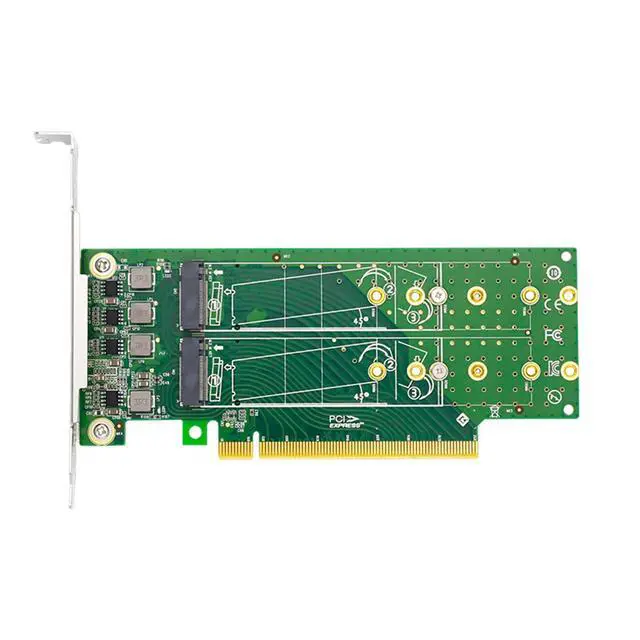
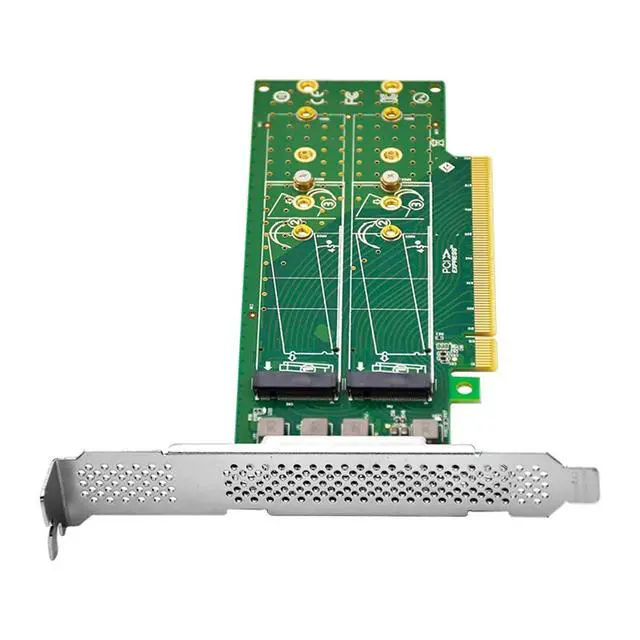
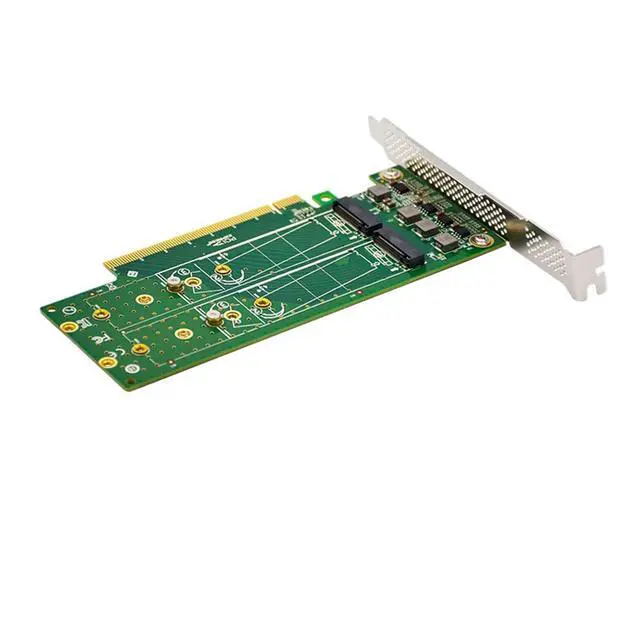
PCIe 3.0 x16 to 4 Port M.2 NVMe SSD Adapter
- Support 4 M.2 NVMe SSD with Low-profile bracket for installaton in small form-factor computers; Support single power supply for each M.2 M Key connector with 3.3V and 5A; Clients can install different Lengths of M.2 SSD by moving the positon of the screws which is more convenient for customers to replace SSD of different
+
+
Overview
Specs
Reviews
Any questions? Our AI beta will help you find out quickly.
Try me now
LRNV95NF-L is a card for PCIe to M. 2 M key connector for 4 Ports M. 2 NVMe SSD. It can make full use of the low delay characteristc of PCIe to improve the speed of SSD and increase the number of M. 2 interfaces of host card. This card requires SPLIT PCIe on the motherboard to support four M. 2 NVMe hard drives, and BIOS supports PCIe Slot bifurcaton Boost your system speed and performance The expansion card lets you take full advantage of the fast performance and compact size of PCIe M.
2 internal solid state drives. The adapter connects directly to your computer motherboard to support an M. 2 PCIe-based SSD (NVMe) through ultra-fast x4 PCIe. The adapter is compatble with PCIe 4.0 motherboards and is also backward compatble with PCIe 3.0, PCIe 2.0 and PCIe 1.0. With the M. 2 PCIe based drive in place, the adapter gives your computer a significant speed boost. Applicatons Connect up to four PCIe M. 2 NVMe SSD to your computer through an available x4 PCI Express bifurcaton supported to boost system speed and increase internal data storage.
Get ultra-fast data access, ideal for gaming or high performance workstatons Install your operatng system on an M. 2 PCIe based drive for fast access, while keeping larger plater drives available for bulk storage. Easy to install The expansion card is equipped with a full-height bracket and includes a low-profile bracket, for installaaon in small form-factor computers. Additonal See ngs Depending on the system, motherboard, and BIOS version, the following BIOS set ngs may be necessary for the proper operaron of
NVMe drives: Having the CPU IOU set ngs set to x4x4x4x4 PCIe bifurcaton. This oppon may be found under BIOS Setup -> Advanced -> Chipset Configuraaon -> North Bridge -> IIO Configuraaon -> CPU Configurauon -> IOU Set ng -> x4x4x4x4.

2 internal solid state drives. The adapter connects directly to your computer motherboard to support an M. 2 PCIe-based SSD (NVMe) through ultra-fast x4 PCIe. The adapter is compatble with PCIe 4.0 motherboards and is also backward compatble with PCIe 3.0, PCIe 2.0 and PCIe 1.0. With the M. 2 PCIe based drive in place, the adapter gives your computer a significant speed boost. Applicatons Connect up to four PCIe M. 2 NVMe SSD to your computer through an available x4 PCI Express bifurcaton supported to boost system speed and increase internal data storage.
Get ultra-fast data access, ideal for gaming or high performance workstatons Install your operatng system on an M. 2 PCIe based drive for fast access, while keeping larger plater drives available for bulk storage. Easy to install The expansion card is equipped with a full-height bracket and includes a low-profile bracket, for installaaon in small form-factor computers. Additonal See ngs Depending on the system, motherboard, and BIOS version, the following BIOS set ngs may be necessary for the proper operaron of
NVMe drives: Having the CPU IOU set ngs set to x4x4x4x4 PCIe bifurcaton. This oppon may be found under BIOS Setup -> Advanced -> Chipset Configuraaon -> North Bridge -> IIO Configuraaon -> CPU Configurauon -> IOU Set ng -> x4x4x4x4.
Warranty & Returns
Warranty, Returns, And Additional Information
Warranty
- Please contact the Seller directly for warranty information. Warranty information may also be found on the Manufacturer's website.
- CONTACT
Return Policies
- Return for refund within: 30 days
- Return for replacement within: 30 days
- This item is covered by EmpressTech Return Policy
Manufacturer Contact Info
- For a directory of all our manufacturers, please click below.
- Manufacturers Directory
LOADING...