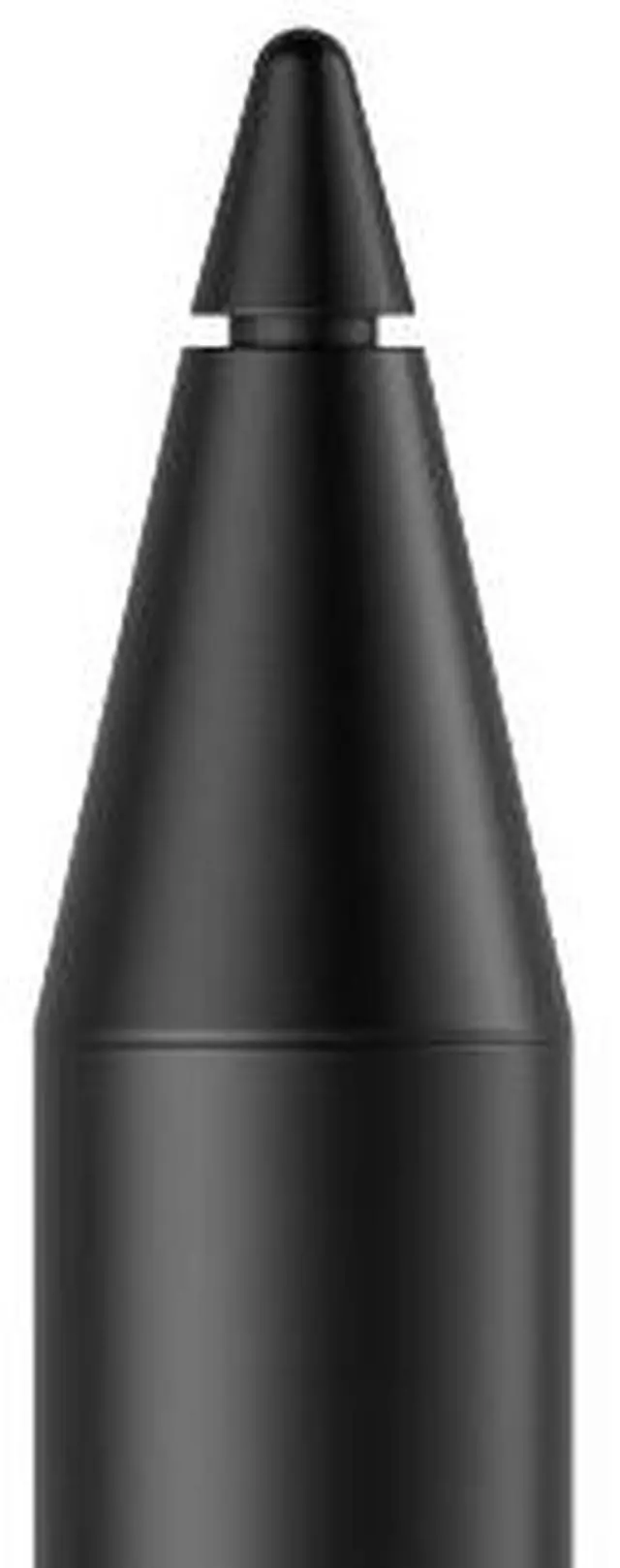
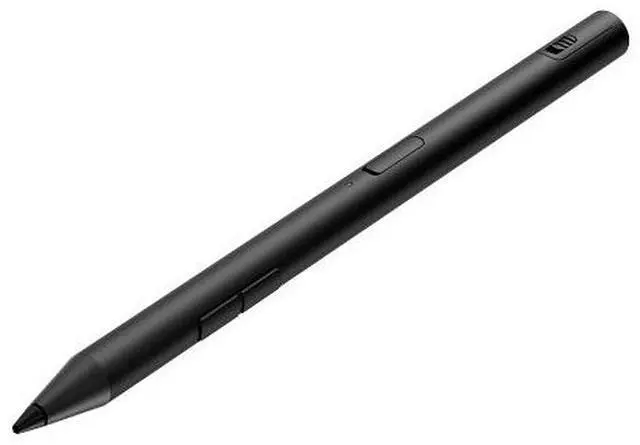
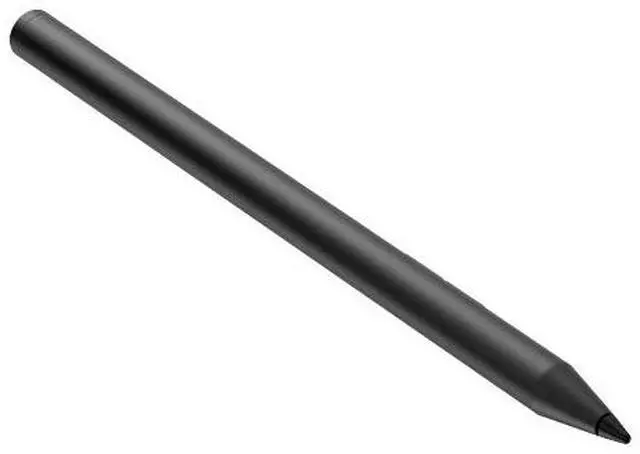
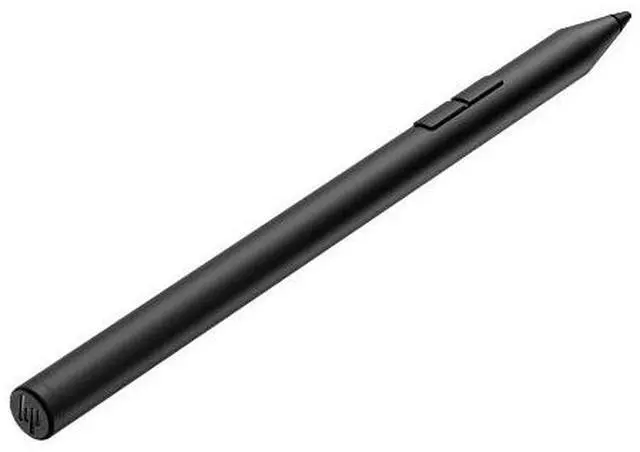
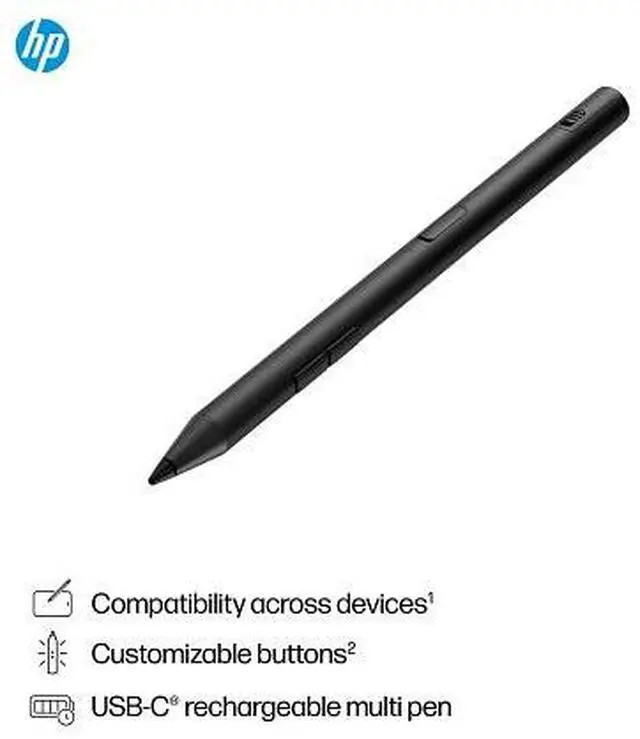
The HP 700 Rechargeable Multi Pen is an HP tablet accessory for users seeking a rechargeable pen for a compatible tablet; check device compatibility before purchase.
Recommended For
- Students and meeting-heavy professionals who take handwritten notes or annotate documents on a compatible pen-enabled laptop or tablet and want a rechargeable pen with customizable buttons.
- People who switch between compatible pen-enabled devices that use Wacom AES 2.0, MPP 2.0, or USI 1.0 and want one stylus for those devices.
- Digital sketchers and document annotators who want pressure- and tilt-aware input on a compatible device, rather than a basic capacitive touchscreen stylus.
- Mobile users who write or edit away from a desk and prefer USB-C recharging over replacing pen batteries; HP estimates up to 25 days of battery life with typical use.
Real-World Use Scenarios
- During a class or meeting, use the pen on a compatible touchscreen device to jot down handwritten notes; HP positions it for note-taking, though the host device must support an active pen protocol.
- Review a document on a pen-enabled laptop by writing comments or marking up a PDF; a community writing test used the HP 700 Multi Pen in a PDF editor.
- Sketch or make handwritten edits on a compatible screen; pressure and tilt support can provide more expressive pen input, depending on the device and app.
- When moving between compatible devices that use different supported pen protocols, use the same stylus rather than keeping a separate pen for each; confirm device compatibility before relying on this.
- While editing or drawing, use the pen’s configurable buttons for frequently used actions when supported HP pen software and the app allow it; this can reduce trips to on-screen menus.




 here!