• $25.99
  • Free 30-day Returns
  • Sold by Lookatworld

    Shipped by Lookatworld

    Price alert
    Shop it at NeweggBusiness.

    Meet Your Seller

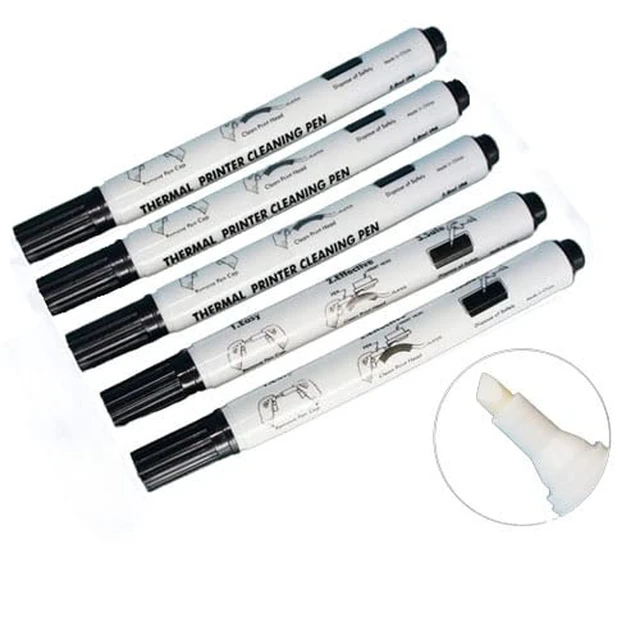
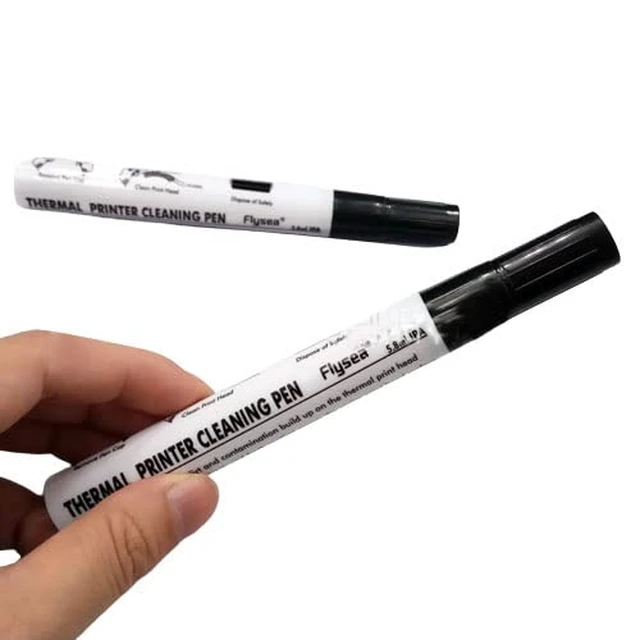
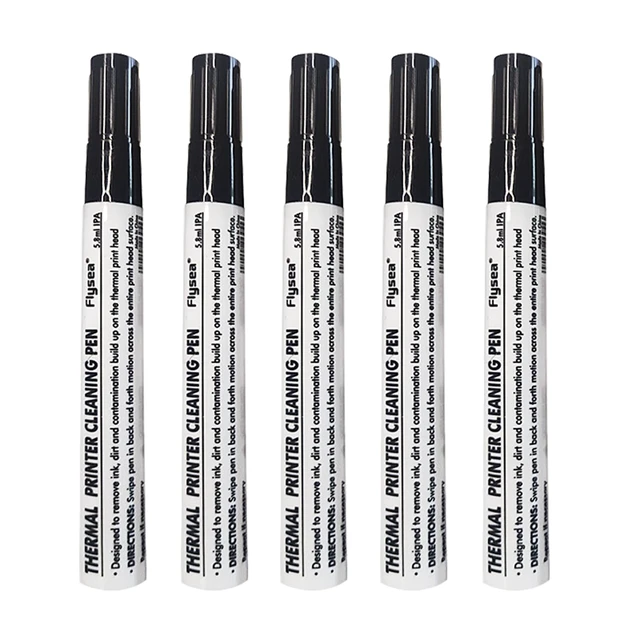
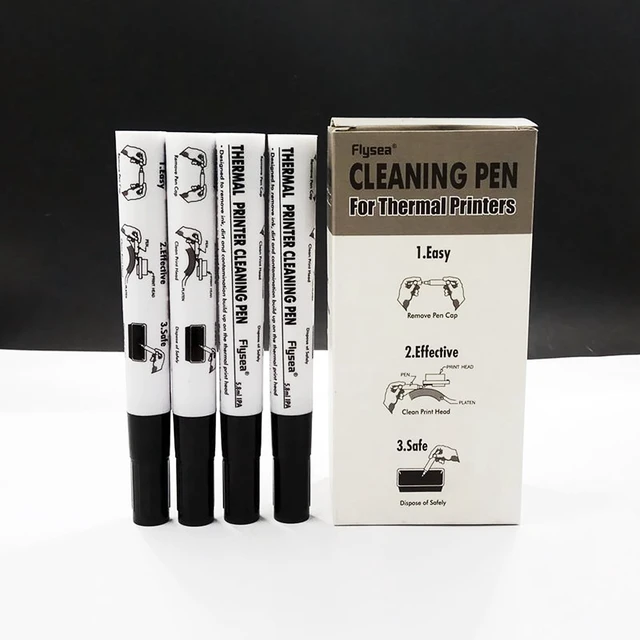
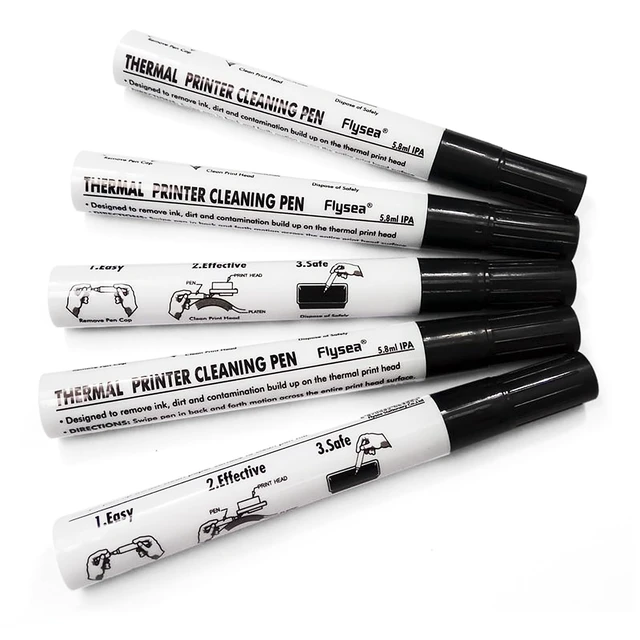
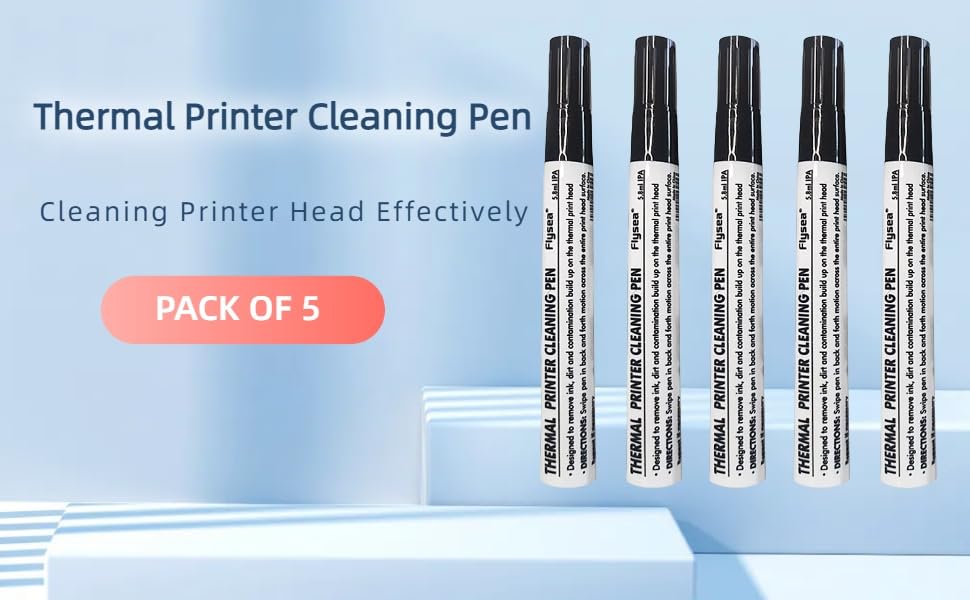
    Thermal Printer Cleaning Pen Printhead Cleaner Kit for Electronic Face Sheet Print Head Alcohol Cleaning Card Printer, Pack of 5

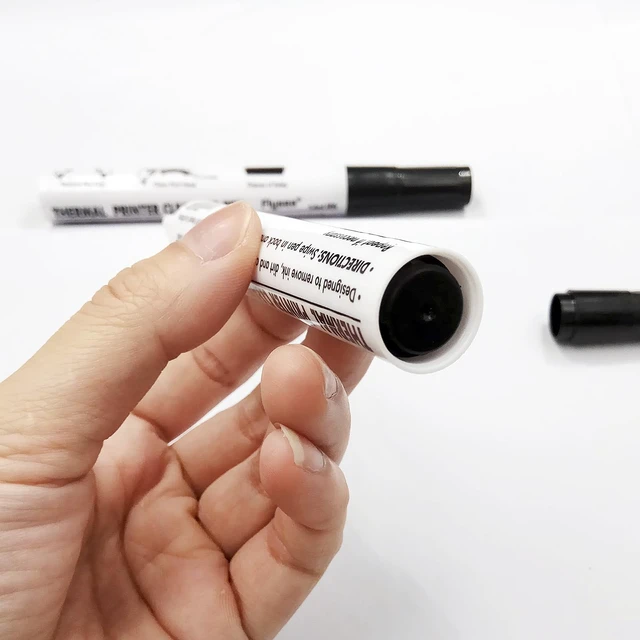
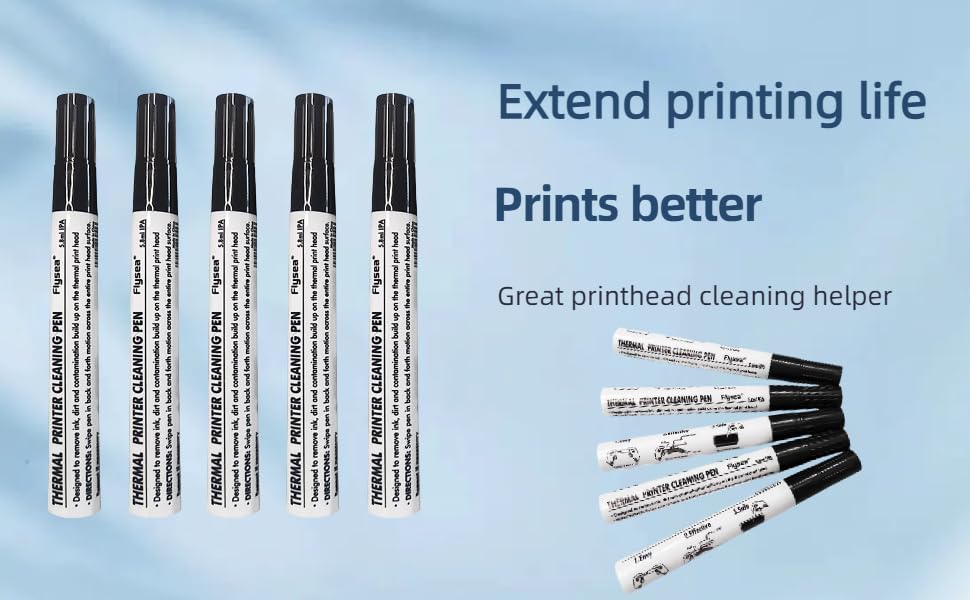
    • Package includes 5 thermal print head cleaning pens.
    • Why need Cleaning Printer Head: Because the process of making paper will have small particles of objects attached to the print head over time all piled up. So the print head needs to be cleaned regularly.
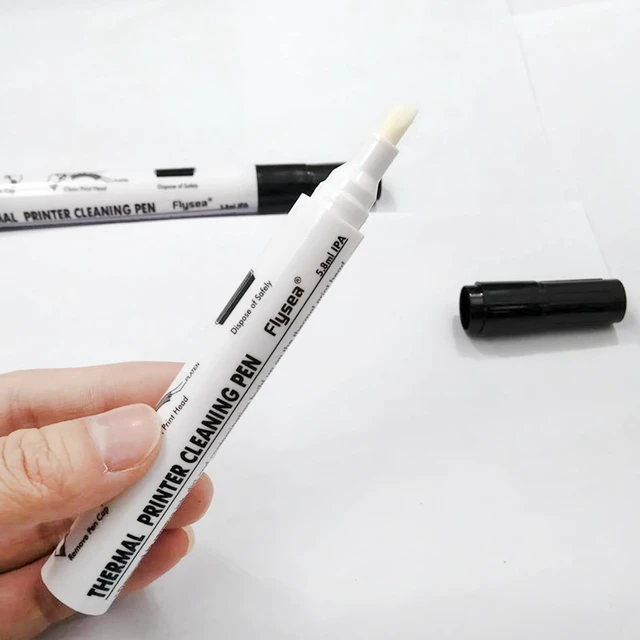
    • Apply Scope: its diagonal cut stiff rugged nib is suitable for cleaning the print head of all thermal printing device. Included thermal transfer printer/electronic face sheet print.
    • Application: A great cleaning tool that can easily wipe away adhesive residue, dust, dirt, oil stain, paper scraps, etc. on the thermal print head. This printhead cleaner help extend printing life and make printing better.
    • High Quality: It is safe for all thermal print heads, including the coated surface; Friendly to environmental protection and non-toxic. It is very convenient to use and does not cause any damage to the print head.
    +
    +
    Overview
    Specs
    Reviews

    Any questions? Ask CelesteSM will help you find out quickly.
    111

    Why need cleaning printer head?

    The print head needs to be cleaned regularly. Because the process of making paper will have small particles of objects attached to the print head over time all piled up.
    444

    An extraordinary cleaning tool that can easily wipe away adhesive residue, dust, dirt, oil stain, paper scraps, etc. on the thermal print head

    It is safe for all thermal print heads, including the coated surface
    9

    Cleaning the print head once a week can effectively extend the life of the printer and make printing better

    • Name: Printhead Cleaning Pen
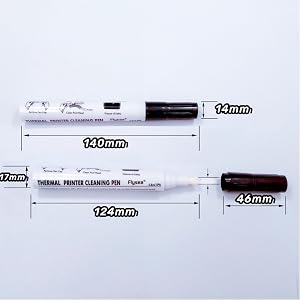
    • Product weight: 85g
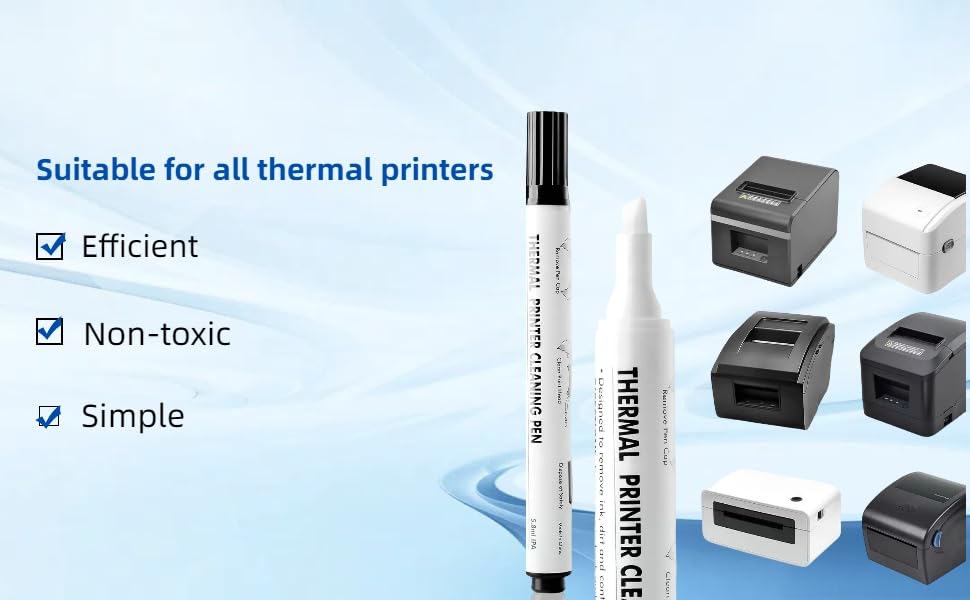
    • Suitable for: all kinds of thermal printers
    • Features: non-toxic, easy to use, lightweight

    PLEASE NOTE: NEED TO CUT OFF THE POWER BEFORE USE.
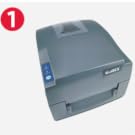
    1

    Open the printer cover after 5 minutes of power failure
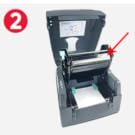
    2

    Locate the print head

    3

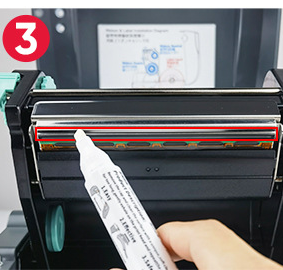
    Use a cleaning pen to wipe the print head of any dust, paper dust, etc
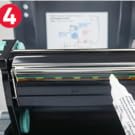
    4

    Wipe in one direction during the cleaning process, not back and forth
    After wiping the print head, you can power up the printer again after 5 minutes passed.

    999
    111

    Why need cleaning printer head?

    The print head needs to be cleaned regularly. Because the process of making paper will have small particles of objects attached to the print head over time all piled up.

    444

    An extraordinary cleaning tool that can easily wipe away adhesive residue, dust, dirt, oil stain, paper scraps, etc. on the thermal print head

    It is safe for all thermal print heads, including the coated surface

    9

    Cleaning the print head once a week can effectively extend the life of the printer and make printing better

    • Name: Printhead Cleaning Pen
    • Product weight: 85g
    • Suitable for: all kinds of thermal printers
    • Features: non-toxic, easy to use, lightweight

    PLEASE NOTE: NEED TO CUT OFF THE POWER BEFORE USE.
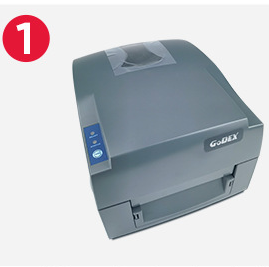
    1

    Open the printer cover after 5 minutes of power failure
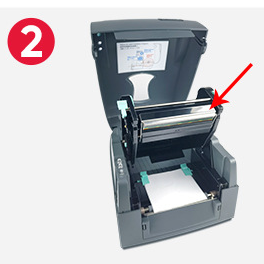
    2

    Locate the print head

    3

    Use a cleaning pen to wipe the print head of any dust, paper dust, etc
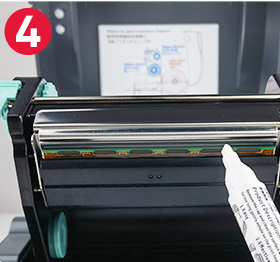
    4

    Wipe in one direction during the cleaning process, not back and forth

    After wiping the print head, you can power up the printer again after 5 minutes passed.

    999

    Tips:

    1.When using this product, please power off the printer for 5 minutes.

    2.After wiping the print head, please power up the printer again after 5 minutes.

    Warranty & Returns

    Warranty, Returns, And Additional Information

    Warranty

    • Please contact the Seller directly for warranty information. Warranty information may also be found on the Manufacturer's website.
    • CONTACT

    Return Policies

    Manufacturer Contact Info

    LOADING...