



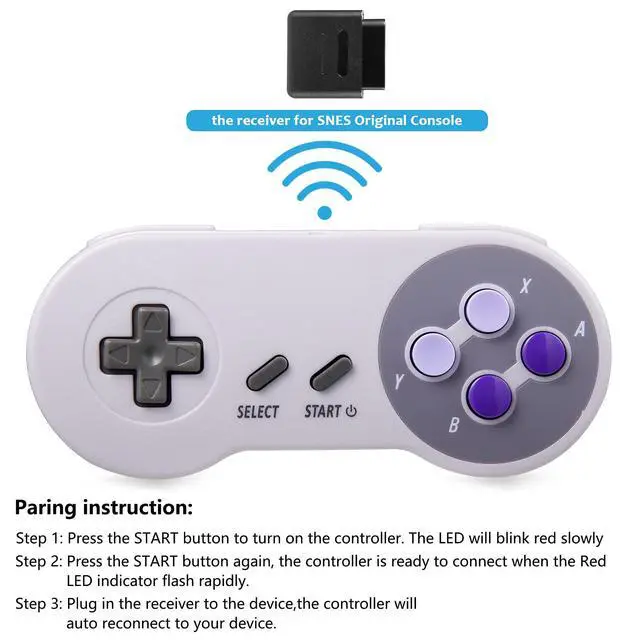


How to Sync the controller to the Super Nintendo Console
- Press"START"button, and LED flashes slowly: this controller is turned on.
- After the controller is turned on normally, press “START” button again, and LED flashes quickly: this controller is searching for the signal from the paired device.
- LED shines continuously: this controller has been connected and paired successfully.
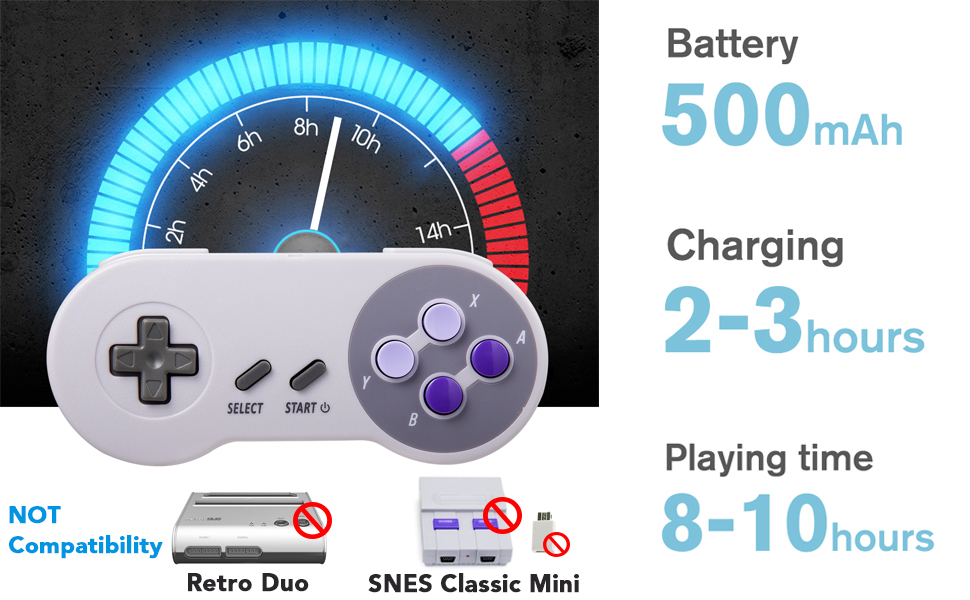
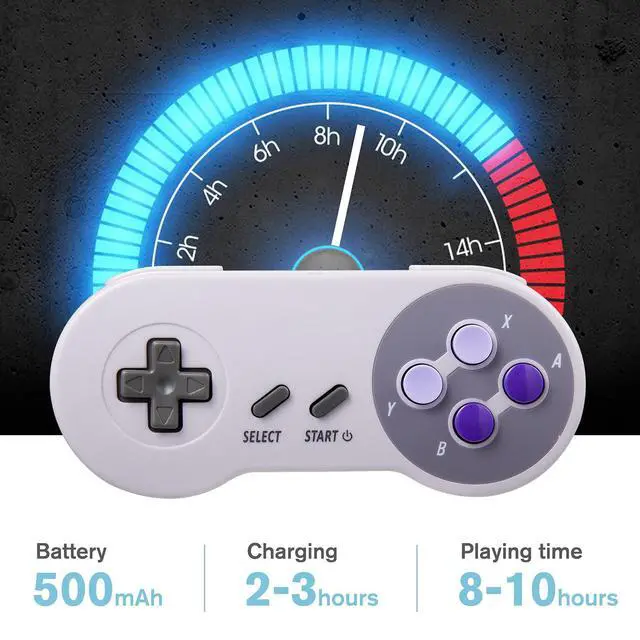
- Rechargeable battery: 500mAH Li-on Battery
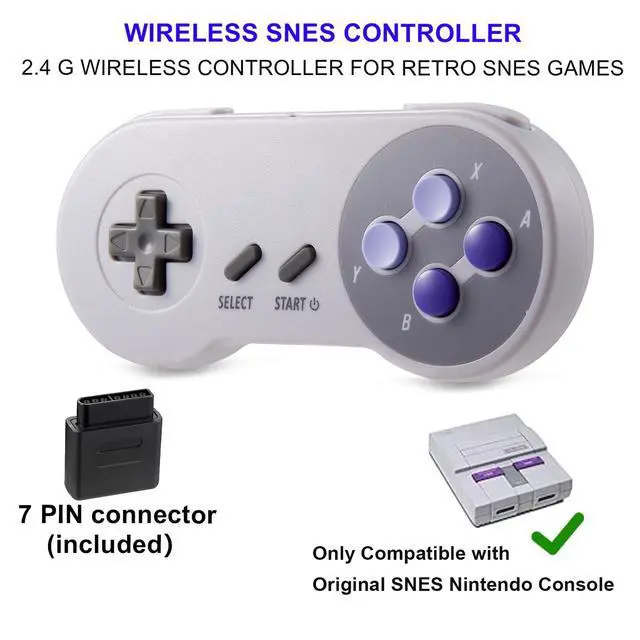
- Not support SNES Mini and Retro Bit Duo 2 in 1 Console System for SNES/NES
- Not works for Mini Classic Game Console and New 3DS XL
Great Performance
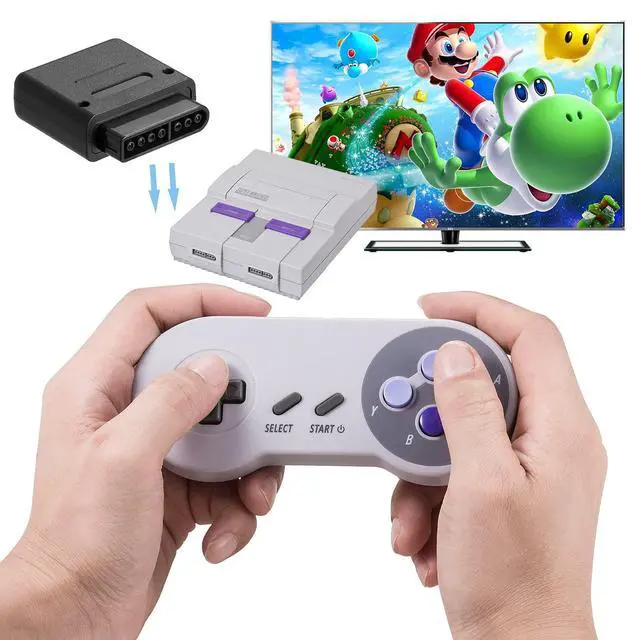
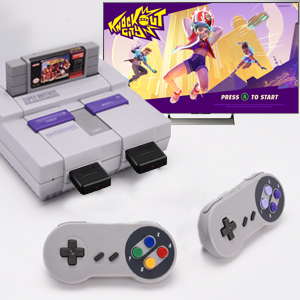
- Compatibility: Original SNES Console
- Simply plug and play, no additional setup required
- Compact and lightweight handheld gaming controller
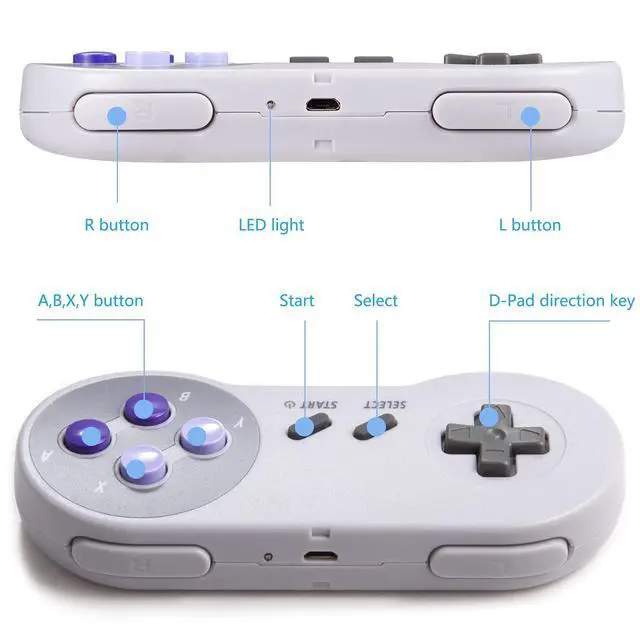
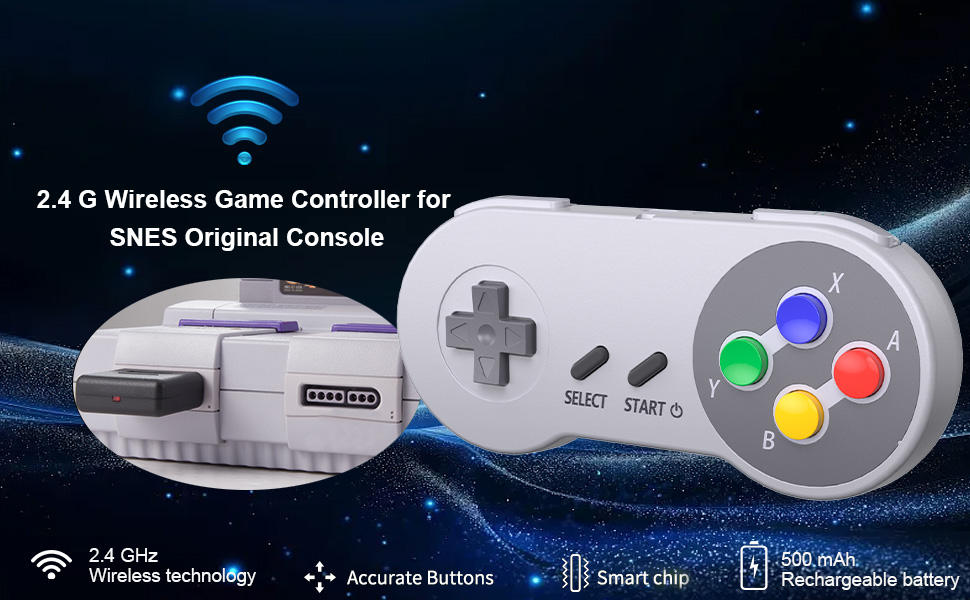
- Equipped with A, B, X, Y color buttons for easier use, make it game. precision, speed and more accuracy
What's in the box:
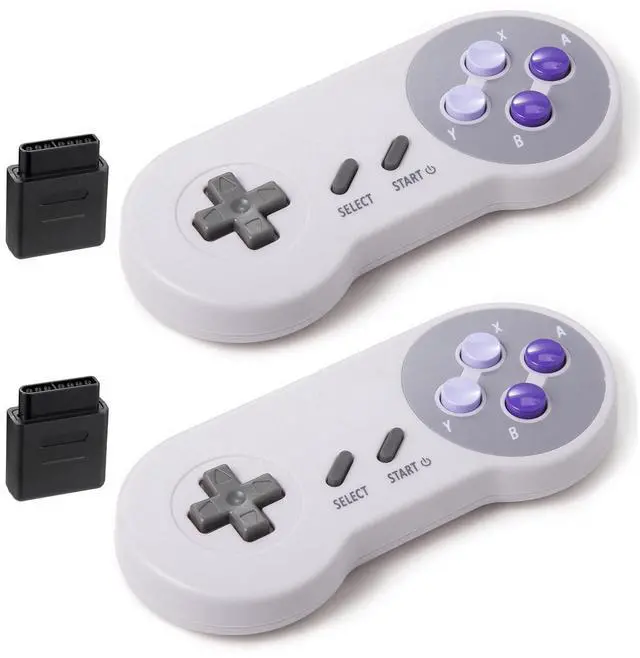
- 2* 2.4G wireless Controller
- 2* 2.4G Wireless SNES Receiver
- 2* USB Charging line
- 1* Instruction manual
 2 Pack Retro Wired Controller for SNES Original Console | 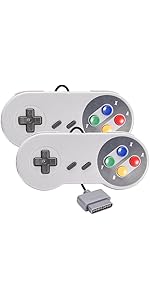 2 Pack Retro Wired Controller for SNES Original Console | 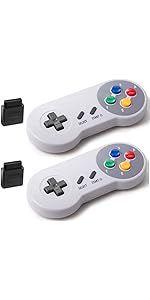 2 Pack Wireless Controller for SNES Original Console | 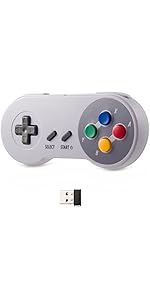 Retro Wireless SNES USB Controller for PC | 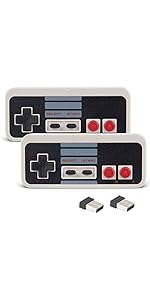 KIWITATA 2X Wireless Nes USB Controller for PC Gamings, 2.4ghz Wireless USB R... | 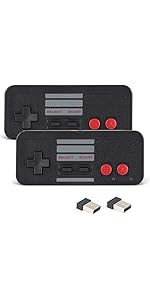 Retro Wireless NES USB Controller for PC | |
|---|---|---|---|---|---|---|
| Price | — | — | — | — no data | — no data | — |
| Good quality | ? | ? | ? | ? | ? | ? |
| Accurate | ? | ? | ? | ? | ? | ? |
| Plug and play | ? | ? | ? | ? | ? | ? |
How to Sync the controller to the Super Nintendo Console
- Press"START"button, and LED flashes slowly: this controller is turned on.
- After the controller is turned on normally, press “START” button again, and LED flashes quickly: this controller is searching for the signal from the paired device.
- LED shines continuously: this controller has been connected and paired successfully.
Compatible with SNES Retro Games
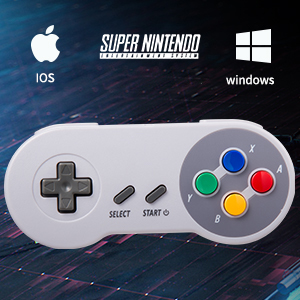
- Use a SNES Original port(included), mainly works with SNES original console.
- Use a 2.4 GHz USB dongle (not included), it can run Windows PC and Mac OS X and Raspberry PI.
ERGONOMIC DESIGN HANDLE
Perfectly fit palms, all the buttons and controls make your hand very comfortable for long periods of gaming
You can play most online snes classic retro games, such as Street fighter,Zelda,Mortal Kombat 2,Super Metroid,Super Mario World,Super Mario Kart, bring you real retro feels
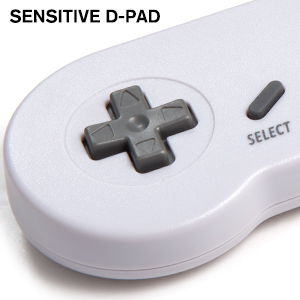
SENSITIVE D-PAD
These buttons have a good spring to them, rubber start and select buttons.
Two pressure point triggers for more rapid response overall performance
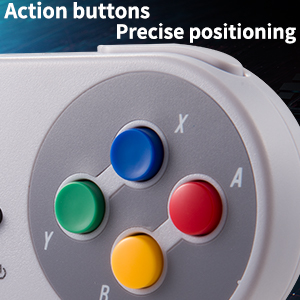
Super precise function buttons
Equipped with A, B, X, Y color buttons for easier use, make it game. precision, speed and more accuracy
- Rechargeable battery: 500mAH Li-on Battery
- Not support SNES Mini and Retro Bit Duo 2 in 1 Console System for SNES/NES
- Not works for Mini Classic Game Console and New 3DS XL
Great Performance
- Compatibility: Original SNES Console
- Simply plug and play, no additional setup required
- Compact and lightweight handheld gaming controller
- Equipped with A, B, X, Y color buttons for easier use, make it game. precision, speed and more accuracy
What's in the box:
- 2* 2.4G wireless Controller
- 2* 2.4G Wireless SNES Receiver
- 2* USB Charging line
- 1* Instruction manual
2 Pack Retro Wired Controller for SNES Original Console | 2 Pack Retro Wired Controller for SNES Original Console | 2 Pack Wireless Controller for SNES Original Console | Retro Wireless SNES USB Controller for PC | KIWITATA 2X Wireless Nes USB Controller for PC Gamings, 2.4ghz Wireless USB R... | Retro Wireless NES USB Controller for PC | |
|---|---|---|---|---|---|---|
| Price | — | — | — | — no data | — no data | — |
| Good quality | ? | ? | ? | ? | ? | ? |
| Accurate | ? | ? | ? | ? | ? | ? |
| Plug and play | ? | ? | ? | ? | ? | ? |