







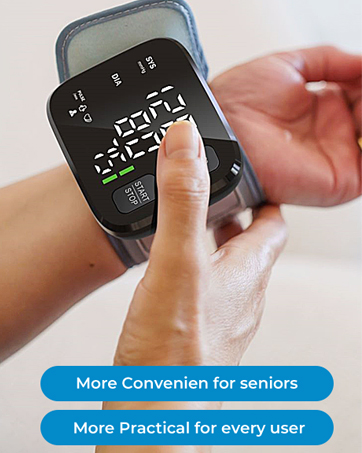


Tips for Accurate Blood Pressure Readings Before Measurement?
Avoid eating, smoking, or exertion for at least 30 minutes;
Sit quietly in an armchair for about 5 minutes;
Remove any tight-fitting clothing from your wrist;
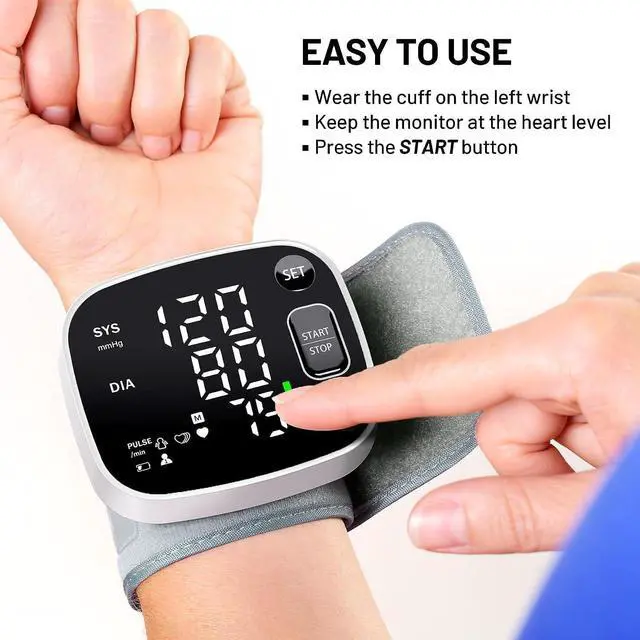
Measure on the same wrist each time (preferably the left)
Tips for Accurate Blood Pressure Readings During the Measurement Process?
Sit comfortably with your feet flat on the floor;
Extend your arm on the desk, palm up, keeping your wrist at heart level to minimize movement;
Stay still and silent during measurement;
Wait at least 5 minutes between measurements
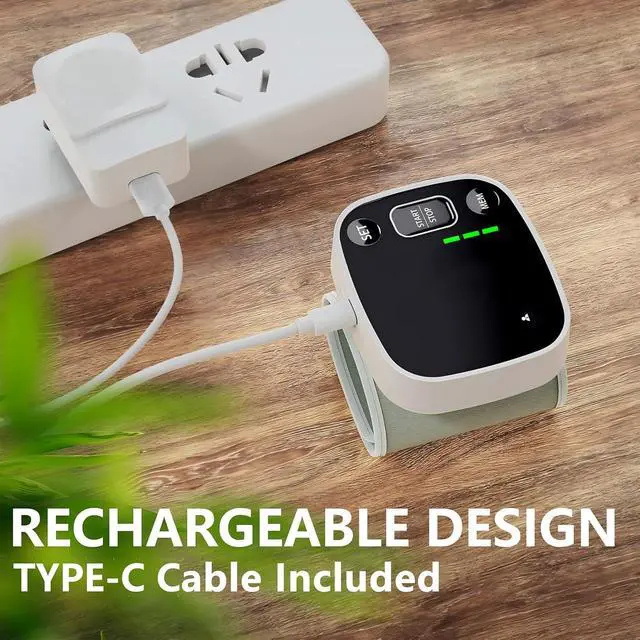
What Type of Charger Is Compatible with This Blood Pressure Monitor?
A charger with 100-240V input and 5V 1A output is compatible
What Indicates That the Blood Pressure Monitor Needs to Be Charged?
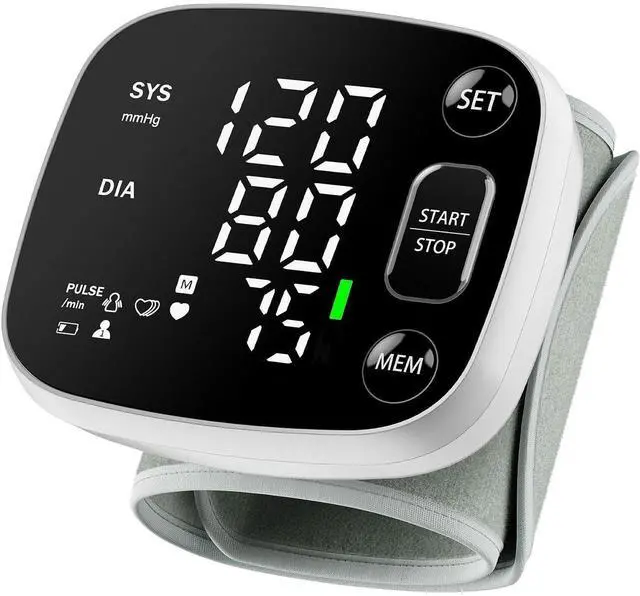
The battery symbol is blinking, and the device says, 'Battery low power, please recharge it;
The cuff inflation speed slows down;
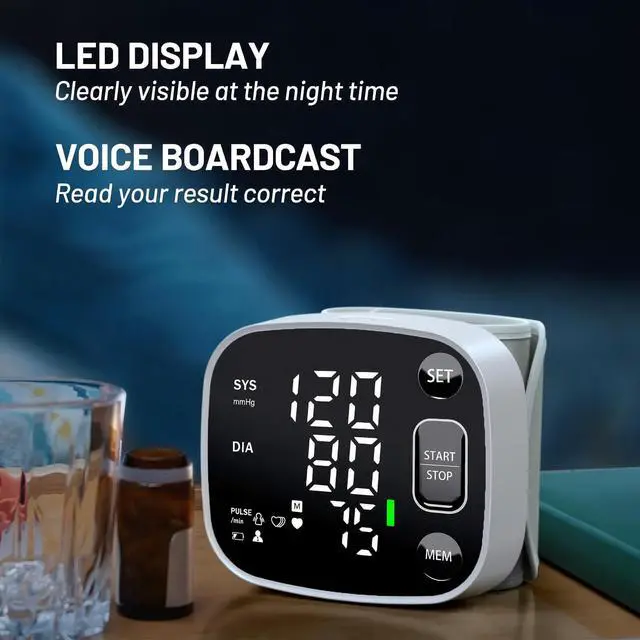
The LED backlight is noticeably dim or almost absent
What Is the Charging Indicator When the Product Is Fully Charged?
When the charging indicator stops blinking, it means the battery power is fully recharged. The battery icon will not display a full charge status. It maintains the factory-preset battery icon display by design—this is not a device malfunction
Begin Oklar quality lifestyle
Oklar Blood Pressure Monitor
Blood Pressure Cuff


Tips for Accurate Blood Pressure Readings Before Measurement?
Avoid eating, smoking, or exertion for at least 30 minutes;
Sit quietly in an armchair for about 5 minutes;
Remove any tight-fitting clothing from your wrist;
Measure on the same wrist each time (preferably the left)
Tips for Accurate Blood Pressure Readings During the Measurement Process?
Sit comfortably with your feet flat on the floor;
Extend your arm on the desk, palm up, keeping your wrist at heart level to minimize movement;
Stay still and silent during measurement;
Wait at least 5 minutes between measurements
What Type of Charger Is Compatible with This Blood Pressure Monitor?
A charger with 100-240V input and 5V 1A output is compatible
What Indicates That the Blood Pressure Monitor Needs to Be Charged?
The battery symbol is blinking, and the device says, 'Battery low power, please recharge it;
The cuff inflation speed slows down;
The LED backlight is noticeably dim or almost absent
What Is the Charging Indicator When the Product Is Fully Charged?
When the charging indicator stops blinking, it means the battery power is fully recharged. The battery icon will not display a full charge status. It maintains the factory-preset battery icon display by design—this is not a device malfunction