





Reezbye
Get Smart Data. Ditch the Drama.

ABOUT US
Born in 2022, California. Tired of paper logs and archaic BP tech? So were we!
We said "Reezbye" to the guesswork and built a monitor that's actually smart. Accurate data, two-user memory, and a slick app connection. Health tracking shouldn't raise your pressure.Reezbye: Get Smart Data. Ditch the Drama.
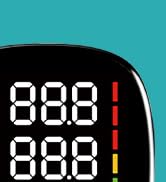
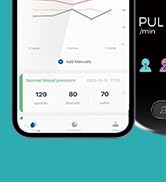
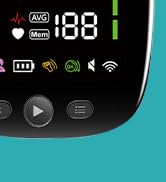
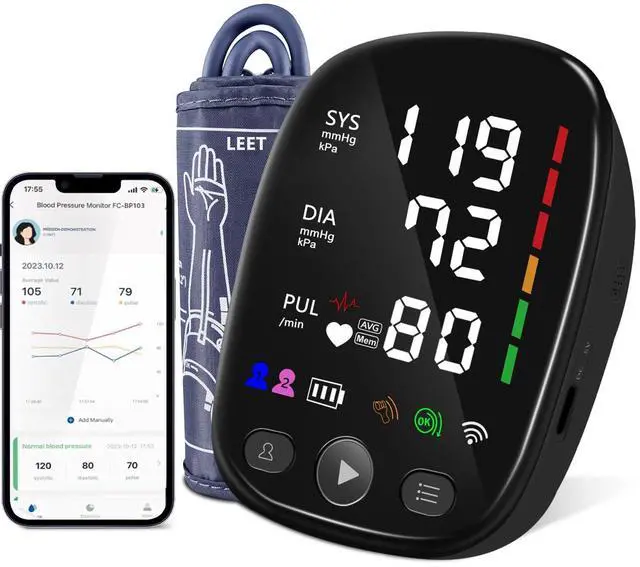
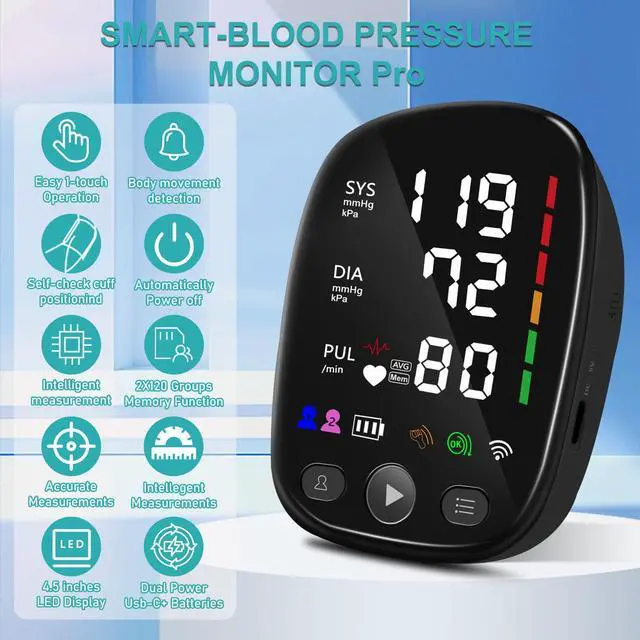
Smart Blood Pressure Monitor
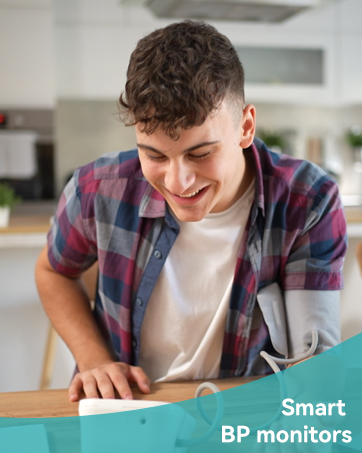
Smart BP monitors


Método correcto de uso

Method of use
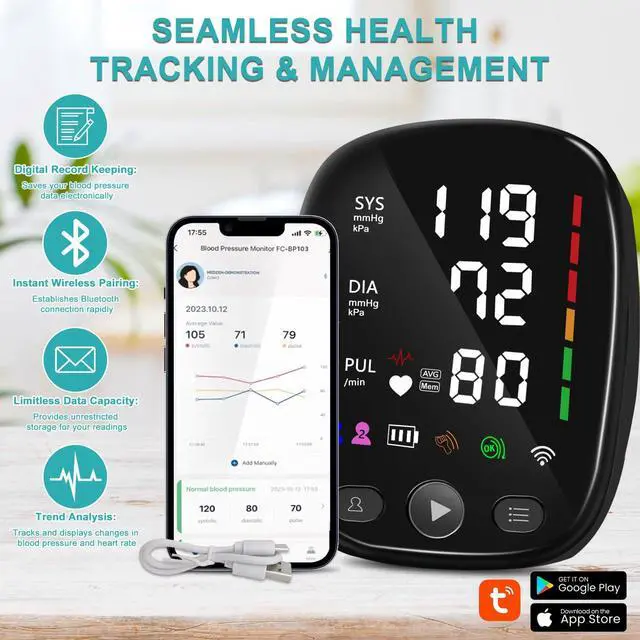
- First open the mobile phone Bluetooth, and then open the blood pressure monitor to connect Bluetooth, the first time to connect first, the second time to start connecting automatically
- Avoid intense physical activity before taking measurements to prevent higher readings.
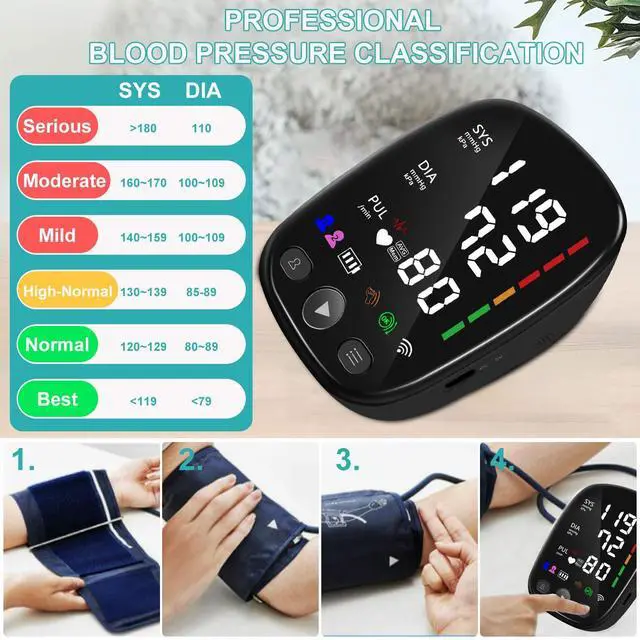
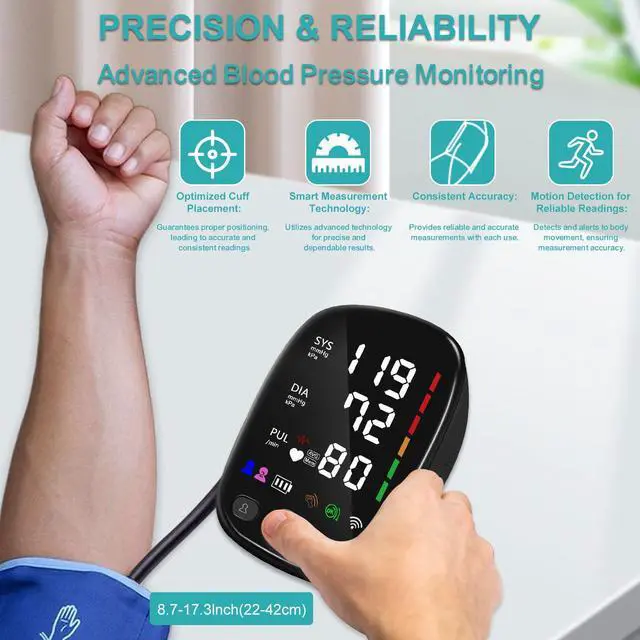
- Ensure the cuff is positioned 2 inches above the bend of your arm before measurement to avoid affecting the readings.
- During measurement, try to maintain a seated position, aligning your arm and heart at the same level. It's advisable not to wear thick clothing as it may lead to inaccurate measurements. (It would be helpful to include accurate visual aids for proper usage.
- Q:Why do I get different readings on different devices?
- A:Readings may vary due to cuff fit, movement, stress, and time of day. All devices are different. A reading from the Reezbye Blood Pressure Monitor , compared to another device, could yield a different outcome. This device is FDA cleared for accuracy.
- Q: What should I do if the product fails to turn on?
- A: Upon receiving the product, please test if the battery has power. Note: This product comes with regular batteries and cannot be charged. If the battery is empty, please replace it with a new one. Additionally, you can also use a USB cable to directly connect to a power source.
- Q: Bluetooth on arm sphygmomanometer not connecting to mobile phone?
- A: You can restart the blood pressure monitor Bluetooth by pressing the start button 2 times and then pressing the memory button to switch off and restart the Bluetooth.
- Q: My results seem incorrect. What should I do?
- A: Ensure the cuff is properly placed, stay still, and avoid caffeine, smoking, or exercise 30 mins before testing. If the results still seem off, contact Reezbye Blood Pressure Monitor support.
Reezbye
Get Smart Data. Ditch the Drama.
ABOUT US
Born in 2022, California. Tired of paper logs and archaic BP tech? So were we!
We said "Reezbye" to the guesswork and built a monitor that's actually smart. Accurate data, two-user memory, and a slick app connection. Health tracking shouldn't raise your pressure.Reezbye: Get Smart Data. Ditch the Drama.
Smart Blood Pressure Monitor
Smart BP monitors
Método correcto de uso
Method of use
- First open the mobile phone Bluetooth, and then open the blood pressure monitor to connect Bluetooth, the first time to connect first, the second time to start connecting automatically
- Avoid intense physical activity before taking measurements to prevent higher readings.
- Ensure the cuff is positioned 2 inches above the bend of your arm before measurement to avoid affecting the readings.
- During measurement, try to maintain a seated position, aligning your arm and heart at the same level. It's advisable not to wear thick clothing as it may lead to inaccurate measurements. (It would be helpful to include accurate visual aids for proper usage.
- Q:Why do I get different readings on different devices?
- A:Readings may vary due to cuff fit, movement, stress, and time of day. All devices are different. A reading from the Reezbye Blood Pressure Monitor , compared to another device, could yield a different outcome. This device is FDA cleared for accuracy.
- Q: What should I do if the product fails to turn on?
- A: Upon receiving the product, please test if the battery has power. Note: This product comes with regular batteries and cannot be charged. If the battery is empty, please replace it with a new one. Additionally, you can also use a USB cable to directly connect to a power source.
- Q: Bluetooth on arm sphygmomanometer not connecting to mobile phone?
- A: You can restart the blood pressure monitor Bluetooth by pressing the start button 2 times and then pressing the memory button to switch off and restart the Bluetooth.
- Q: My results seem incorrect. What should I do?
- A: Ensure the cuff is properly placed, stay still, and avoid caffeine, smoking, or exercise 30 mins before testing. If the results still seem off, contact Reezbye Blood Pressure Monitor support.