







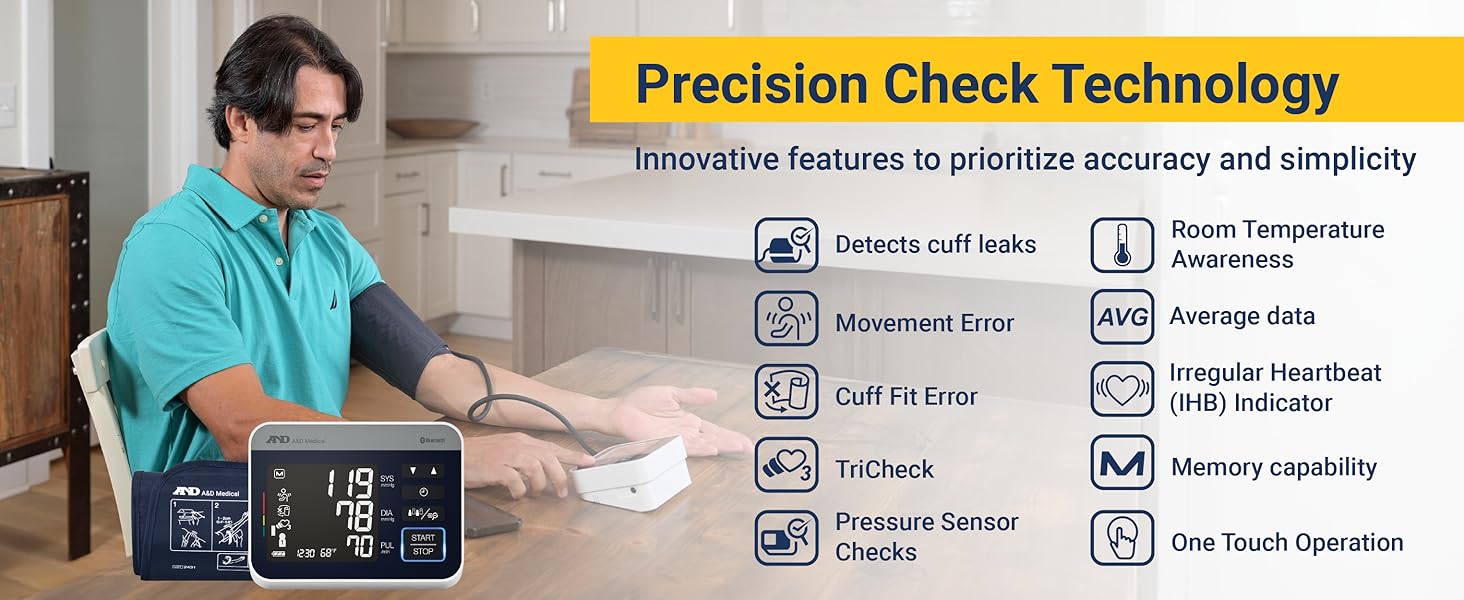
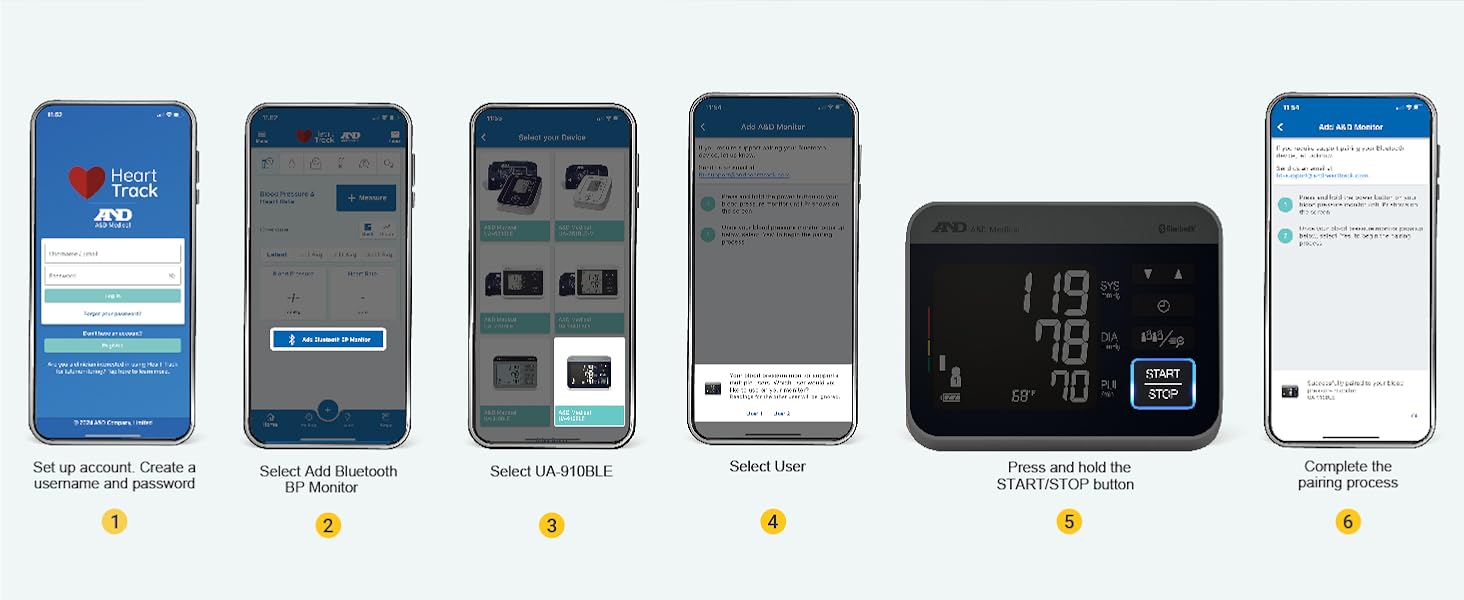
My monitor is displaying "E1, E2, E3, E, EE, E9, E10" or pairing failed. What should I do?
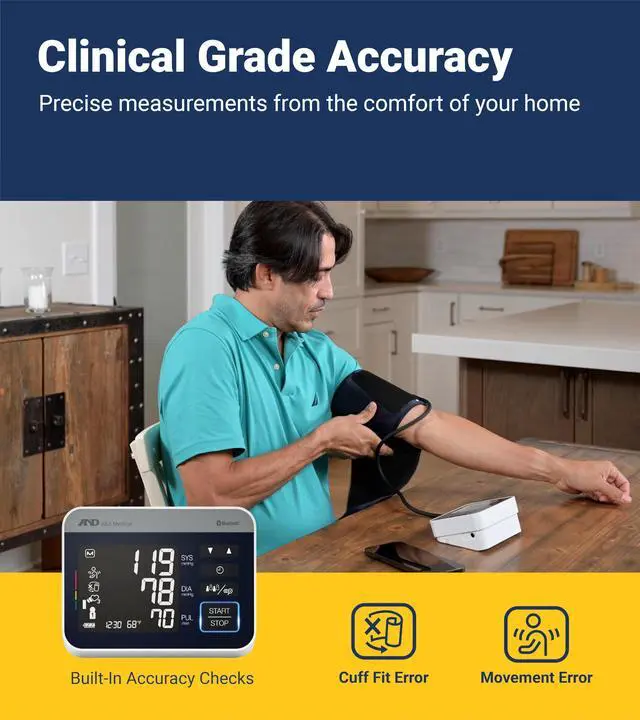
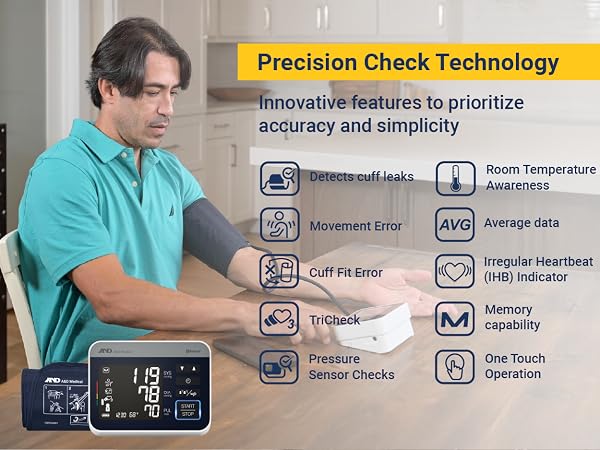
E1, E2, E3 & E: Enter Self Check Mode, reapply cuff and measure again
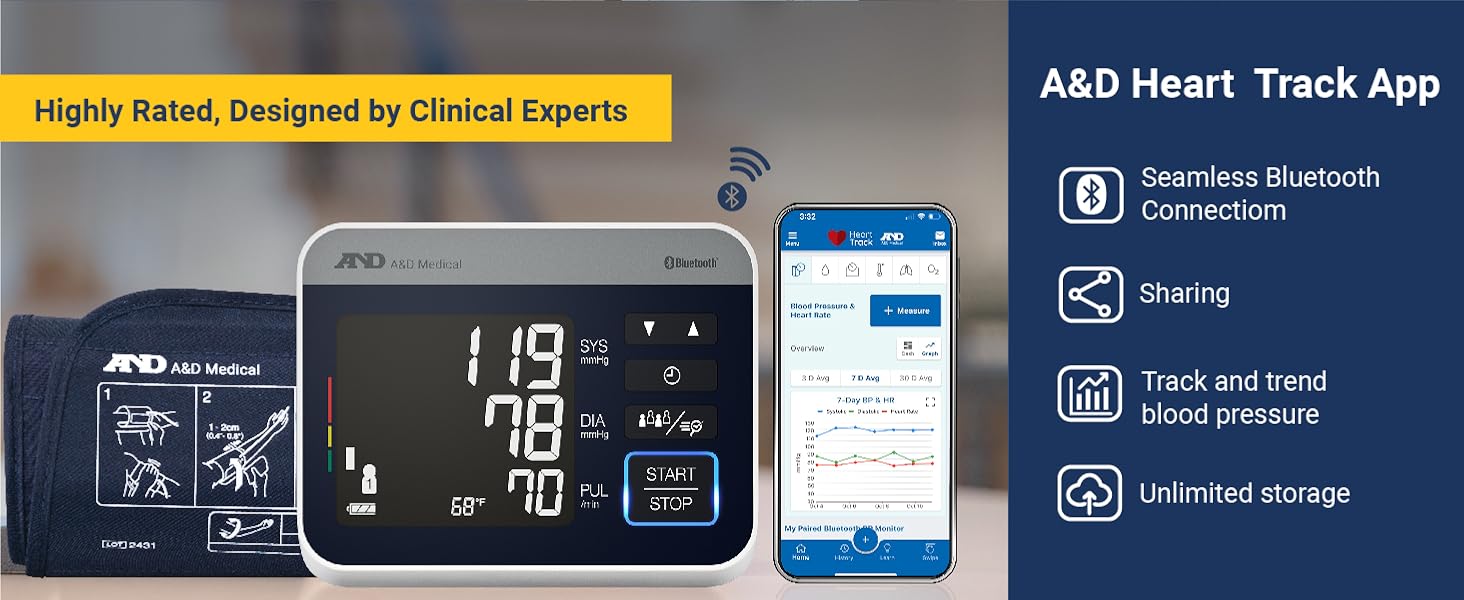
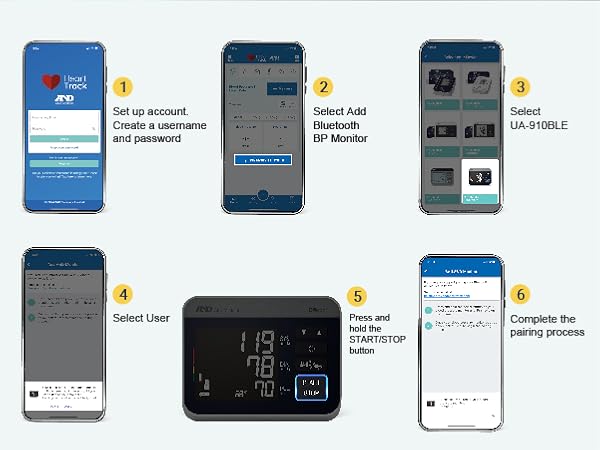
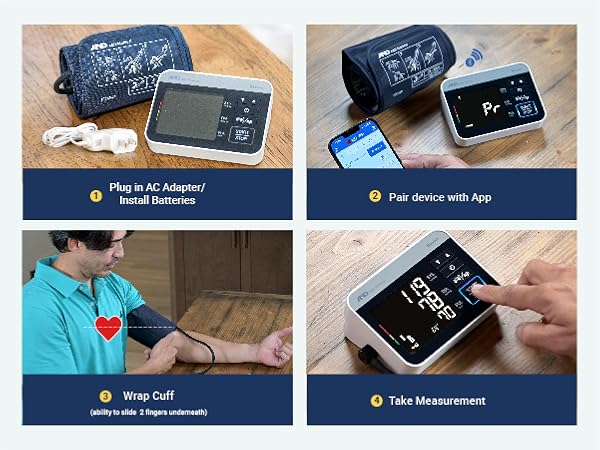
EE, E9 & E10: Remove the batteries, press the START/STOP button, re-insert batteries and try pairing again.
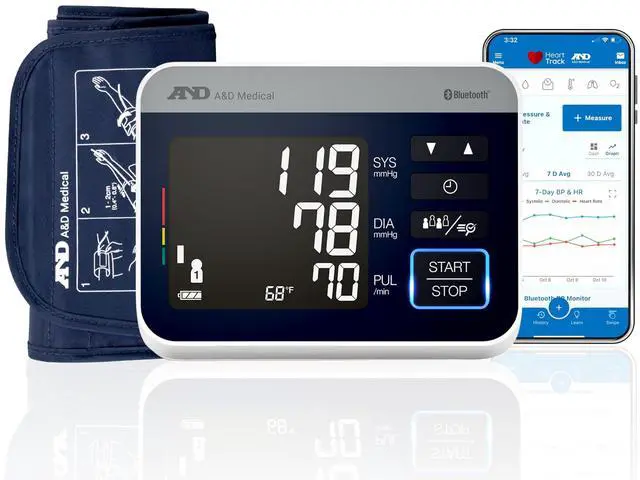
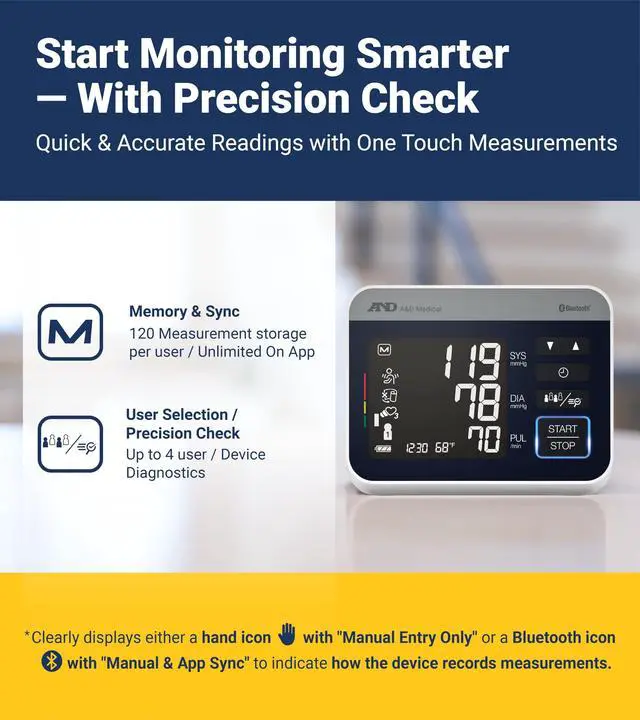
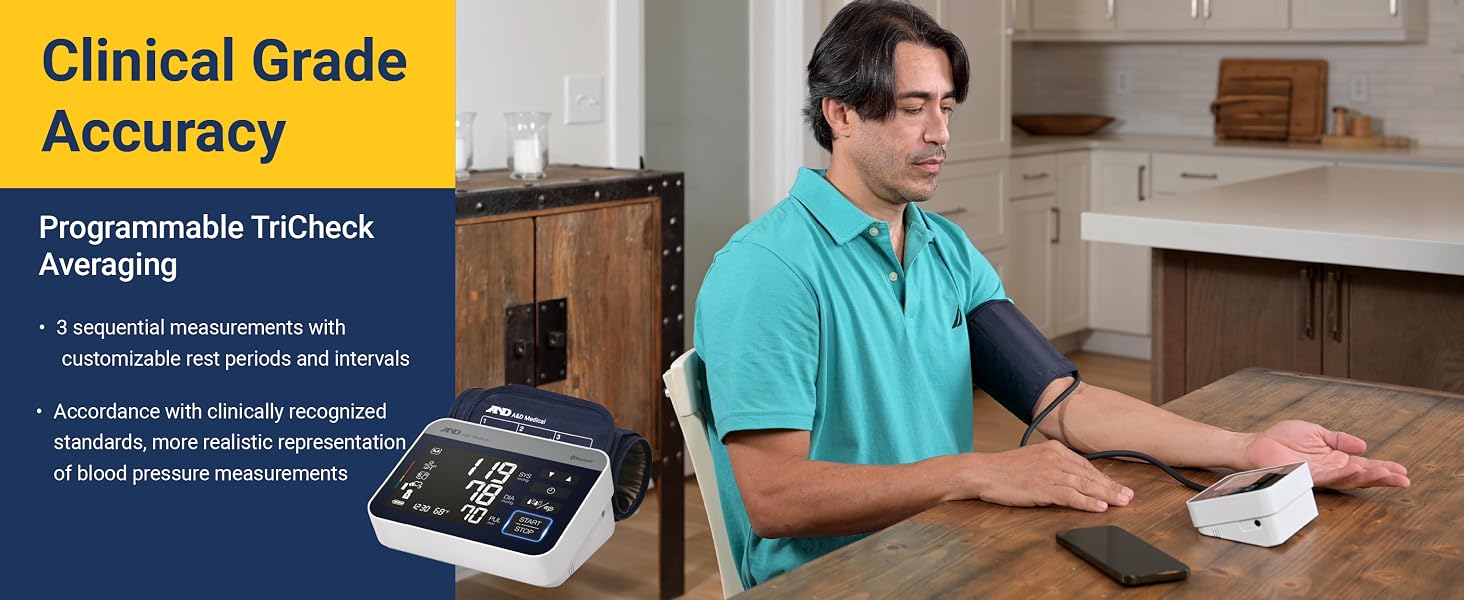
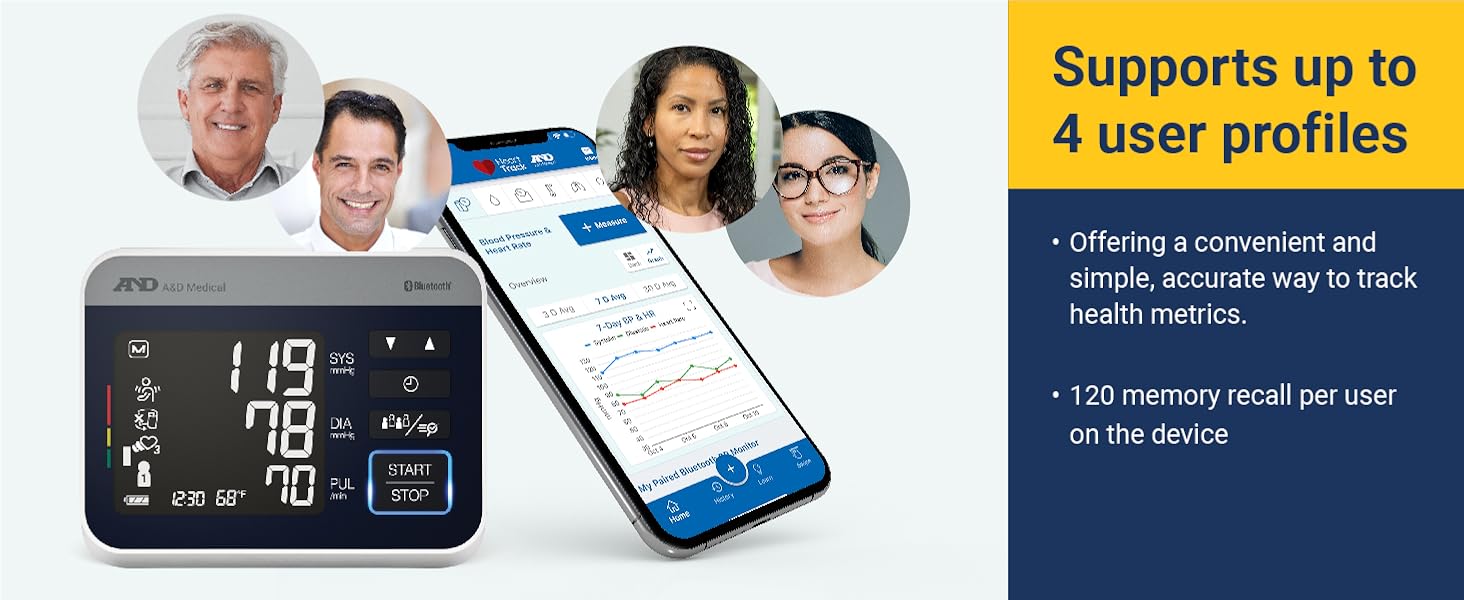
How do I select a different user?
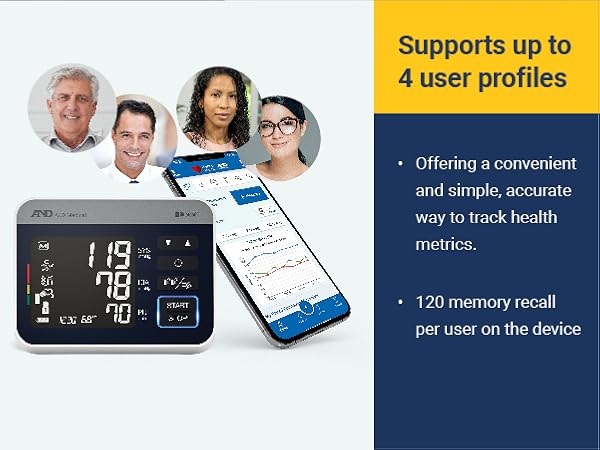
While the monitor is off, press User icon until you locate your correct user 1,2,3,or 4.
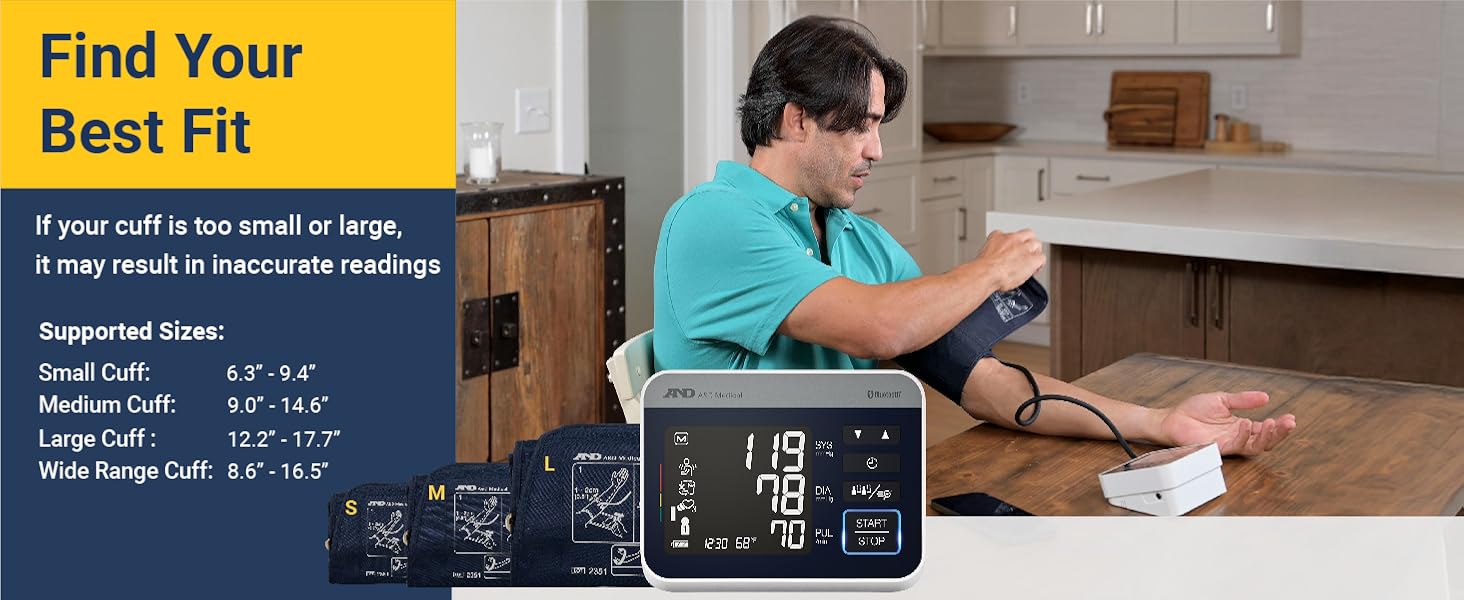
Why is my blood pressure measurement is higher than what is measured at the clinic or doctor's office?
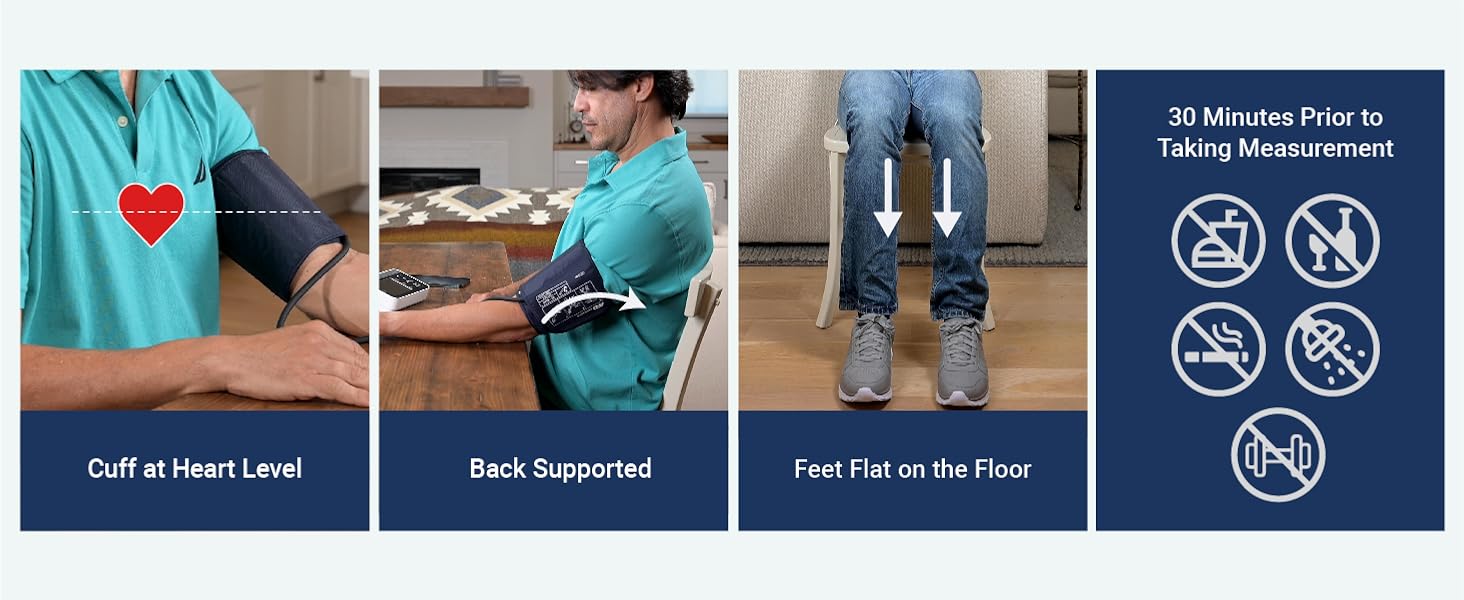
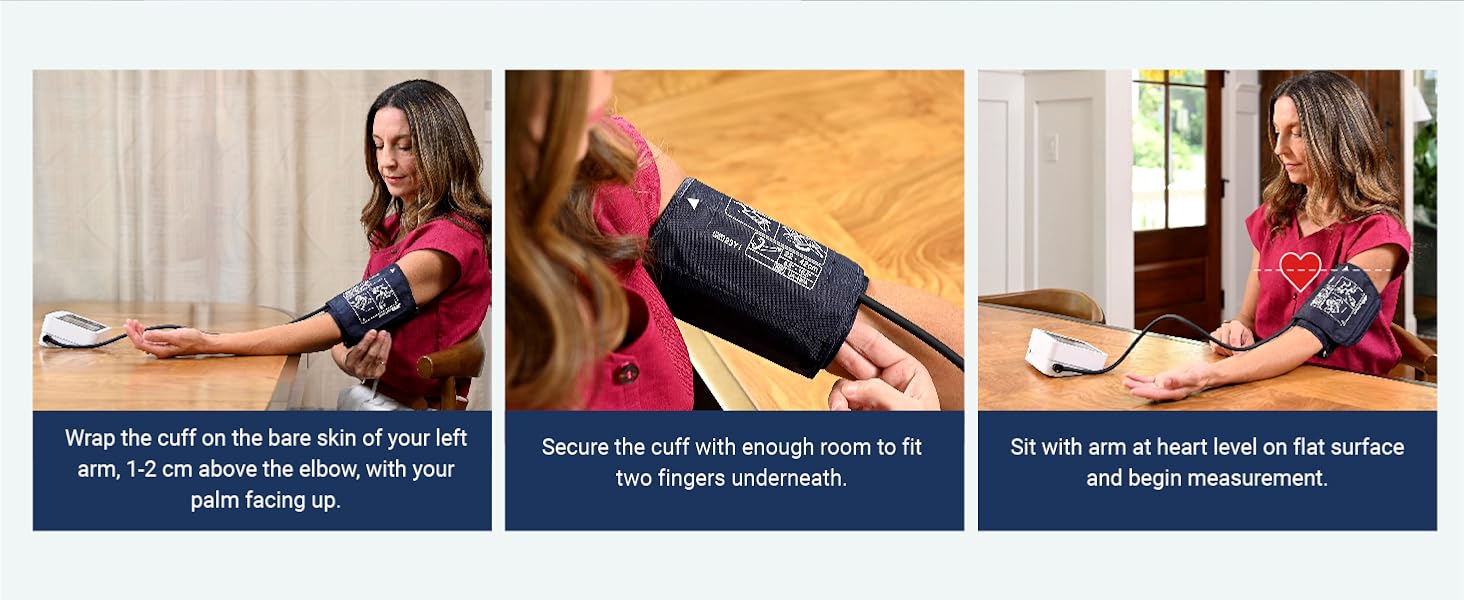
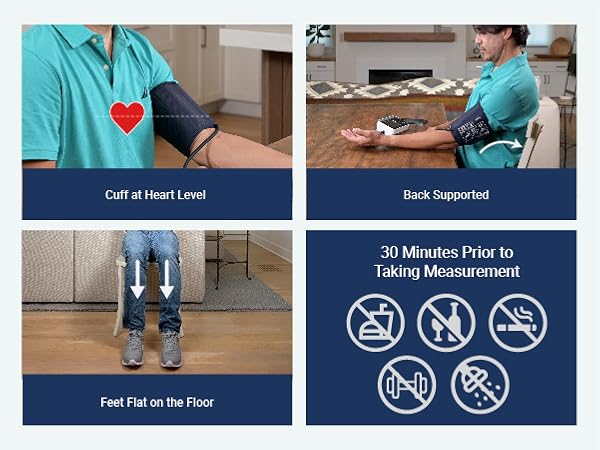
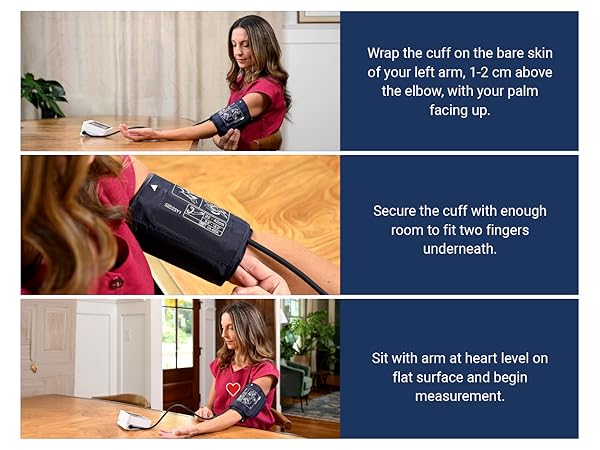
Please reference the Tips for Taking Pressure.
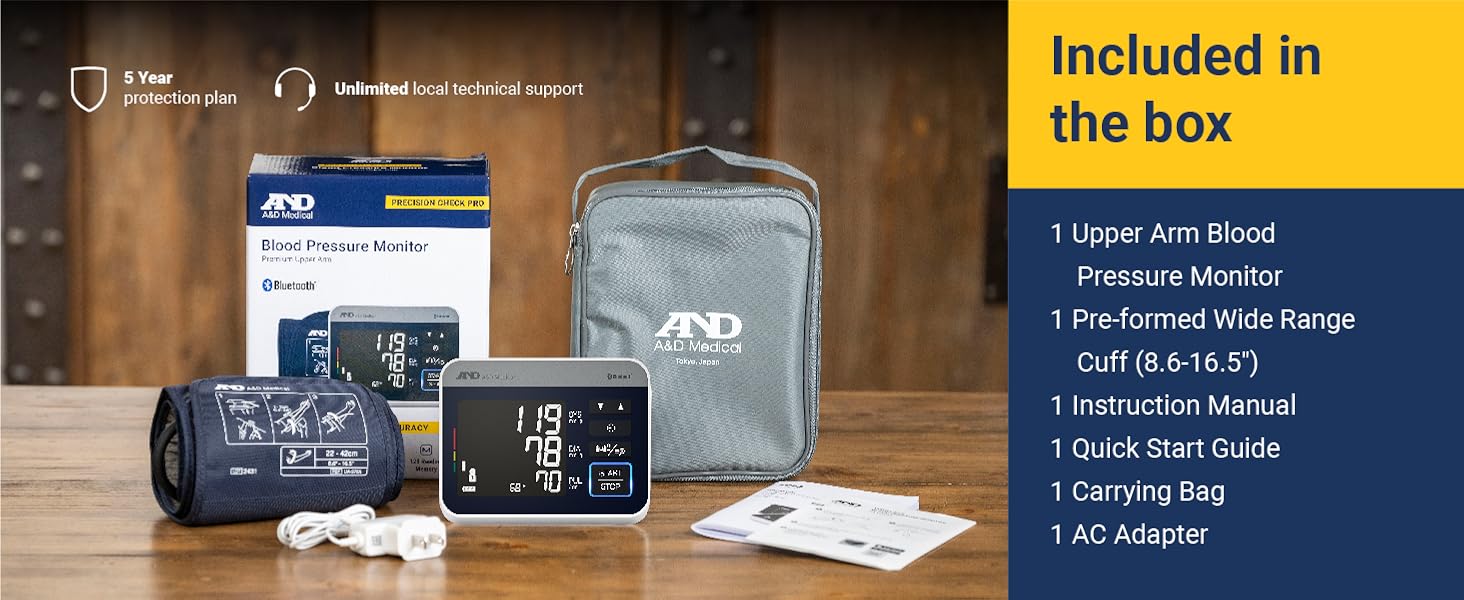
Nothing is appearing on the display, even when the power is turned on. What should I do?
For AC Adapter: Check for damage. If damaged, contact the manufacturer.
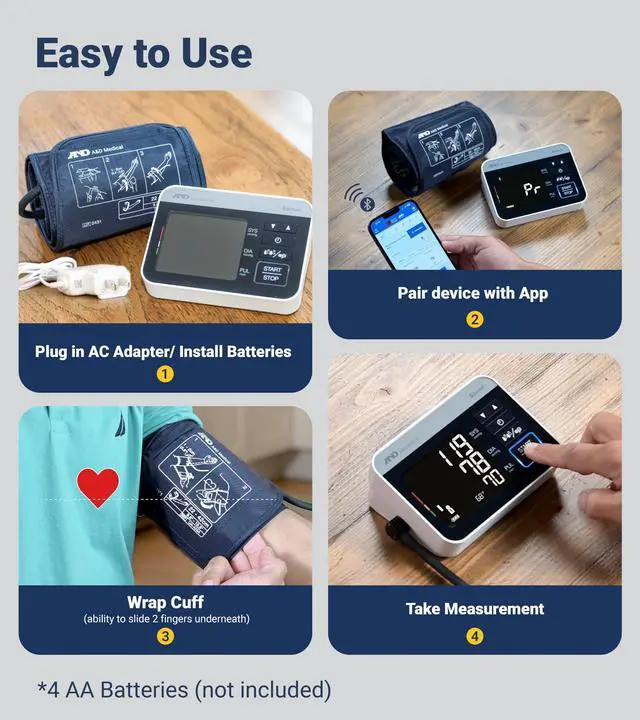
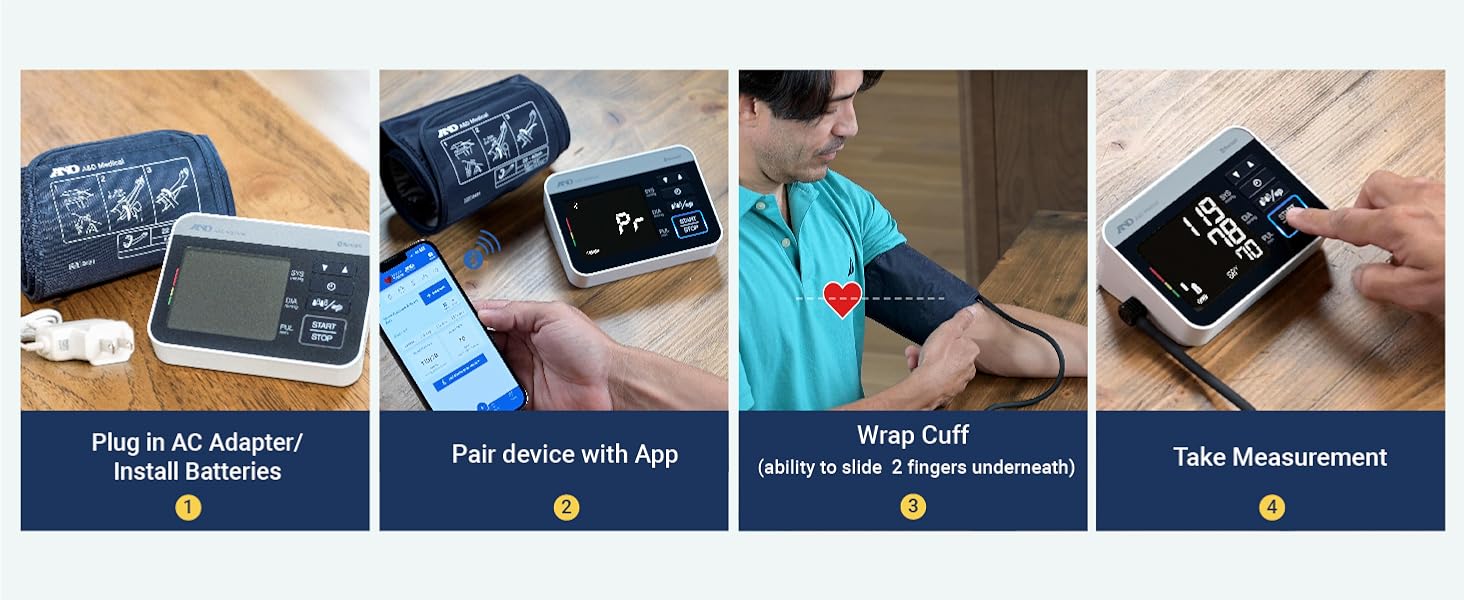
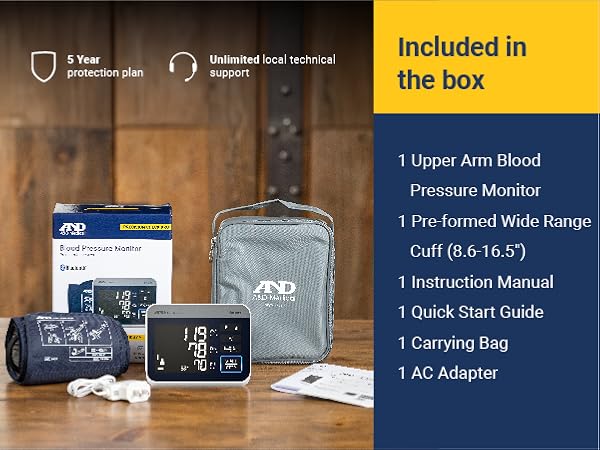
For Batteries: Ensure proper placement. If issues persist, replace the 4 AA batteries (not included). Still having trouble? Contact the manufacturer for help.
My monitor is displaying "E1, E2, E3, E, EE, E9, E10" or pairing failed. What should I do?
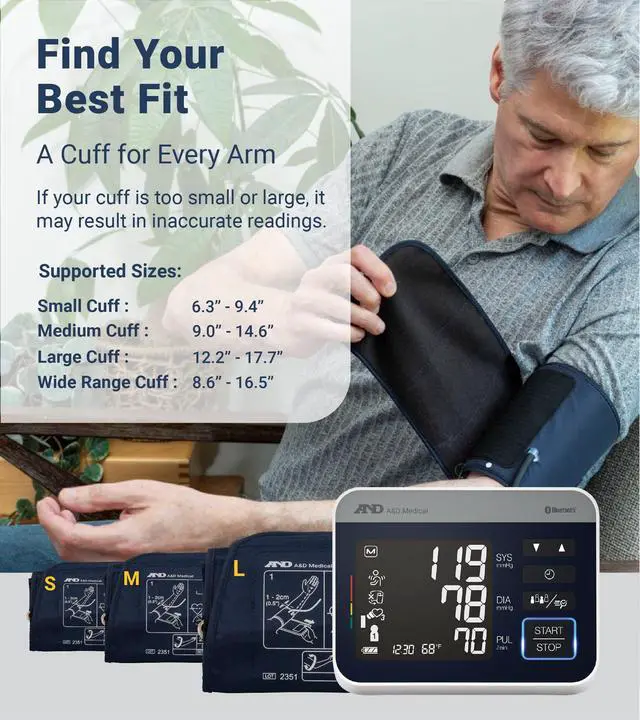
E1, E2, E3 & E: Enter Self Check Mode, reapply cuff and measure again
EE, E9 & E10: Remove the batteries, press the START/STOP button, re-insert batteries and try pairing again.
How do I select a different user?
While the monitor is off, press User icon until you locate your correct user 1,2,3,or 4.
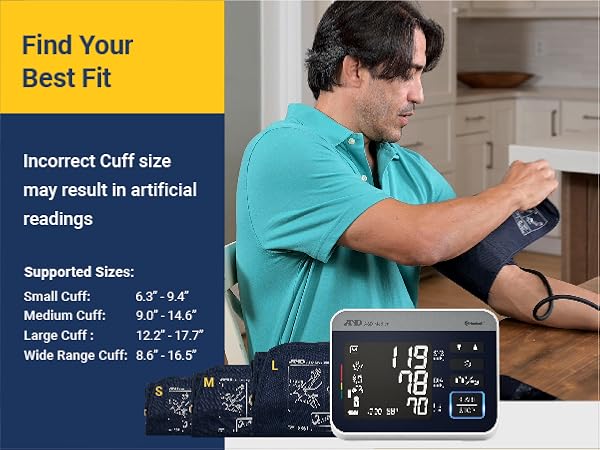
Why is my blood pressure measurement is higher than what is measured at the clinic or doctor's office?
Please reference the Tips for Taking Pressure.
Nothing is appearing on the display, even when the power is turned on. What should I do?
For AC Adapter: Check for damage. If damaged, contact the manufacturer.
For Batteries: Ensure proper placement. If issues persist, replace the 4 AA batteries (not included). Still having trouble? Contact the manufacturer for help.