





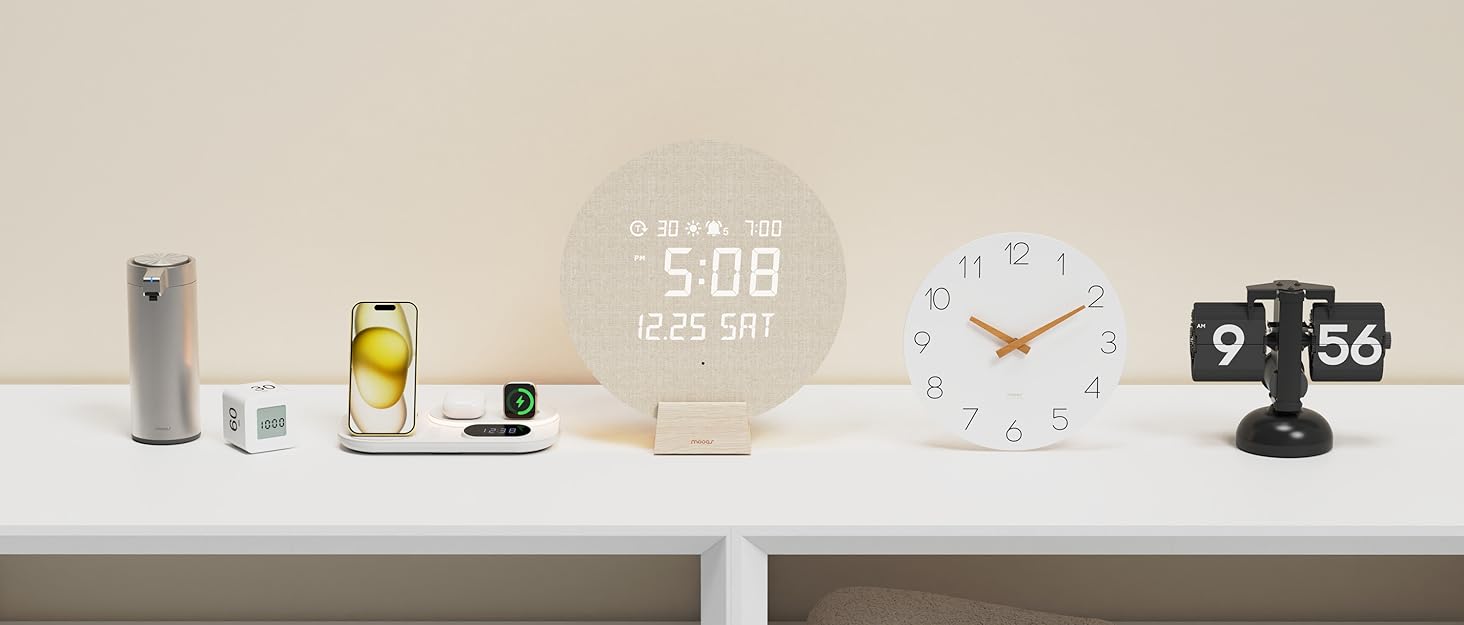

mooas, Smart & Simple Global Home Brand
Mooas creates modern, functional home essentials like clocks, timers, lighting, and soap dispensers. With 100+ domestic sales channels, we’re expanding globally on platforms like , Lazada, Shopee and more.
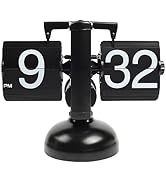
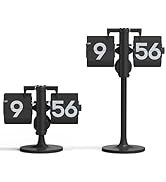
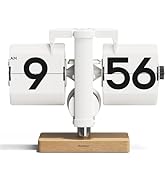
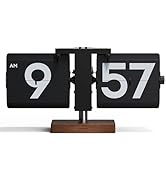
Retro Flip Clock
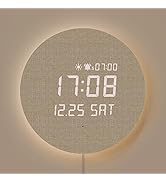
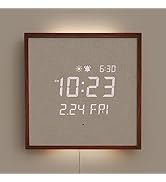
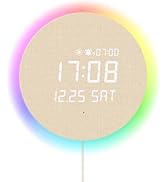
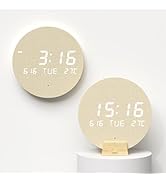
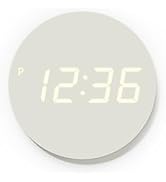
LED Digital Wall Clock
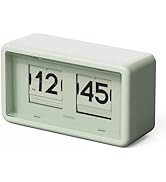
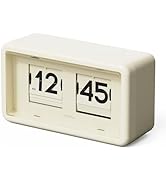
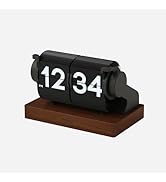
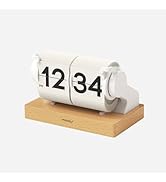
Automatic Flip Clock
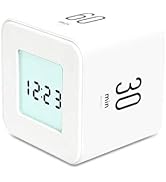
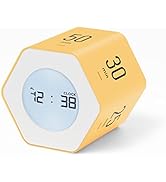
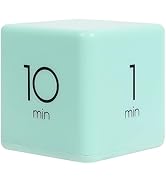
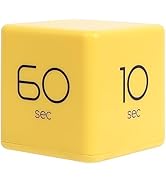
Timer Cube
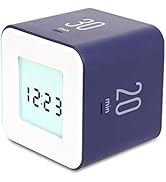
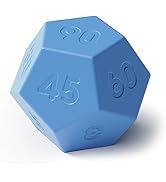
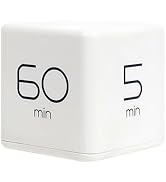
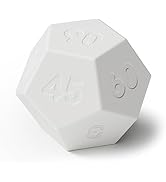
Cube Timer
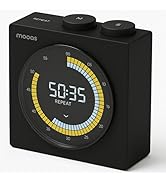
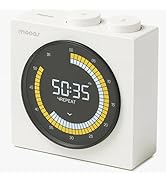
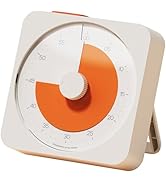
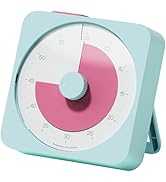
Visual Timer
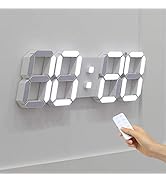
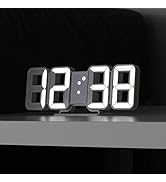
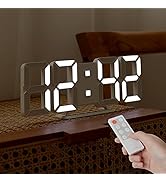
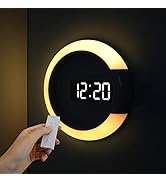
3D LED Wall Clock
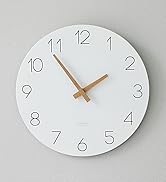
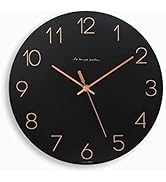
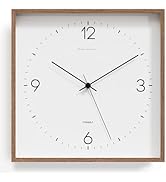
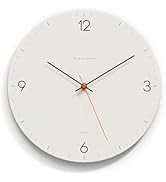
Flatwood Wall Clock
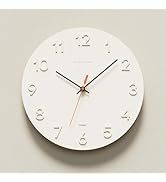
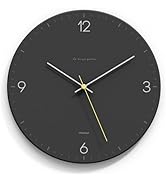
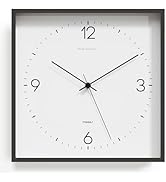
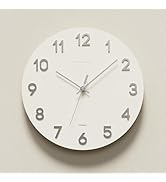
Flatwood Wall Clock
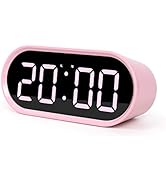
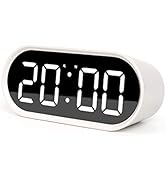
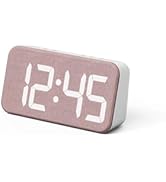
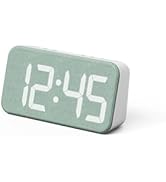
LED Desk Clock
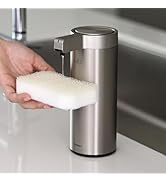
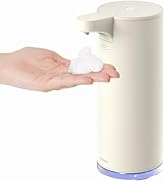
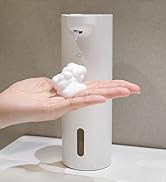
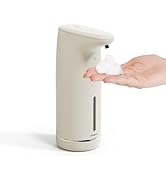
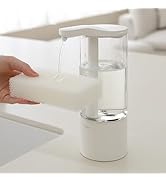
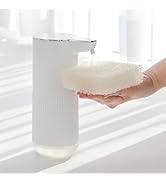
Automatic Soap Dispenser

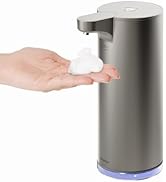
Other
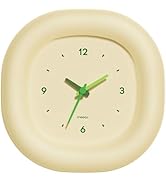
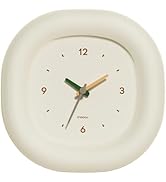
Clocks
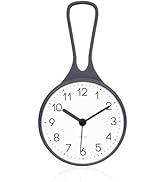
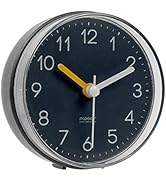
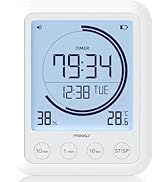
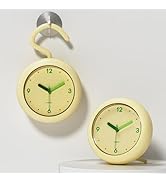
Barthroom Waterproof Clock
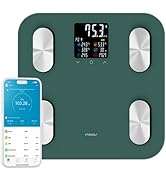
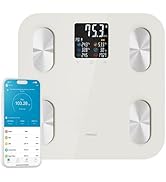
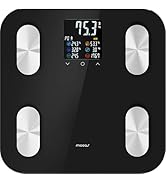
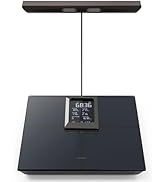
Smart LCD Bathroom Scale BMI
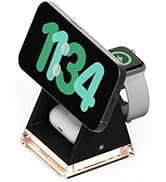
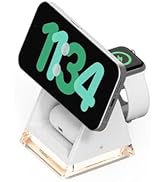
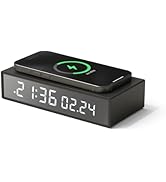
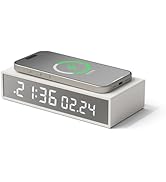
Smart Living
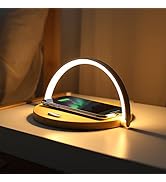
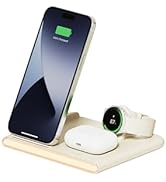
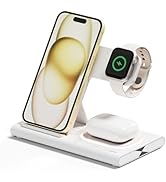
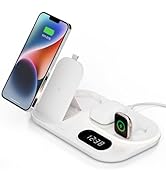
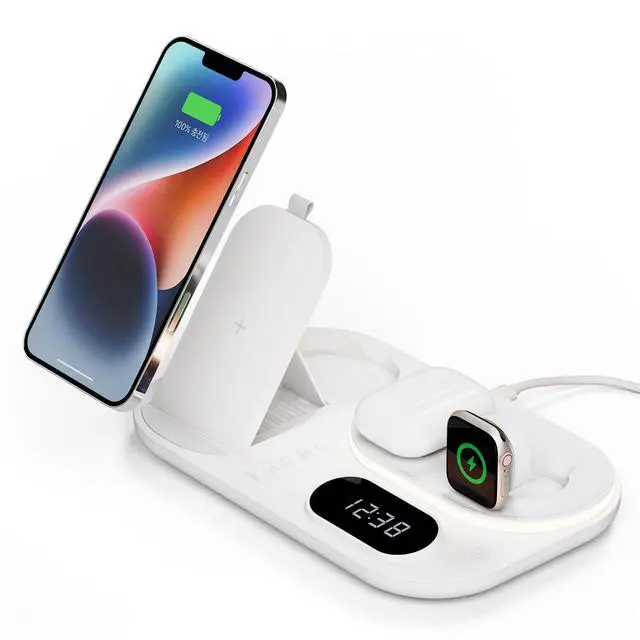
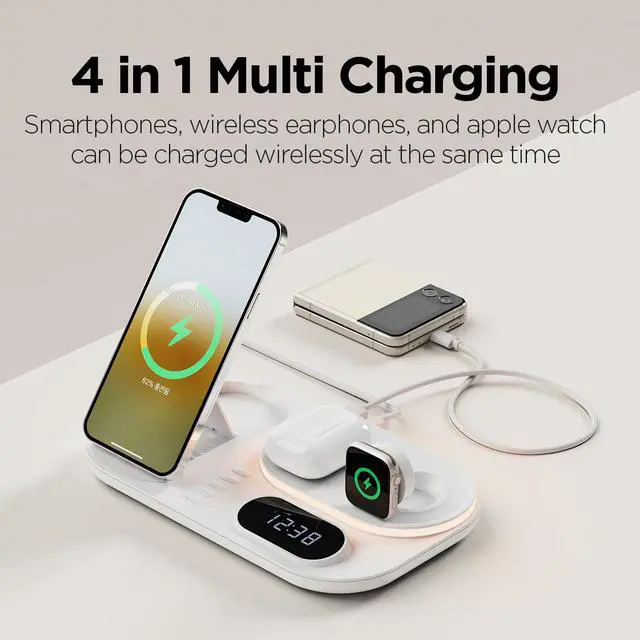
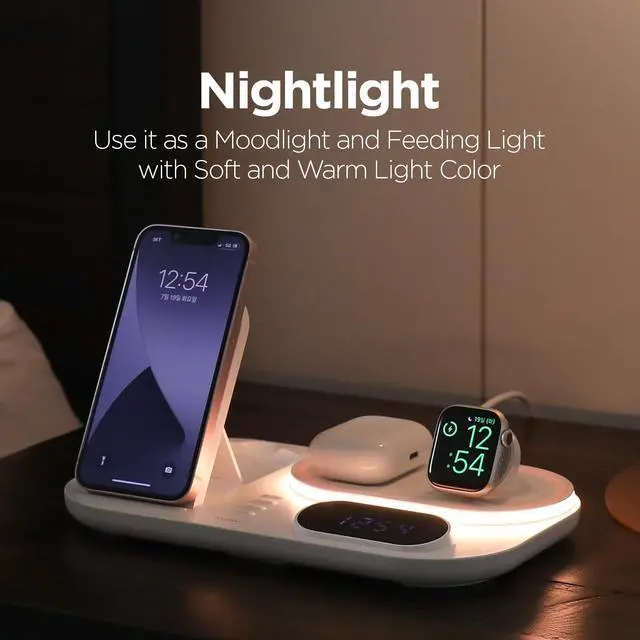
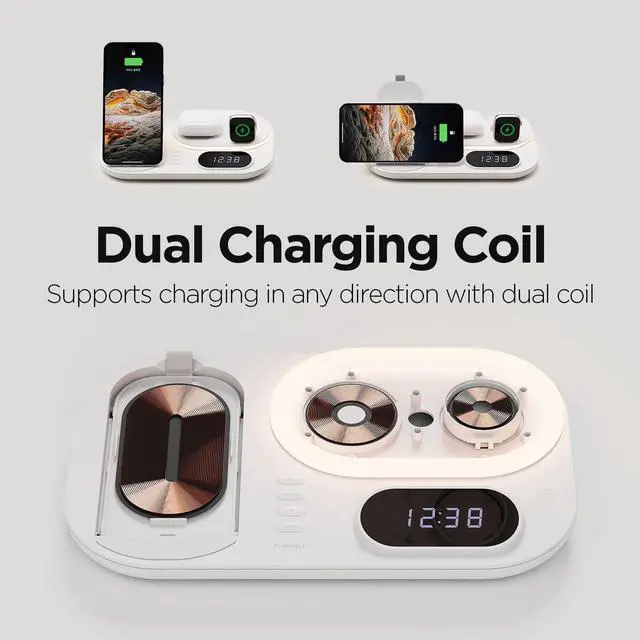
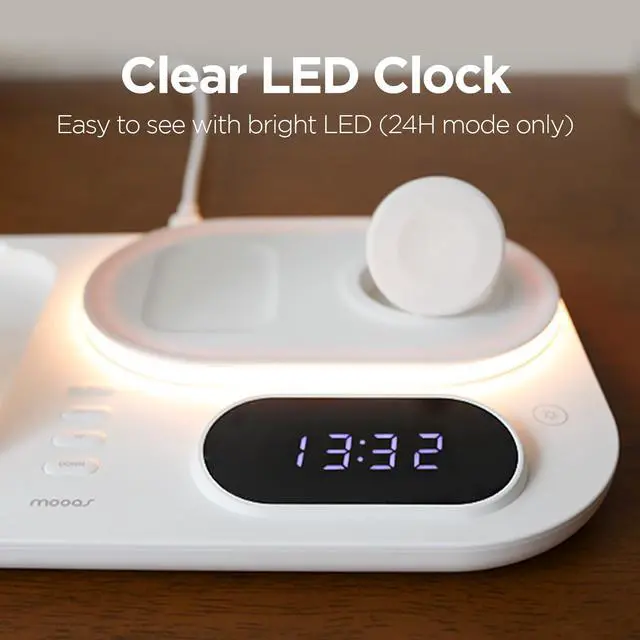
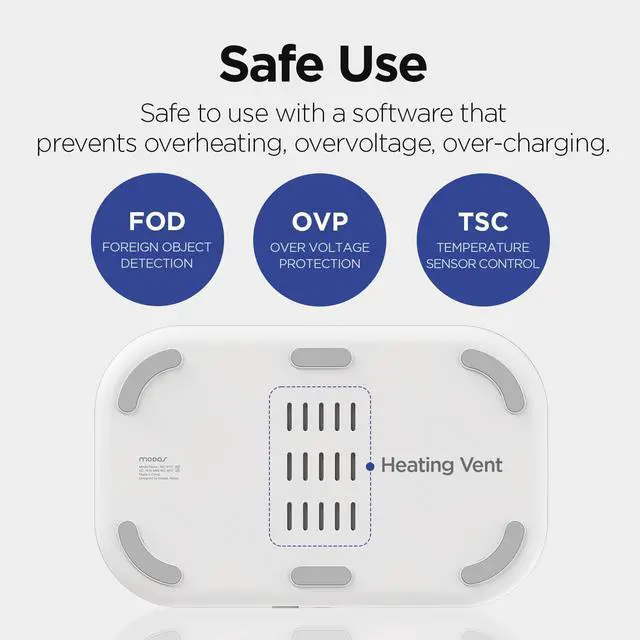
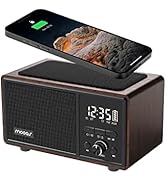
Wireless Charging Station



How to set time
Time setting
If you short press SET button at the center of the product,
time setting mode starts with “hour” part blinking.
The hour is displayed in 24:00 format.
How to set time
Hour/Minute switch
Press SWITCH button to switch
to “hour” or “minute”.
How to set time
Hour/Minute setting
Short press UP and DOWN button to increase
or decrease numbers. Press SET button
to confirm the setting.
How to set time
Time confirmed
If there is no operation for about 5 seconds
while setting, the setting is confirmed
and the display goes back to normal display.


mooas, Smart & Simple Global Home Brand
Mooas creates modern, functional home essentials like clocks, timers, lighting, and soap dispensers. With 100+ domestic sales channels, we’re expanding globally on platforms like , Lazada, Shopee and more.
Retro Flip Clock
LED Digital Wall Clock
Automatic Flip Clock
Timer Cube
Cube Timer
Visual Timer
3D LED Wall Clock
Flatwood Wall Clock
Flatwood Wall Clock
LED Desk Clock
Automatic Soap Dispenser
Other
Clocks
Barthroom Waterproof Clock
Smart LCD Bathroom Scale BMI
Smart Living
Wireless Charging Station