here!
I’m your shopping assistant for PC builds, upgrades, and everything tech.
Got questions? Ask away!
Start a conversation
here!
I’m your shopping assistant for PC builds, upgrades, and everything tech.
Got questions? Ask away!
Start a conversation



Any questions? Ask CelesteSM will help you find out quickly.
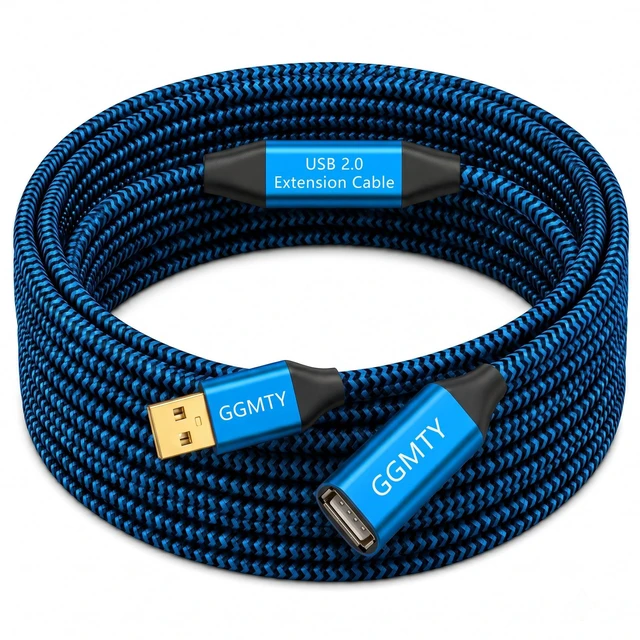
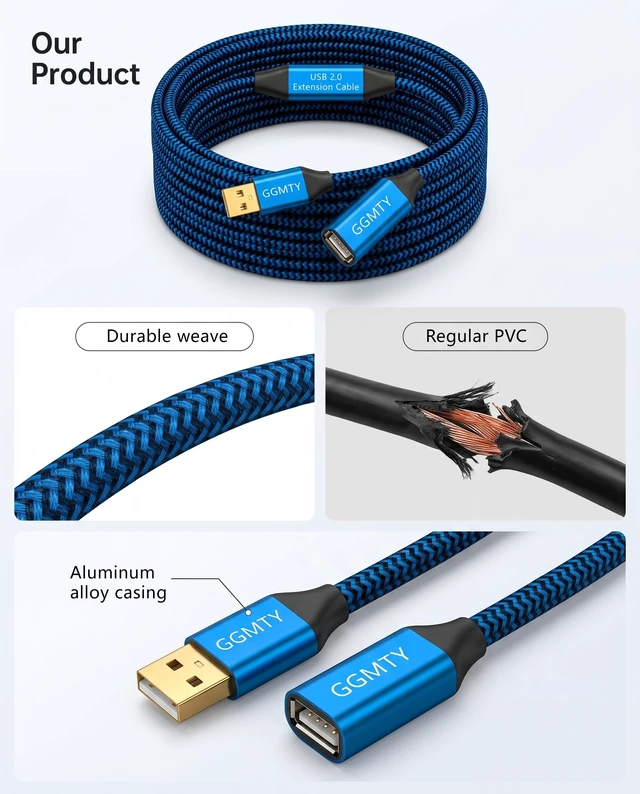
GGMTY USB 2.0 Active Extension Cable
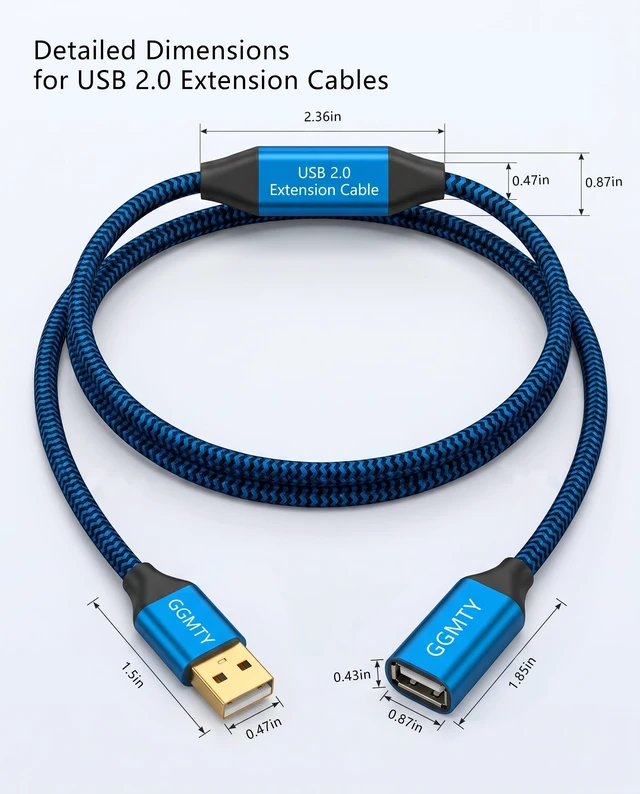
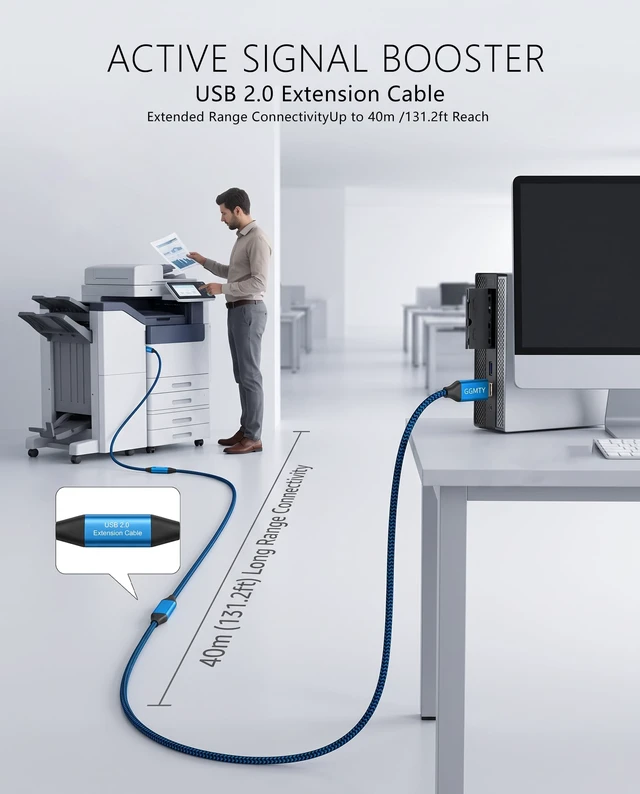
Extend one USB-A data connection by 50 feet between a computer and one compatible device. The braided cable supports USB 2.0 data transfer up to 480 Mbps.
Classroom lectern use
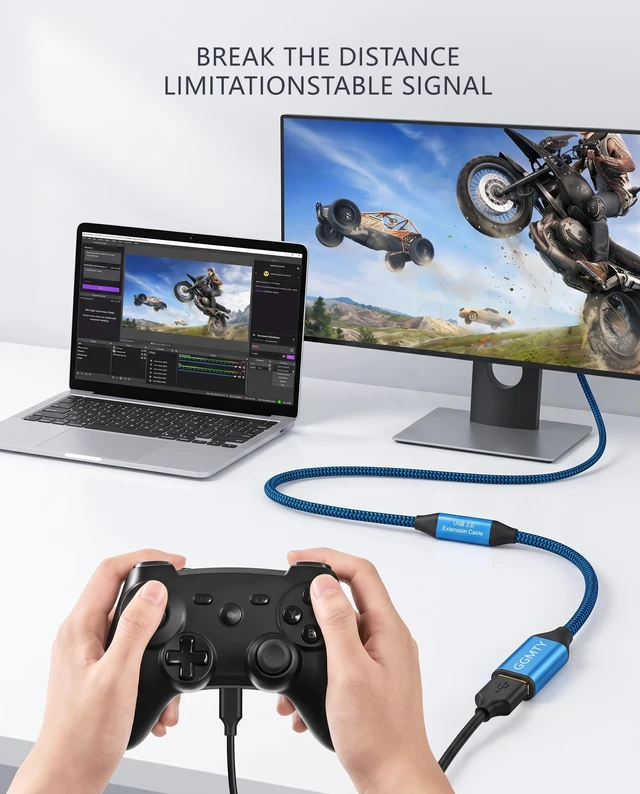
Reach from an instructor computer to a classroom lectern or nearby control desk for one low-current keyboard, mouse, flash drive or card reader.
Compatible computers and devices
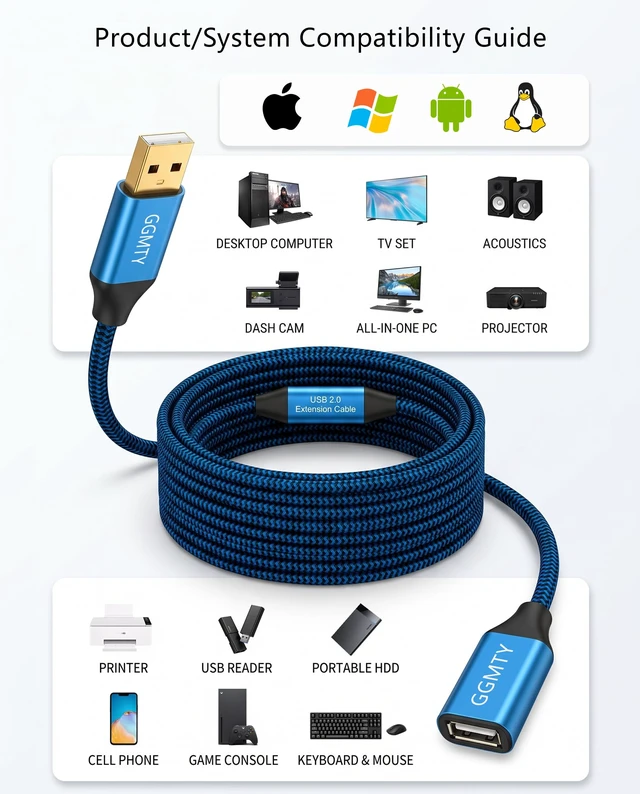
USB-A desktop or laptop computer running Windows, macOS, Linux or Chrome OS. Directly connect one compatible self-powered printer or scanner, or one low-current keyboard, mouse, flash drive or card reader. Device power and driver requirements still apply.
How to connect
1. Uncoil the cable and inspect both USB-A connectors.
2. Route the cable along furniture edges or through a cable tray, leave slack at the connectors and keep it clear of doors and walkways.
3. Insert the USB-A male plug directly into the computer.
4. Connect one compatible device directly to the USB-A female port and wait for detection.
5. Use one cable only. Never connect another extension cable or USB hub in series.
Shielded braided construction
Tinned-copper conductors with foil, braid and ground shielding help reduce EMI/RFI interference. The braided jacket resists pulling and abrasion, while gold-plated connector surfaces provide corrosion resistance.
Important limits
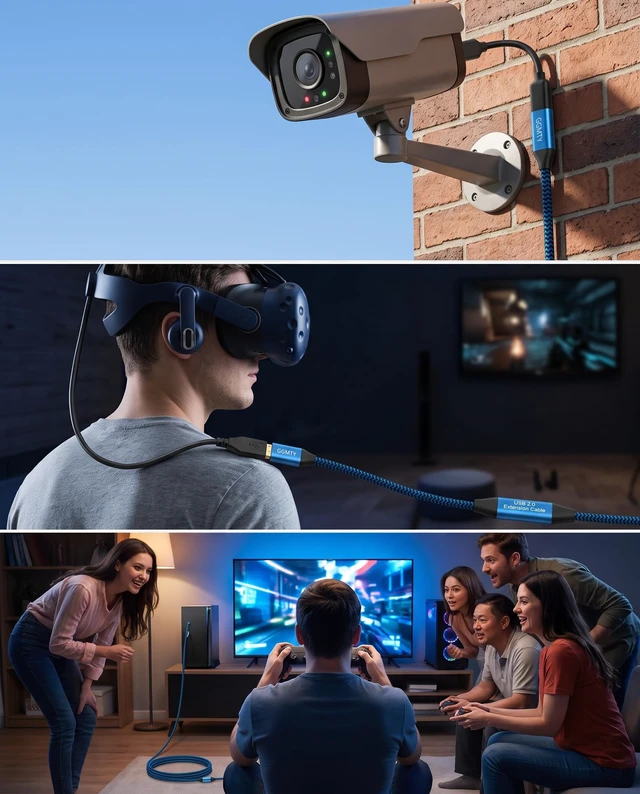
This cable transfers data and cannot charge devices. Do not use it with cameras, DVRs, bus-powered hard drives or equipment requiring more current than the computer USB port supplies. If a device is not detected, test it directly at the computer and confirm its power, operating-system and driver requirements.