




 here!
I’m your shopping assistant for PC builds, upgrades, and everything tech.
Got questions? Ask away!
Start a conversation
here!
I’m your shopping assistant for PC builds, upgrades, and everything tech.
Got questions? Ask away!
Start a conversation



Any questions? Ask CelesteSM will help you find out quickly.


Liven up your VRChat avatar and VTuber content with smooth, real-time face tracking.1,2
Track facial movements via 38 blend shapes across your lips, teeth, tongue, jaw, cheeks, and chin at 60 Hz. * Supports standalone and PC VR versions of VRChat and a variety of immersive experiences.2
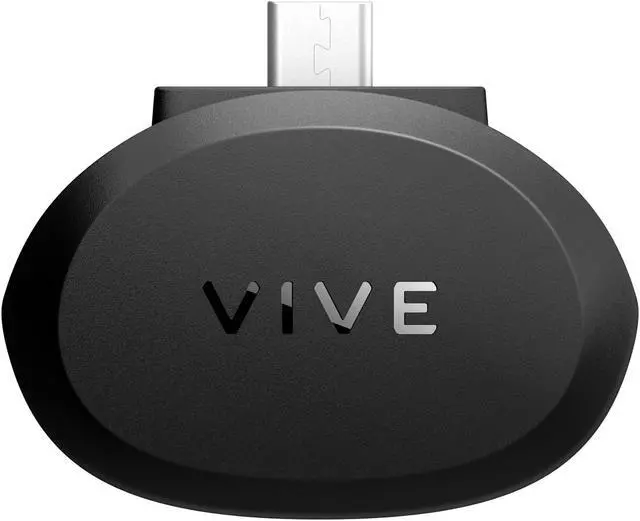
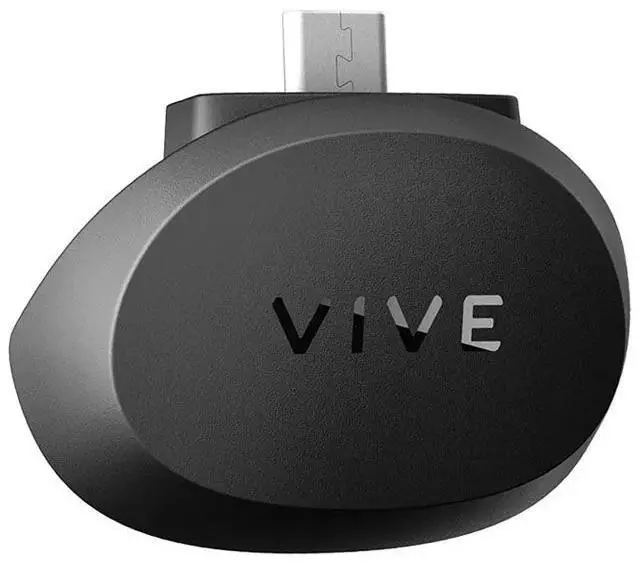
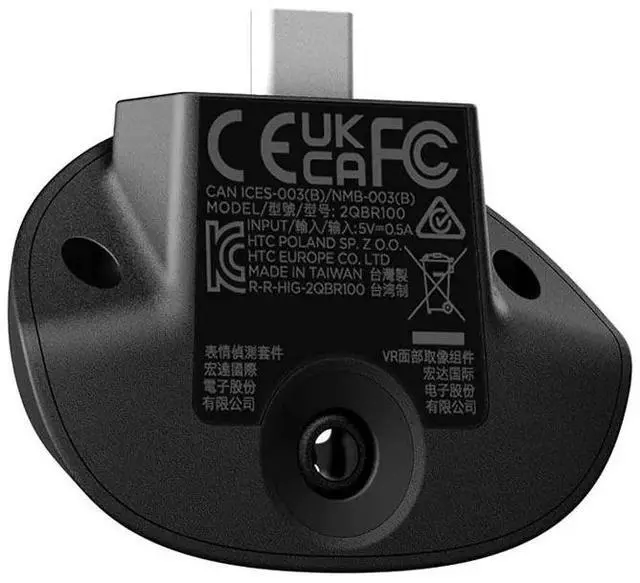
Mono tracking camera: Facial Tracker for VIVE Focus Series camera captures expressions through 38 blend shapes across the lips, jaw, cheeks, chin, teeth, and tongue.
60Hz tracking rate: Smooth tracking of facial expressions for lifelike interactions.
SDK support: Facial Tracker for VIVE Focus Series supports Unity, Unreal Game Engine, and Native support.
Optimized runtime: Explore the full potential of this next frontier of VR with an optimized runtime for facial tracking.
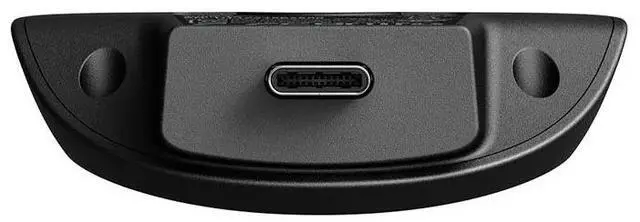
Quick connection: Seamlessly connect to the headsets built-in USB Type-C port. No additonal adaptors or cables needed.
| In-box items | Facial Tracker for VIVE Focus Series, Safety guide |
| Headset compatibility | VIVE Focus Vision and VIVE Focus 3 |
| Sensor | Mono camera at 60 Hz, Diagonal field of view 151° |
| SDK support | Unity, Unreal Engine, and Native support |
| Connectivity | USB Type-C |
| Weight | 11.6 g +/-1 g |
| All-in-one VR support | VIVE Wave SDK |
| PC VR support | OpenXR over VIVE Streaming |
1. Content compatibility required. Compatible content and devices sold separately. System requirements must be met.
2. VRChat avatars must support VRCFaceTracking to work with Facial Tracker for VIVE Focus Series.
We want to ensure your holiday shopping this year is hassle-free. That’s why we’re automatically extending our return policies on almost every product! For purchases placed between November 1st, 2026 and December 31, 2026 you will have until January 31, 2027 to return your product.
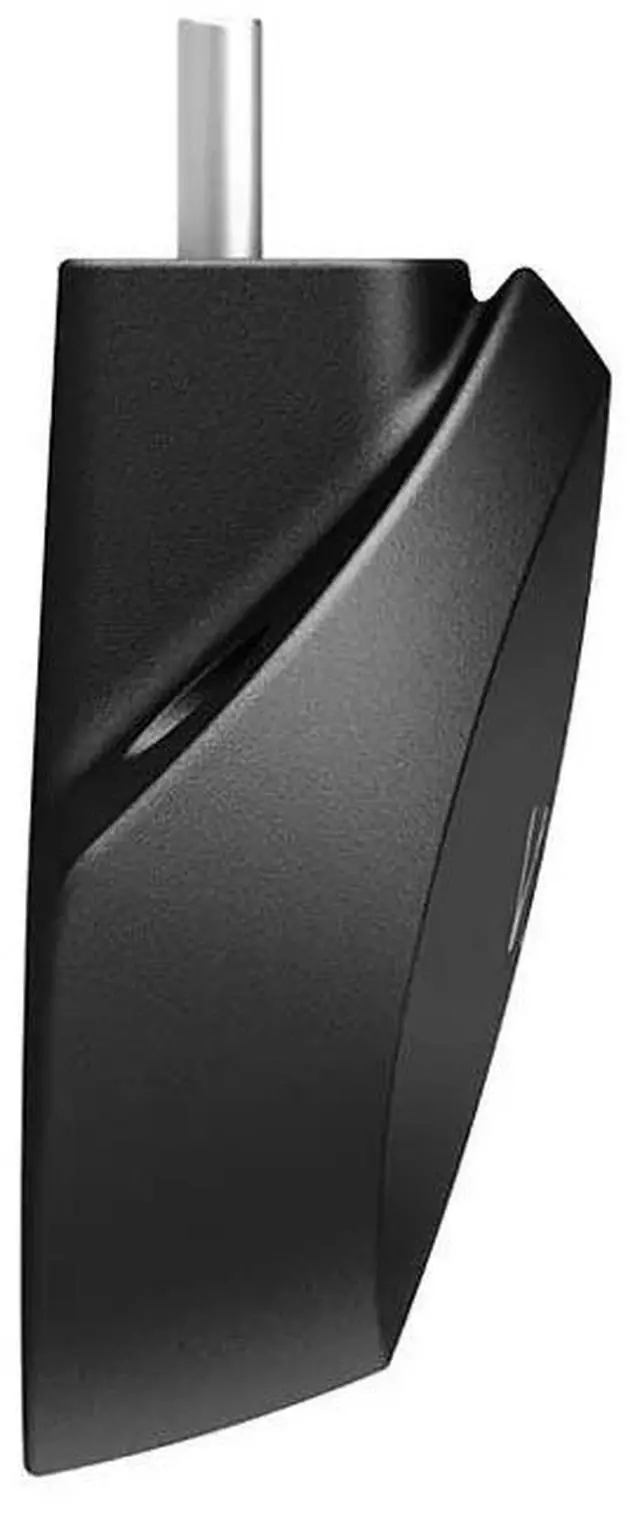
The HTC VIVE Focus 3 Facial Tracker is a USB-C accessory for VIVE Focus series headsets that captures facial expressions and mouth movement at 60 Hz, making it suitable for VR developers and creators building expressive, lip-synced experiences with supported SDKs.
| Attribute | Value |
|---|---|
| Best For | Facial-expression tracking as an accessory for HTC VIVE Focus-series standalone VR use |
| Tracking And Sensors | Camera-based tracking with camera, accelerometer, and gyroscope sensors; 60 Hz tracking rate |
| Connectivity | USB connectivity |
| Color | Black |
| Model Identifiers | HTC VIVE Focus Series Facial Tracker, model 99HATH003-00 |
Q: Does the VIVE Focus 3 Facial Tracker work with Focus Vision, or do I need a different tracker?
A: The same Facial Tracker for VIVE Focus Series works with both VIVE Focus 3 and VIVE Focus Vision. Choose based on the headset you own; the tracker itself provides 38 facial blend shapes at 60 Hz on either supported headset. Compatible apps or avatars are still required.
Q: VIVE Focus 3 Facial Tracker vs. the original VIVE Facial Tracker: which one fits my headset?
A: Choose the Focus Series tracker for VIVE Focus 3 or Focus Vision. The original VIVE Facial Tracker is for the VIVE Pro and VIVE Pro Eye series. They are different accessories for different headset families, so choose by headset compatibility rather than assuming they are interchangeable.
Q: Should I buy the Focus 3 Facial Tracker or the Focus 3 Eye Tracker?
A: They track different things: the Facial Tracker captures mouth and lower-face expressions, while the Eye Tracker captures gaze and eye movements. Choose the Facial Tracker for expressive avatar mouth movement; choose the Eye Tracker for gaze-related features. For both types of tracking on Focus 3, VIVE says both accessories must be installed, and supported content is required.
Q: Is the VIVE Focus 3 Facial Tracker worth adding if I mainly use VRChat?
A: It is a useful add-on if you want your avatar to reflect facial movements and your VRChat avatar supports VRCFaceTracking. Without the tracker, you do not get facial-expression input from this accessory; with it, the headset can provide supported facial-tracking data. Check app, avatar, and setup compatibility before buying.
Q: Which VR headsets is the VIVE Focus 3 Facial Tracker compatible with?
A: It is compatible with the VIVE Focus 3 and VIVE Focus Vision. It is not listed as compatible with other headset models, so check exact model support before buying.
Q: Does the facial tracker work with VRChat or PC VR?
A: It can work with supported VRChat and PC VR content, but compatibility depends on the software and avatar. VRChat avatars must support VRCFaceTracking; PC VR apps must support a compatible facial-tracking API or SDK.
Q: Do I need an adapter or extra cable to connect it?
A: No separate adapter is needed. The tracker connects to a compatible headset through its built-in USB-C port. Supported software or content is still required to use the tracking data.
Q: Does it track eye movements as well as facial expressions?
A: No. This accessory tracks facial expressions across the lips, jaw, cheeks, chin, teeth, and tongue; eye tracking is not listed as one of its functions.
Q: Will the VIVE Focus 3 Facial Tracker work with a Quest 3, Valve Index, or another non-Focus headset?
A: It is designed to connect to a VIVE Focus headset, not to work as a general USB facial tracker. Reddit discussions report that it does not provide facial-tracking data on Quest 3 or Valve Index; choose a tracker made for your headset instead.
Q: Can I use the tracker with a PC or VRChat without a VIVE Focus headset?
A: No. The tracker connects to a VIVE Focus headset, which handles its processing; it is not a standalone PC accessory. For VRChat, you will need a compatible headset and software setup that can use the tracking data.
Q: Is this tracker only for VR avatars, or can it be used in professional applications?
A: It can support applications that use facial-expression tracking, not just avatars. HTC describes uses such as training simulations, language learning, and market research; the product information also lists Unity, Unreal Engine, and certain native SDK support. Suitability depends on whether the target software integrates with the tracker.


