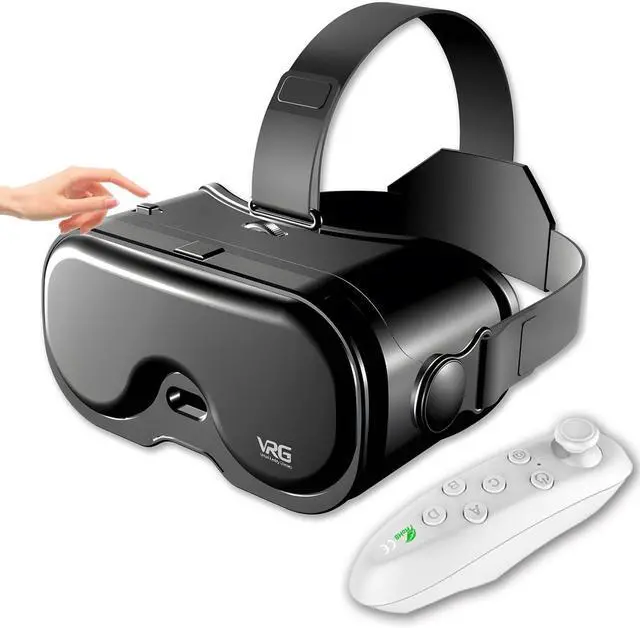
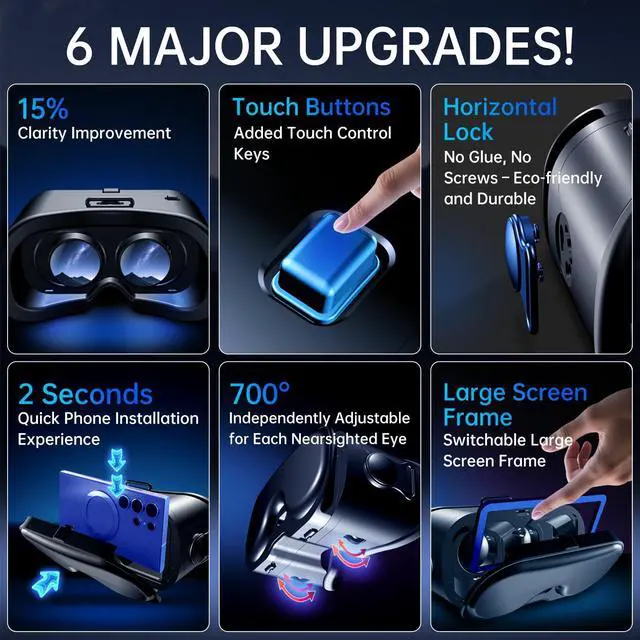
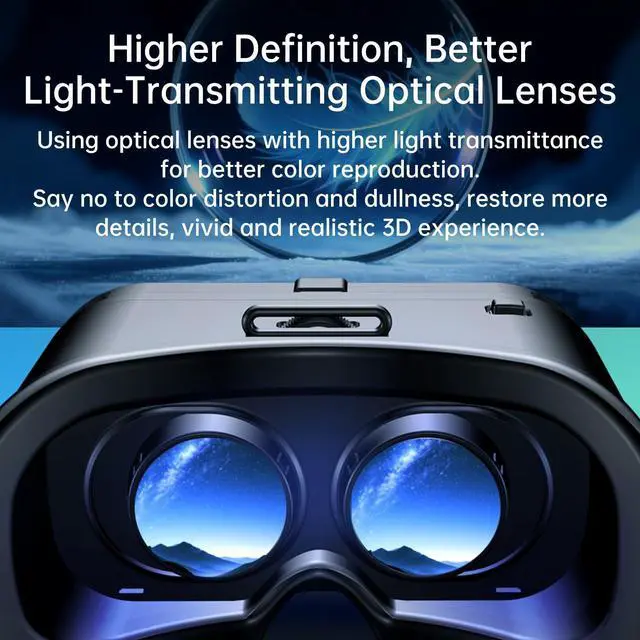
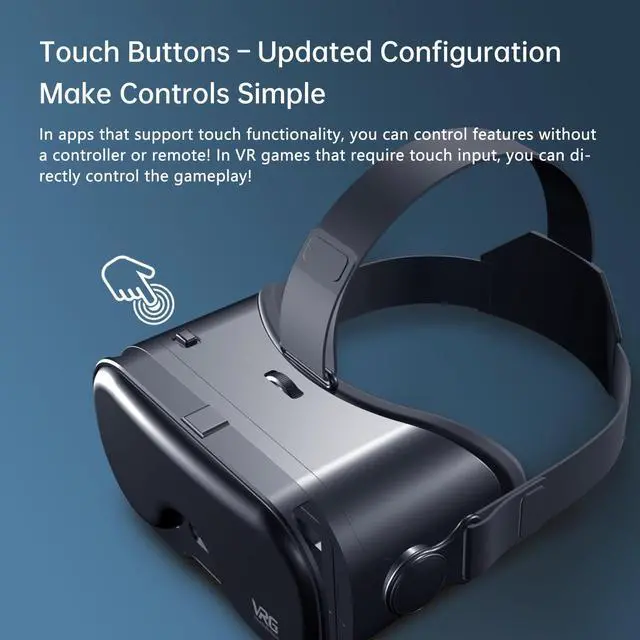
Anti-blue light, comfortable to wear: VR Headsets Easy to set up and easy to use, just open a game or video that supports VR in your mobile phone, and then put your mobile phone into the 3D glasses headset to start your VR journey. Vr goggles adjust interpupillary and object distance to suit different vision, so you can adjust and enjoy clear images. Before putting in the phone, please remove the phone case, increase the video brightness, and then cancel the "Auto Brightness Adjustment"
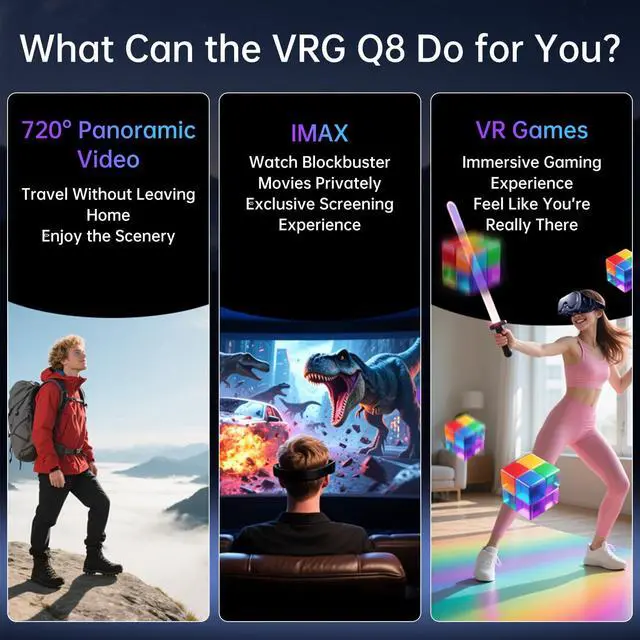
Multiple Apps & Newly Upgraded 3D Technology: Find games or movie apps for VR in the app store, or watch movies, animations, panoramic concerts, VR games, etc. directly on Youtube. Image quality depends on the resolution of the phone and the quality of the video. With HD optimization and 3D gaming support, you'll get into gaming, movies, and more!
Compatible with All Smartphones: VR glasses are suitable for most non-curved smartphones with screen size of 5~7.0 inches
About the handle: Both lOS and Android users can use the handle (the lOS system needs to open a touch function), the handle is only suitable for some small games (simple forward, jump, remote sensing control direction), and can also be used as a Bluetooth mouse. If you don't understand, please contact us in time and we will answer you
+
+
Overview
Specs
Reviews
Any questions? Our AI beta will help you find out quickly.
Try me now
VR Headset for Phone with Controller, Adjustable 3D Glasses Compatible 5~7 inch, Anti-Blue Eyes Protected HD Lenses, for Mobile Games & Movies
Learn more about the Detailed Specifications
General
Brand
PUSABIYOU
Color
Black
Type
PUSABIYOU
Specification
Display Resolution
1920_x_1080 pixels
Connection
Bluetooth
Dimensions
13.0 in x 19.6 in x 11.2 in
Weight
0.44 kilograms
Compatibility
Smartphone
Feature
Feature
HD Optimization, 3D Gaming Support, Anti-Blue Light Protection, Adjustable Headband
Additional Information
First Listed on Newegg
April 13, 2026
There are no reviews yet.
Do you own this product?
Warranty & Returns
Warranty, Returns, And Additional Information
Warranty
Please contact the Seller directly for warranty information. Warranty information may also be found on the Manufacturer's website.