



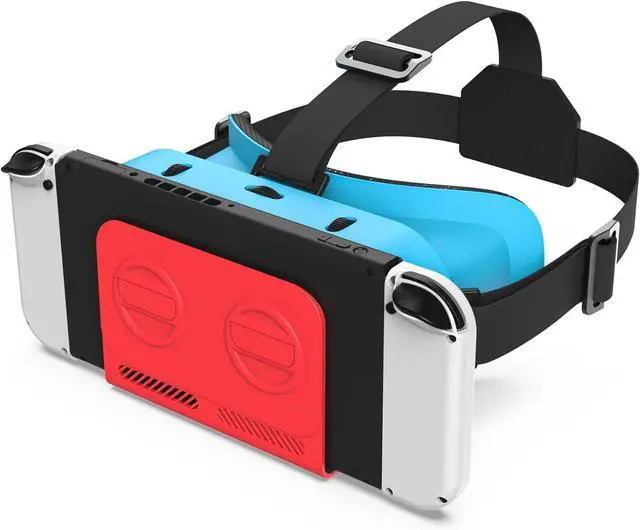


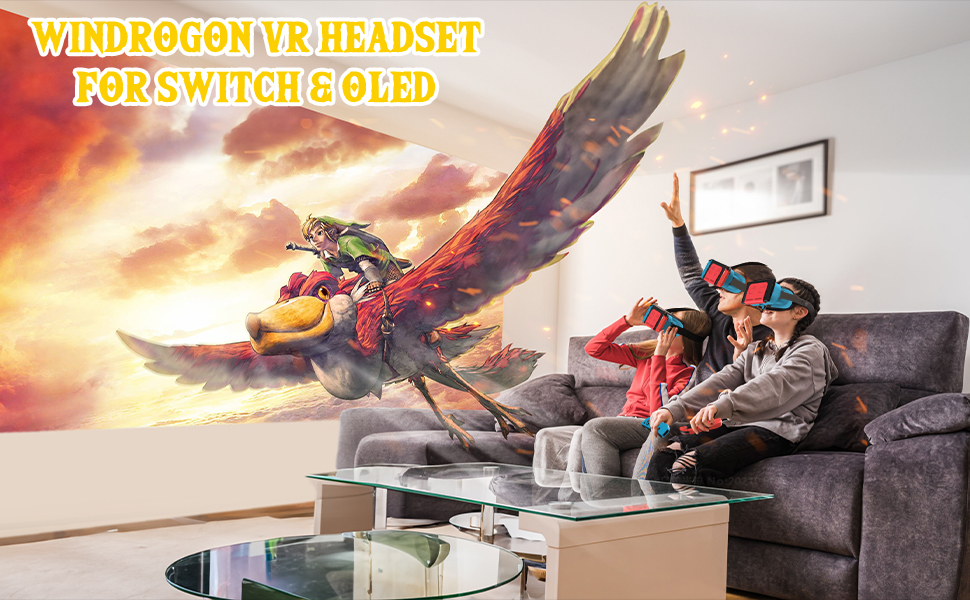
This is a newly developed upgraded model of VR headset designed for Nintendo Switch & Switch OLED
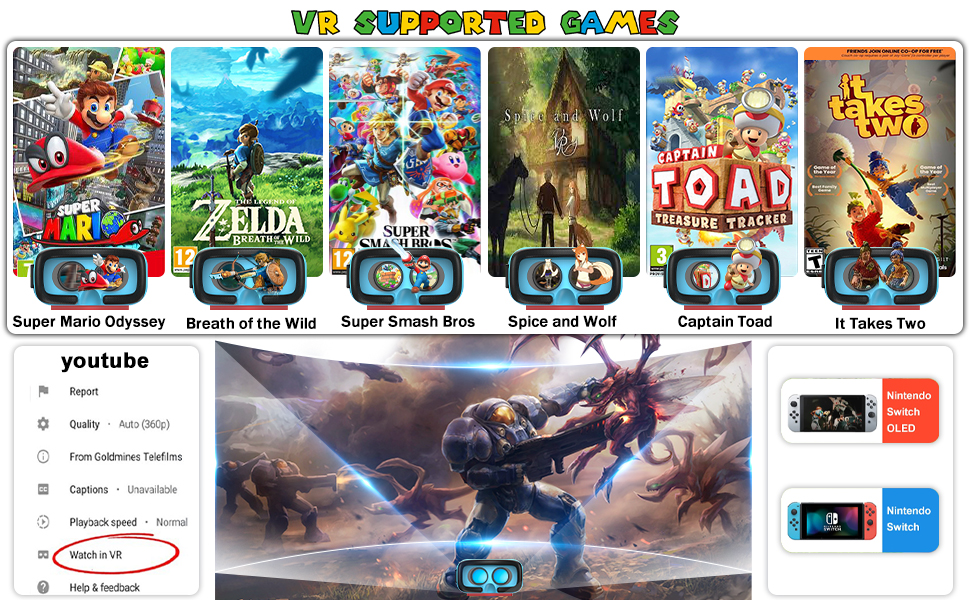
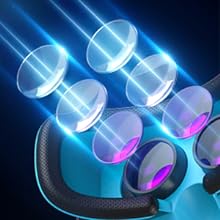
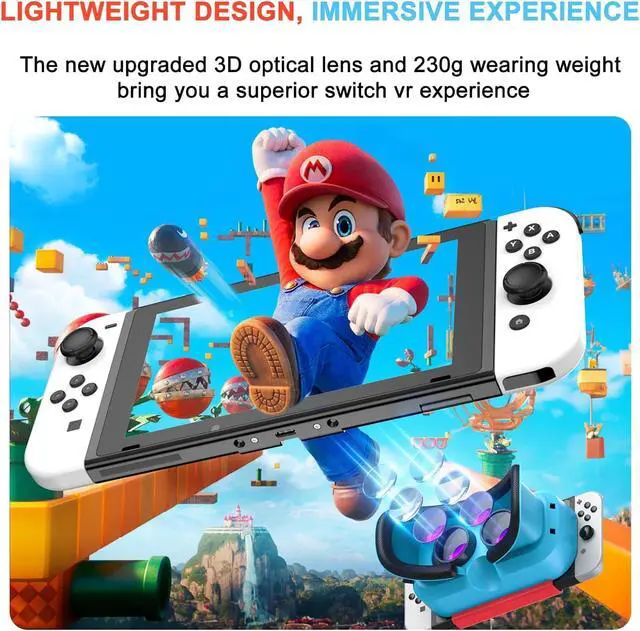
The latest 3D aspheric optical lens has superb picture reproduction ability, bringing you an immersive experience.
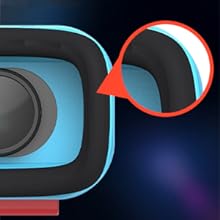
The soft and breathable sponge plus silk fabric combination fits the face while effectively preventing sweating.
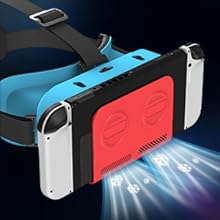
The newly designed half-pack structure greatly enhances the heat dissipation capability while maintaining the stability of the product.
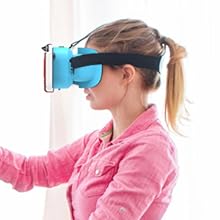
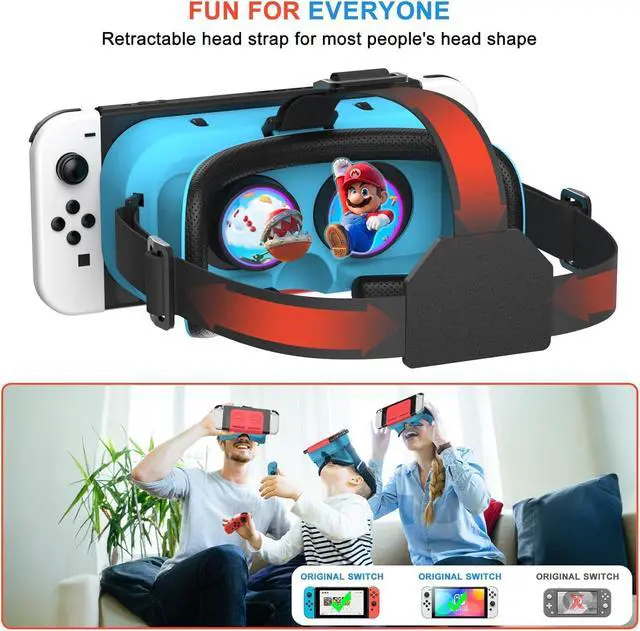
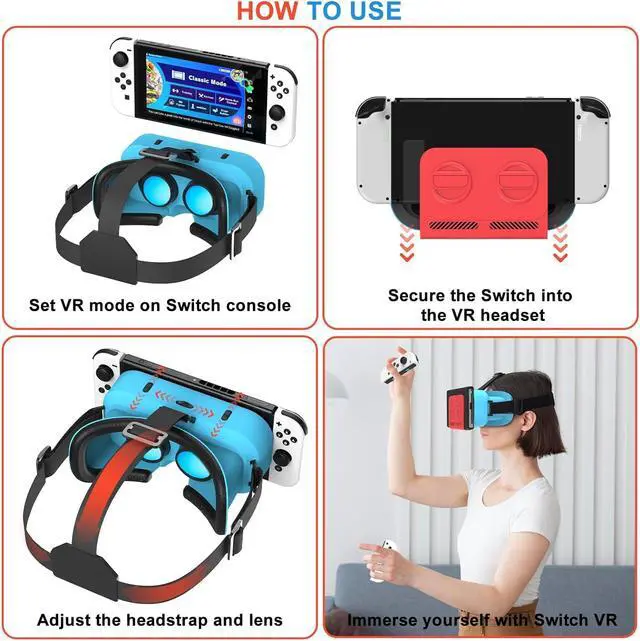
Adjust the length of the headgear with three snaps to fit your head shape, and when everything is ready, pick up your joy-cons and start your VR experience!
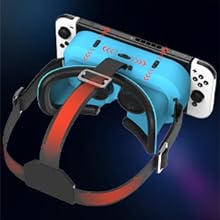
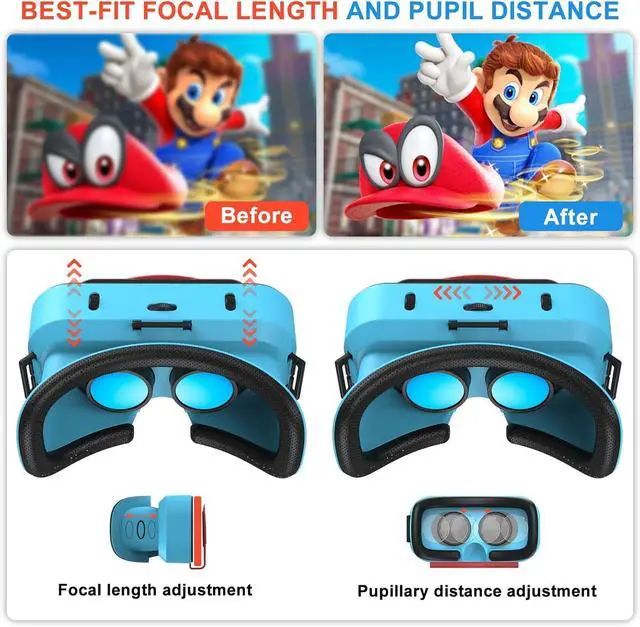
Sit down and put on the VR goggles, roll the vertical pulley to adjust the front and back position of the lens, and roll the horizontal pulley to adjust the distance between the left and right of the lens until you get a sharpest picture.
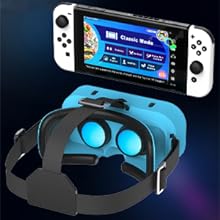
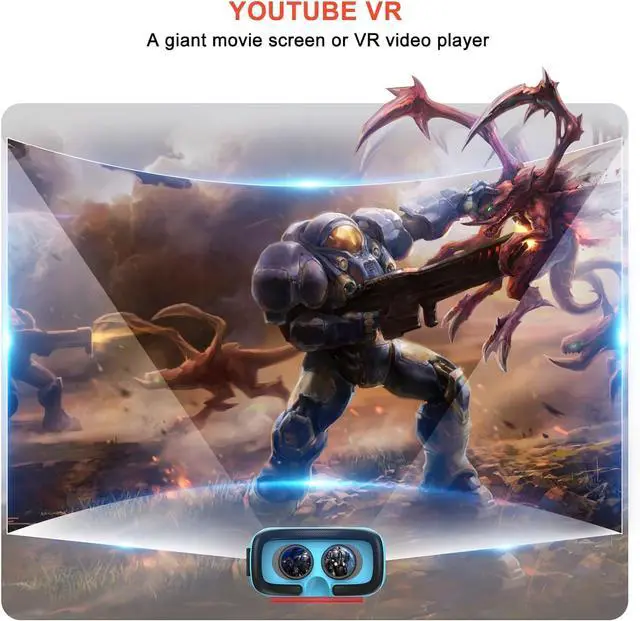
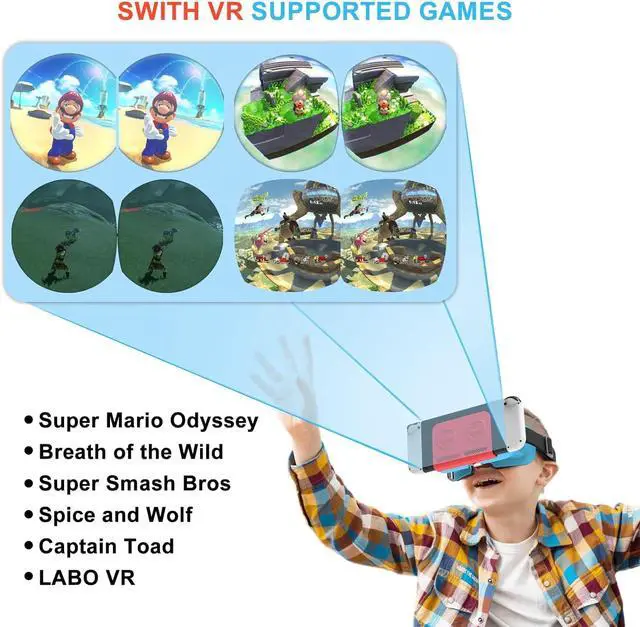
In your Switch console, select a VR supported game and then turn on 'VR mode' or 'Toy-Con VR Goggles' in the settings, at which point your screen will turn into two identical screens on the left and right.
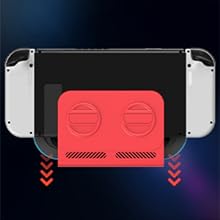
Remove the Joy-Cons, then align the center line of the screen with the center line of the product and push it vertically into the bottom of the concave.
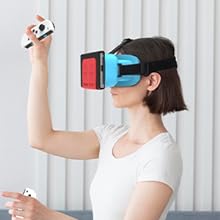
The super stretchy straps and three retractable snaps allows for a stable and comfortable fit for most people.
This is a newly developed upgraded model of VR headset designed for Nintendo Switch & Switch OLED
The latest 3D aspheric optical lens has superb picture reproduction ability, bringing you an immersive experience.
The soft and breathable sponge plus silk fabric combination fits the face while effectively preventing sweating.
The newly designed half-pack structure greatly enhances the heat dissipation capability while maintaining the stability of the product.
Adjust the length of the headgear with three snaps to fit your head shape, and when everything is ready, pick up your joy-cons and start your VR experience!
Sit down and put on the VR goggles, roll the vertical pulley to adjust the front and back position of the lens, and roll the horizontal pulley to adjust the distance between the left and right of the lens until you get a sharpest picture.
In your Switch console, select a VR supported game and then turn on 'VR mode' or 'Toy-Con VR Goggles' in the settings, at which point your screen will turn into two identical screens on the left and right.
Remove the Joy-Cons, then align the center line of the screen with the center line of the product and push it vertically into the bottom of the concave.
The super stretchy straps and three retractable snaps allows for a stable and comfortable fit for most people.