




 here!
here!
I’m your shopping assistant for PC builds, upgrades, and everything tech.
Got questions? Ask away!
Start a conversation
here!
I’m your shopping assistant for PC builds, upgrades, and everything tech.
Got questions? Ask away!
Start a conversation



Any questions? Ask CelesteSM will help you find out quickly.


What if it doesn't fit when I receive it?
You can tell us directly through , we will definitely give you a satisfactory solution!
The facial interface is difficult to install, what do I need to do?
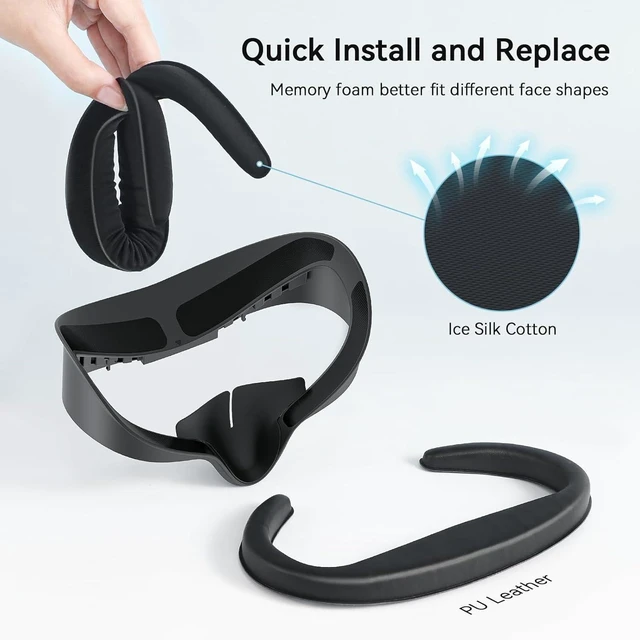
First press the top of the face pad, then push in the bottom half (nose pad part)
. ( installation video show more details)The removal is also done by removing the top half first, before the bottom part.
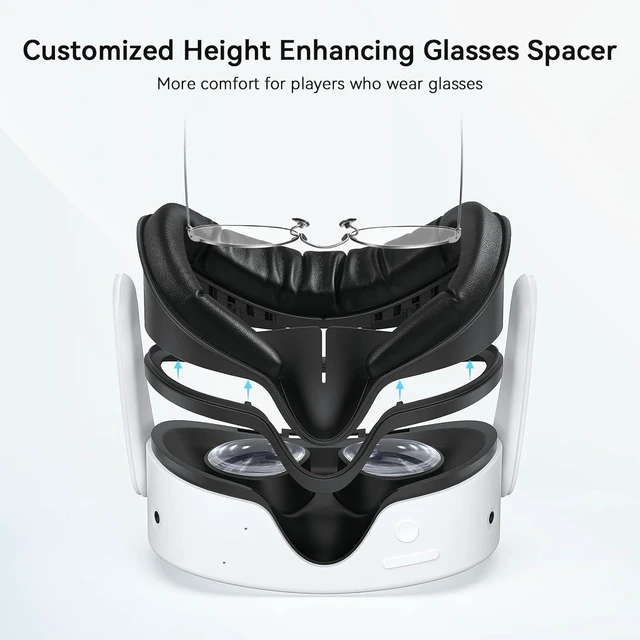
I use glasses, how can I expand the space?
Adjust the cushions towards the sides of the facial interface.It can increase 2cm.


When installing the facial interface, please press the top first and then the bottom (nose pad part).
When removing the facial interface, also remove the top part first, then the lower part (nose pad part).
What if it doesn't fit when I receive it?
You can tell us directly through , we will definitely give you a satisfactory solution!
The facial interface is difficult to install, what do I need to do?
First press the top of the face pad, then push in the bottom half (nose pad part)
. ( installation video show more details)The removal is also done by removing the top half first, before the bottom part.
I use glasses, how can I expand the space?
Adjust the cushions towards the sides of the facial interface.It can increase 2cm.
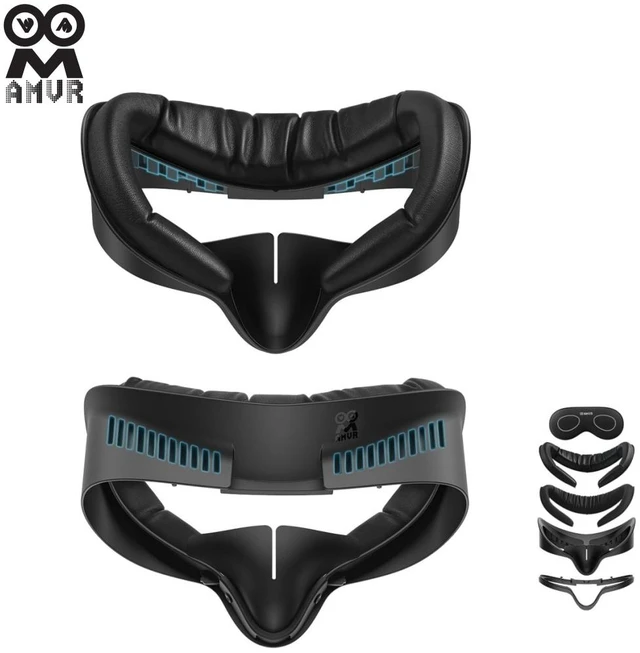
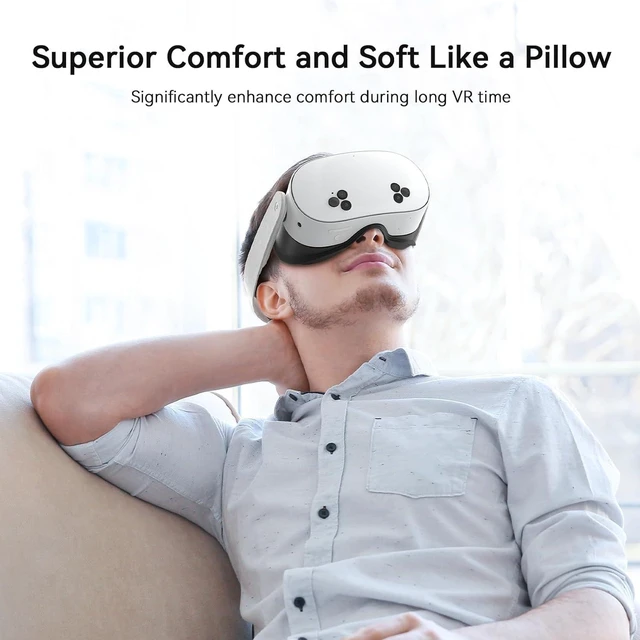
Special Feature :Fit glasses (glasses length 4.96" , width of glasses 1.73"), Not fit q 3,only fit q3s, Removable nose guard, Superior comfort, soft like a pillow and very breathable, Washable
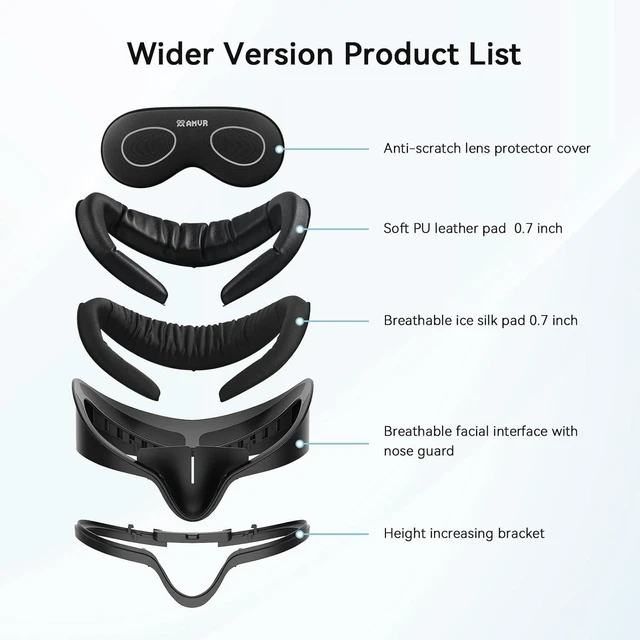
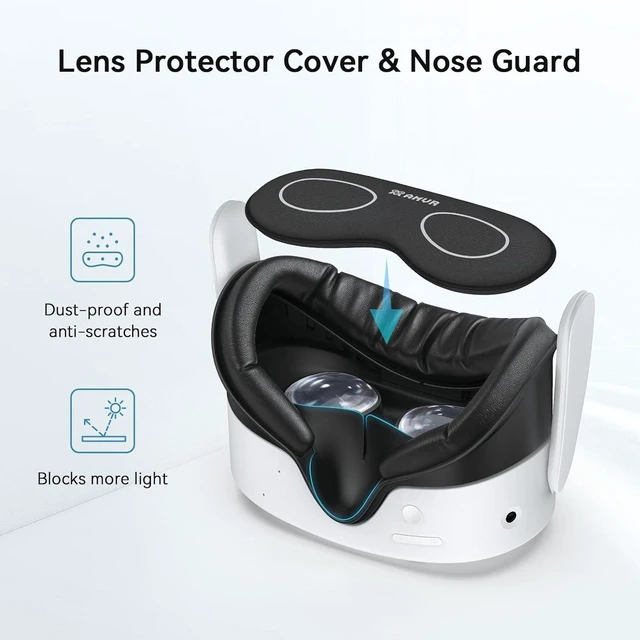
Included Components :Breathable Ice Silk Cotton 0.7 inch*1(Extra surprises, new experiences), Facial Interface with Soft PU Leather Pad 0.7 inch*1, Height Increasing Bracket*1, Silicone Light-Blocking Nose Guard*1, VR Lens Protector Cover*1
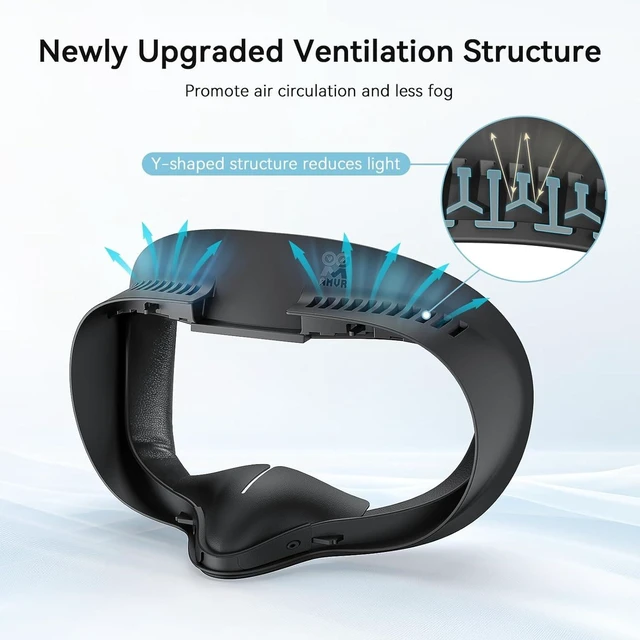
Item Highlight :Memory foam dual pads, PU leather & ice silk, glassesfriendly depth adjust, Yshaped antifog, 12month warranty


