• $19.99
  • Free 30-day Returns
  • Ships from China.
    Price alert
    Shop it at NeweggBusiness.

    Meet Your Seller

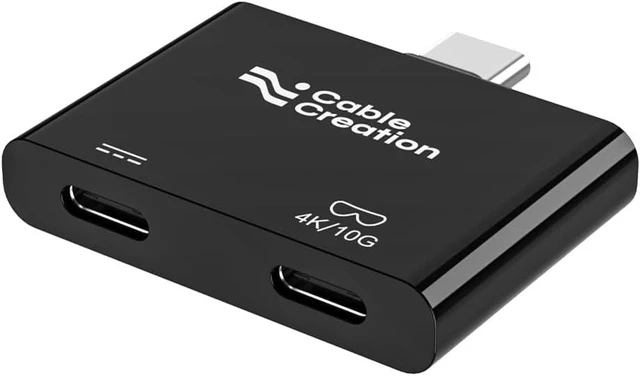
    USB C to AR Glasses with Charging Adapter,4K@60Hz/1080P@120Hz Charge and Play, 100W Fast Charging Compatible with Steam Deck/ROG Ally/Phone15/16/Viture/Rokid/Xreal AR Glasses

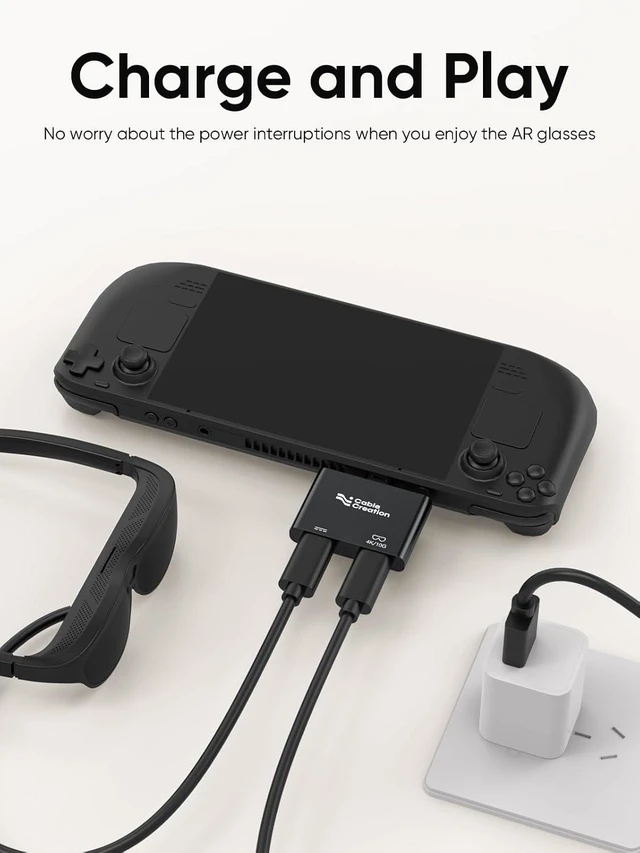
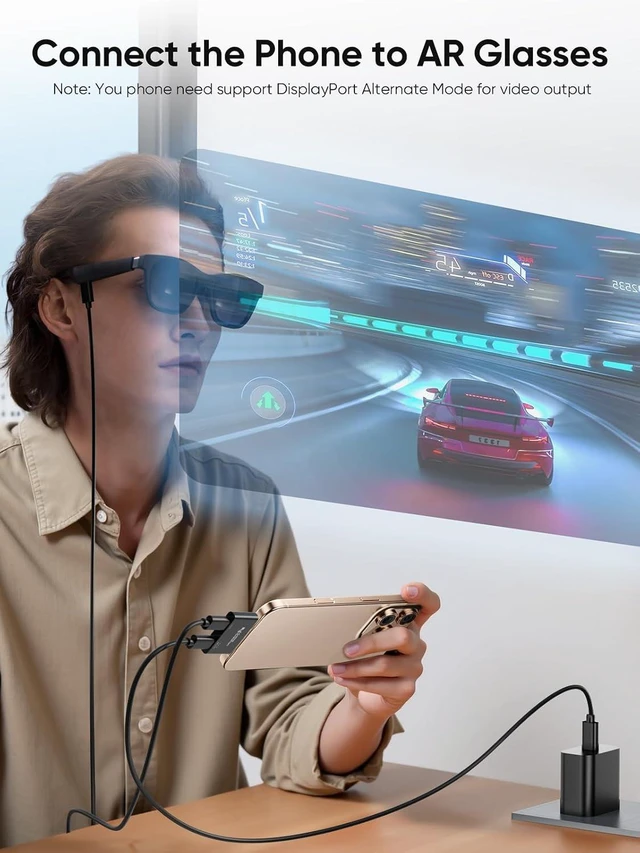
    • Charge and Play: CableCreation USB-C to AR Glasses and Charging Adapter allows you to connect your device to AR glasses and charge them at the same time. Never worry about power interruptions while enjoying your AR glasses
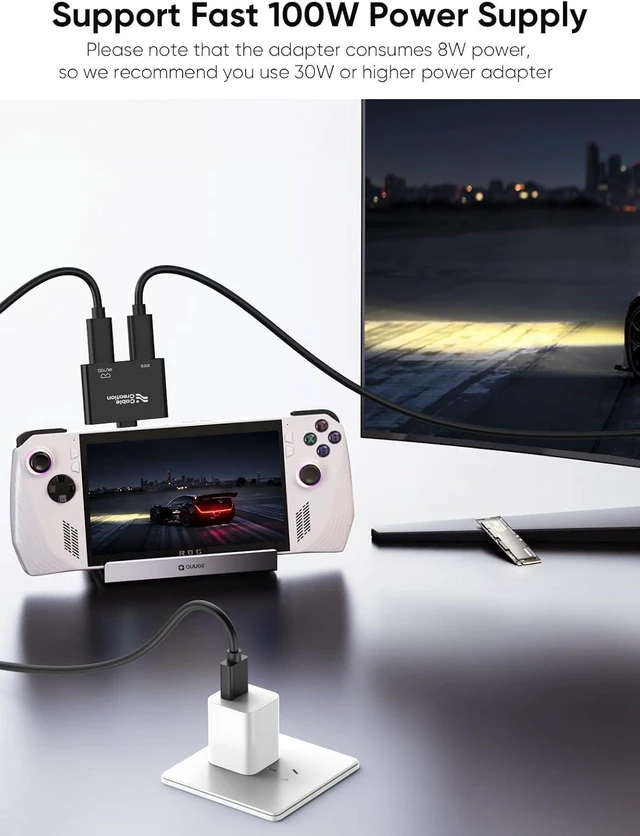
    • 100W Fast Charging: Supports up to 100W PD charging, delivering fast and efficient power to your host device.8W is dedicated to the functioning of this adapter. Note: Charging capability depends on the source device
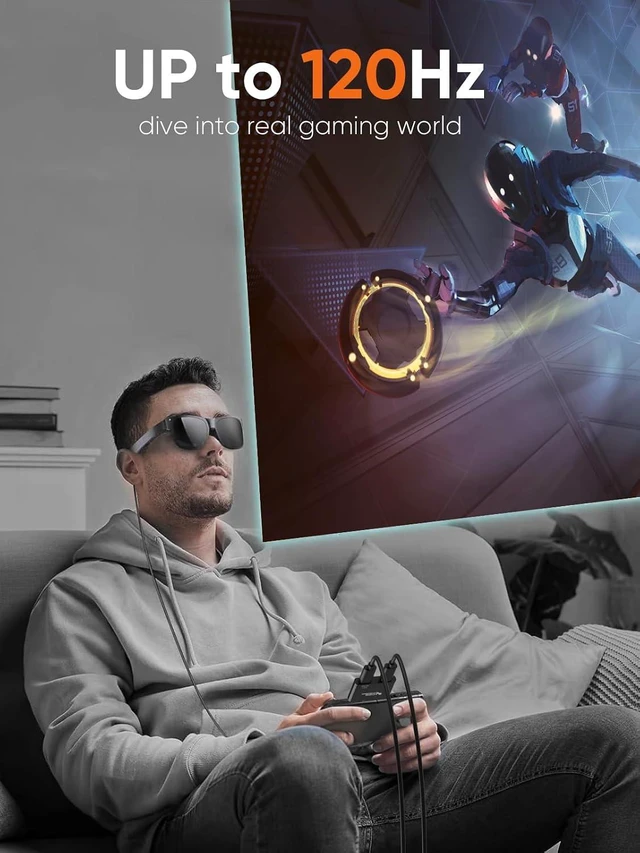
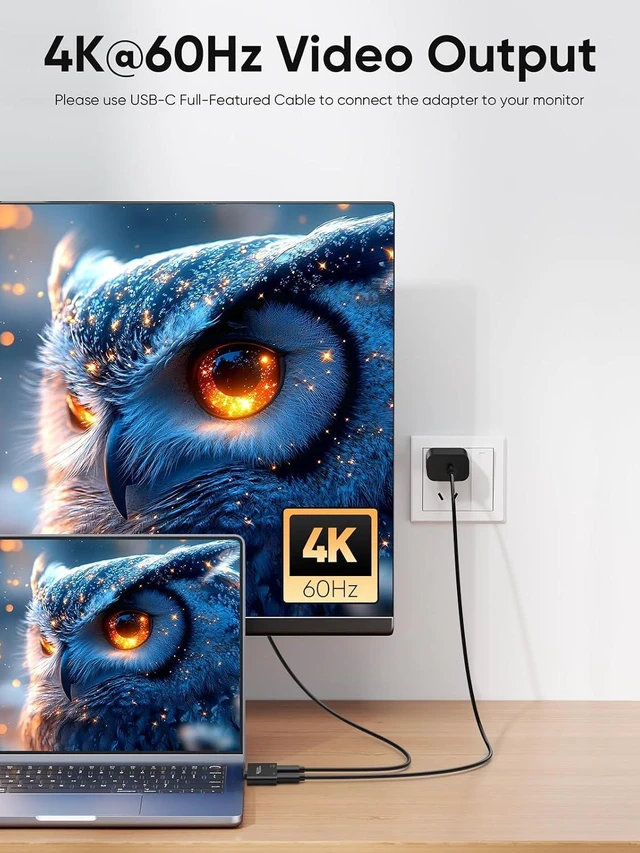
    • 4K@60Hz Video Output: CableCreation AR Glasses Adapter supports resolution up tp 4K@60Hz, 1080P@120Hz, lossless image quality, you can enjoy ultra-clear 4K@60Hz video output for AR glasses, monitors, or projectors. Fully backward compatible with lower resolutions
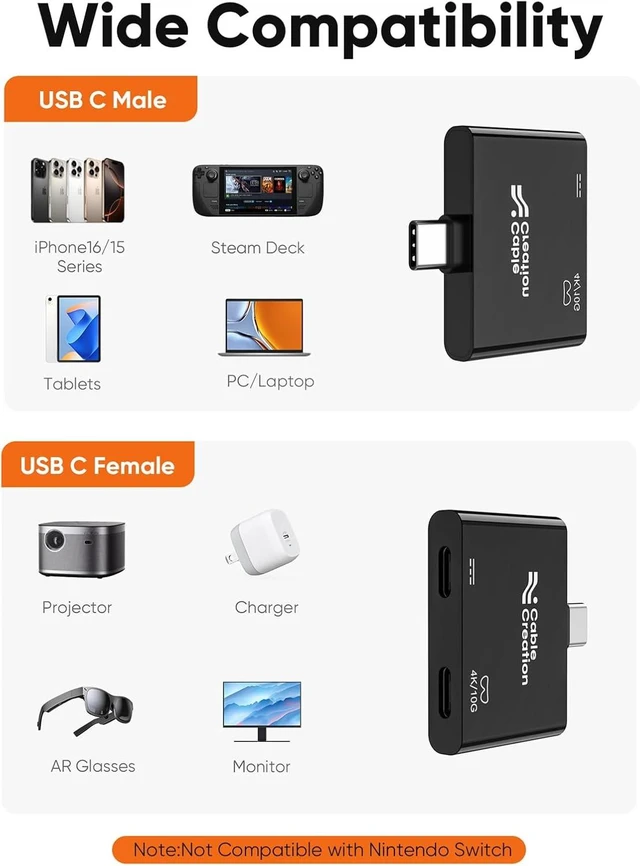
    • Wide Compatibility: Compatible with Switch, Steam Deck, ROG Ally, Legion Go, iPhone 16/15 series, laptops, and other USB-C-enabled devices. Plug-and-play functionality for hassle-free use. Note: Not Compatible with Nintendo Switch
    • What You Get: You will get 1 Pack USB C to AR Glasses with Charging Adapter. Warranty: CableCreation Provides 24-month product replacement warranty and life time-friendly technical support. If you have any concerns, please feel free to contact us for assistance
    • Note: If you encounter problems with video output during use, please update the firmware to resolve it. If the problem is still not resolved, please contact us
    +
    +
    Overview
    Specs
    Reviews

    Any questions? Ask CelesteSM will help you find out quickly.

    I found that this adapter does not work properly with the latest XREAL or VITURE glasses. What should I do?
    1. You can visit the user guide tto download the latest firmware and update your device.
    If you use VITURE glasses and are unable to achieve 1080p at 120 Hz (only 1080p at 60 Hz), what should i do?
    1. You can visit the user guide tto download the latest firmware and update your device.
    If I notice that the video on my glasses or USB-C monitor is flickering or cutting out, what should I do?
    1. Make sure your Wi-Fi or cellular network is strong. If youre using Wi-Fi, try connecting to the 5GHz band for a more stable and reliable connection. Also, use a high-quality USB-C full-featured cable to ensure a solid connection.


    Warranty & Returns

    Warranty, Returns, And Additional Information

    Warranty

    • Please contact the Seller directly for warranty information. Warranty information may also be found on the Manufacturer's website.
    • CONTACT

    Return Policies

    Manufacturer Contact Info

    LOADING...