here!
here!
I’m your shopping assistant for PC builds, upgrades, and everything tech.
Got questions? Ask away!
Start a conversation
here!
I’m your shopping assistant for PC builds, upgrades, and everything tech.
Got questions? Ask away!
Start a conversation



Any questions? Ask CelesteSM will help you find out quickly.
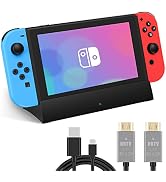
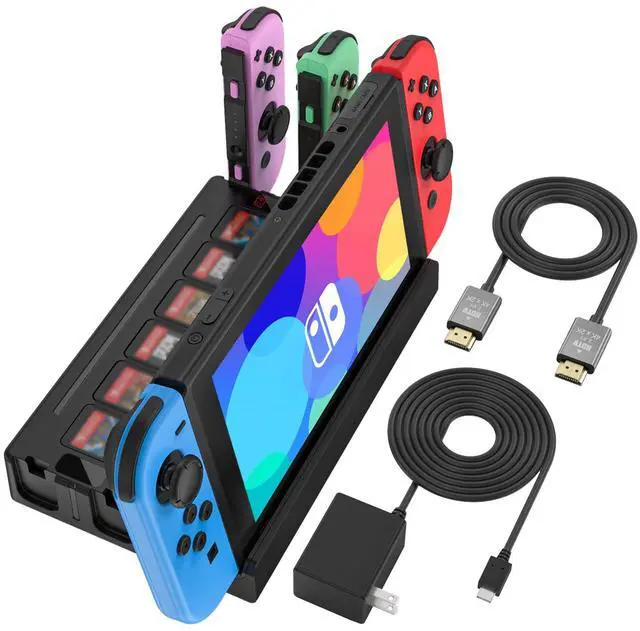
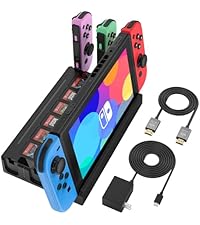 Switch Dock+USB-C Charger |  Switch Dock+USB-C Charger |  Switch Dock+HDMI Cord |  Only Switch Dock | |
|---|---|---|---|---|
Customer Reviews | — | — | — | — |
Price | — | — | — | — |
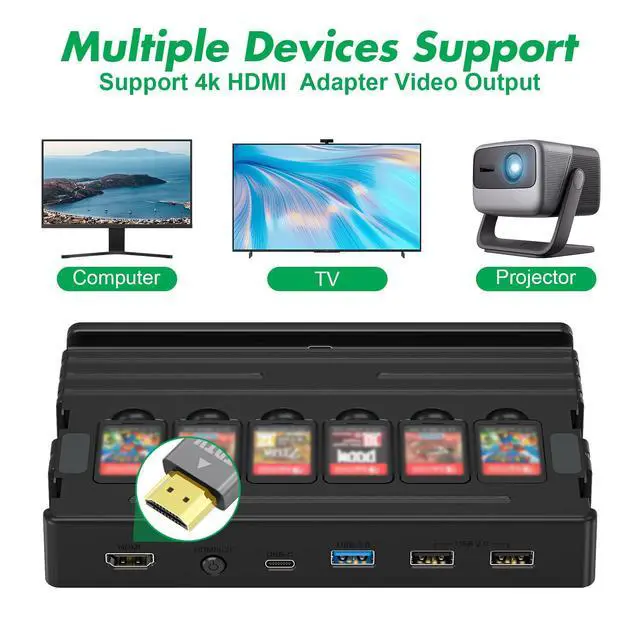
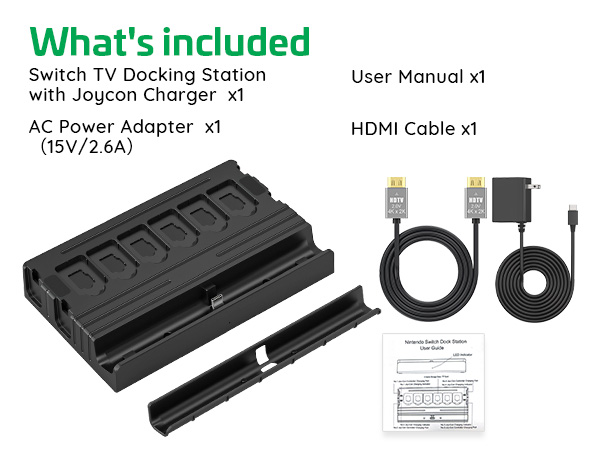
With HDMI Cable | HDMI Cable | HDMI Cable | HDMI Cable | None |
With USB-C Cable | None | None | USB-C Cable | None |
With Power supply | Included 15V/2.6A Power | Included 15V/2.6A Power | None | None |
Application | Switch / Switch OLED | Switch / Switch OLED | Switch / Switch OLED | Switch / Switch OLED |
Support for working with case | Supported with case | Not supported with case | Not supported with case | Not supported with case |
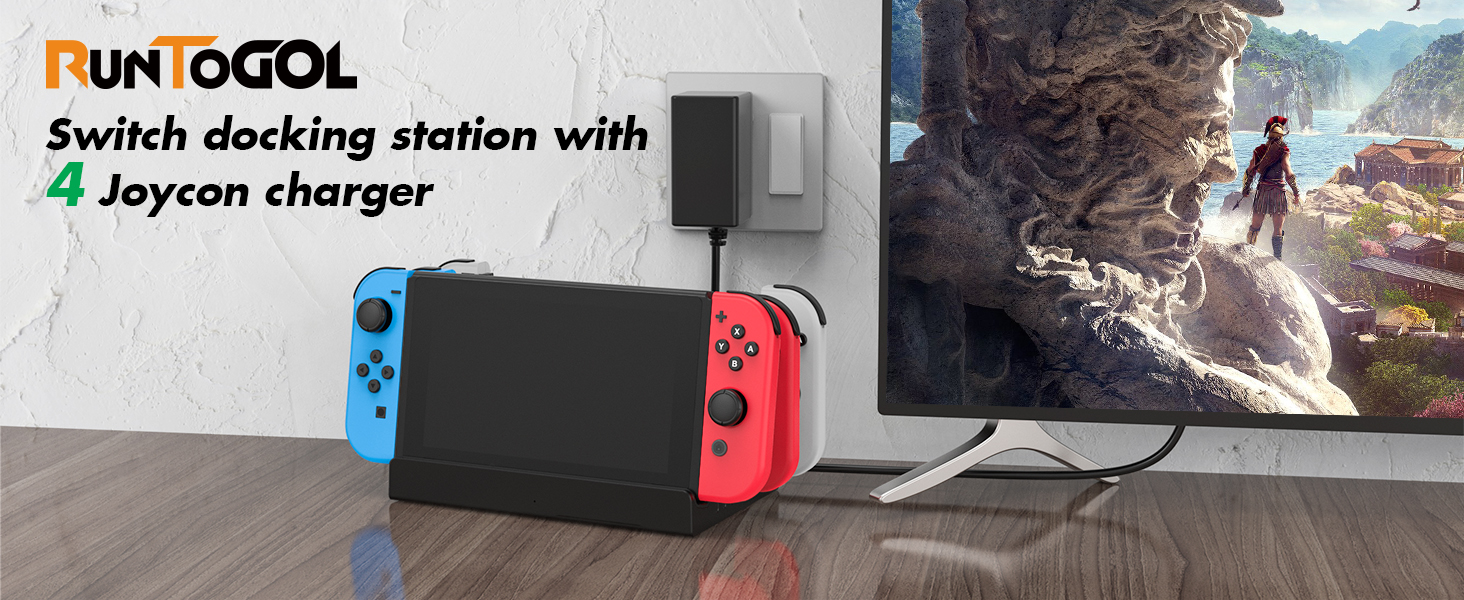
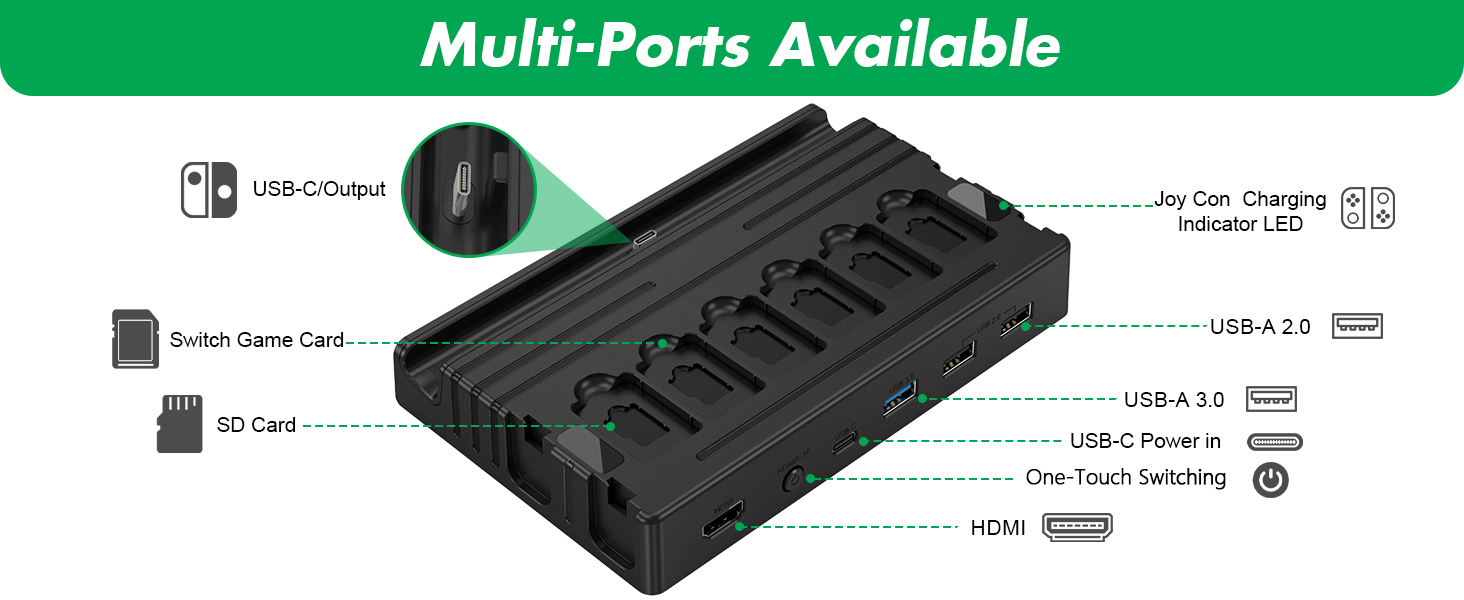
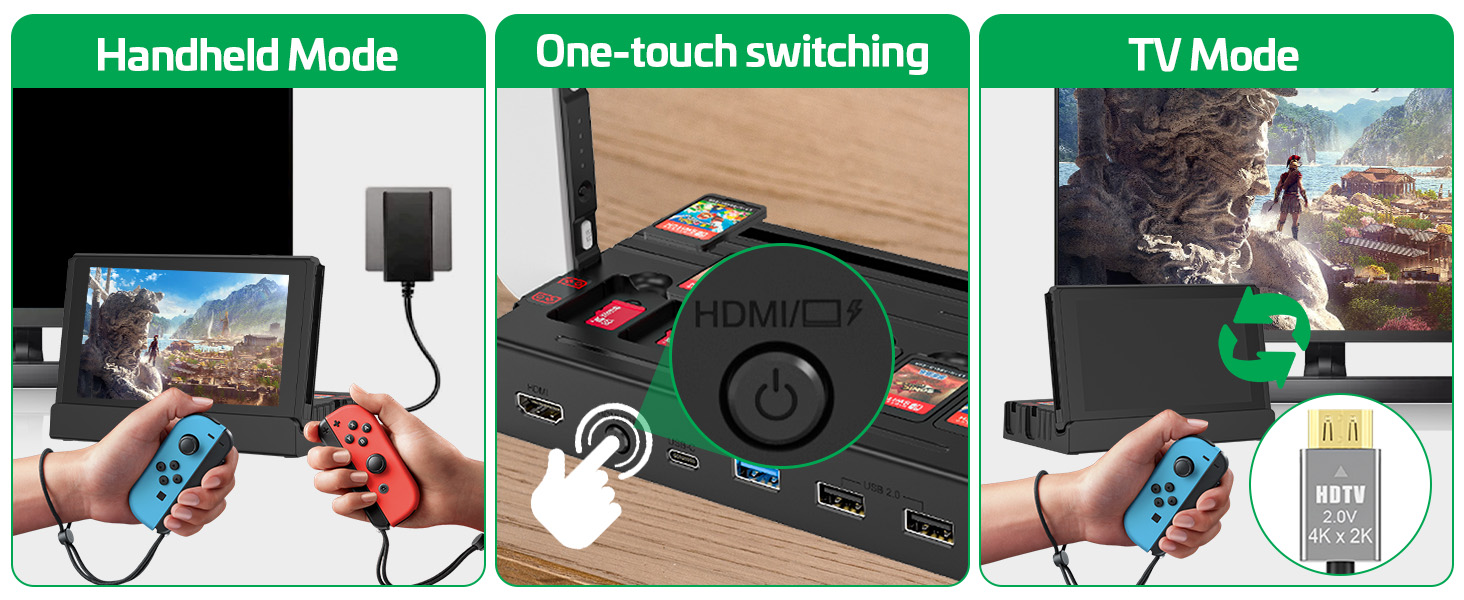
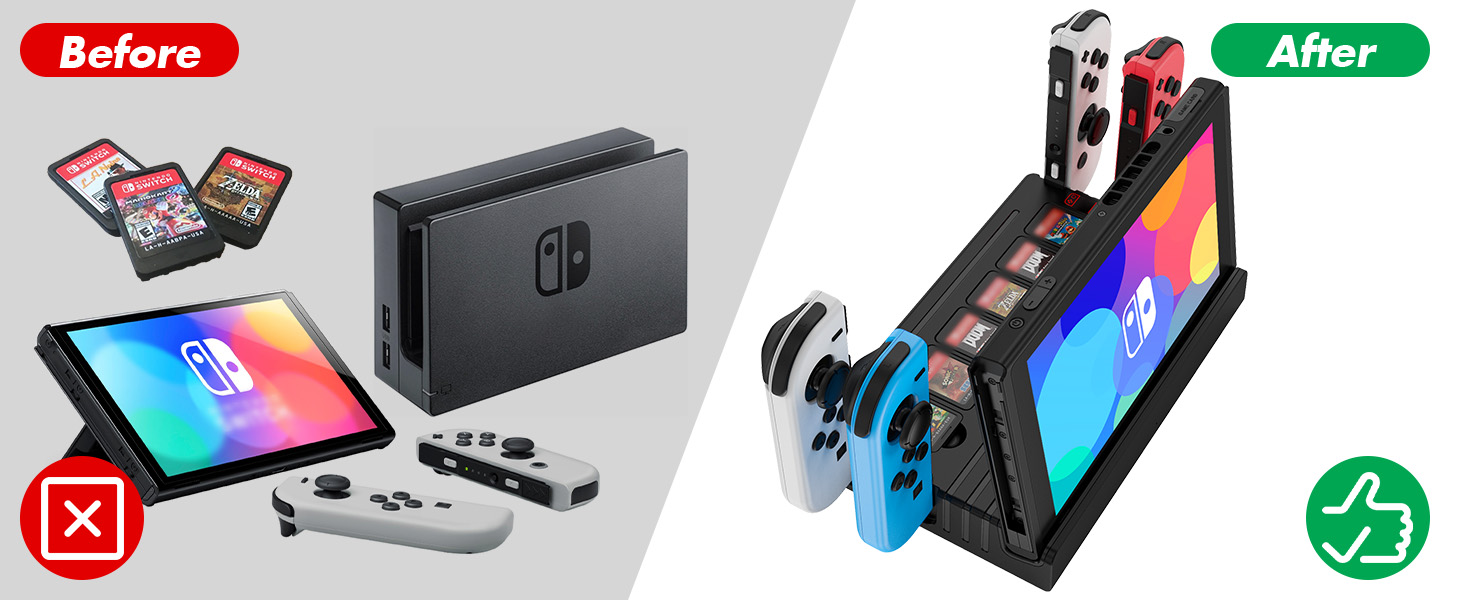
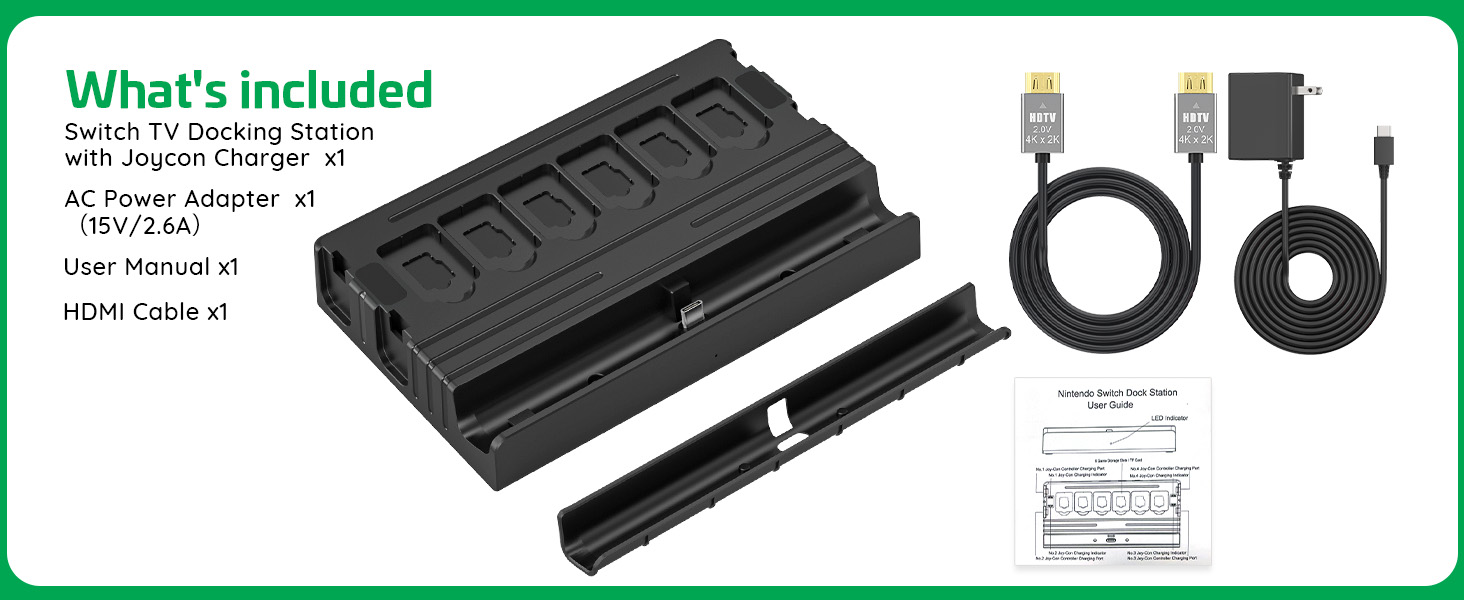
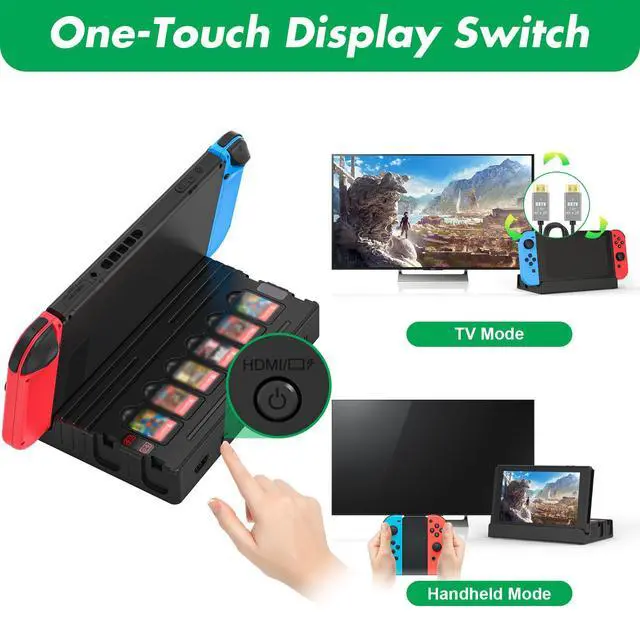
The switch dock is connected to the TV and doesn't work, what can I do?
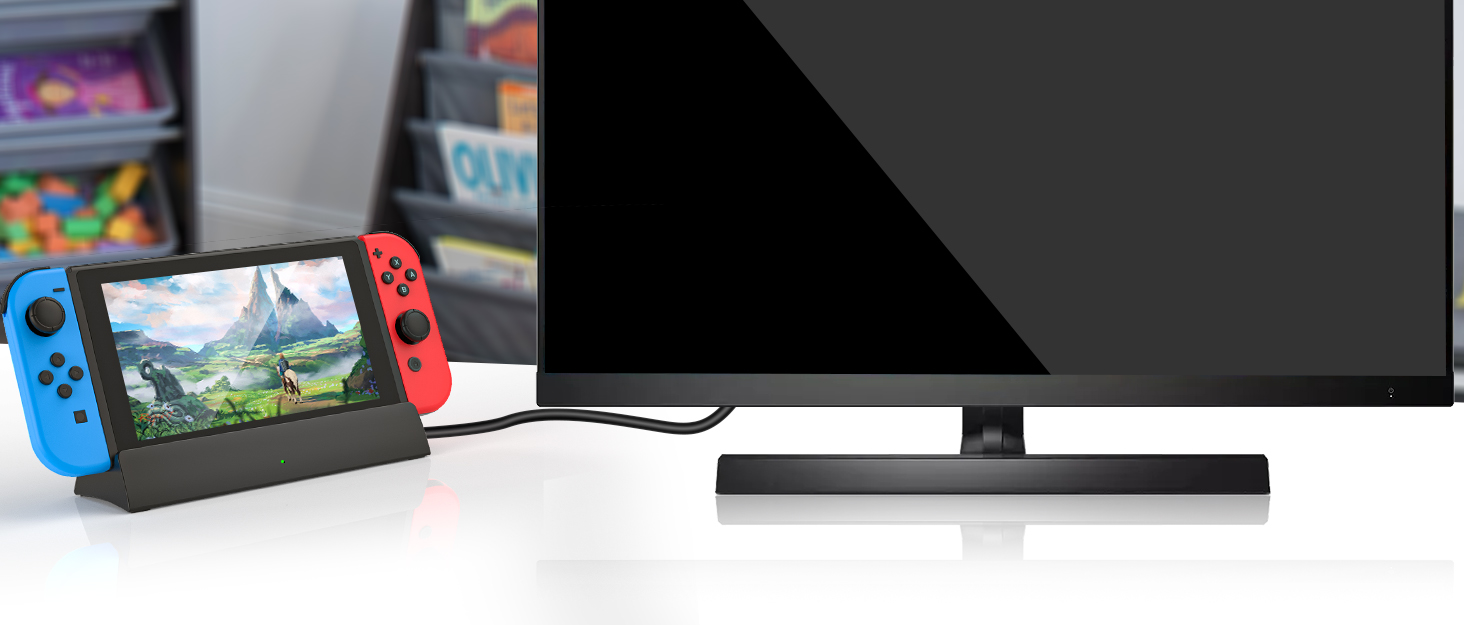
Re-plugging the AC power adapter,connect the HDMI cable and then select the corresponding TV HDMI signal source
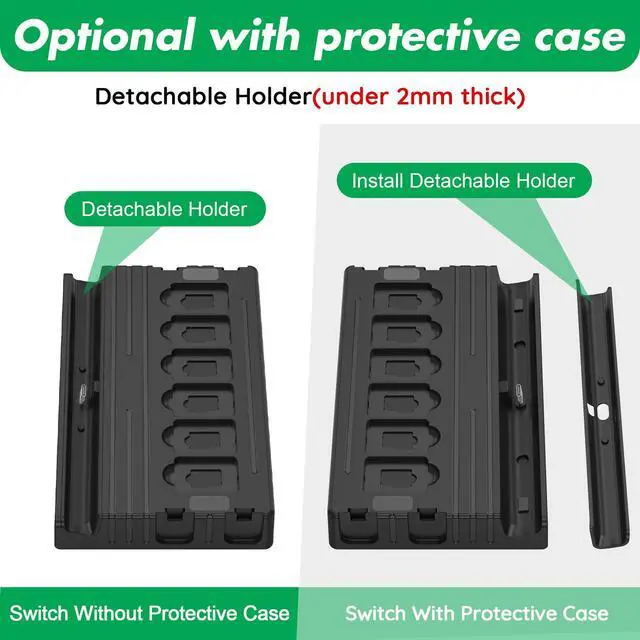
My switch has a protective case, can I use this switch dock without removing the switch protective case?
Acceptable,The switch TV dock comes with a detachable holder, if the switch case is thicker than 2 mm or does not work properly, install the removable holder and remove the switch protective case.

RuntoGOL is a professional electronic accessory supplier dedicated to taking customer feedback to continuously improve and refine our products.
Each product under the RuntoGOL brand has been carefully designed to provide gaming enthusiasts with a more convenient and joyful gaming product experience.
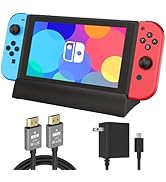
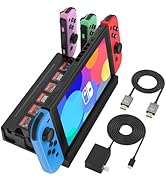
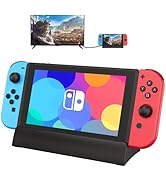
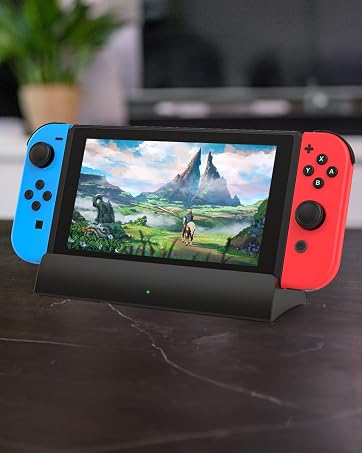
 Switch Dock+USB-C Charger | Switch Dock+USB-C Charger | Switch Dock+HDMI Cord | Only Switch Dock |
|---|---|---|---|
| Customer Reviews | |||
| — | — | — | — |
| Price | |||
| — | — | — | — |
| With HDMI Cable | |||
| HDMI Cable | HDMI Cable | HDMI Cable | None |
| With USB-C Cable | |||
| None | None | USB-C Cable | None |
| With Power supply | |||
| Included 15V/2.6A Power | Included 15V/2.6A Power | None | None |
| Application | |||
| Switch / Switch OLED | Switch / Switch OLED | Switch / Switch OLED | Switch / Switch OLED |
| Support for working with case | |||
| Supported with case | Not supported with case | Not supported with case | Not supported with case |
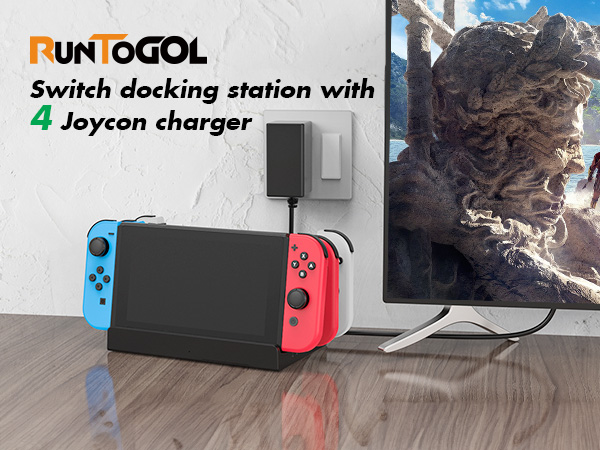
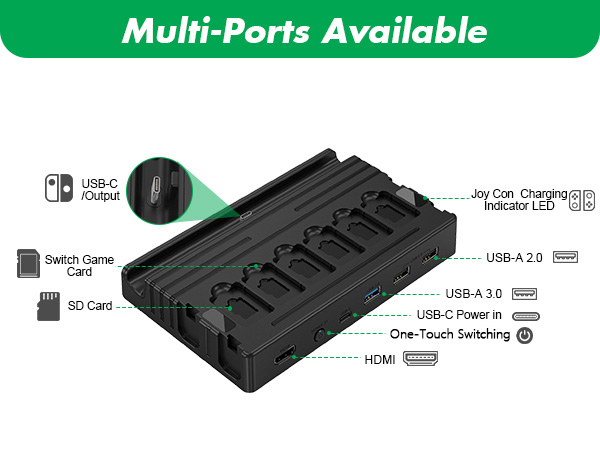
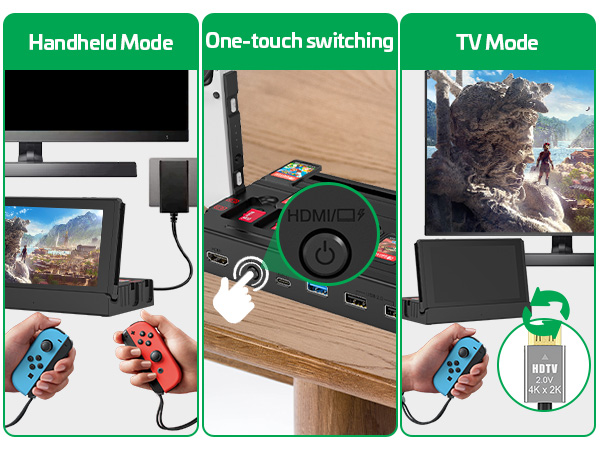
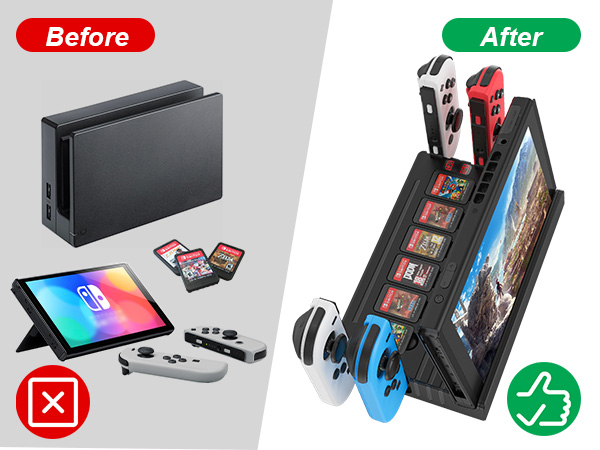
The switch dock is connected to the TV and doesn't work, what can I do?
Re-plugging the AC power adapter,connect the HDMI cable and then select the corresponding TV HDMI signal source
My switch has a protective case, can I use this switch dock without removing the switch protective case?
Acceptable,The switch TV dock comes with a detachable holder, if the switch case is thicker than 2 mm or does not work properly, install the removable holder and remove the switch protective case.

RuntoGOL is a professional electronic accessory supplier dedicated to taking customer feedback to continuously improve and refine our products.
Each product under the RuntoGOL brand has been carefully designed to provide gaming enthusiasts with a more convenient and joyful gaming product experience.