Your Browsing History
Meet Your Seller
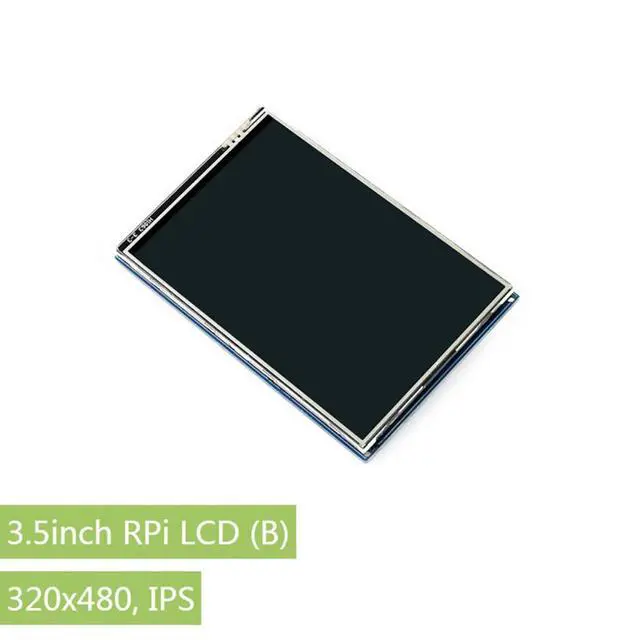
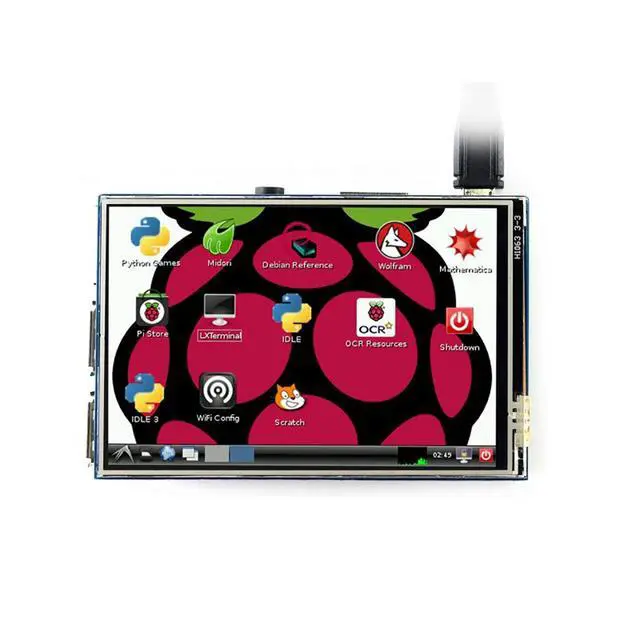
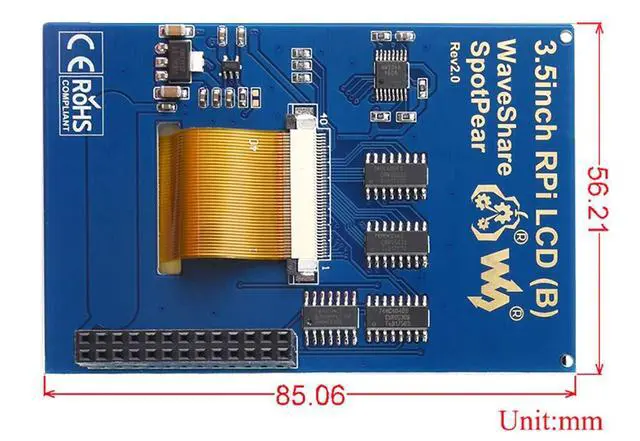
waveshare 3.5 inch Touch Screen IPS TFT LCD 320x480 Resolution Resistive Touch Control Display Perfect Viewing Angle for Any Revision of Raspberry Pi
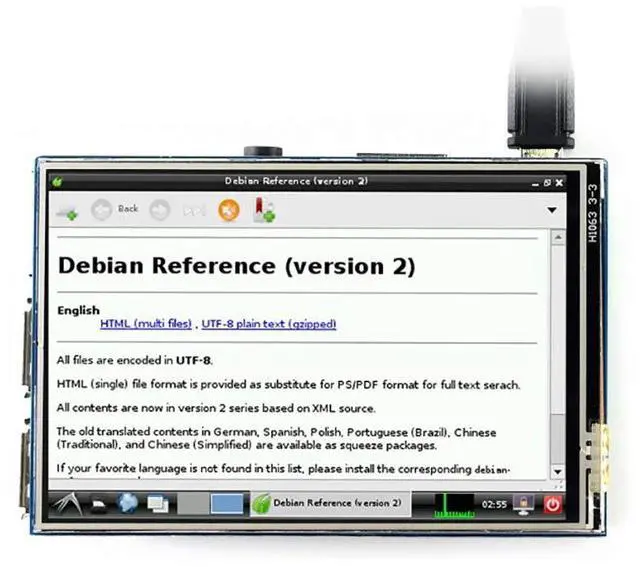
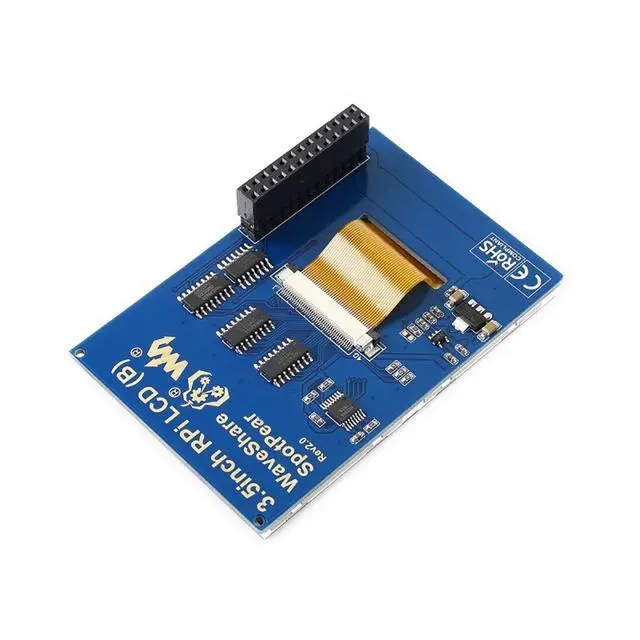
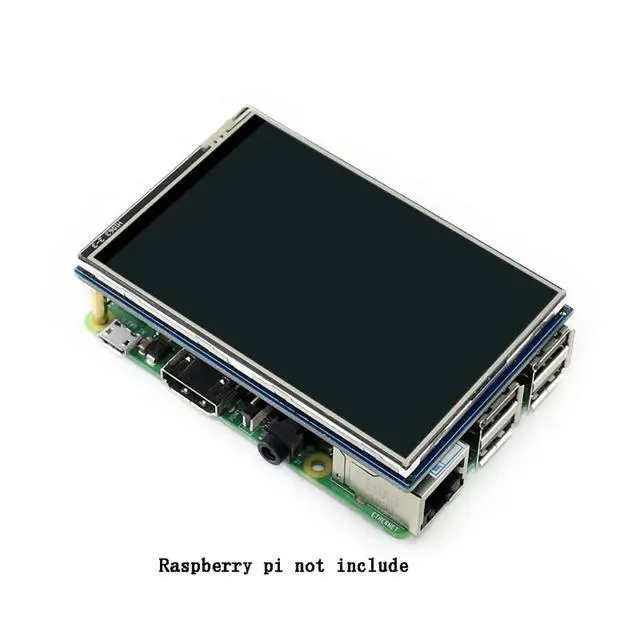
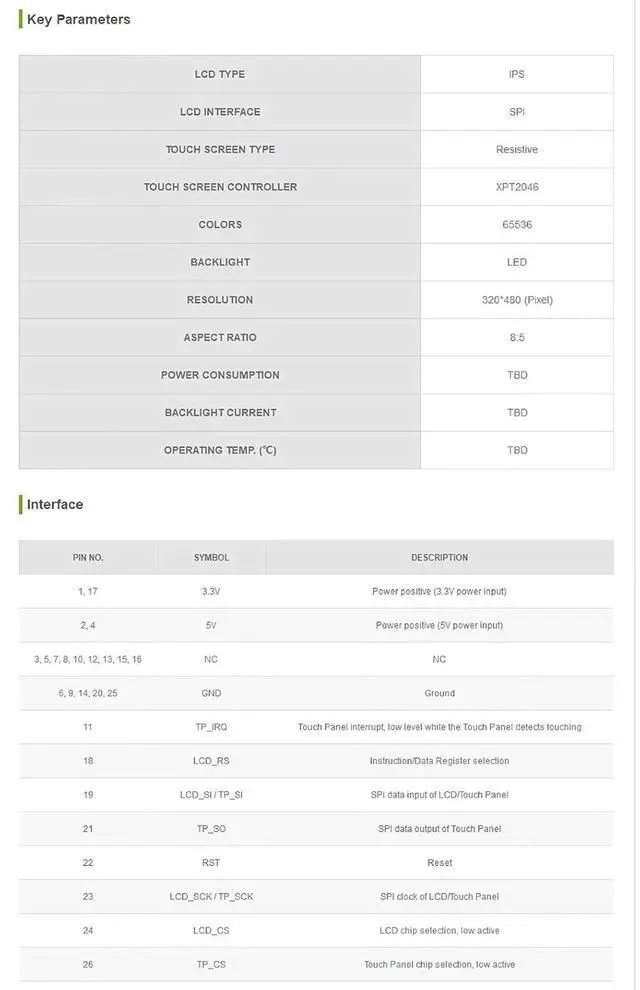
- 480x320 hardware resolution; Resistive touch control; Supports any revision of Raspberry Pi (directly-pluggable); High quality immersion gold surface plating; Drivers provided (works with your own Raspbian/Ubuntu/Kali); Supports FBCP software driver as well, allows to config software resolution and set up dual-display; IPS technology, high quality and perfect displaying from very wide viewing angle;Size perfectly fits the Pi (Raspberry Pi B+/2B/3B/3B+); Combined with the Raspberry Pi, allows you to: Take photos by touching (up to 17 camera modes); Use software keyboard (system interaction without keyboard/mouse)
+
+
Overview
Specs
Reviews
Any questions? Our AI mode will help you find out quickly.
Try me now
Features 480x320 hardware resolution Resistive touch control Supports any revision of Raspberry Pi (directly-pluggable) Drivers provided (works with your own Raspbian/Ubuntu/Kali) Supports FBCP software driver as well, allows to config software resolution and set up dual-display IPS technology, high quality and perfect displaying from very wide viewing angle Size perfectly fits the Pi (Raspberry Pi B+/2B/3B/3B+) High quality immersion gold surface plating Combined with the Raspberry Pi, allows
you to: --Take photos by touching (up to 17 camera modes) --Use software keyboard (system interaction without keyboard/mouse) PACKAGE CONTENT 3.5 inch RPi LCD (B) x 1 Touch pen x 1 RPi screws pack (2pcs) x 1 FAQ Why the LCD doesn't work with my Raspbian? To use the LCD with the Raspberry Pi official image, driver should be installed first. Please refer to the user manual. However, for the first testing, you may want to use our provided image directly. Why the LCD still doesn't work with the Waveshare provided image? Make sure the hardware connection is correct and connects fine. Make sure the image in TF card is burnt correctly. The PWR will keep on and the ACT will keep blinking when the Raspberry Pi starts up successfully, in case both of the two LEDs keep on, it is possible that the image was burnt incorrectly OR the TF card was in bad contact. Which power supply should I use? It is recommended to use a 5V/2A power adapter for the Raspberry Pi other than USB connection, otherwise the Pi may failed to start up because the PC's USB port might have not enough power.

Warranty & Returns
Warranty, Returns, And Additional Information
Warranty
- Please contact the Seller directly for warranty information. Warranty information may also be found on the Manufacturer's website.
- CONTACT
Return Policies
- Return for refund within: 30 days
- Return for replacement within: 30 days
- This item is covered by GearZap Return Policy
Manufacturer Contact Info
- For a directory of all our manufacturers, please click below.
- Manufacturers Directory
LOADING...