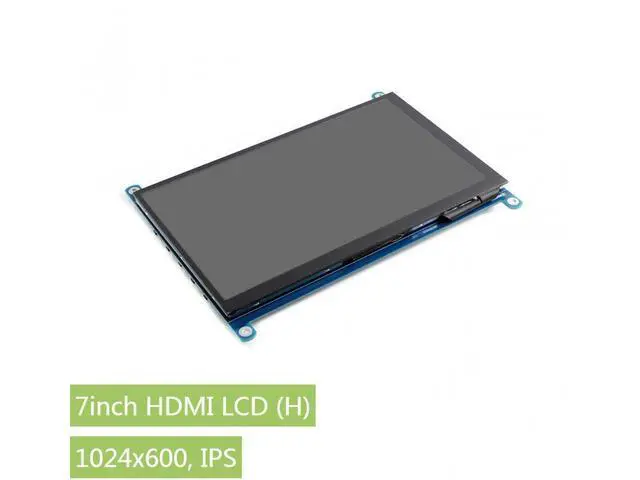
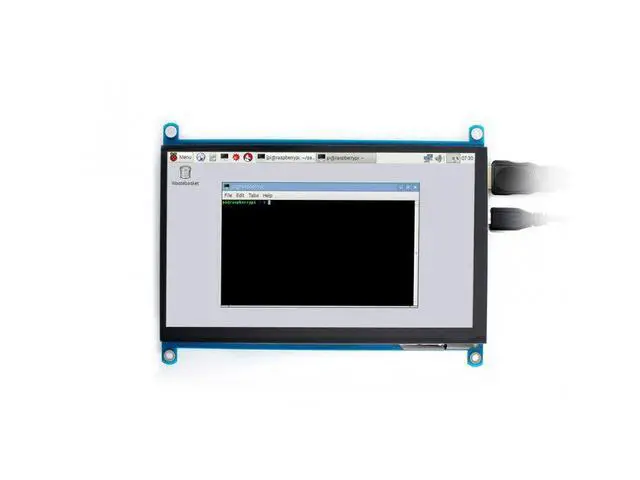
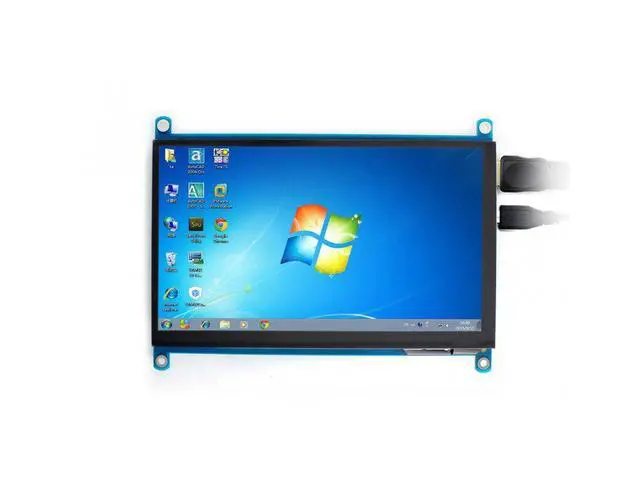
Features IPS screen, 1024x600 hardware resolution, configurable by software (up to 1920x1080) Supports popular mini PCs such as Raspberry Pi, Jetson Nano, BB Black, Banana Pi, as well as general desktop computers --When works with Raspberry Pi, supports Raspbian/Ubuntu/Kali/Retropie/WIN10 IOT, driver free --When work as a computer monitor, supports Windows 10/ 8.1 /8/7, five-points touch, and driver free Supports popular game consoles like Microsoft XBOX360, Sony PS4, and Nintendo Switch, etc. Multi languages OSD menu, for power management, brightness/contrast adjustment, etc.
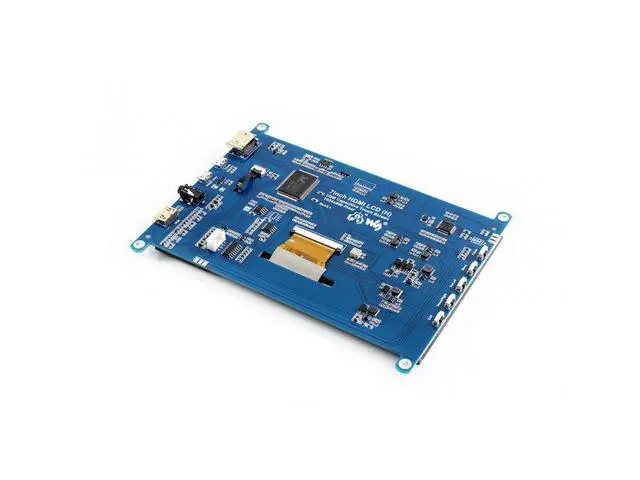
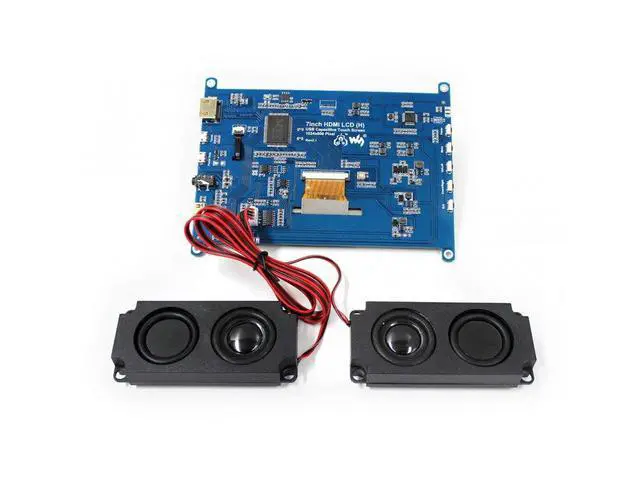
3.5 mm audio jack, speaker connector, supports HDMI audio output Also supports VGA input (specific cable is required and should be purchased separately) FAQ Why the LCD doesn't work with my Raspbian? To use the LCD with the Raspberry Pi official image, driver should be installed first. Please refer to the user manual. However, for the first testing, you may want to use our provided image directly. Why the LCD still doesn't work with the Waveshare provided image? Make sure the hardware connection is correct and connects fine. Make sure the image in TF card is burnt correctly.
The PWR will keep on and the ACT will keep blinking when the Raspberry Pi starts up successfully, in case both of the two LEDs keep on, it is possible that the image was burnt incorrectly OR the TF card was in bad contact. Which power supply should I use? It is strongly recommended to use a stand-alone 5V/2A power adapter, because the PC's USB port might have not enough power to support the Pi and LCD.
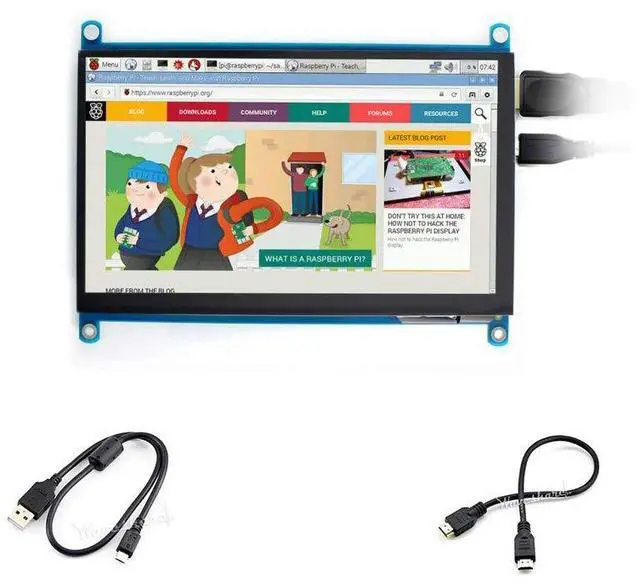
PACKAGE CONTENT Note: Raspberry Pi and Speaker (8 5W) in the photos are NOT included. 1. 7inch HDMI LCD (H) x1 2. HDMI cable x1 3. USB type A plug to micro B plug cable x1





 here!
here!