

Your Browsing History
- Free 30-day Returns
$101.99

Meet Your Seller

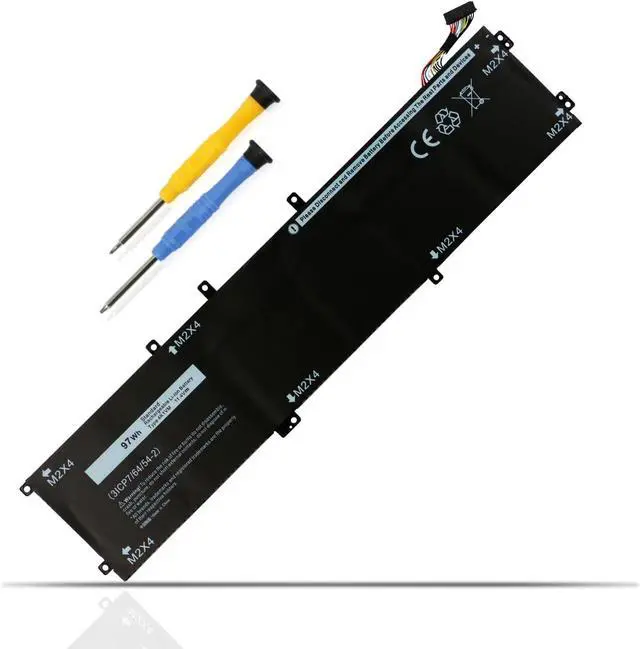
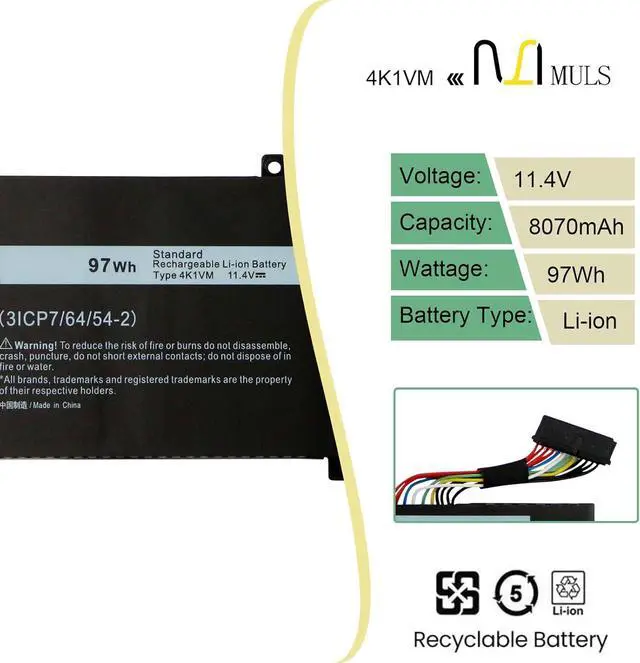
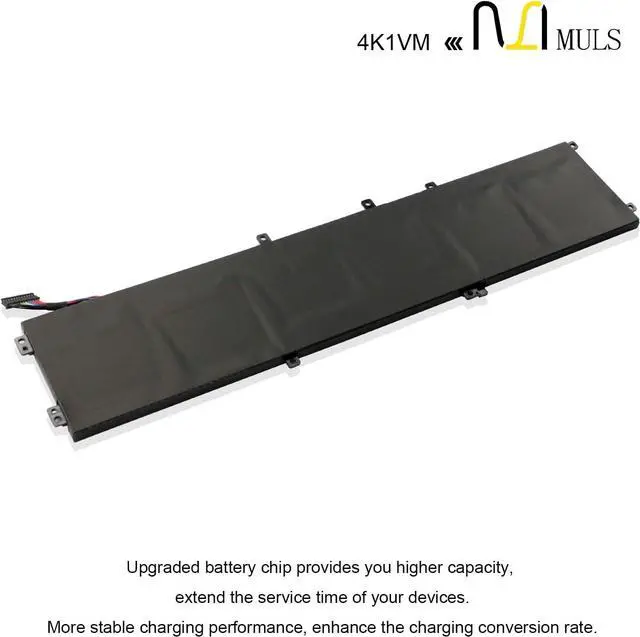
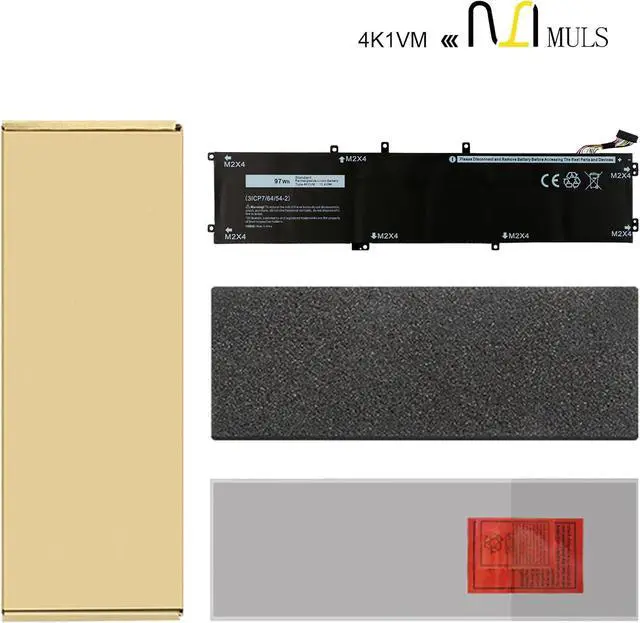


MULS 4K1VM 97Wh Battery Replacement for Dell G7 17 7700 Vostro 15 7500 Series Precision 5530 5520 5540 Series Inspiron 15 7590 7591 7501 Laptop W62W6 0W62W6 XYCW0 0XYCW0 9TM7D V0GMT 8070mAh 6-Cell
- Battery SpecificationCapacity: 97Wh 8070mAh Voltage: 11.4V.100% brand new. Up to 500 recharge cycles over the life of the battery. High-quality materials and circuit board.
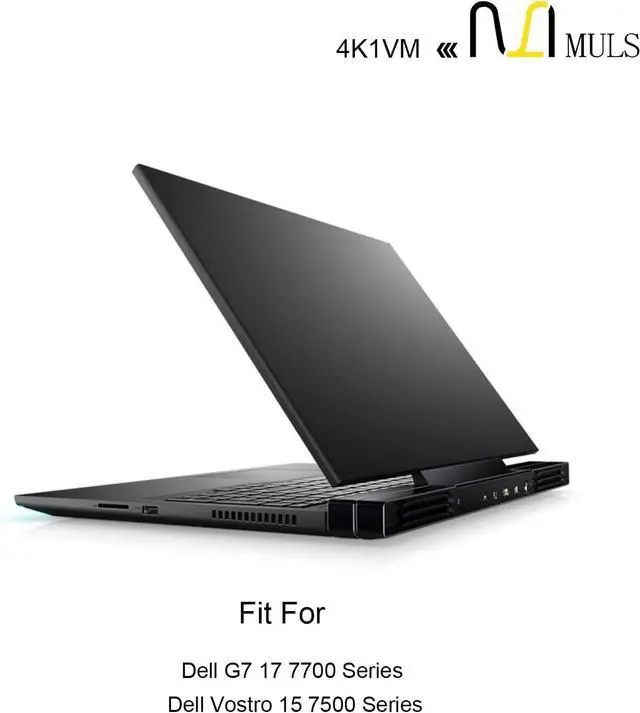
- Replacement For LaptopFit for Dell Precision 5530 5520 5540 Mobile Workstation Series,Dell XPS 15 9570 9560 7590 Series ,Dell Vostro 15 7500 Series,Dell G7 17 7700 Gaming Series,Dell Inspiron 15 7501 7591 Series (NOT fit for Inspiron 7590 2-in-1 7591 2-in-1 Series).
- Compatible with Part NumberFit for 4K1VM W62W6 0W62W6 XYCW0 0XYCW0 9TM7D 09TM7D V0GMT NYD3W 0NYD3W NCC3D 0NCC3D.
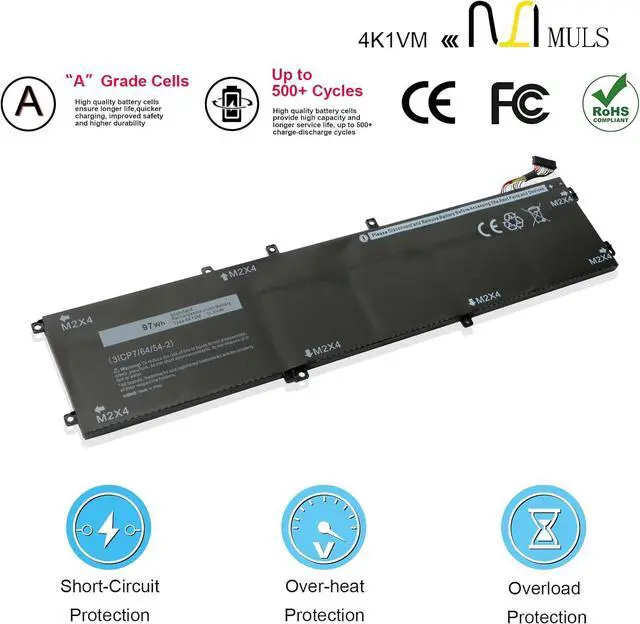
- Safety Above AllOur batteries are certified by CE, FCC and RoHS to ensure your safety, and packed with prevention measures like short circuit, overheat and overcharge protection.Our laptop batteries are made with premium materials and circuit boards to ensure performance and durability.
- Give Customers the Best Benefit:30 Days no-questions-asked full money back and 24 Months Exchange Guarantee. (The return window will be closed a
+
+
Overview
Specs
Reviews

Any questions? Our AI mode will help you find out quickly.
Try me now
Replacement for Part Number
4K1VM W62W6 0W62W6
XYCW0 0XYCW0 9TM7D
09TM7D V0GMT NYD3W
0NYD3W NCC3D 0NCC3D
Compatible Laptop Models:
For Dell G7 17 7700 Series Notebook
For Dell Vostro 15 7500 Series Notebook
Please open the back cover of your laptop to check the original battery size and capacity before placing an order. Please scroll down to the list to purchase.
1. Turn off your laptop and disconnect the power.
2. Disconnect the connection between the old battery and the motherboard to avoid unnecessary damage caused by disassembling the battery. Then unscrew the old battery screws one by one and carefully save each screw.
3. Remove the old battery, carefully connect the new battery to the mainboard, reinstall all the parts that have been removed earlier, and connect the wiring of the new battery.
4. If you don't understand the above steps, you can search the relevant installation tutorial video on YouTube for help.
How to Install A New Battery:
4K1VM W62W6 0W62W6
XYCW0 0XYCW0 9TM7D
09TM7D V0GMT NYD3W
0NYD3W NCC3D 0NCC3D
Compatible Laptop Models:
For Dell G7 17 7700 Series Notebook
For Dell Vostro 15 7500 Series Notebook
Please open the back cover of your laptop to check the original battery size and capacity before placing an order. Please scroll down to the list to purchase.
1. Turn off your laptop and disconnect the power.
2. Disconnect the connection between the old battery and the motherboard to avoid unnecessary damage caused by disassembling the battery. Then unscrew the old battery screws one by one and carefully save each screw.
3. Remove the old battery, carefully connect the new battery to the mainboard, reinstall all the parts that have been removed earlier, and connect the wiring of the new battery.
4. If you don't understand the above steps, you can search the relevant installation tutorial video on YouTube for help.
How to Install A New Battery:
Warranty & Returns
Warranty, Returns, And Additional Information
Warranty
- Please contact the Seller directly for warranty information. Warranty information may also be found on the Manufacturer's website.
- CONTACT
Return Policies
- Return for refund within: 30 days
- Return for replacement within: 30 days
- This item is covered by E-Transit Limited Return Policy
Manufacturer Contact Info
- For a directory of all our manufacturers, please click below.
- Manufacturers Directory
LOADING...