• $72.99
  • Price alert
    Shop it at NeweggBusiness.

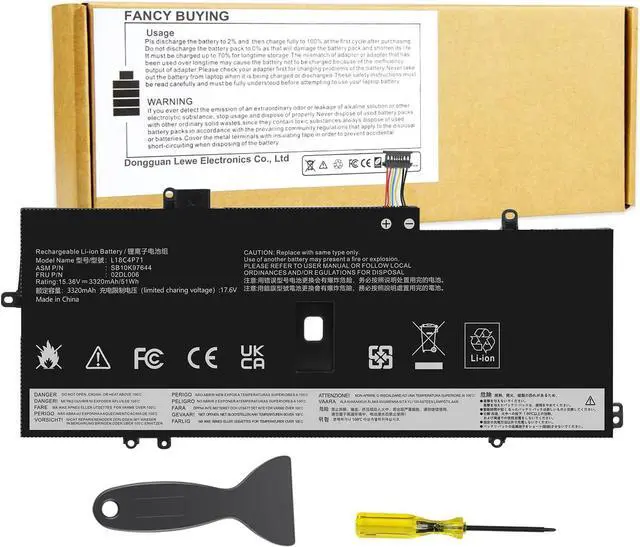
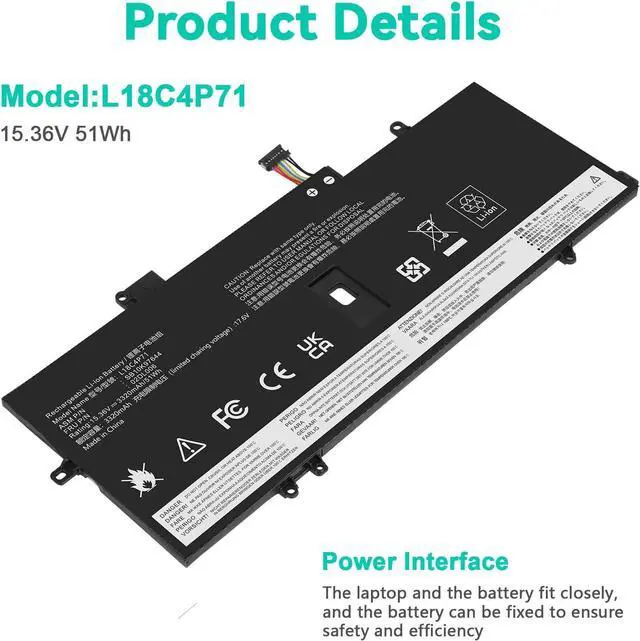
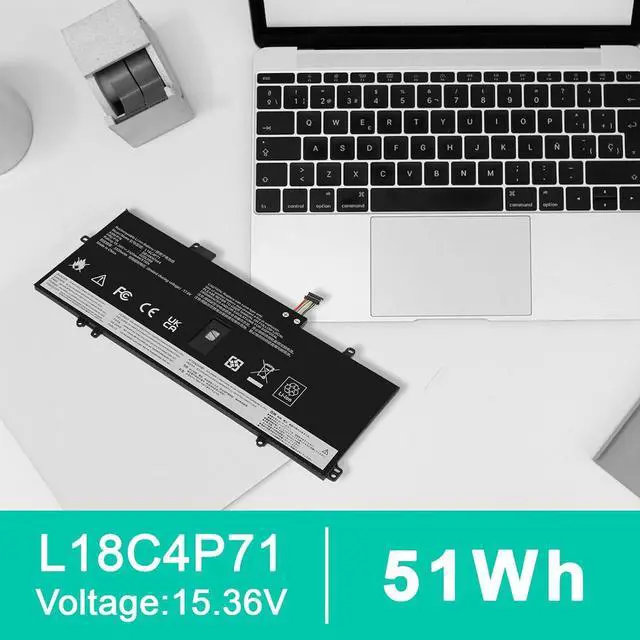
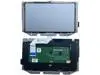
    L18C4P71 L18M4P72 Battery for Lenovo Thinkpad X1 Carbon 7th Gen, X1 Carbon 8th Gen,ThinkPad X1 Yoga 4th/5th Gen Series 02DL004 02DL005 02DL006 L18L4P71 SB10K97644 SB10K97642 SB10K97643 SB10T83174

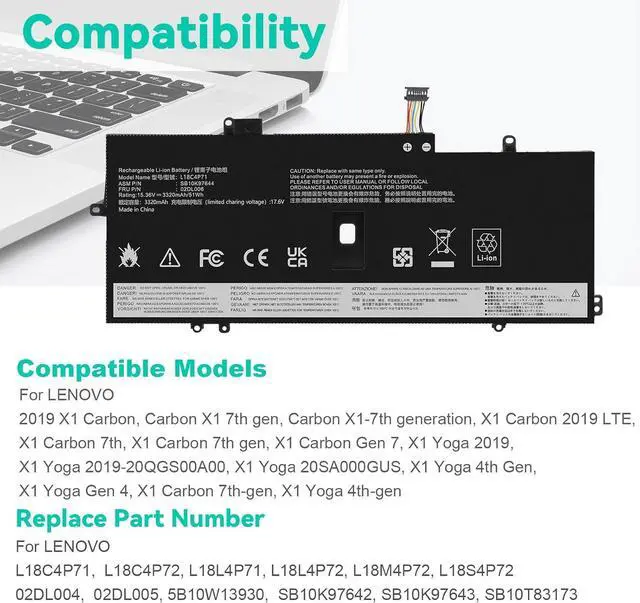
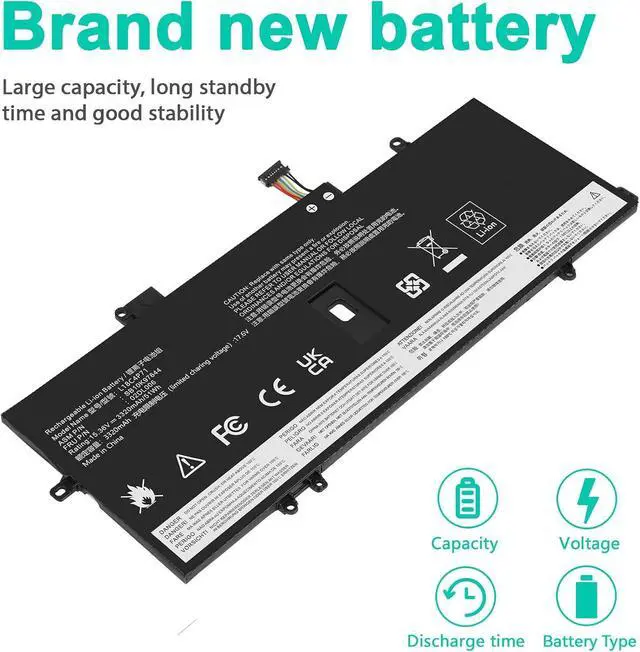
    • Battery Type: Lithium Polymer. Voltage: 15.36V Capacity: 51Wh ; Cells: 4-cell; Color: Black, Packages includes: 1x L18C4P71 battery , with auxiliary installation tool and user manual. This product is only compatible with ThinkPad X1 Yoga 4th Gen and 5th Gen, and is not compatible with 6th Gen, 7th Gen, or 8th Gen. It is also only compatible with ThinkPad X1 Carbon 7th Gen and 8th Gen, and not compatible with 9th Gen, 10th Gen, or 11th Gen. Please be sure to confirm the specific model of your computer before purchasing to avoid wrong purchase.
    • Compatible P/N: L18C4P71 L18L4P71 L18M4P72 02DL004 02DL005 02DL006 5B10W13930 5B10W13931 5B10W13932 SB10K97642 SB10K97643 SB10K97644 SB10T83173 SB10T83174.
    • Replace Part Numbers:L18C4P71,02DL006,SB10K97644,02DL004,L18L4P71,SB10K97642,02DL005,L18M4P72,SB10K97643,5B10W13930,5B10W13931,5B10W13932,SB10T83173,SB10T83174
    • Compatible Models: ThinkPad X1 Yoga 4th Gen (X1 Yoga 2019 Gen) SeriesThinkPad X1 Yoga 5th Gen (X1 Yoga 2020 Gen) SeriesThinkPad X
    +
    +
    Overview
    Reviews
    avatar

    Any questions? Our AI beta will help you find out quickly.

    Compatible with Part Number :
    L18C4P71,02DL006,SB10K97644,02DL004,L18L4P71,SB10K97642,02DL005,L18M4P72,SB10K97643,5B10W13930,5B10W13931,5B10W13932,SB10T83173,SB10T83174
    Compatible with Dell Laptop Models:
    for Lenovo ThinkPad X1 Yoga 5th Gen (X1 Yoga 2020 Gen) Series for Lenovo ThinkPad X1 Carbon 7th Gen (X1 Carbon 2019 Gen) Series for Lenovo ThinkPad X1 Carbon 8th Gen (X1 Carbon 2020 Gen) Series
    Install A New Battery:
    1. You need to turn off your laptop and disconnect the power.
    2. Remove the old battery, carefully install the new battery on the battery case, and connect the wiring of the new battery.
    3. If you don't understand the above steps, you can search for the video about laptop battery installation on YouTube. Maybe it will help you.
    Laptop Maintenance Tips:
    1. New battery: For use a new battery, youd better try a few cycles of discharging to 5%. then charging up to 95%. So that it can be activated completely
    2. Overuse: Do not always run out of a battery to 0%, this would make it damaged or usage life shortened
    3. Charging sequence: when charging, first install the battery, then turn on the power, when fully charged, first cut off the power, then pull the power plug.
    4. Long-term storage:Please store the unused battery fully charged.(Charge it once a month) Do not store at low power to prevent reduce the lifespan of a battery
    5. Charger: Do not replace the laptop adapter casually. If the original adapter cannot be applied due to malfunction or damage, please replace the models, so as not to reduce the service life of the battery due to incompatibility.
    Overload protection
    Over-current protection
    Over-voltage protection
    High voltage protection
    Short circuit protection
    Over-temperature protection

    Warranty & Returns

    Warranty, Returns, And Additional Information

    Warranty

    • Please contact the Seller directly for warranty information. Warranty information may also be found on the Manufacturer's website.
    • CONTACT

    Return Policies

    Manufacturer Contact Info

    LOADING...