1, Turn off your laptop and disconnect the power.
2, Unscrew the laptop case screws one by one and carefully save each screw. Then be careful to disconnect the connection between the old battery and the motherboard, avoid unnecessary damage caused by disassembling the battery.
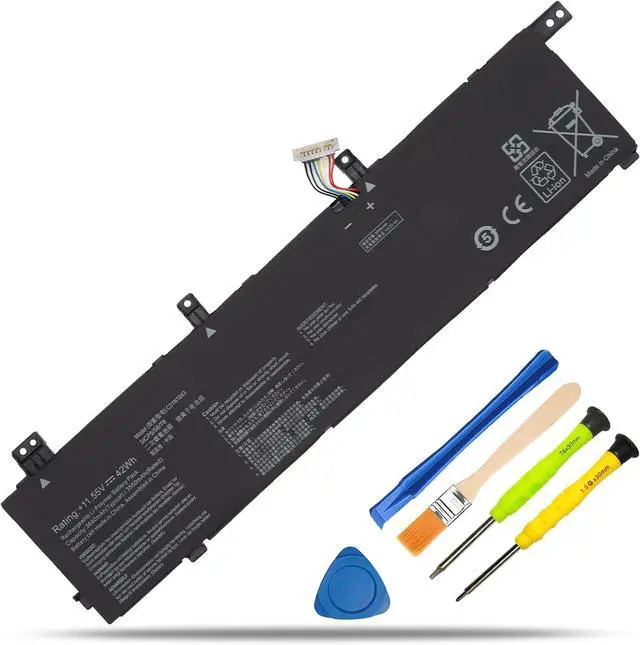
3, Remove the old battery, carefully install the new battery on the battery case, and then install the battery cable connector on the slot. ( Please check the new battery if it's the same with your original battery before installation)
4, You can also search for the video about laptop battery installation on YouTube etc. Maybe it will help you.
TIPS: We provide universal installation tools for most batteries for free. We do not sell tools individually, If the tools are not fit for your laptop, we have no other tools to replace, please understand.
Usually the new battery you received is already about 50% charged to maintain the battery activity. During long-distance transportation and storage in warehouses, there may be natural power consumption. Please charge it to full for the first time, and then discharge to 10%-20%, cycle 3~4 times.
The battery life depends on the laptop's CPU processor speed, applications, screen brightness, external ports for wireless devices, and the life of the battery itself etc, so the actual battery life may vary from your original model.
Under normal use, most batteries can last about 3 hours. Some batteries with high capacity could last 5~8 hours. If you found the new battery could only last a short time or drop fast, please inquire for help, we will help you until it be solved.
Tip: Please look at the physical properties of batteries correctly. Battery itself is a consumption product, it will be affected by the number of times the battery is used, the user's habits, the use of environmental temperature and other factors and gradually shorten their own use of time.
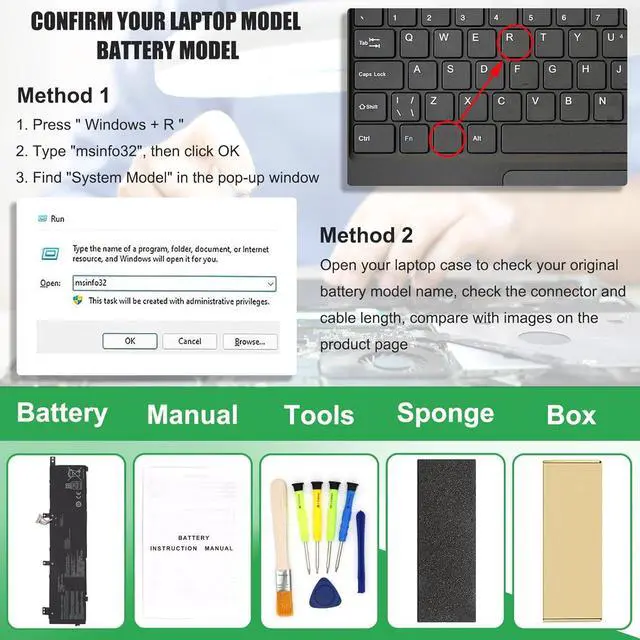
Method 1: Check your laptop model name by pressing [Win] + [R] key and entering [msinfo32] or [dxdiag], click OK to find your System Model. Then use your laptop model name to search the correct replacement battery
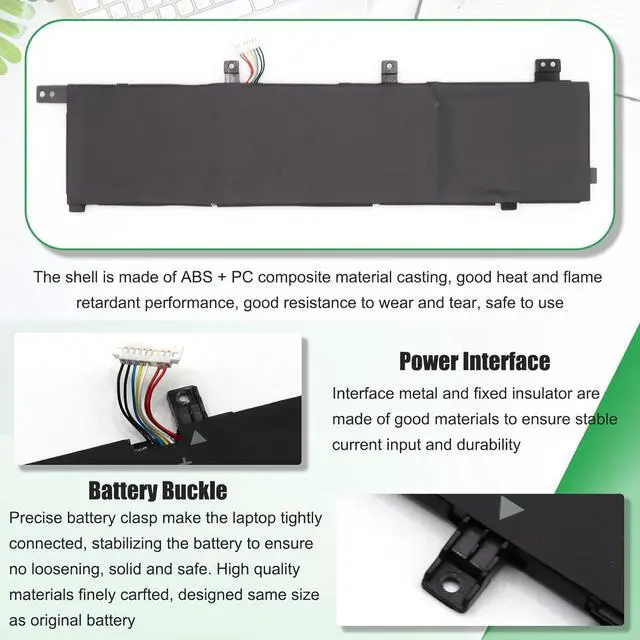
Method 2: Check your original battery model name and shape by opening your laptop back cover. Compare it with our product image
Note Before Purchasing
Some compatible laptop models and replacement batteries are complicated, there may be a difference in battery model name, shape, buckle location, connector type, cable length ( long or short ) etc
We suggest you open your laptop to check and confirm your original battery model and appearance, compared with our battery image, make sure that's what you need
Battery Usage Maintenance Tips
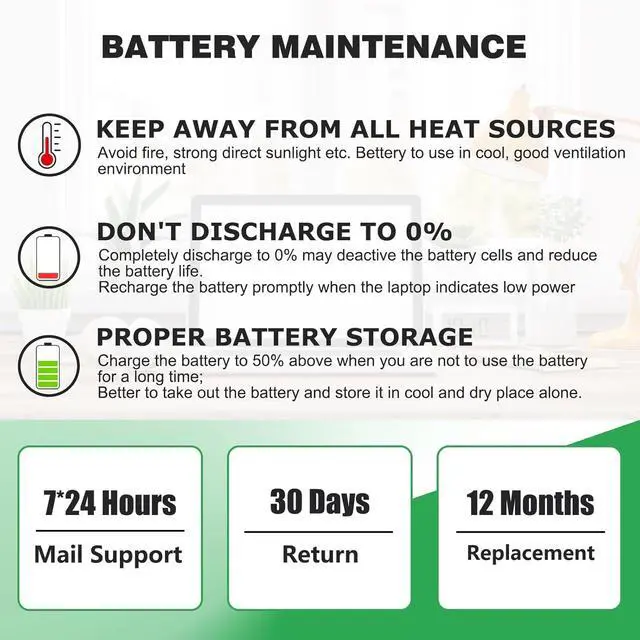
1. New battery received, please discharge to roughly 10% ~ 20%, then charge it to full. Repeat 3 ~ 5 times to maximize initial battery performance. ( Usually the battery received with about 50% charged )
2. Do not discharge to 0%, it may damage the battery cells and accelerates the aging of battery. ( When the battery is very low, the laptop may suddenly shut down )
3. After the battery power is exhausted, please charge in time, if not charged for a long time, it may lead to battery damage
4. If you plan not to use your laptop for a long time, you need to charge it to more than 70% for storage, and the best storage time is no more than 3 months
5. If you often connect the charger to use the laptop, please use the battery power regularly, more than once a week
6. Please use the original charger or well-known brand charger, inferior charger will affect the normal charging of the battery
7. Regularly clean fan dust to increase heat dissipation and reduce power consumption, which can effectively extend the battery life
8. Percentage of remaining battery and estimate time may fluctuate up and down during battery discharge according to your operating of different software, this is normarl condition. P