

Your Browsing History
- Free 30-day Returns
$35.99


Meet Your Seller

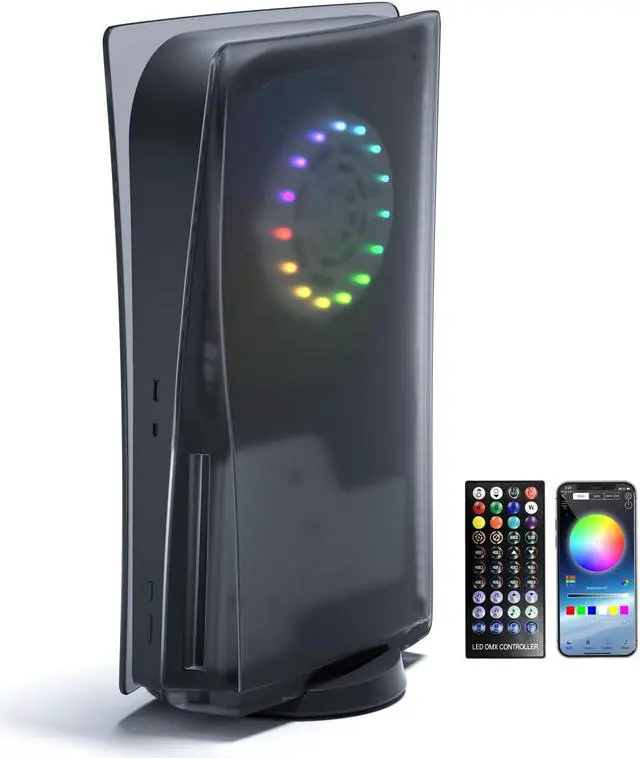
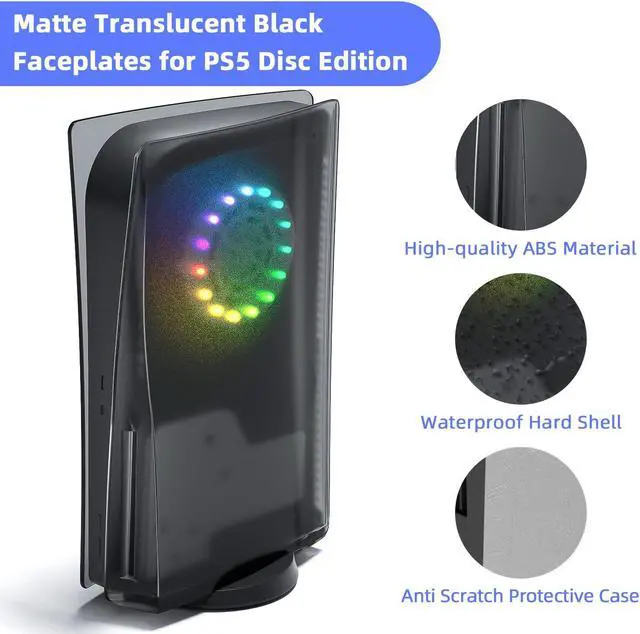


Mytrix PS5 Faceplate 2 in 1 Translucent Black Plates for PS5 Disc Edition + RGB LED Music Sync Light Strips Kit: Replacement Console Face Plate, Sound Sync Mode Lighting with 8 Colors 400+ DIY Effects
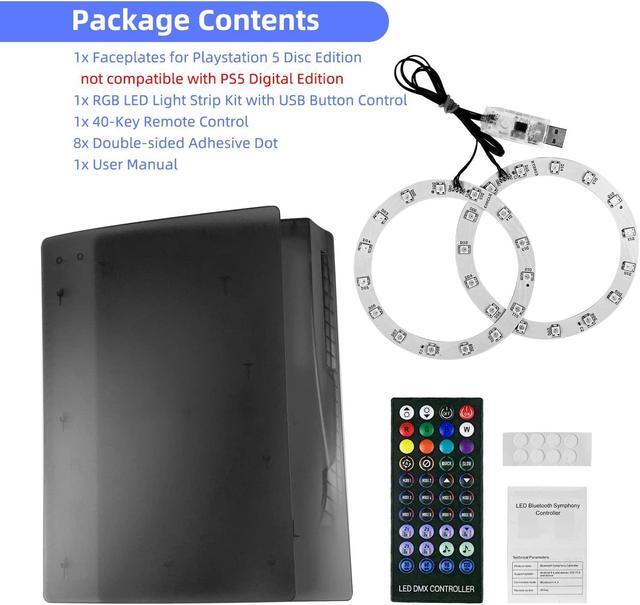
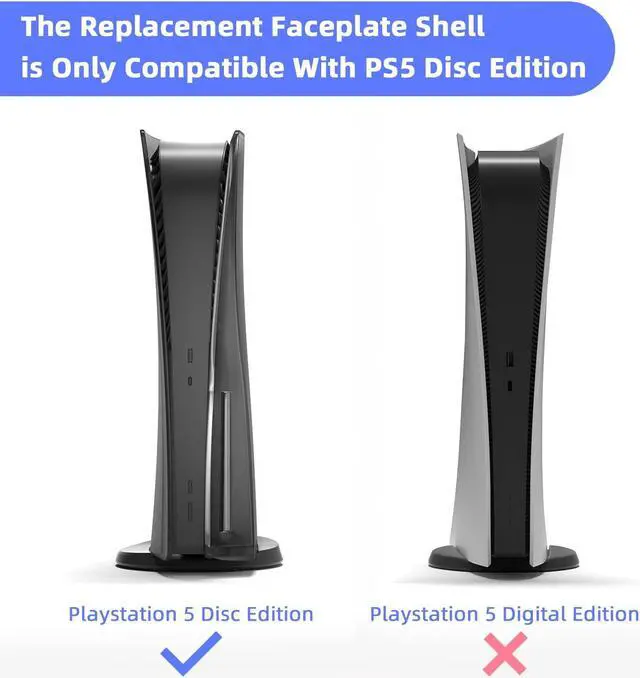
- PS5 Replacement Plates + RGB LED Light Strips- Bundle includes 2x faceplate cover for PlayStation 5 Disc Edition (NOT compatible with PS5 Digital),1x RGB LED Light Ring Kit with USB Button Control, 1x 40-Key Remote Control, 8x Double-sided Adhesive Dot, 1x User Manual
- Unique Translucent Black PS5 Faceplates- The eye-catching RGB LED light shines through the translucent shell; Mytrix shockproof cover plates for Disc Version PS5 are made of high-quality ABS
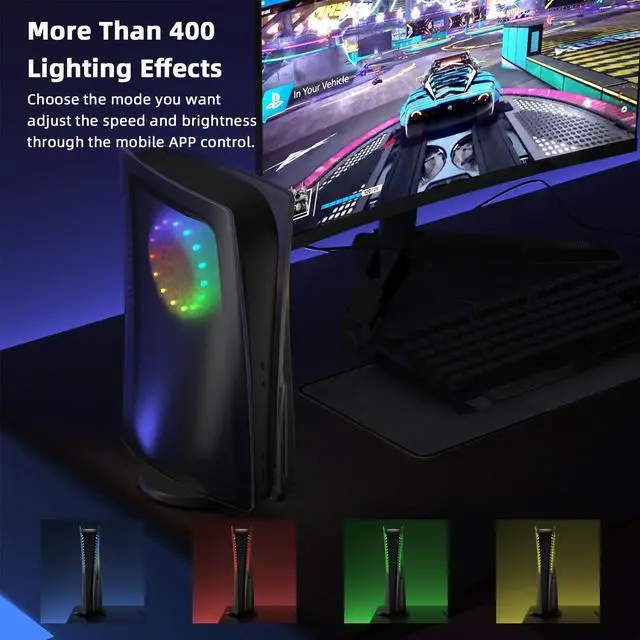
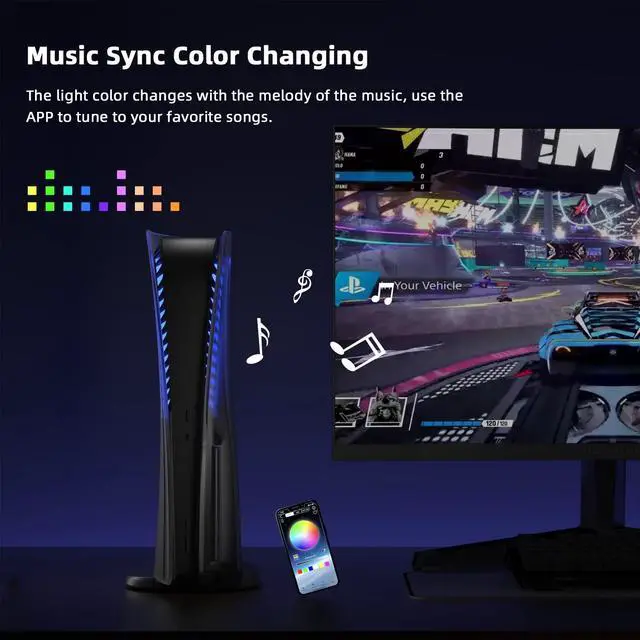
- Music Sync & 400+ DIY Lighting Effects- The LED lights have 8 colors and more than 400 DIY lighting effects; With the music sync mode, the color changes with the beats of the music
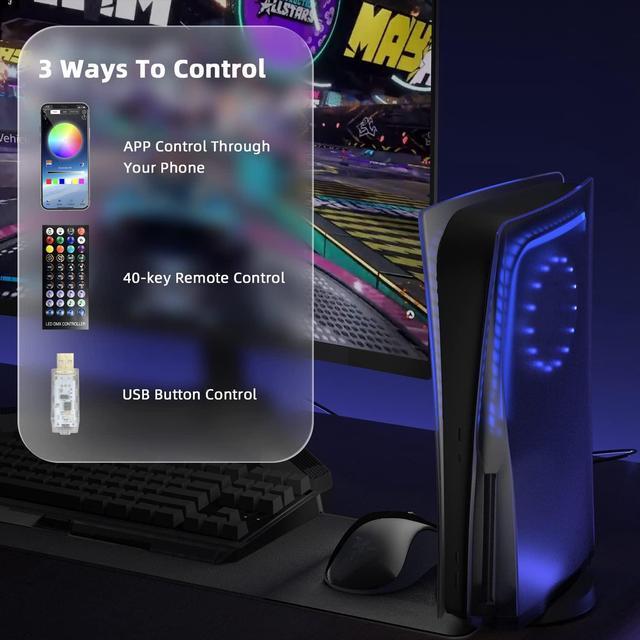
- 3 Ways to Control Lights- 1. Wireless control by the 40-key remote; 2. Download the "LED LAMP" APP on your mobile phone, turn on Bluetooth and pair the light strip; 3. Use the button on the USB plug
- Easy to Install & Remove- The protective shell is tailored for PlayStation 5 Disc Edition, with easy access to the USB, HDMI, and power ports
+
+
Overview
Specs
Reviews

Any questions? Our AI mode will help you find out quickly.
Try me now
Mytrix 2 in 1 Translucent Black Faceplates for PS5 Disc Edition + RGB LED Light Strips Kit, Anti-Scratch Shockproof Plates Cover ABS Hard Replacement Shell for Playstation 5, LED Strip with Music Sync and 8 Colors 400+ DIY Lighting Effects
Easy to Install & Remove
Everyone can replace our PS5 faceplate quickly and easily:
1. Lift under the rear corner of the faceplate where the PS5 logo is located to lose the circular buckle, then slide off the faceplate;
2. Apply the double-sided adhesive dots (included in the package) to the back side of the RGB light discs;
3. Make sure the cable of the RBG light toward the back of the console, stick the light discs onto the console's fan frames;
4. Align the replacement faceplate and confirm the hooks are inserted into their positions;
5. Push the new faceplate horizontally toward the top of the console until you hear a click, the faceplate should be inserted into its position.
Warranty & Returns
Warranty, Returns, And Additional Information
Warranty
- Please contact the Seller directly for warranty information. Warranty information may also be found on the Manufacturer's website.
- CONTACT
Return Policies
- Return for refund within: 30 days
- Return for replacement within: 30 days
- This item is covered by GeekShopping Return Policy
Manufacturer Contact Info
- For a directory of all our manufacturers, please click below.
- Manufacturers Directory
LOADING...