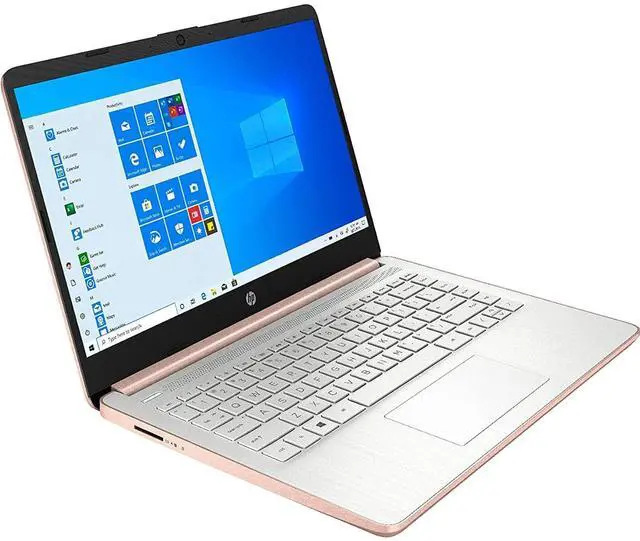
How to switch s mode to windows 11On your PC running Windows 11 in S mode, open Settings > Update & Security > Activation. In the Switch to Windows 11 Home or Switch to Windows 11 Pro section, select Go to the Store. (If you also see an "Upgrade your edition of Windows" section, be careful not to click the "Go to the Store" link that appears there. )On the Switch out of S mode (or similar) page that appears in the Microsoft Store, select the Get button. After you see a confirmation message on the page, you'll be able to install apps from outside of the Microsoft Store.
We sell computers with upgraded configurations. If the computer has modifications (listed above), the manufacturer box is opened for test and inspection, and upgrades to achieve the specifications as advertised. OFFICE 365
FOR ONE YEAR: Get full access to Microsoft Excel, Word, PowerPoint, OneNote, Access, and 1 TB of OneDrive Storage for one year.
Processor: Intel Dual-Core Celeron N4020 ( 1.1 GHz base frequency, up to 2.8 GHz burst frequency, 4
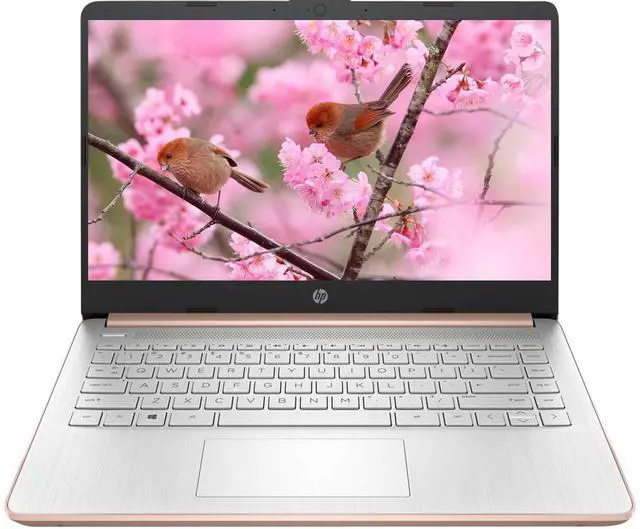
MB L2 Cache)Display: Touchscreen, 14.0 -inch diagonal, HD (1366 x 768), micro-edge, BrightView, 220 nits, 45% NTSC
Storage: 64GB eMMC Flash Memory, and 128GB
SD CardMemory: 8GB DDR4
RAM
Graphics: Intel UHD
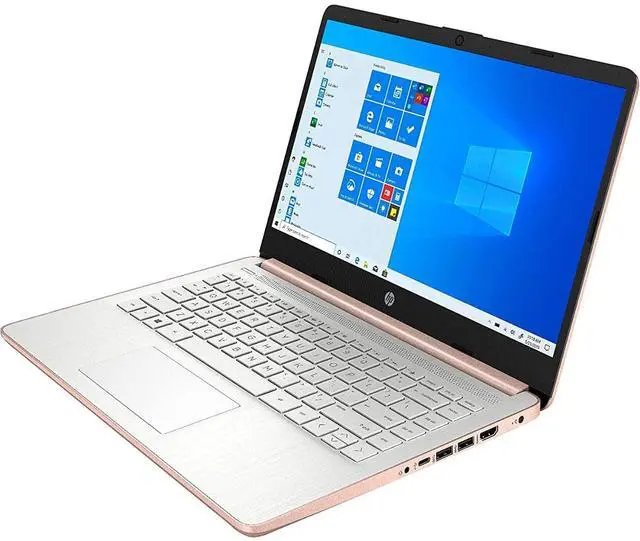
Graphics 600Operating System: Windows 11
SWireless Connectivity: Bluetooth, WiFiKeyboard: Non-backlit, Full-sizeAudio: HD Audio, Dual
Stereo SpeakersCamera: 720p
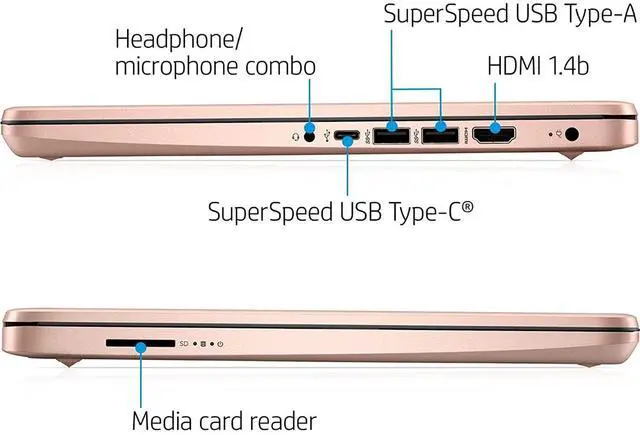
HD WebcamPorts: 1x USB 3.1 (Type-C) 5Gbps2x USB 3.1 (Type-A) 5Gbps1x HDMI 1.4 b1x Headphone/microphone combo1x multi-format
SD media card readerBattery: 3-cell, 41
WhWeight: 3.24
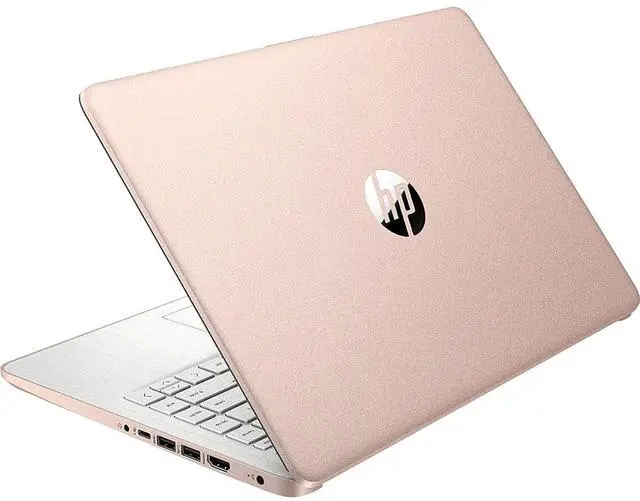
LbDimensions: 12.76 x 8.86 x 0.71 inchColor: Rose
GoldBundle with: GalliumPi MousePad