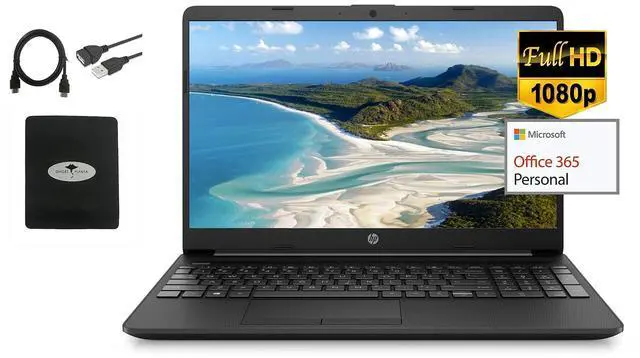
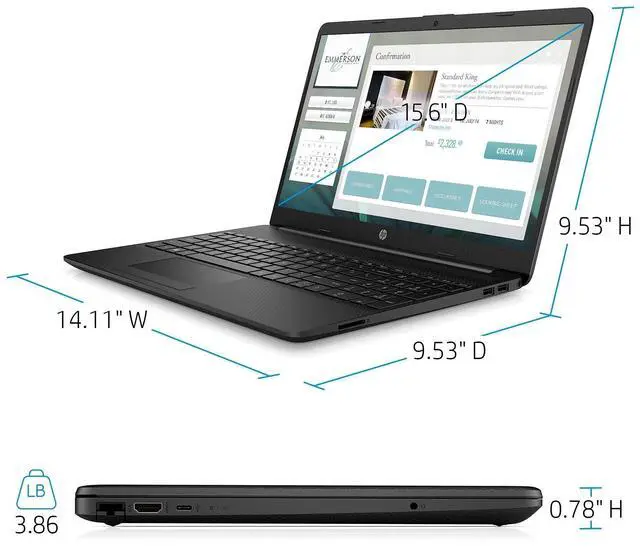
We sells computers with upgraded configurations. If the computer has modifications (listed above), then the manufacturer box is opened for it to be tested and inspected and to install the upgrades to achieve the specifications as advertised. If no modifications are listed, the item is unopened and untested. Defects & blemishes are significantly reduced by our in depth inspection & testing.
CPU: Intel Celeron Processor N4020 (4MB Cache, up to 2.8
GHz)Memory: 8GB DDR4 SDRAM
Storage: 256GB
Solid State DriveSystem: Windows 10 in
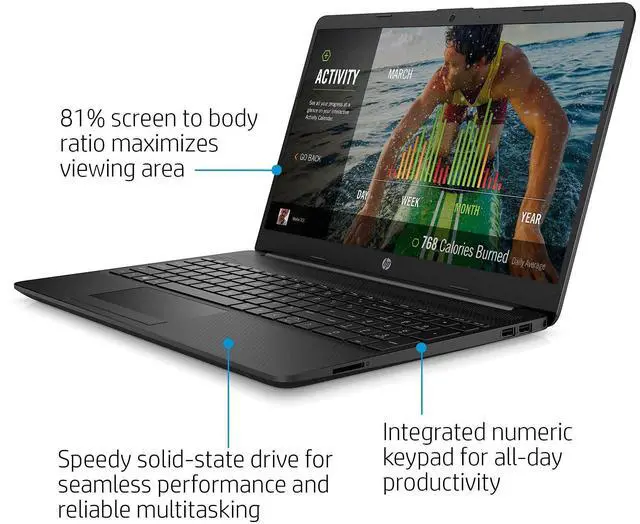
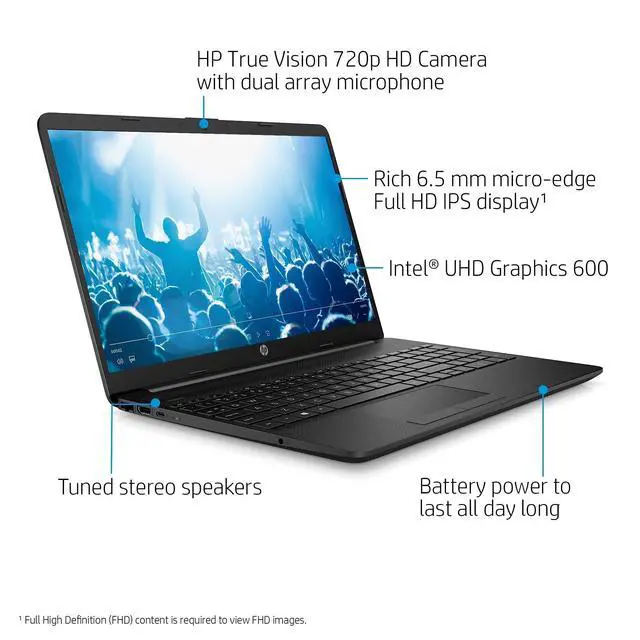
S modeDisplay: 15.6 -inch diagonal, FHD (1920 x 1080 Resolution), IPS, micro-edge, anti-glare, Non-touch
DisplayBacklit Keyboard:
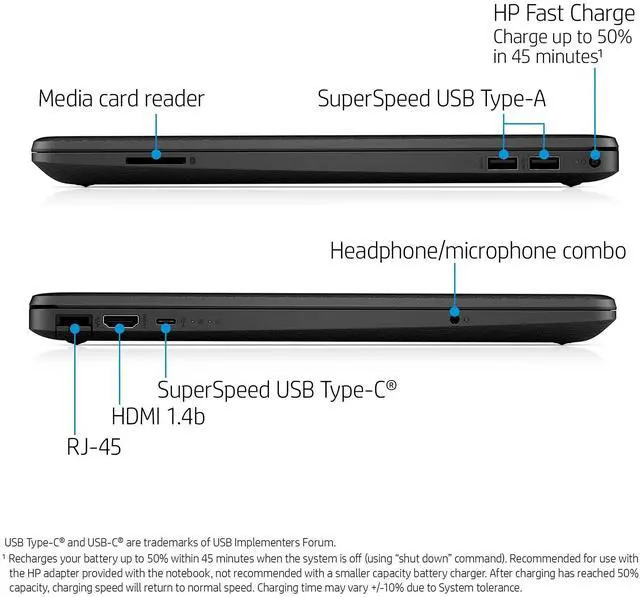
NoPorts: 1 X SuperSpeed USB Type-C; 2 X SuperSpeed USB Type-A; 1 X HDMI 1.4 b; 1 X RJ-45; 1 X AC smart pin; 1
X headphone/microphone comboVideo: Intel
UHD GraphcisAudio: Dual
SpeakersMedia Drive: Multi-format SD
Media Card ReaderWireless: 802.11 a/b/g/n/ac WiFi and
BluetoothNetwork interface: Integrated 10/100/1000 GbE
LAN
Camera: HP True Vision 720p HD camera with integrated dual array digital microphonesBattery: 3-Cell, 41 WHr, Integrated
batteryWeight: 3.86 PoundsHow to switch s mode to windows
101. On your PC running Windows 10 in S mode, open Settings > Update & Security > Activation. 2. In the Switch to Windows 10 Home or Switch to Windows 10 Pro section, select Go to the Store. (If you also see an "Upgrade your edition of Windows" section, be careful not to click the "Go to the Store" link that appears there. )3. On the Switch out of S mode (or similar) page that appears in the Microsoft Store, select the Get button. After you see a confirmation message on the page, you'll be able to install apps from outside of the Microsoft Store.