Product Description
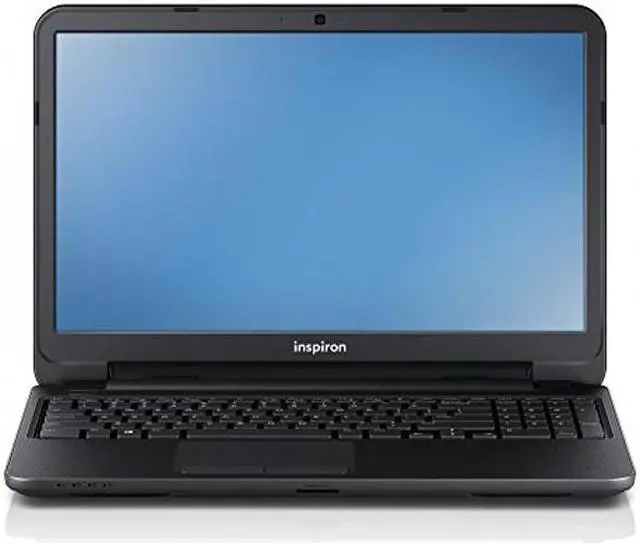
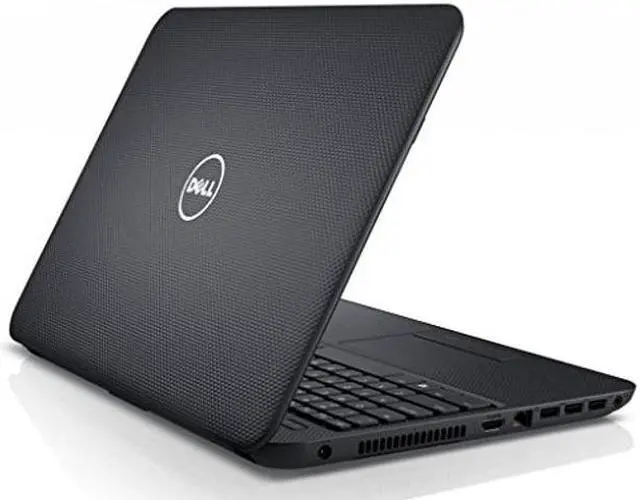
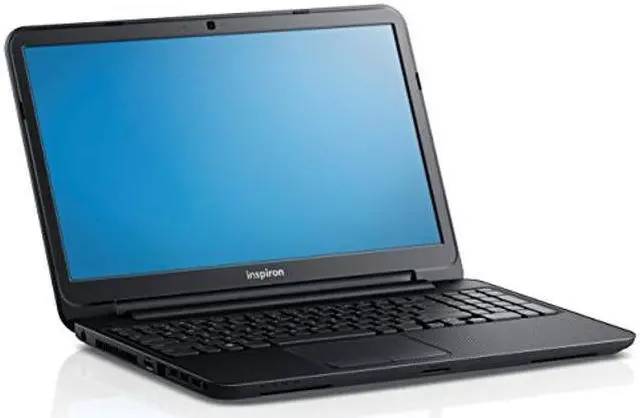
The Inspiron 15 i3542-5000BK 15.6" Multi-Touch Notebook Computer from Dell features a 15.6" Truelife widescreen display that is backlit with LEDs for low power consumption. The screen also has a 16:9 aspect ratio and a 1366 x 768 native resolution powered by integrated Intel HD Graphics 4400. You can also output video to an external display via the HDMI port. The display also has a glossy finish, which provides vibrant color. The display is also a touchscreen so you can utilize the multi-touch gestures in Windows 8.1. The system is powered by a dual-core 4th-gen Haswell 1.9 GHz Intel Core i3-4030U processor.
It also has 4GB of 1600 MHz DDR3L RAM, a 500GB 5400 rpm hard drive, a SuperMulti DVD burner, a 3-in-1 media card reader (SD/SDHC/SDXC), 802.11 b/g/n Wi-Fi, Bluetooth 4.0, an integrated webcam, and a microphone. There are also built-in stereo speakers with Wave MaxxAudio technology. Windows 8.1 is the installed operating system. Windows 8.1 improves the user experience of Windows 8 with several additions and changes. The Start button returns, but has two limited core functions. A left click takes you to the redesigned Start screen featuring tiles that update in real-time.
A right click brings up an advanced menu where you can access the Device Manager, Control Panel, and more. You will also be able to boot directly to the traditional desktop screen instead of the Windows 8.1 Start screen. Windows 8.1 provides a unique user experience that differs from previous versions of Windows.