• $25.87
  • Free 30-day Returns
  • Ships from China.
    Price alert
    Shop it at NeweggBusiness.

    Meet Your Seller

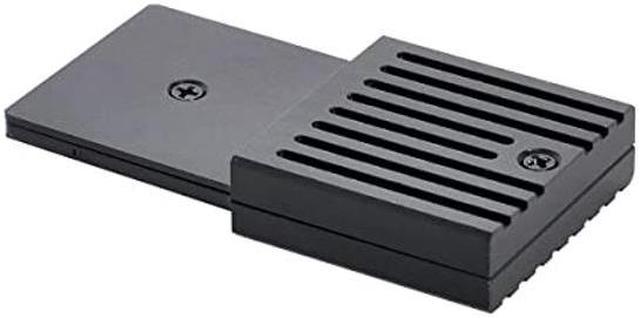
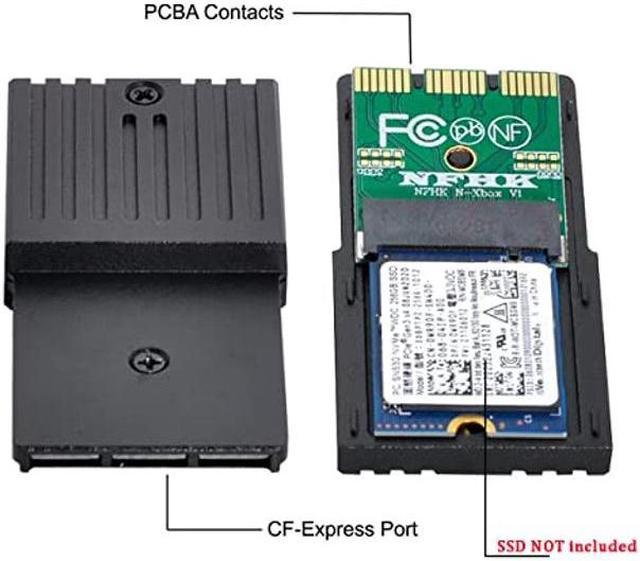
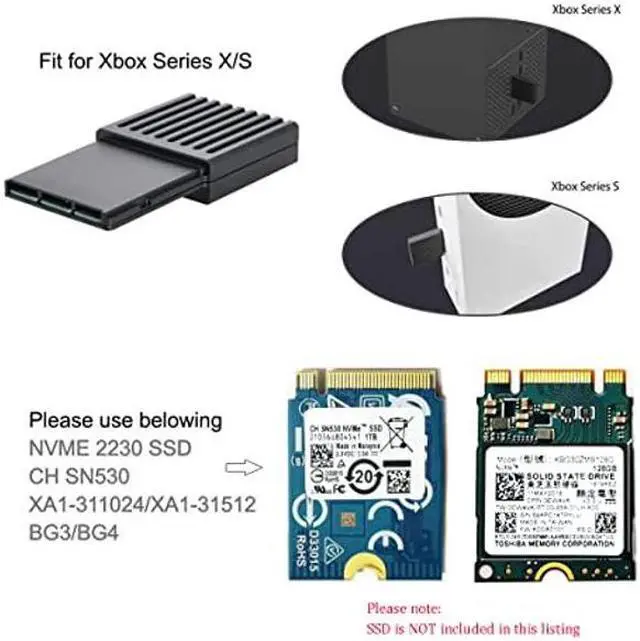
    Topcine CFExpress B to WD SN530 SSD Storage Expansion Card Adapter for Xbox Series X/S Solid State Drive NVMe SSD CF-Express Type-B to M.2 NVMe 2230 M-Key Adapter Expansion Memory Card PCIe4.0

    • [(High Speed)] Support PCIE4.0 protocol, up to 32GB bandwidth, which is doubled compared to the PCIE3.0 bandwidth on the market.
    • [(Quick Recovery Function)] It can directly save the game to the SSD quickly, and it can be loaded and restored directly when it is enabled next time.
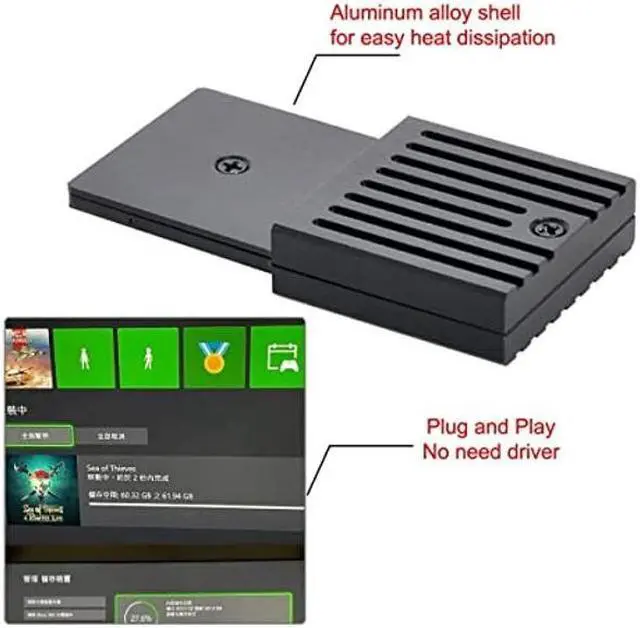
    • [(Efficient Heat Dissipation)] The all-aluminum alloy body maximizes the heat dissipation effect, quickly dissipates the heat generated by the high-speed running memory, and prolongs the service life of the hard disk.
    • [(How to Use)] Insert the cfexpress b to ssd adapter with WD SN530 SSD into the host, you can easily load the game and play anytime.
    • [(Strong Compatibility)] Easily compatible with Xbox Series X and Xbox Series S consoles, feel the super fast loading speed and wonderful game world.
    • [(Lightweight & Small)] The adapter is very small in shape, easy to carry, and convenient for daily travel.
    +
    +
    Overview
    Specs
    Reviews
    avatar

    Any questions? Our AI beta will help you find out quickly.

    Product Spesifications:
    Product name: Xbox Series X/S console hard drive conversion box
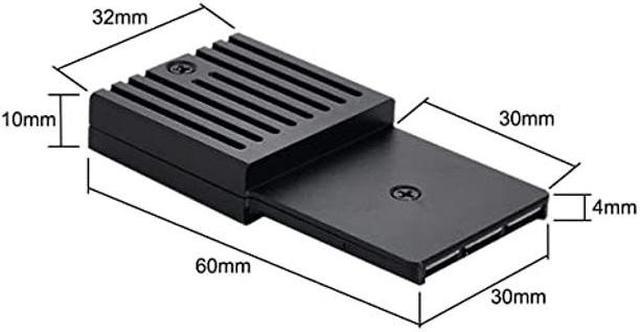
    Item size: 30*50*7mm
    Packing Size: 86x51x24mm
    Packing weight: 39.8 g
    Product material: aluminum alloy
    Packing list:
    conversion box x1, screwdriver x1, product manual x1

    The SSD used was a WDC 530 with the 4096 sector size.
    The kit came with a thin (probably 0.5 mm) thermal pad and a slightly thicker (probably 1mm) thermal pad. The thin pad was for the bottom layer of the SSD, without any component. The thicker one was used on the top lay where the NAND flash and controller are mounted.

    Notes:
    1. This product does not contain WD CH SN 530 SSD.

    2. During the standby process, if you do not want to unplug the expansion card, please change to the energy saving mode in Settings - Power Mode - Instant Use. Prevent the expansion card from running in the standby state, and improve the service life of the hard disk.

    Warranty & Returns

    Warranty, Returns, And Additional Information

    Warranty

    • Please contact the Seller directly for warranty information. Warranty information may also be found on the Manufacturer's website.
    • CONTACT

    Return Policies

    Manufacturer Contact Info

    LOADING...