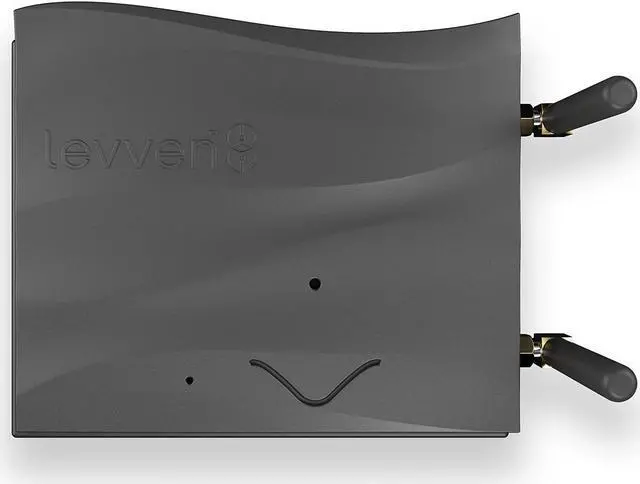
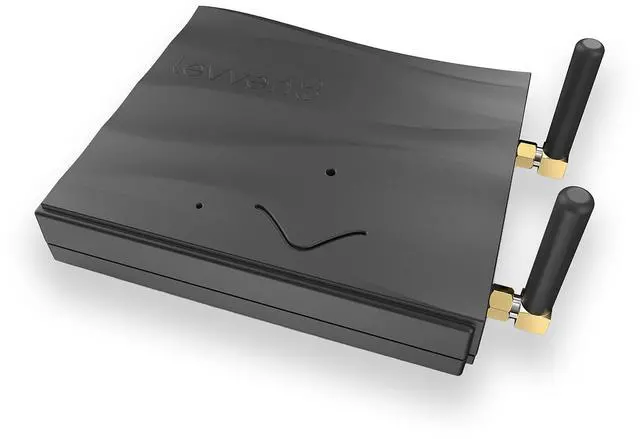
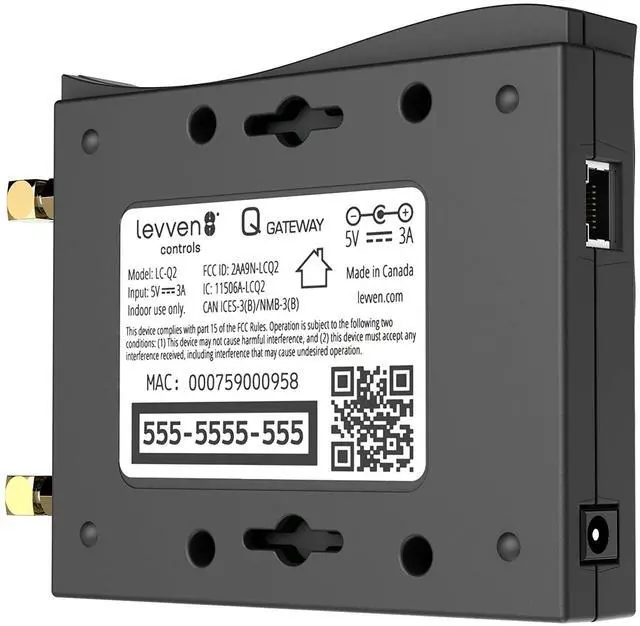
The Levven Q Mobile Access Gateway connects the Levven controllers and switches to the home network. Levven Q is how homeowners access and control every switch in their home from a mobile app on their device, or with voice commands to smart speakers in the home. Place Levven Q in a central location, ideally near the Wi-Fi router or network switch. For optimum wireless reception, mount your Q vertically, high on a shelf or wall. Connect the supplied CAT-5 network cable between a LAN port on the home network router and Qs network port, and connect the Q to power.
Levven Q needs to be added to the controller group in the home.