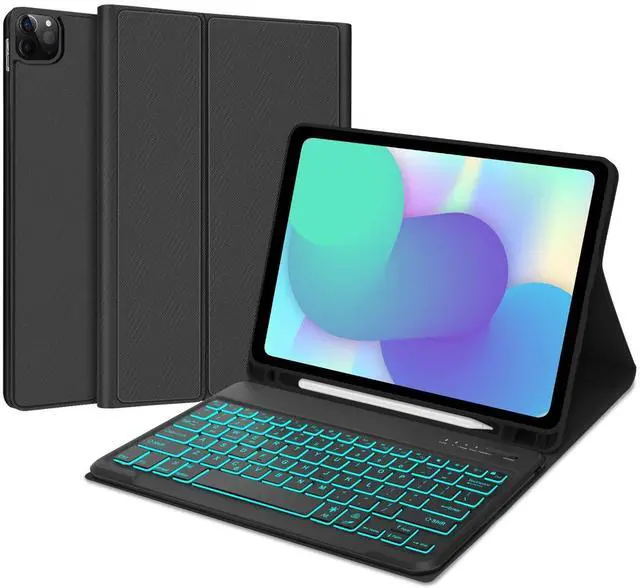
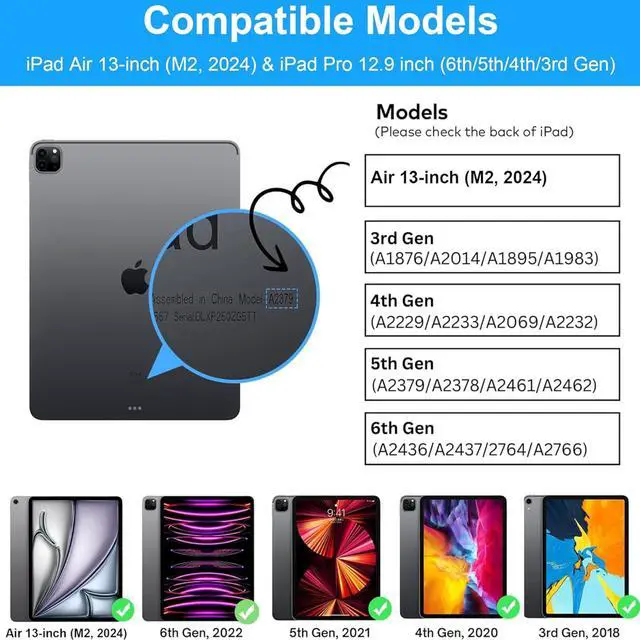
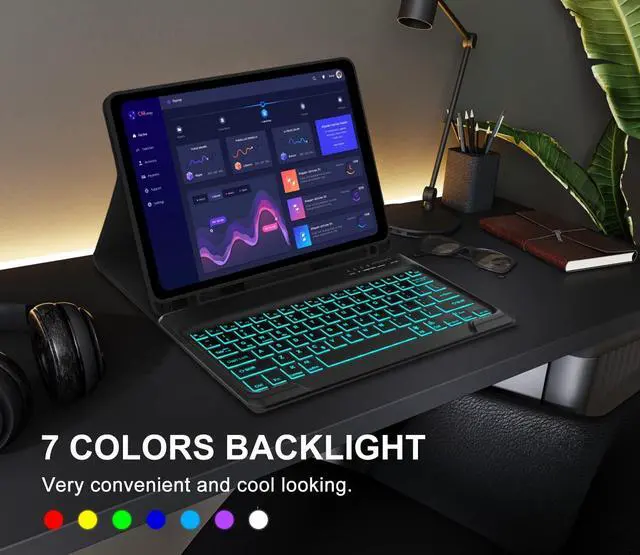
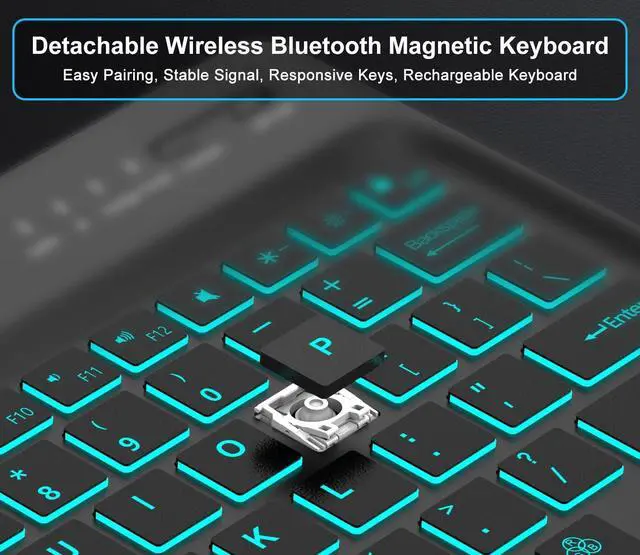
How to connect the keyboard to iPad: 1. Please fully charge the keyboard and turn it on. 2. Press and hold the power button to turn on the keyboard (press and hold for 3 seconds), press Fn+C to turn on the Bluetooth. 3. Go to the iPad settings, click on Bluetooth and look for the keyboard. 4. Select the iPad Keyboard. and it will connect.
Features: -Anti-skid
Design: Fashing texture can effectively prevent the keyboard from slipping; -Precise
Cutout: The cut-outs for the camera perfect; -High -quality
Material: High-quality materials enable our products to protect our iPad when the keyboard is accidentally slipped or falls off; -Pencil
Holder: The Pencil holder leaves a slot to protect your pen more carefully from rolling or losing it. (Apple Pencil or iPad NOT included); -Type-C
Charging Port: The built-in battery can be charged through the Type-C interface; -Long
Life Battery: Extra long standby time of up to 100 days and charging for 2-3 hours, and can work continuously for up to 70 hours under normal use;
Package List: 1 * Keyboard for iPad Pro 12.9 inch1 * iPad pro 12.9 case1* USB Charge Cable1 * User Manual