Your Browsing History
- Free 30-day Returns
$40.99
Meet Your Seller
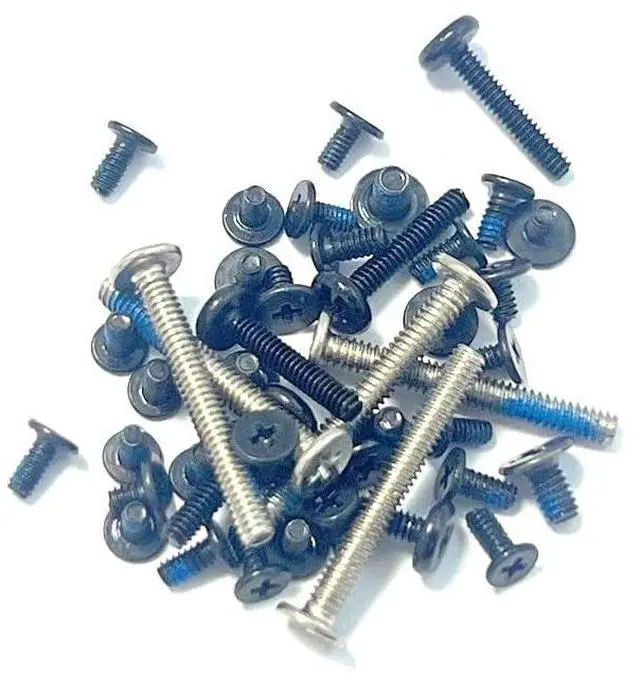
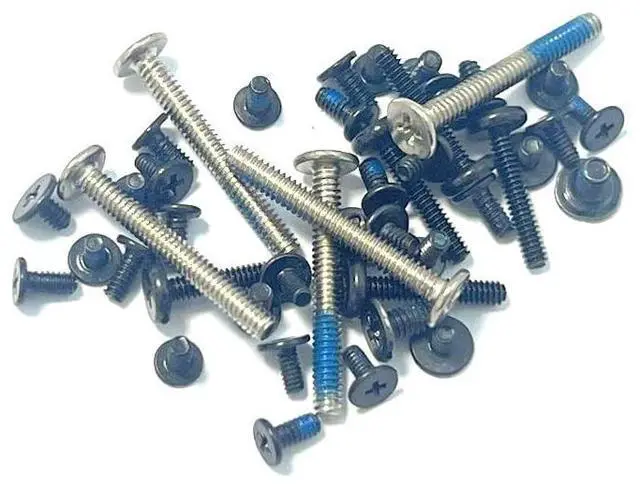
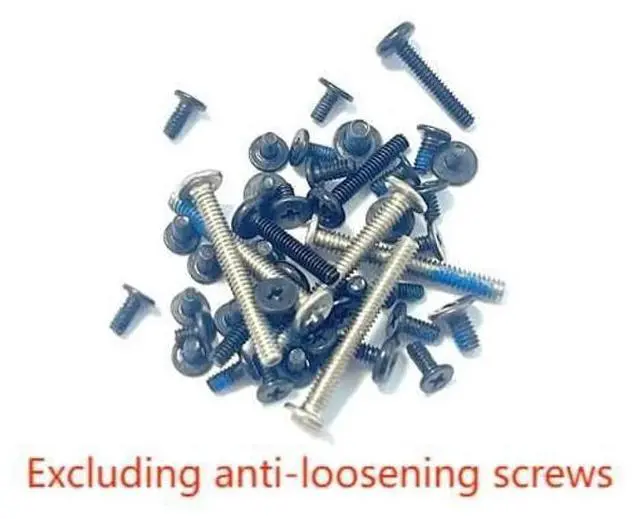
IFIXAI Laptop Complete Set of Screws Replacement for ASUS ROG Ally RC71L,Rog Ally X 2024,RC72 RC72LADoes not Include Anti-loosening Screws
- Complete set of Screws for Laptop Replacement for ASUS ROG Ally RC71L,Rog Ally X 2024,RC72 RC72LA Does not include anti-loosening Screws
- Blue Glue anti-slip design,not easy to come off.This Product Are Tested Before Shipping.
- Durable and rust-resistant: Each screw has excellent hardness and superior corrosion and rust resistance.
- Precision Machining: The screws are precision-machined on a lathe, resulting in clear threads and precise tolerances. This reduces the risk of stripping or slipping, ensuring the laptop remains undamaged during repairs.
- Thread Protection: Compared to ordinary iron screws, these screws are less prone to stripping or breaking, effectively protecting the laptop's threaded holes. This ensures that the screws remain secure and stable even after multiple installations and removals.
+
+
Overview
Specs
Reviews
Any questions? Our AI beta will help you find out quickly.
Try me now
Complete set of Screws for LaptopReplacement for ASUS ROG Ally RC71L, Rog Ally X 2024, RC72 RC72LADoes not include anti-loosening
ScrewsInstallation PrecautionsDiagonal step-by-step fixing: tighten the screws step-by-step in diagonal order to avoid uneven stress on the bottom shell resulting in gaps or deformation.
Stage-by-stage tightening: screw all the screws in gently first (without tightening), make sure the bottom shell is aligned and then gradually reinforce it.
Strength control: Screws can be tightened until they stop naturally, do not use excessive force to avoid slipping or damaging the threads.
Checking the closure: After installation, gently press around the bottom shell to make sure there is no warping or gap. If there is any abnormality, re-check the screws to make sure they are aligned.

ScrewsInstallation PrecautionsDiagonal step-by-step fixing: tighten the screws step-by-step in diagonal order to avoid uneven stress on the bottom shell resulting in gaps or deformation.
Stage-by-stage tightening: screw all the screws in gently first (without tightening), make sure the bottom shell is aligned and then gradually reinforce it.
Strength control: Screws can be tightened until they stop naturally, do not use excessive force to avoid slipping or damaging the threads.
Checking the closure: After installation, gently press around the bottom shell to make sure there is no warping or gap. If there is any abnormality, re-check the screws to make sure they are aligned.
Warranty & Returns
Warranty, Returns, And Additional Information
Warranty
- Please contact the Seller directly for warranty information. Warranty information may also be found on the Manufacturer's website.
- CONTACT
Return Policies
- Return for refund within: 30 days
- Return for replacement within: 30 days
- This item is covered by Tactifans Outdoor Sport Goods Return Policy
Manufacturer Contact Info
- For a directory of all our manufacturers, please click below.
- Manufacturers Directory
LOADING...