Ready for
Firmware Updates: Our 822XL ink cartridges feature the latest chipset, engineered to maintain compatibility with newer printer firmware. If you get a ink cartridge not recognized error after a printer update, our chips are designed to work seamlessly.
^^ Compatibility Note: To prevent cartridge lockout after firmware updates, we recommend maintaining your printer's current firmware. Our 822/822XL combo is optimized for this, allowing you to enjoy high-quality prints while cutting costs.
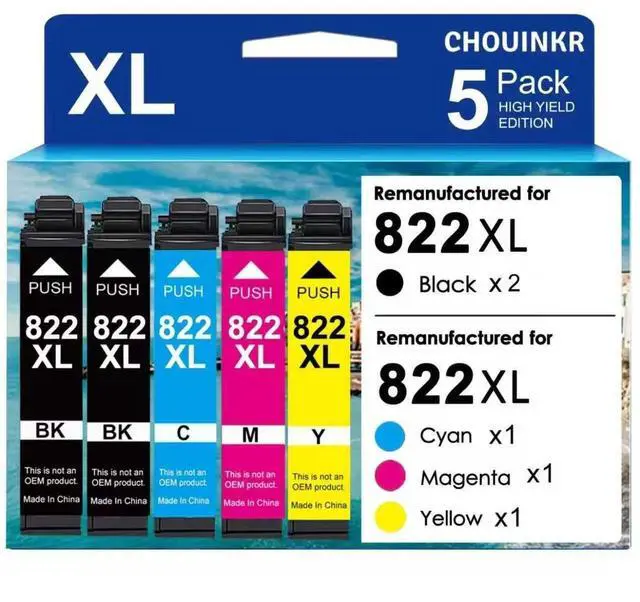
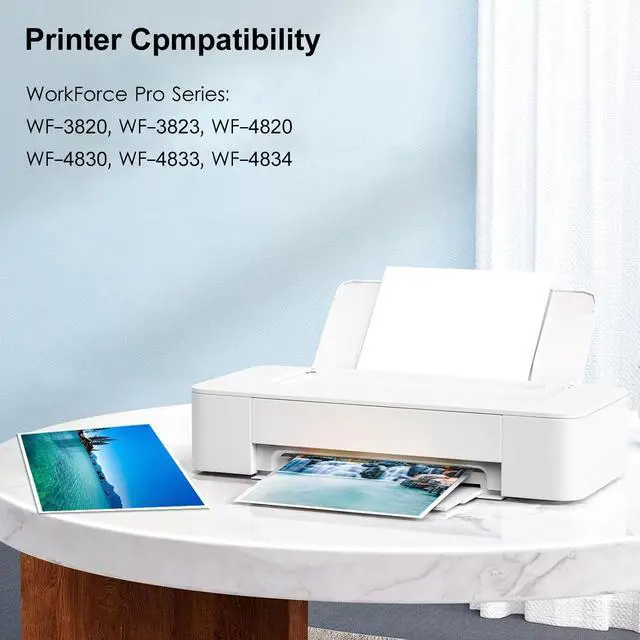
^^ Latest Upgraded Chips: Replacement for Epson 822XL ink cartridges combo pack (3*Black, 1*Cyan, 1*Magenta, 1*Yellow) to use with Epson WorkForce Pro WF-3820 WF-4820 WF-4830 WF-4834 WF-4833 WF-3823 Printer.
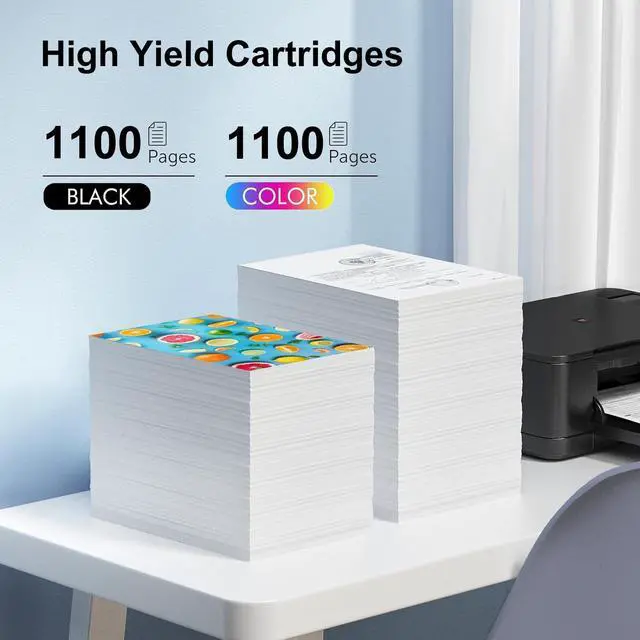
^^ High Page Yiled: 1100 Pages per epson 822XL Black ink cartridge/ 1100 Pages per epson 822XL Color ink cartridge at 5% coverage ^^
Compatible Printers: Work with Epson Workforce Pro WF-3820 WF-4820 WF-4830 WF-4834 WF-4833 WF-3823 Printer ^^
Troubleshooting Steps: 1. Gently clean the contact points between the cartridge and printer slot with a soft cloth or cotton swab to remove dust or dirt. 2. Remove and reinsert the cartridge, ensuring it's properly and fully inserted into the slot. 3. Turn off the printer, unplug it, wait 30 seconds, plug it back in, turn it on, and check if the error is resolved.