Out of stock
  • $43.99
  • Free 30-day Returns
  • $5.99 Shipping ()
Most customers receive within 5-9 days.
Sold by Aptly Tech

Shipped by Aptly Tech

Price alert
Shop it at NeweggBusiness.

Meet Your Seller

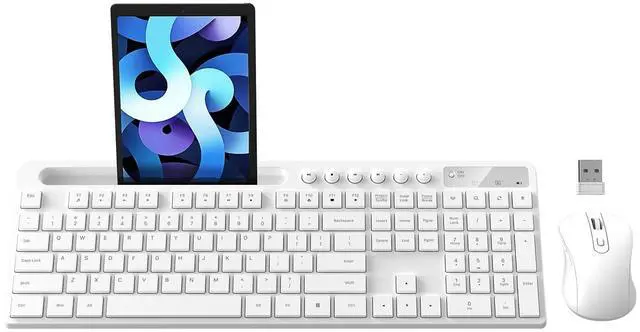
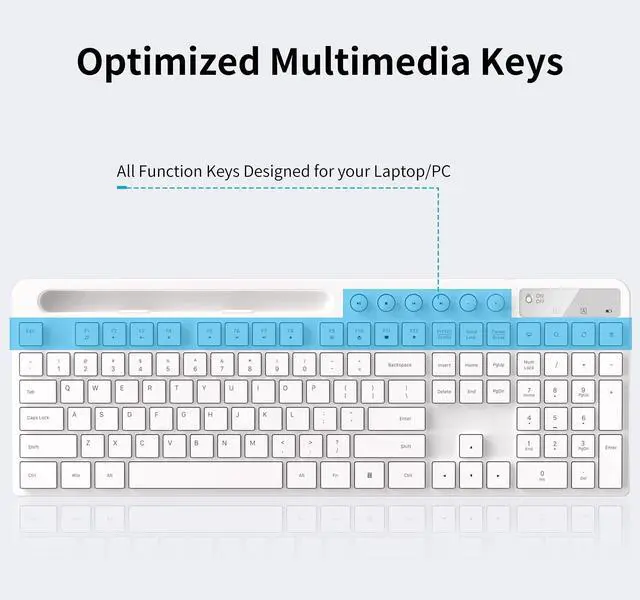
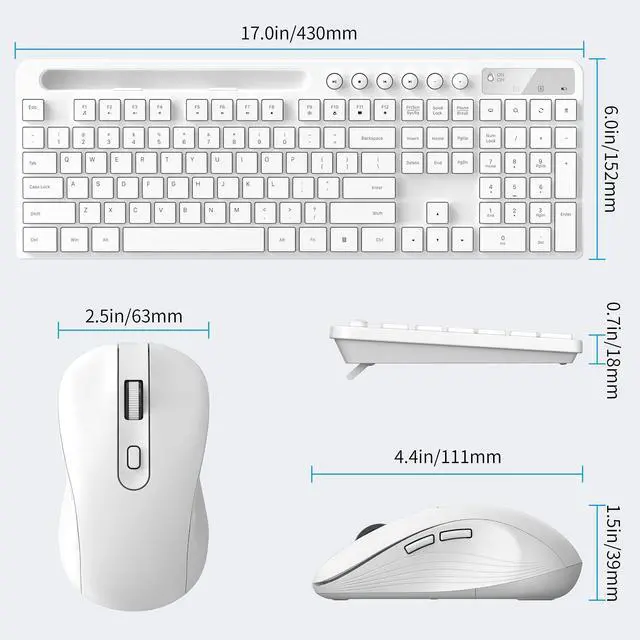
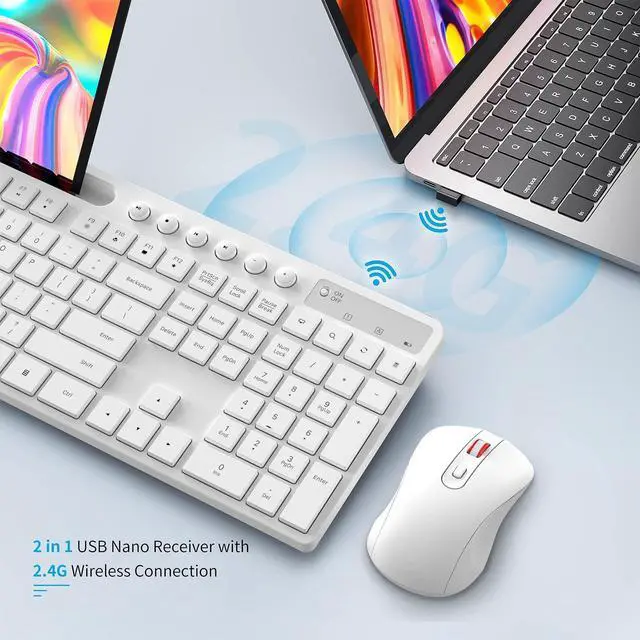
Wireless Keyboard and Mouse Combo, MARVO 2.4G Ergonomic Wireless Computer Keyboard with Phone Tablet Holder, Silent Mouse with 6 Button, Compatible with MacBook, Windows (White)

  • MARVO Wireless Keyboard and Mouse Combo (Battery Not Included);
  • 2.4G Ergonomic Wireless Computer Keyboard with 9.84inch Phone Tablet Holder;
  • Silent Mouse with 6 Button(800/1200/1600 DPI Adjustable);
  • Compatible with Windows XP / Vista / 7 / 8 /10 and MACOS operating systems;
  • MARVO Provide 12-month Worry-free warranty and friendly customer service;
  • When connection, red power light will blink for 5-8 seconds and then turn off, in low battery mode, red power light will blink when you press any key. So it is normal for the red light to blink for 5-8 seconds when you first start using the device.
  • If your keyboard and mouse cannot connect, press and hold ESC, =, the Scroll Wheel, and the Right Mouse Button simultaneously for 5-10 seconds. Repeat this process 2-3 times until they are successfully connected.

+
+
Overview
Specs
Reviews
avatar

Any questions? Our AI beta will help you find out quickly.

MARVO Wireless Keyboard and Mouse Combo (Battery Not Included); ^^ 2.4G Ergonomic Wireless Computer Keyboard with 9.84 inch Phone Tablet Holder; ^^ Silent Mouse with 6 Button(800/1200/1600 DPI Adjustable); ^^ Compatible with Windows XP / Vista / 7 / 8 /10 and MACOS operating systems; ^^ MARVO Provide 12-month Worry-free warranty and friendly customer service; ^^ When connection, red power light will blink for 5-8 seconds and then turn off, in low battery mode, red power light will blink when you press any key. So it is normal for the red light to blink for 5-8 seconds when you first start using the device.

^^ If your keyboard and mouse cannot connect, press and hold ESC, =, the Scroll Wheel, and the Right Mouse Button simultaneously for 5-10 seconds. Repeat this process 2-3 times until they are successfully connected.

Warranty & Returns

Warranty, Returns, And Additional Information

Warranty

  • Please contact the Seller directly for warranty information. Warranty information may also be found on the Manufacturer's website.
  • CONTACT

Return Policies

  • Return for refund within: 30 days
  • Return for replacement within: non-replaceable
  • This item is covered by Aptly Tech Return Policy

Manufacturer Contact Info

LOADING...