• $94.99
  • Free 30-day Returns
  • Price alert
    Shop it at NeweggBusiness.

    Meet Your Seller

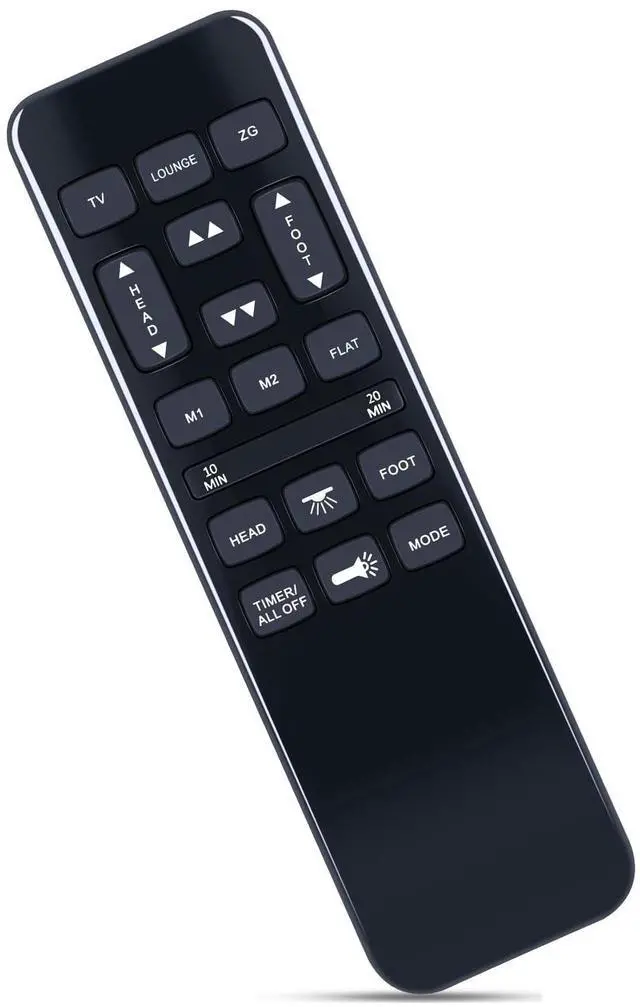
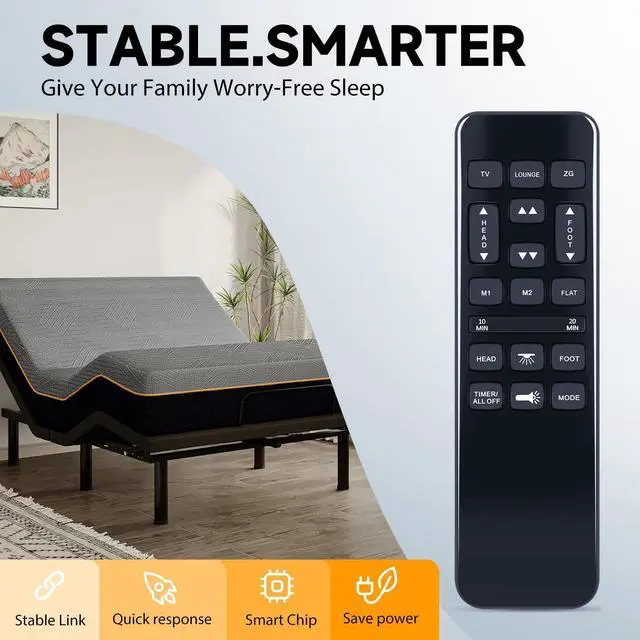
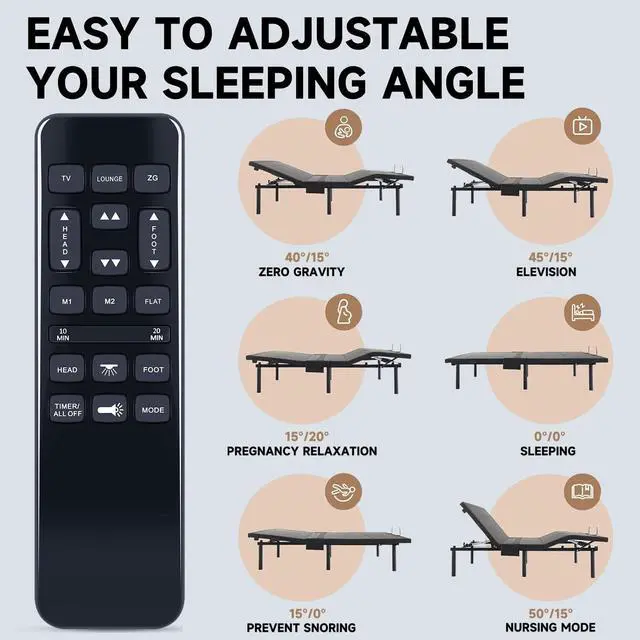
    ZWP HJH55 Replacement Remote Control for Mattress Firm 600/3000 Series NU203CB Adjustable Bed Base, for Best Choice Products, BCP Adjustable Bed Frame SKY8064 SKY8065 SKY5671 SKY5679

    • Compatible with models HJH92S HJH55 SKY5671 SKY5671 SKY8064 SKY5671 SKY5679 (not include the battery)
    • PAIRING Method 1: Step 1) Press and hold the [HEAD UP] and [FOOT UP] buttons on the remote at the same time for 10 seconds; Step 2) Push the button on the side of thecontrol box underneath the bed where is indicates reset coding (usually it isthe button indicated by the word "Learn" or "Reset Coding".Do not press and hold the side button, just press and release. Step 3) Once you hear beeps that willindicate that the remote is synced.

    • PAIRING Method 2: Step 1) Press and hold the [HEAD DOWN] and [FOOT UP] buttons on the remote at the same time for 10 seconds; Step 2) Push the button on the side of thecontrol box underneath the bed where is indicates reset coding (usually it isthe button indicated by the word "Learn" or "Reset Coding".Do not press and hold the side button, just press and release. Step 3) Once you hear beeps that willindicate that the remote is synced.
    • PAIRING Met
    +
    +
    Overview
    Specs
    Reviews
    avatar

    Any questions? Our AI beta will help you find out quickly.

    PAIRING Method 1: Step 1) Press and hold the [HEAD UP] and [FOOT UP] buttons on the remote at the same time for 10 seconds; Step 2) Push the button on the side of thecontrol box underneath the bed where is indicates reset coding (usually it isthe button indicated by the word "Learn" or "Reset Coding". Do not press and hold the side button, just press and release. Step 3) Once you hear beeps that willindicate that the remote is synced.
    PAIRING Method 2: Step 1) Press and hold the [HEAD DOWN] and [FOOT UP] buttons on the remote at the same time for 10 seconds; Step 2) Push the button on the side of thecontrol box underneath the bed where is indicates reset coding (usually it isthe button indicated by the word "Learn" or "Reset Coding". Do not press and hold the side button, just press and release. Step 3) Once you hear beeps that willindicate that the remote is synced.
    PAIRING Method 3: Step 1) Press and hold the [HEAD UP] and [FOOT DOWN] buttons on the remote at the same time for 10 seconds; Step 2) Push the button on the side of thecontrol box underneath the bed where is indicates reset coding (usually it isthe button indicated by the word "Learn" or "Reset Coding". Do not press and hold the side button, just press and release. Step 3) Once you hear beeps that willindicate that the remote is synced.

    Warranty & Returns

    Warranty, Returns, And Additional Information

    Warranty

    • Please contact the Seller directly for warranty information. Warranty information may also be found on the Manufacturer's website.
    • CONTACT

    Return Policies

    • Return for refund within: 30 days
    • Return for replacement within: 30 days
    • This item is covered by ApexDash Return Policy

    Manufacturer Contact Info

    LOADING...