

Your Browsing History
- Free 30-day Returns
$45.99

Meet Your Seller

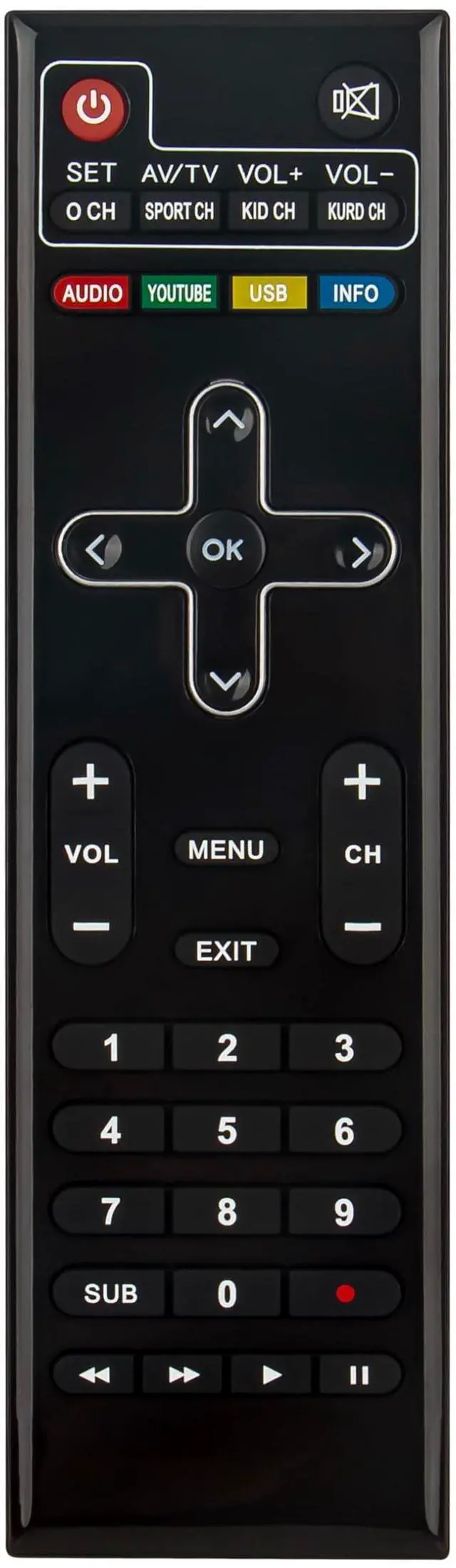
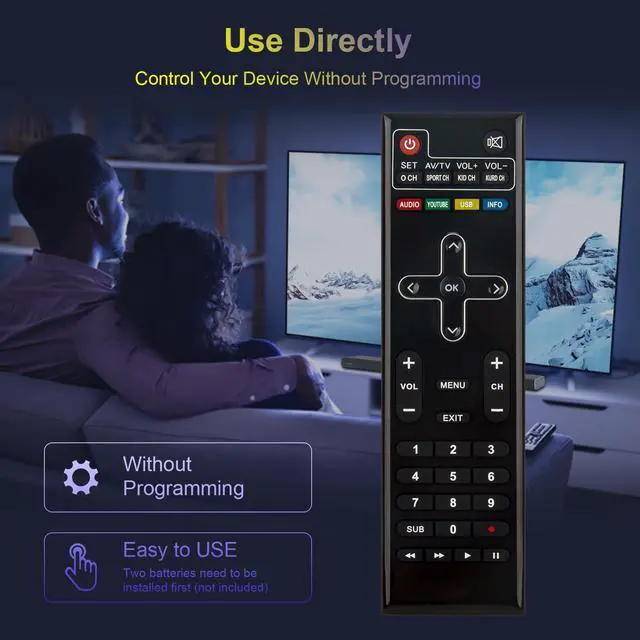
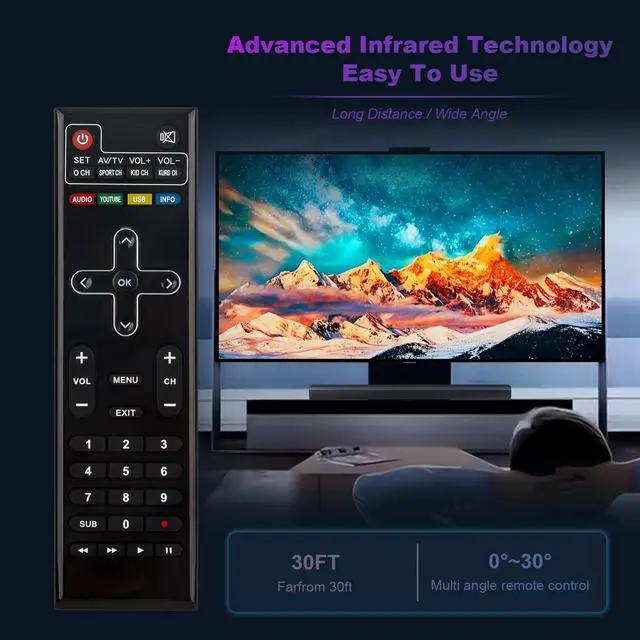
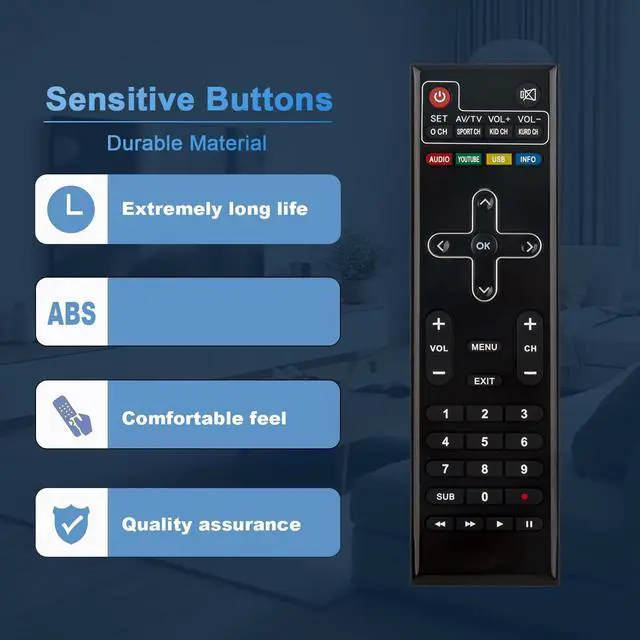


Replace Remote Control Compatible with iSTAR A9000 Plus, A9700 Plus, A9500 Plus, A8000 Plus, Zeed 4, Zeed4
- Replace Remote Control Compatible with iSTAR A9000 Plus , A9700 Plus , A9500 Plus , A8000 Plus , Zeed 4 , Zeed4
- Battery needed: two Pcs AA Batteries;
- Tips to setup the Learning Procedure:Step 1: Press "SET key far 5 seconds, the red lighton. Step2: Press "POWER" key in TV CONTROL area in10 seconds, the red light flash. Step 3: Keep TV remote IR and STB remote IR face to face in 3cm, press "power" key on TV remote, the red light flash 3 times and keep lighting. learning successful. Step 4: Repeat step 2 and 3 to learn other keys. Press "SET" key again to exit learning status.
+
+
Overview
Specs
Reviews

Any questions? Our AI mode will help you find out quickly.
Try me now
Replace Remote Control Compatible with iSTAR A9000 Plus, A9700 Plus, A9500 Plus, A8000 Plus, Zeed 4, Zeed4
Warranty & Returns
Warranty, Returns, And Additional Information
Warranty
- Please contact the Seller directly for warranty information. Warranty information may also be found on the Manufacturer's website.
- CONTACT
Return Policies
- Return for refund within: 30 days
- Return for replacement within: 30 days
- This item is covered by DuronTechnologies Return Policy
Manufacturer Contact Info
- For a directory of all our manufacturers, please click below.
- Manufacturers Directory
LOADING...