• $116.99
  • Free 30-day Returns
  • Top Rated
    Price alert
    Shop it at NeweggBusiness.

    Meet Your Seller

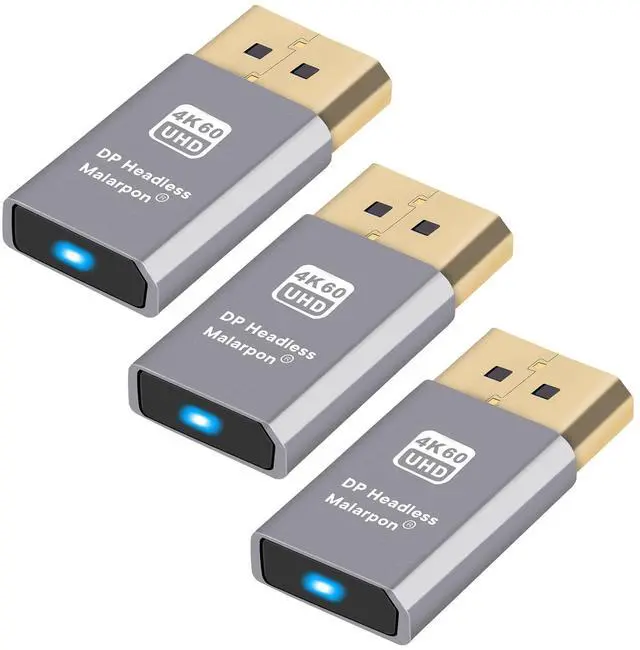
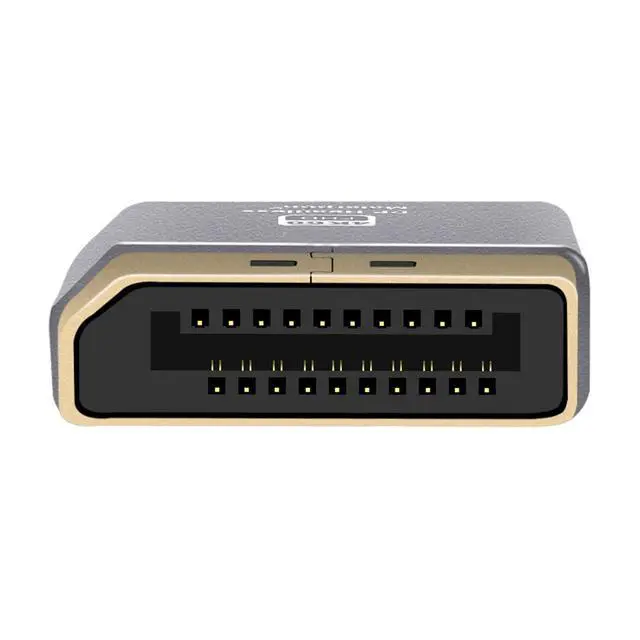
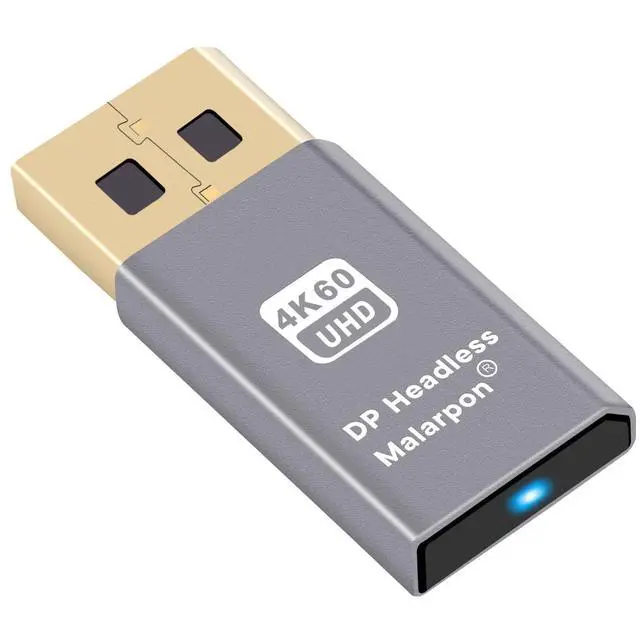
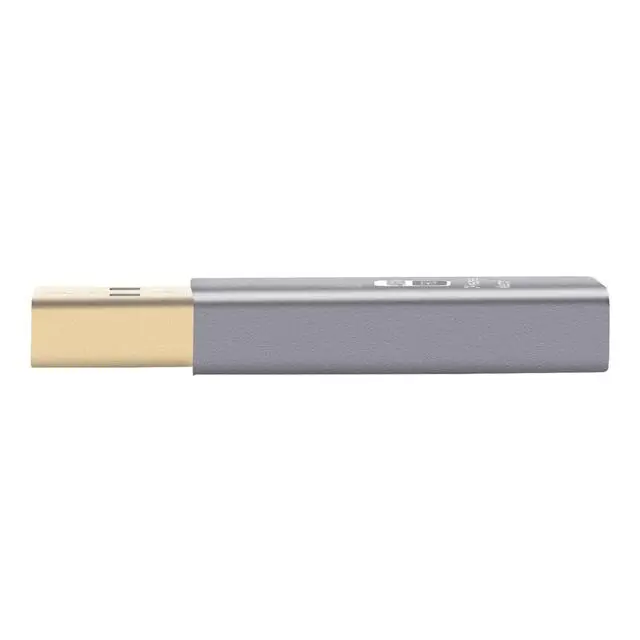
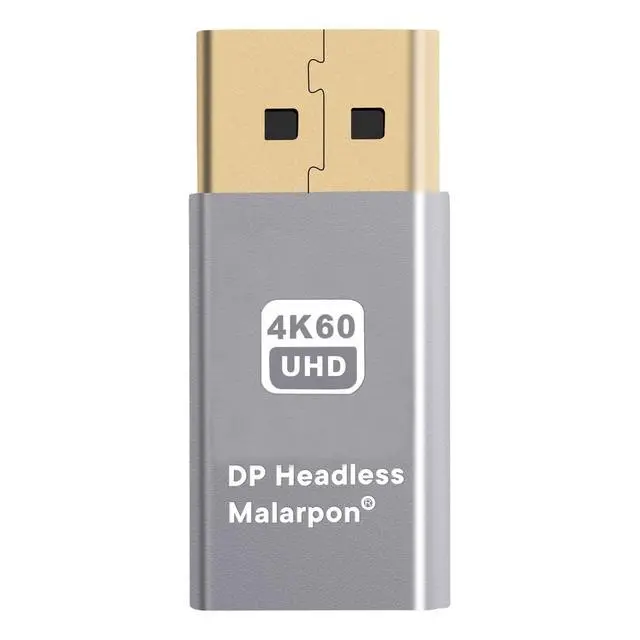
    Malarpon DP Headless Dummy Plug Display Emulator with Blue Light for PC 4K60hz DP Ghost (fit Headless 1080@120Hz- Real Versions 4096x2160@60Hz)-3P

    • Compatible with all Devices and Graphics Cards with DispalyPort ports, Make the computer think that it has a monitor attached able to make full use of the graphics card work, Support resolution 1920x1080P@60Hz~240Hz, 2560x1440@60hz~144Hz, 3840x2160@60Hz etc
    • Plug & Play-No drivers, no software, no powered, Support hot swap. Low energy usage. Stability guaranteed for cryptocurrency extraction, video rendering and simulated mirror.
    • Supports Windows PCs, macOS, linux and other operating systems. Ideal for streaming games, virtual reality and the use of miniserver with screen sharing, etc
    • Supports Windows PCs, macOS, linux and other operating systems. Ideal for streaming games, virtual reality and the use of miniserver with screen sharing, etc
    • Running the computer "headless", Low cost to replace the expensive real screen, energy saving, protecting the environment. This is the economic solution for server, co-location farms, SOHO, domestic servers and remote deployed headless PCs
    +
    +
    Overview
    Specs
    Reviews
    avatar

    Any questions? Our AI beta will help you find out quickly.

    Plug and Play DP Emulator Plug for USB-Powered MonitorsLooking for a way to power your USB-powered monitor? Our DisplayPort Emulator Plug is the solution you've been looking for. With this plug, you can easily emulate a primary monitor via DisplayPort and mirror the emulated monitor on your USB-powered monitor. Our plug is easy to use and does not require any complicated setup. Simply plug it in and set it as primary, and you can power on/off your PC or monitor as desired and always have a display on your USB-powered monitor. Our plug is perfect for those who have a minimal PC system and intended to use a single USB-powered monitor.

    Warranty & Returns

    Warranty, Returns, And Additional Information

    Warranty

    • Please contact the Seller directly for warranty information. Warranty information may also be found on the Manufacturer's website.
    • CONTACT

    Return Policies

    Manufacturer Contact Info

    LOADING...