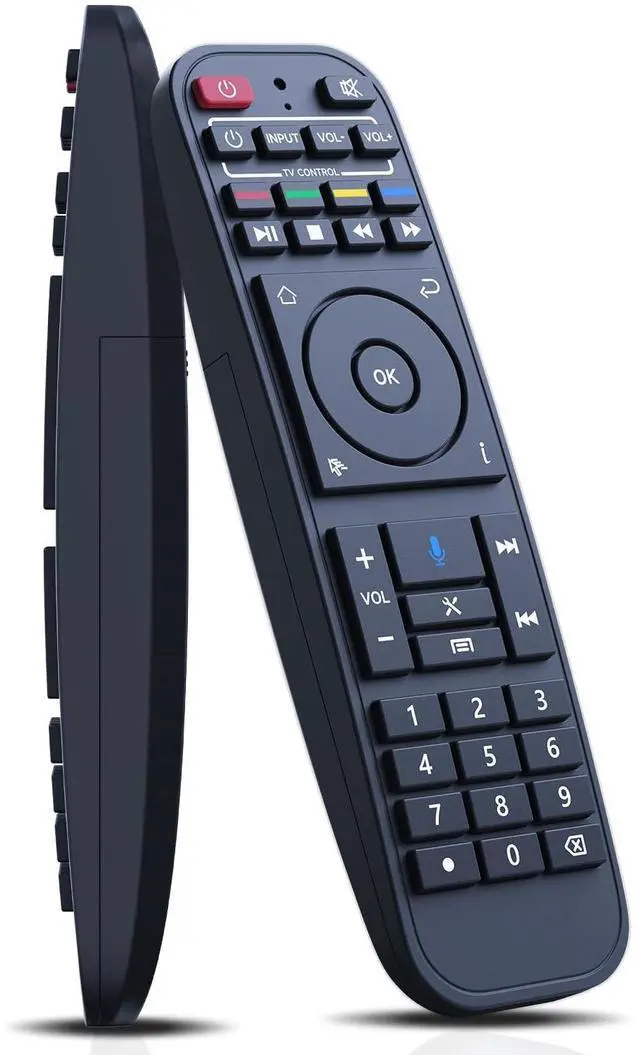
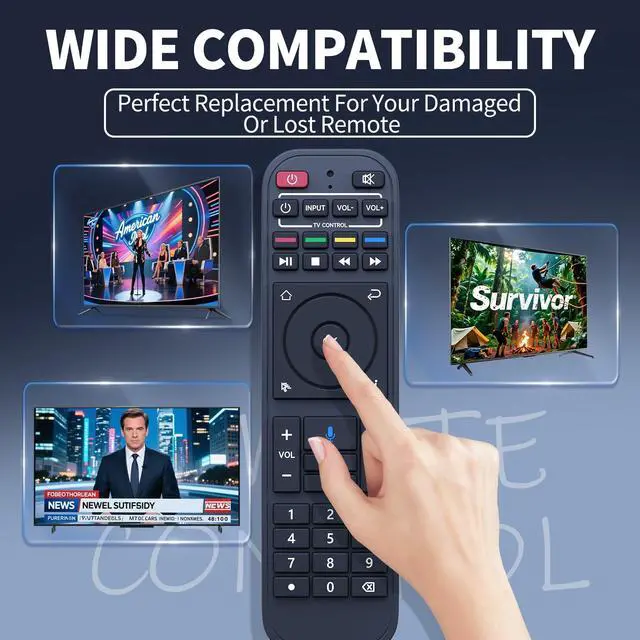
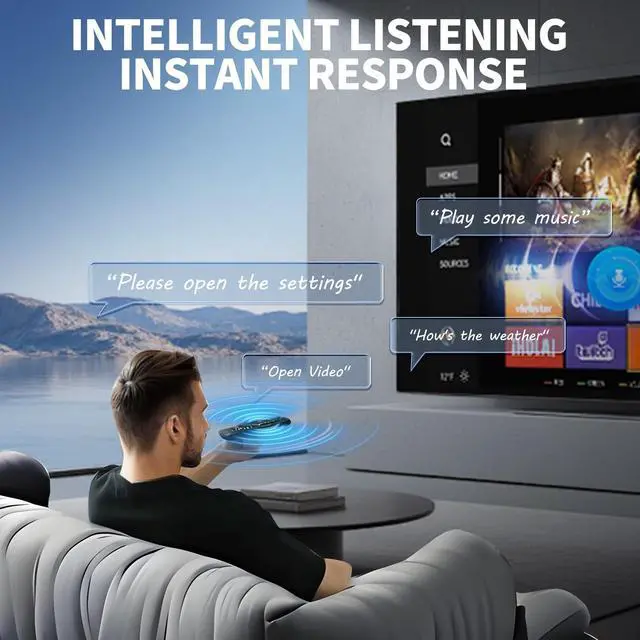
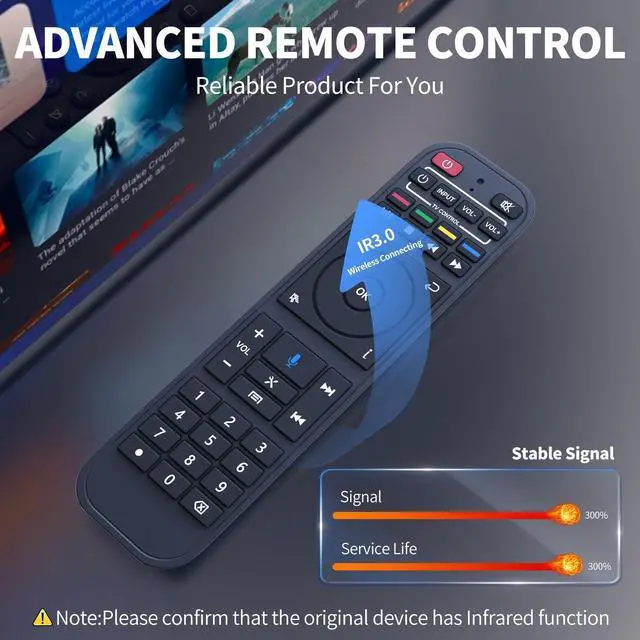
Wide Compatibility - The RC-200 replacement remote control is compatible with SuperBox S5 Max/Pro, S6 Ultra/Max/Pro, Elite Ultra/Elite Pro+ (Note: the voice function can't be uesd on S3 Pro and S4 Pro, else functions else working fine!)
Easy to Pair - Step Press "OK" and" " buttons at the same time until the indicator light flashes for pairing. Press the [OK] button until the red light stops blinking. Step Finally, go to [setting] - [Bluetooth] to check if the device is connected. Look for the "RC-200" device to confirm the pairing.
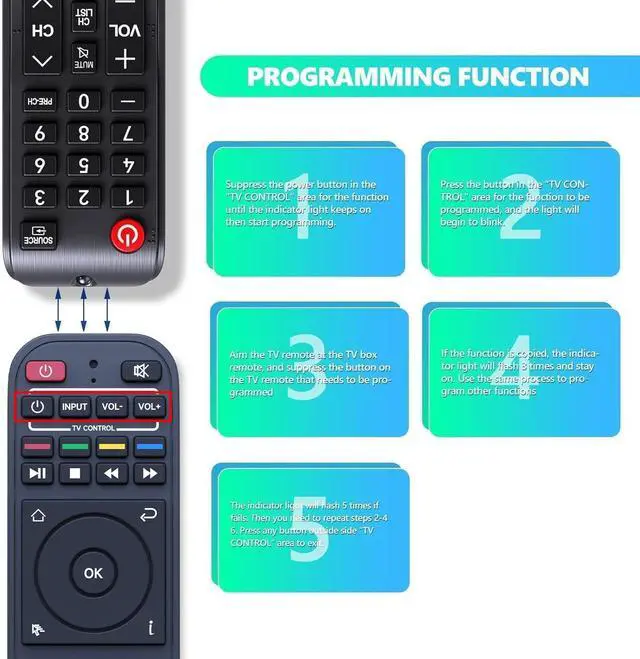
How to Programming Other Remote - Suppress the power button in "TV CONTROL" area until the indicator light keeps on. Then start programming. Press the button in "TV CONTROL" area for the function to be programmed. The light will begin to blink. Aim TV remote at TV box remote, and suppress the button on TV remote that need to be programmed. If the function is copied. The indicator light will flash 3 times and stay on. Use the same process to program ot
+
+
Overview
Specs
Reviews
Any questions? Our AI beta will help you find out quickly.
Try me now
FQOUG RC-200 Voice Remote Control Replacement for SuperBox S5 Max/S5 Pro, S6 Ultra/Max/Pro, Elite Ultra/Elite Pro+ Smart TV Box
Learn more about the Detailed Specifications
Additional Information
First Listed on Newegg
June 11, 2026
There are no reviews yet.
Do you own this product?
Warranty & Returns
Warranty, Returns, And Additional Information
Warranty
Please contact the Seller directly for warranty information. Warranty information may also be found on the Manufacturer's website.