

Your Browsing History

Meet Your Seller

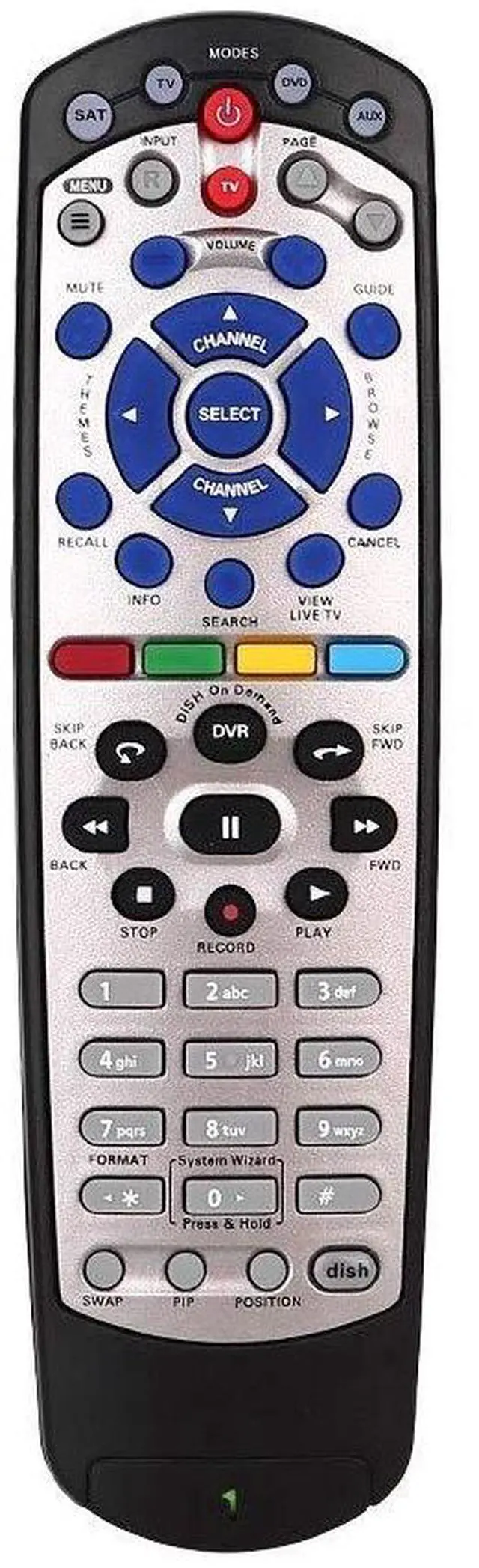
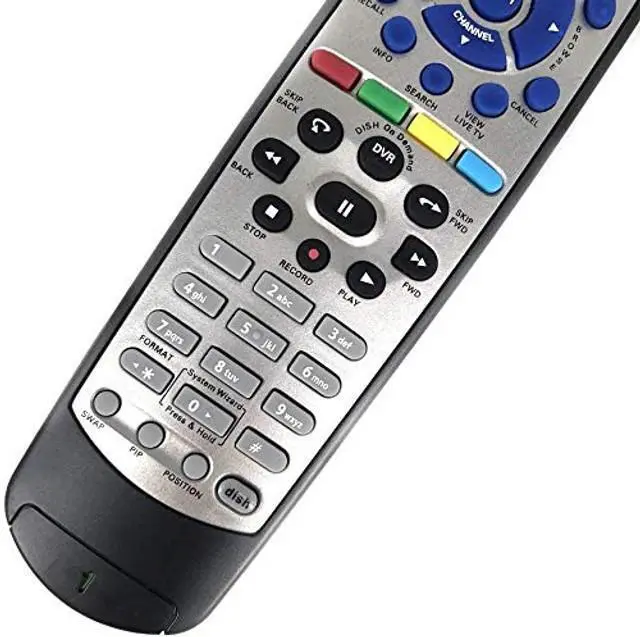
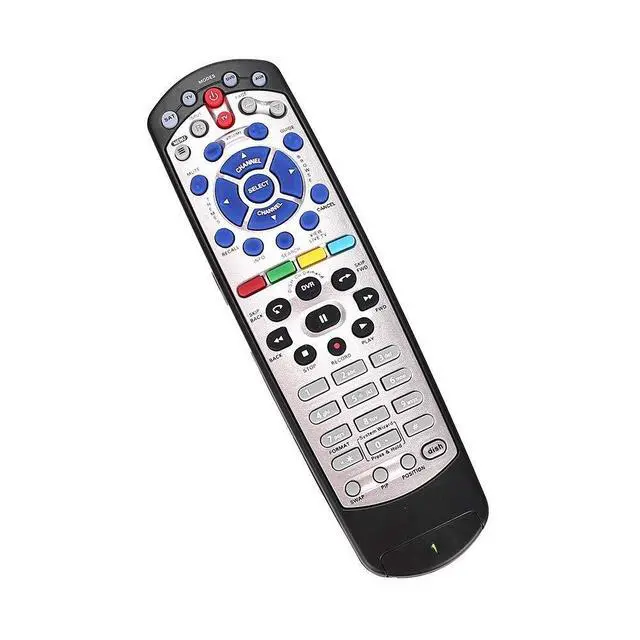
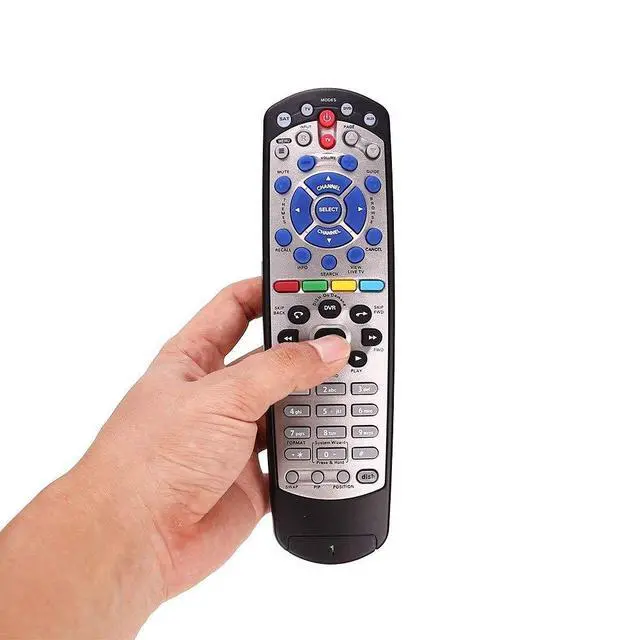
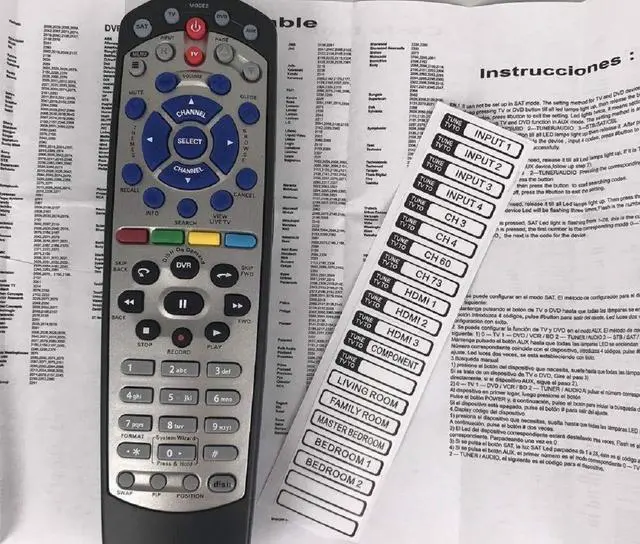


New Remote Control for Dish Network 20.1 IR Remote Control TV1#1 Receiver Replacement Remote Control
- Brand new Replacement Remote Control for Dish 20.0 20.1 TV1 #1 Receiver. Our remotes are fully tested and work great
- No programming or paring needed. Just install new 2 AAA batteries and you're good to go
- High quality, feel comfortable to hold the product, sensitive keys. Store's receiver settings in the remote, and remote settings in the receiver
- New replaced remote; No program required; just need install new battery to use
- New Universal IR Remote Control for Dish 20.1 Network Dish-Network IR Receiver Device Code W/SAT TV DVD models VIP 622, 722, 222, 522, 625, 942, 201, 211, 301, 311, 322, 351, 1000, 2200, 2700, 2800, 2900, 3000, 3200, 3700, 3800, 3900, 4000, 4100, 9200, 5200, 6000, 6100, 6131, 6400, 9242 HD PVR
+
+
Overview
Specs
Reviews

Any questions? Our AI mode will help you find out quickly.
Try me now
Compatible with Dish Network 20.1 TV1 #1
Receiver: VIP 622, 722, 222, 522, 625, 942, 201, 211, 301, 311, 322, 351, 1000, 2200, 2700, 2800, 2900, 3000, 3200, 3700, 3800, 3900, 4000, 4100, 9200, 5200, 6000, 6100, 6131, 6400, 9242 HD PVR etc. IR Signals Only and Just Compatible for
TV 1Specification:
Colour:
BlackMaterial: ABS
Applies to: For Dish 1
TV boxPower supply: 2 x AA batteries (not included)
Frequency: 433
MHzProduct size: 21
* 5.5 * 3cmFeatures: - New replaced remote, but same function as the original one. - No programming and manual needed. - Perfectly replace your broken or old one.
Packing list: 1 x Remote Control1 x Manual1 x StickerThis Dish Network remote control can only use IR signals. And it needs a clear line of sight between the remote and the receiver. Please make sure there is no obstacle when using the Dish Network replacement remote.
Kindly Note: This Dish Network 20.1 TV1 #1 IR Remote Control compatible with most Dish Network and Bell Receivers. But it may not be able to control your other devices, such as LED TVs and speakers.
ADDITIONALLY: Although your remote may already be configured to work with your DISH receiver, there's a chance that you may need to program it. To test whether this is necessary, press the POWER button on the receiver to turn it on, and follow this up by turning on your HDTV or other television. Press the GUIDE button on your remote, and if the programming guide pops up, you can skip to "Programming 20.1 IR Remote for Other Devices. " If the guide doesn't show up, press the SYSTEM INFO button that's located on your DISH receiver once. This will bring up the System Info screen. On your remote, press the SAT button, which should illuminate the SAT light. Press the RECORD button once. This will again cause the SAT button to light up. After entering the three-digit code, the mode button you're programming will light up. Press the POUND (#) button once. This should cause the specific mode button to blink three times. Your device should now be configured. Test this by pressing the VOLUME, PLAY, or other buttons related to the device.
Receiver: VIP 622, 722, 222, 522, 625, 942, 201, 211, 301, 311, 322, 351, 1000, 2200, 2700, 2800, 2900, 3000, 3200, 3700, 3800, 3900, 4000, 4100, 9200, 5200, 6000, 6100, 6131, 6400, 9242 HD PVR etc. IR Signals Only and Just Compatible for
TV 1Specification:
Colour:
BlackMaterial: ABS
Applies to: For Dish 1
TV boxPower supply: 2 x AA batteries (not included)
Frequency: 433
MHzProduct size: 21
* 5.5 * 3cmFeatures: - New replaced remote, but same function as the original one. - No programming and manual needed. - Perfectly replace your broken or old one.
Packing list: 1 x Remote Control1 x Manual1 x StickerThis Dish Network remote control can only use IR signals. And it needs a clear line of sight between the remote and the receiver. Please make sure there is no obstacle when using the Dish Network replacement remote.
Kindly Note: This Dish Network 20.1 TV1 #1 IR Remote Control compatible with most Dish Network and Bell Receivers. But it may not be able to control your other devices, such as LED TVs and speakers.
ADDITIONALLY: Although your remote may already be configured to work with your DISH receiver, there's a chance that you may need to program it. To test whether this is necessary, press the POWER button on the receiver to turn it on, and follow this up by turning on your HDTV or other television. Press the GUIDE button on your remote, and if the programming guide pops up, you can skip to "Programming 20.1 IR Remote for Other Devices. " If the guide doesn't show up, press the SYSTEM INFO button that's located on your DISH receiver once. This will bring up the System Info screen. On your remote, press the SAT button, which should illuminate the SAT light. Press the RECORD button once. This will again cause the SAT button to light up. After entering the three-digit code, the mode button you're programming will light up. Press the POUND (#) button once. This should cause the specific mode button to blink three times. Your device should now be configured. Test this by pressing the VOLUME, PLAY, or other buttons related to the device.
Warranty & Returns
Warranty, Returns, And Additional Information
Warranty
- Please contact the Seller directly for warranty information. Warranty information may also be found on the Manufacturer's website.
- CONTACT
Return Policies
- Return for refund within: 30 days
- Return for replacement within: 30 days
- This item is covered by JMDesign Return Policy
Manufacturer Contact Info
- For a directory of all our manufacturers, please click below.
- Manufacturers Directory
LOADING...