

Your Browsing History

Meet Your Seller


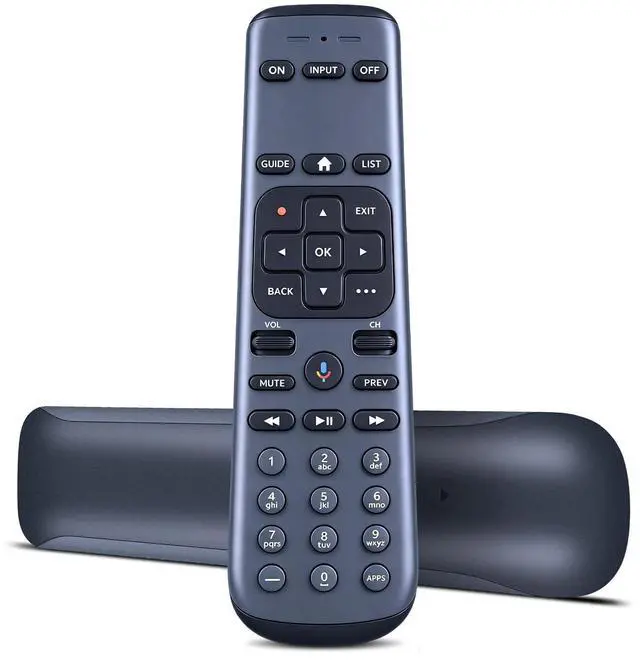
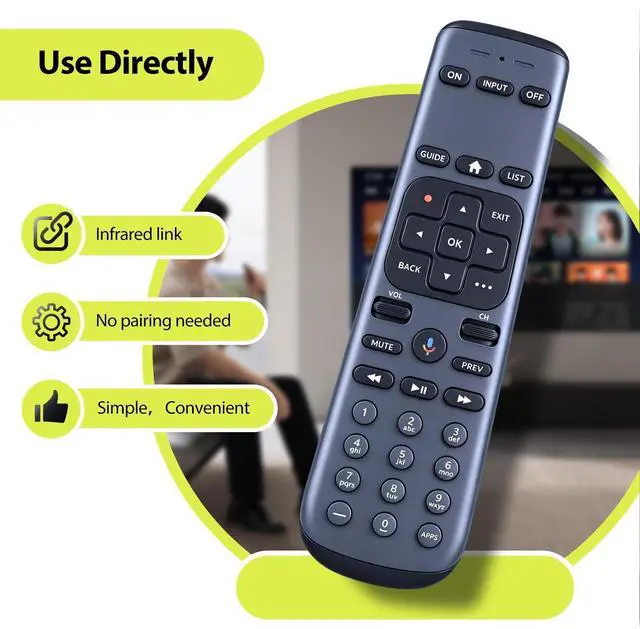
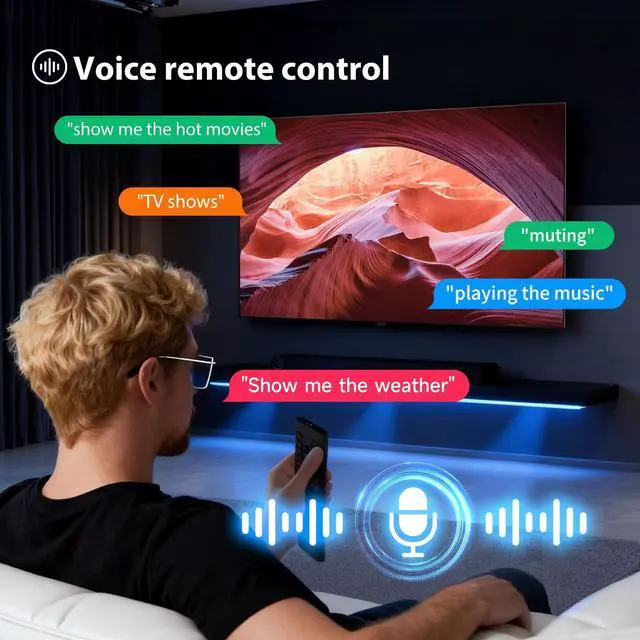
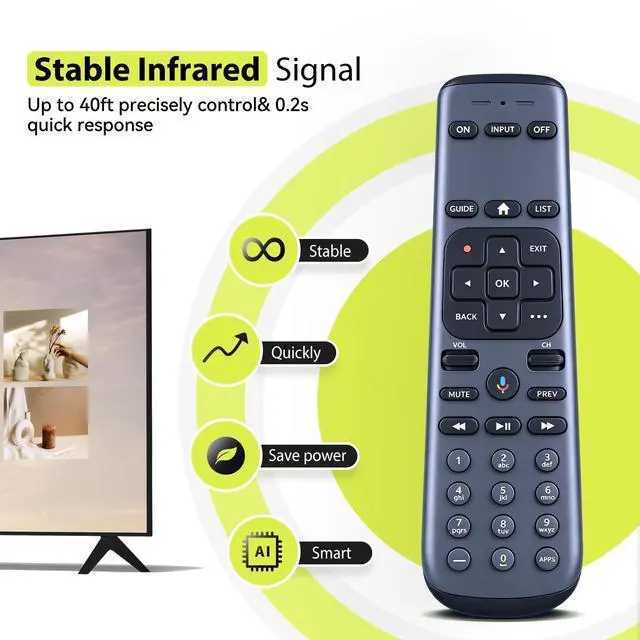



RYQIF Replacement Voice Remote Control Fits for AT&T TV DirecTV C71KW MG3-R35602 RC82V 71KW-200 & C71KW-400, Osprey RC4693701/01BR
- Remote CompatibilityCompatible with AT&T TV DirecTV C71KW MG3-R35602 RC82V 71KW-200 & C71KW-400, Osprey RC4693701/01BR
- Ergonomic DesignCompact and lightweight, with a comfortable hand feel. The smooth edges and anti-slip surface provide a safe grip and reduce the chance of accidental drops during use.
- How To Pairing Press and HOLD Rewind and Fast Forward at the same time for 3 second until the visible LED's starts flashing.Enter digits 961 follow by CH up key.Using the number keys enter the last six digitsof the RID number located behind the STB.Press and release ENTER key (the green light flashes twice).
- Clearing PairingPress and hold Dash and Enter at the same time for 3 second suntil the LED's flash. The RCU will unpair from the STB.
- Resetoring Factory Default Settings EstoringsPress and hold MUTE and Exit at the same time until the RED LED turns ON. Using the number keys, enter 9 - 8 - 1. (The feedback flashes 4 times)
+
+
Overview
Specs
Reviews

Any questions? Our AI mode will help you find out quickly.
Try me now
Remote CompatibilityCompatible with AT&T TV DirecTV C71KW MG3-R35602 RC82V 71KW-200 & C71KW-400, Osprey RC4693701/01BR ^^ Ergonomic DesignCompact and lightweight, with a comfortable hand feel. The smooth edges and anti-slip surface provide a safe grip and reduce the chance of accidental drops during use. ^^ How To Pairing Press and HOLD Rewind and Fast Forward at the same time for 3 second until the visible LED's starts flashing. Enter digits 961 follow by CH up key. Using the number keys enter the last six digitsof the RID number located behind the STB. Press and release ENTER key (the green light flashes twice).
^^ Clearing PairingPress and hold Dash and Enter at the same time for 3 second suntil the LED's flash. The RCU will unpair from the STB. ^^ Resetoring Factory Default Settings EstoringsPress and hold MUTE and Exit at the same time until the RED LED turns ON. Using the number keys, enter 9 - 8 - 1. (The feedback flashes 4 times)
^^ Clearing PairingPress and hold Dash and Enter at the same time for 3 second suntil the LED's flash. The RCU will unpair from the STB. ^^ Resetoring Factory Default Settings EstoringsPress and hold MUTE and Exit at the same time until the RED LED turns ON. Using the number keys, enter 9 - 8 - 1. (The feedback flashes 4 times)
Warranty & Returns
Warranty, Returns, And Additional Information
Warranty
- Please contact the Seller directly for warranty information. Warranty information may also be found on the Manufacturer's website.
- CONTACT
Return Policies
- Return for refund within: 30 days
- Return for replacement within: 30 days
- This item is covered by Qiangsheng kuajing (Hong Kong) Co., Limi Return Policy
Manufacturer Contact Info
- For a directory of all our manufacturers, please click below.
- Manufacturers Directory
LOADING...