Your Browsing History
- Free 30-day Returns
$60.99
Meet Your Seller
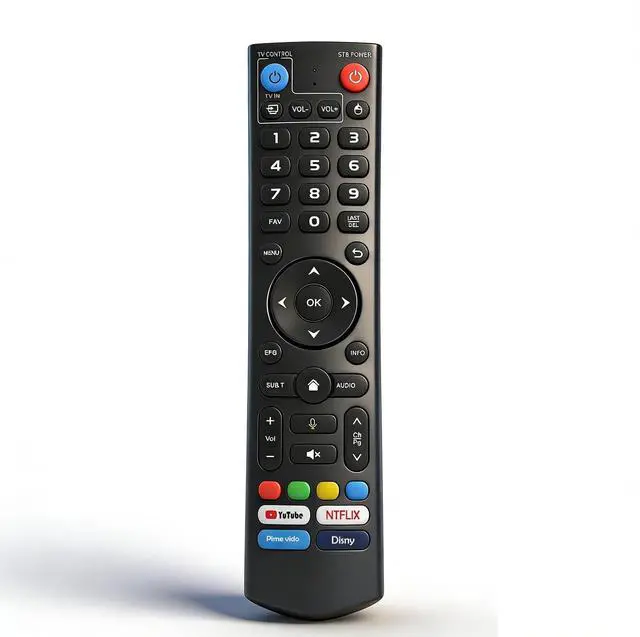
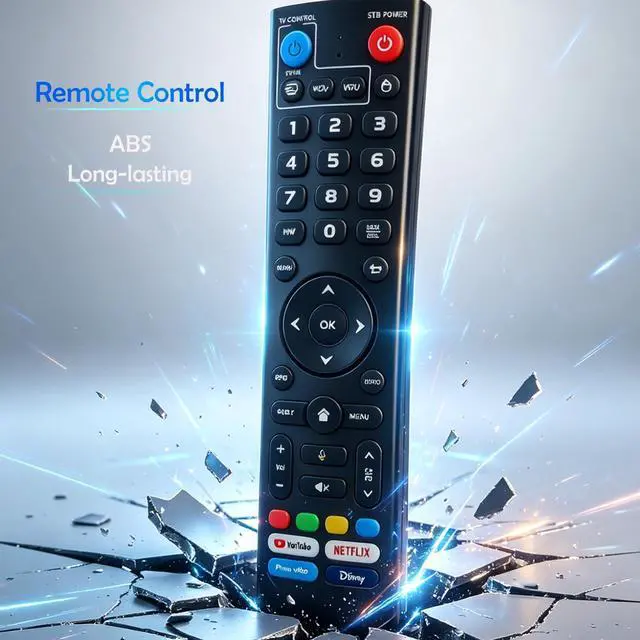
PIPRIDAE V3 Pro Replaced Voice Remote Control Compatible with vSeeBox V5 Pro V3 Plus V2 V1 Pro V1 Max
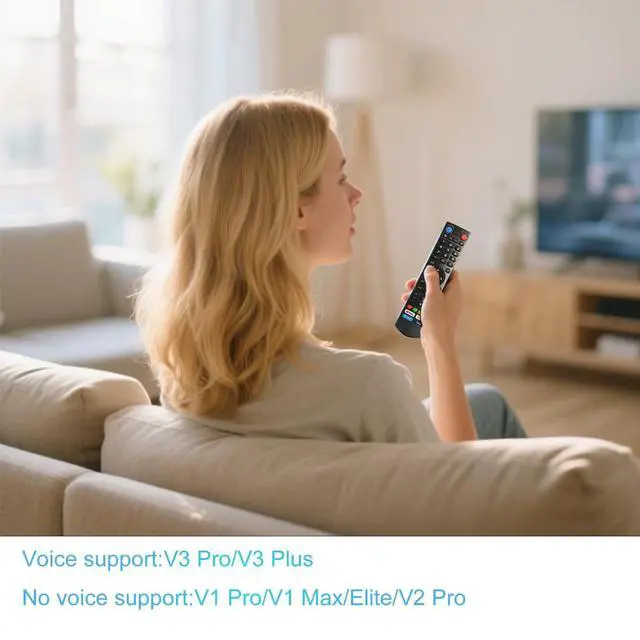
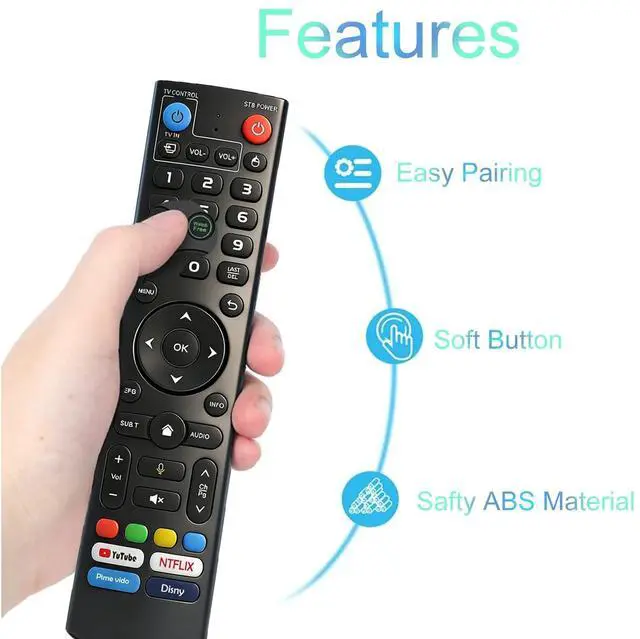
- V3 Pro Replaced Voice Remote Control Compatible with vSeeBox V5 Pro / V3 Plus/V3 Pro / V2 Pro / V1 Pro/V1 Max/Elite/Max.
- Two working modes:V3 working mode and V2 working mode. You can press and hold the number key 5 for more than 10 seconds,when the indicator light flashes, it indicate that the mode switch is successful.
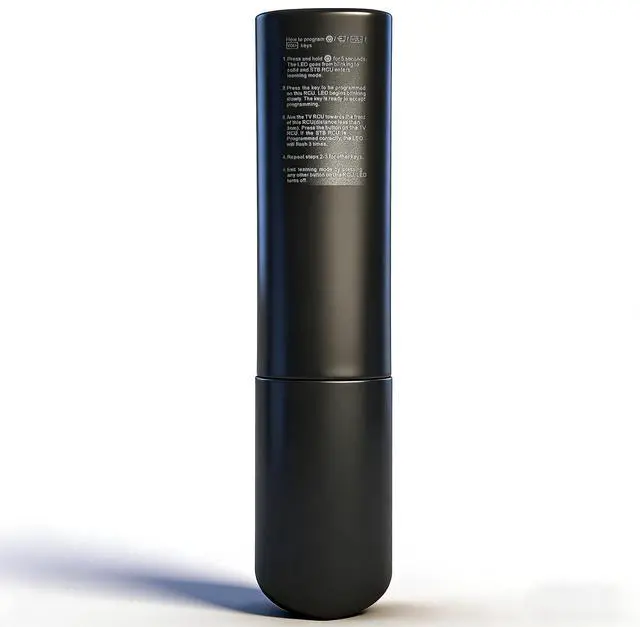
- press and hold blue power button for 5 seconds,the LED goes from blinking to solid and STB RCU enters learning mode.
- Press the key to be programmed on this RCU.LED begins blinking slowly. The key is ready to accept programming.
- Exit learning mode by pressing any other button on this RCU LED turns off.
+
+
Overview
Specs
Reviews
Any questions? Our AI beta will help you find out quickly.
Try me now
V3 Pro Replaced Voice Remote Control Compatible with vSeeBox V5 Pro / V3 Plus/V3 Pro / V2 Pro / V1 Pro/V1 Max/Elite/Max.
^^ Two working modes: V3 working mode and V2 working mode. You can press and hold the number key 5 for more than 10 seconds, when the indicator light flashes, it indicate that the mode switch is successful. ^^ press and hold blue power button for 5 seconds, the LED goes from blinking to solid and STB RCU enters learning mode. ^^ Press the key to be programmed on this RCU. LED begins blinking slowly. The key is ready to accept programming. ^^ Exit learning mode by pressing any other button on this RCU LED turns off.

Warranty & Returns
Warranty, Returns, And Additional Information
Warranty
- Please contact the Seller directly for warranty information. Warranty information may also be found on the Manufacturer's website.
- CONTACT
Return Policies
- Return for refund within: 30 days
- Return for replacement within: 30 days
- This item is covered by To the Internet media Return Policy
Manufacturer Contact Info
- For a directory of all our manufacturers, please click below.
- Manufacturers Directory
LOADING...