

Your Browsing History
- Free 30-day Returns
$48.99

Meet Your Seller

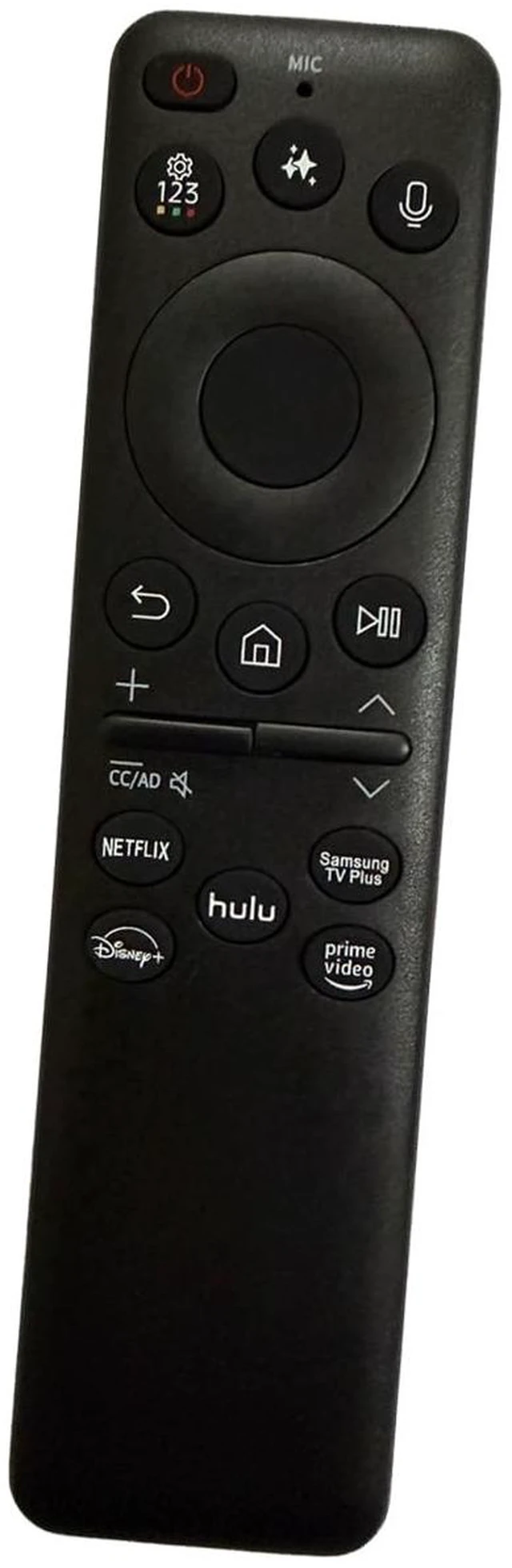
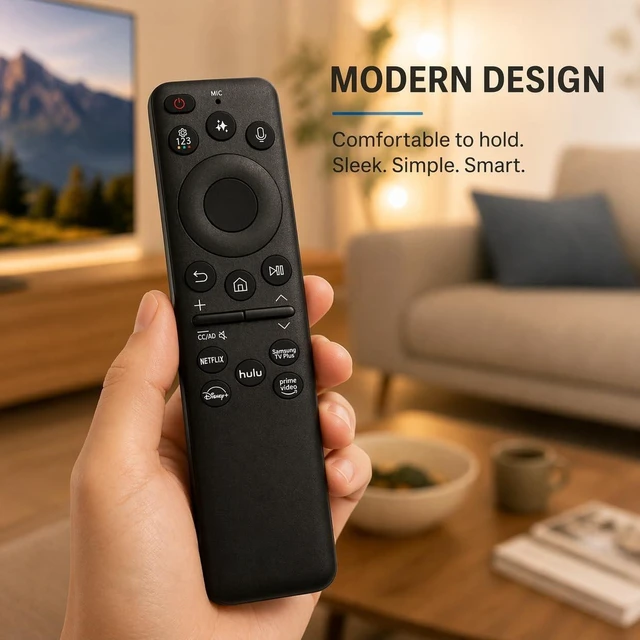
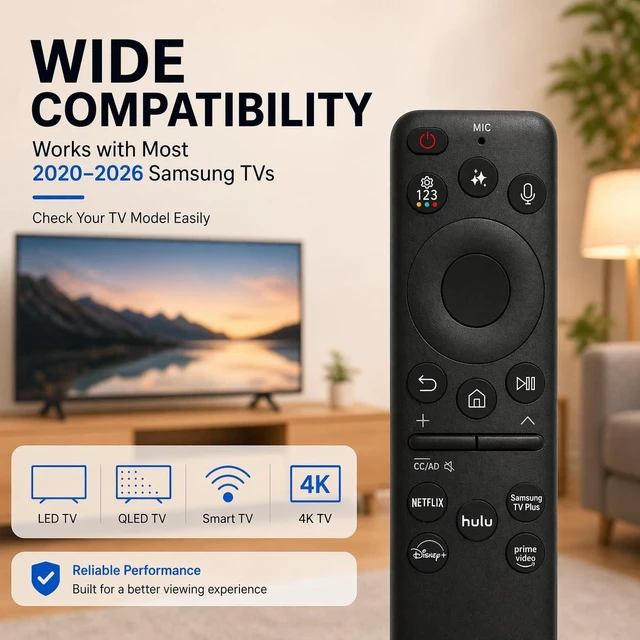


Voice Remote Control Replacement for Samsung Neo QLED QN70H Series Vision AI Smart TV TM2280A QN55QN70HAFXZA QN43QN70HAFXZA QN50QN70HAFXZA QN65QN70HAFXZA QN75QN70HAFXZA QN85QN70HAFXZA
- 1.Wide Compatibility for Samsung Smart TVs: Designed for most Samsung Smart TVs from 2019 to 2026, including QLED, OLED, Neo QLED, Crystal UHD, The Frame, Serif, 4K and 8K series. Voice function requires a compatible Samsung TV that supports voice remote control.
- 2.Compatible TV Models: UN55M80HAFXZA UN65M80HAFXZA UN75M80HAFXZA UN85M80HAFXZA UN100M90HFXZA QN55QN70HAFXZA QN43QN70HAFXZA QN50QN70HAFXZA QN65QN70HAFXZA QN75QN70HAFXZA QN85QN70HAFXZA QN55QN80HAFXZA QN65QN80HAFXZA QN75QN80HAFXZA QN85QN80HAFXZA
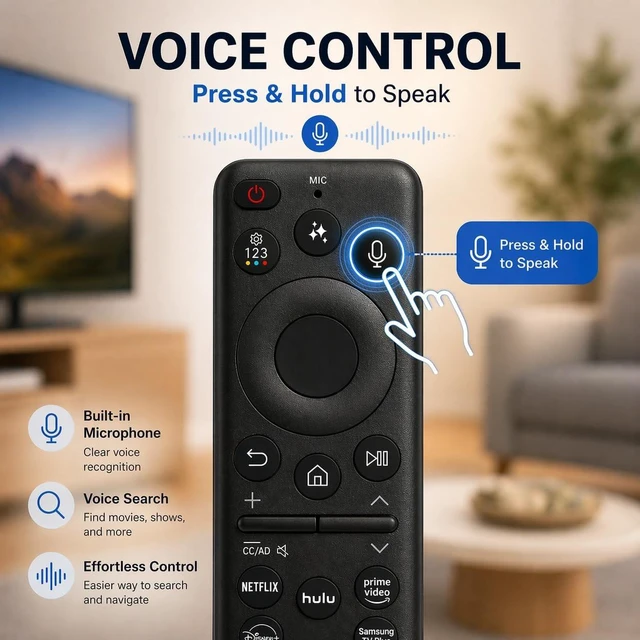
- 3.Bluetooth Voice Control : Press the microphone button to search shows, open apps, adjust settings and control your compatible Samsung Smart TV faster. Pair the remote with your TV before using voice search or voice commands.
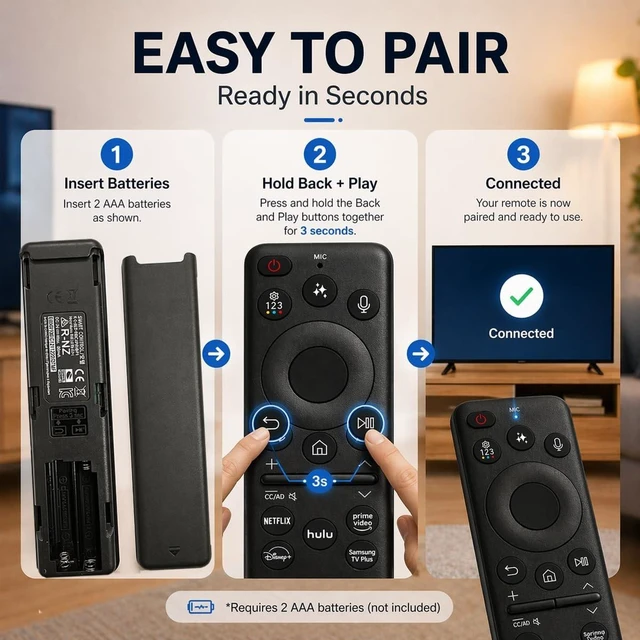
- 4.Easy Pairing Setup : Turn on your TV, then press and hold the Return and Play/Pause buttons together for 35 seconds until the pairing message appears. If pairing fails, fully charge the remote, restart the TV and try again.
- 5.R
+
+
Overview
Specs
Reviews

Any questions? Our AI mode will help you find out quickly.
Try me now
1. Wide Compatibility for
Samsung Smart TVs: Designed for most Samsung Smart TVs from 2019 to 2026, including QLED, OLED, Neo QLED, Crystal UHD, The Frame, Serif, 4K and 8K series. Voice function requires a compatible Samsung TV that supports voice remote control. ^^ 2.
Compatible TV Models: UN55M80HAFXZA UN65M80HAFXZA UN75M80HAFXZA UN85M80HAFXZA UN100M90HFXZA QN55QN70HAFXZA QN43QN70HAFXZA QN50QN70HAFXZA QN65QN70HAFXZA QN75QN70HAFXZA QN85QN70HAFXZA QN55QN80HAFXZA QN65QN80HAFXZA QN75QN80HAFXZA QN85QN80HAFXZA ^^ 3.
Bluetooth Voice Control: Press the microphone button to search shows, open apps, adjust settings and control your compatible Samsung Smart TV faster. Pair the remote with your TV before using voice search or voice commands. ^^ 4.
Easy Pairing Setup: Turn on your TV, then press and hold the Return and Play/Pause buttons together for 35 seconds until the pairing message appears. If pairing fails, fully charge the remote, restart the TV and try again. ^^ 5.
Reliable Replacement Remote: A practical replacement for lost or damaged Samsung Smart TV remotes. Compatible with many remote models such as BN59-01329A, BN59-01330A, BN59-01298A, BN59-01266A, BN59-01385A, BN59-01391A, BN59-01432A, BN59-01455A, BN59-01480A, TM2180E, TM2280E, TM2360E and more.
Samsung Smart TVs: Designed for most Samsung Smart TVs from 2019 to 2026, including QLED, OLED, Neo QLED, Crystal UHD, The Frame, Serif, 4K and 8K series. Voice function requires a compatible Samsung TV that supports voice remote control. ^^ 2.
Compatible TV Models: UN55M80HAFXZA UN65M80HAFXZA UN75M80HAFXZA UN85M80HAFXZA UN100M90HFXZA QN55QN70HAFXZA QN43QN70HAFXZA QN50QN70HAFXZA QN65QN70HAFXZA QN75QN70HAFXZA QN85QN70HAFXZA QN55QN80HAFXZA QN65QN80HAFXZA QN75QN80HAFXZA QN85QN80HAFXZA ^^ 3.
Bluetooth Voice Control: Press the microphone button to search shows, open apps, adjust settings and control your compatible Samsung Smart TV faster. Pair the remote with your TV before using voice search or voice commands. ^^ 4.
Easy Pairing Setup: Turn on your TV, then press and hold the Return and Play/Pause buttons together for 35 seconds until the pairing message appears. If pairing fails, fully charge the remote, restart the TV and try again. ^^ 5.
Reliable Replacement Remote: A practical replacement for lost or damaged Samsung Smart TV remotes. Compatible with many remote models such as BN59-01329A, BN59-01330A, BN59-01298A, BN59-01266A, BN59-01385A, BN59-01391A, BN59-01432A, BN59-01455A, BN59-01480A, TM2180E, TM2280E, TM2360E and more.
Warranty & Returns
Warranty, Returns, And Additional Information
Warranty
- Please contact the Seller directly for warranty information. Warranty information may also be found on the Manufacturer's website.
- CONTACT
Return Policies
- Return for refund within: 30 days
- Return for replacement within: 30 days
- This item is covered by DuronTechnologies Return Policy
Manufacturer Contact Info
- For a directory of all our manufacturers, please click below.
- Manufacturers Directory
LOADING...