Your Browsing History
Meet Your Seller
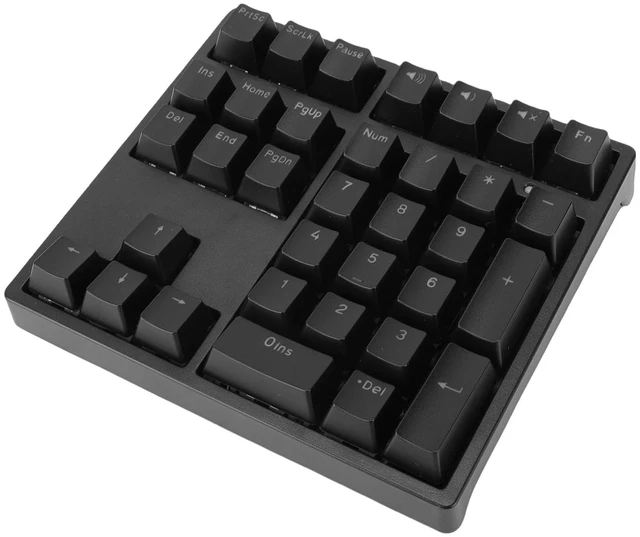
Tangxi Mechanical Number Pad with Blue Switch, 34 Keys Wired Numeric Keypad with RGB Backlight and Stair Step Key Layout, Ergonomic Numpad for Laptop PC Desktop (Black)
- Plug And Play Convenience: The USB wired numeric keypad features 34 independent keys and requires no drivers, making it convenient to use. The numeric keypad supports four directional keys, numbers, and multiple shortcut keys to enhance work efficiency.
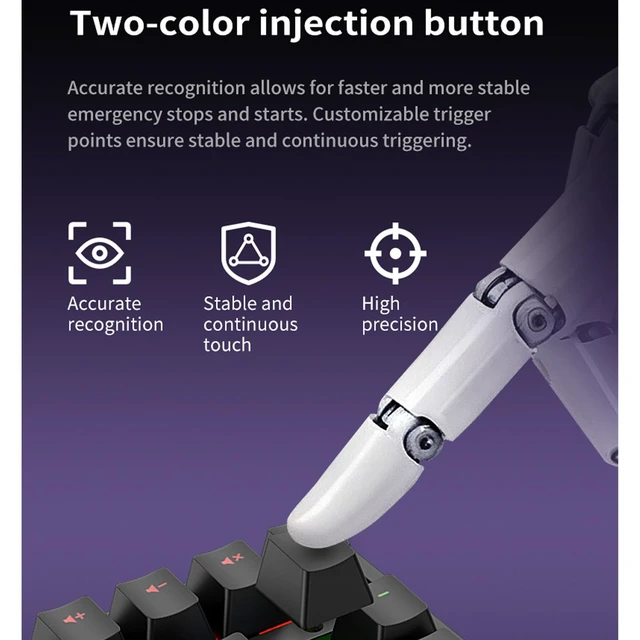
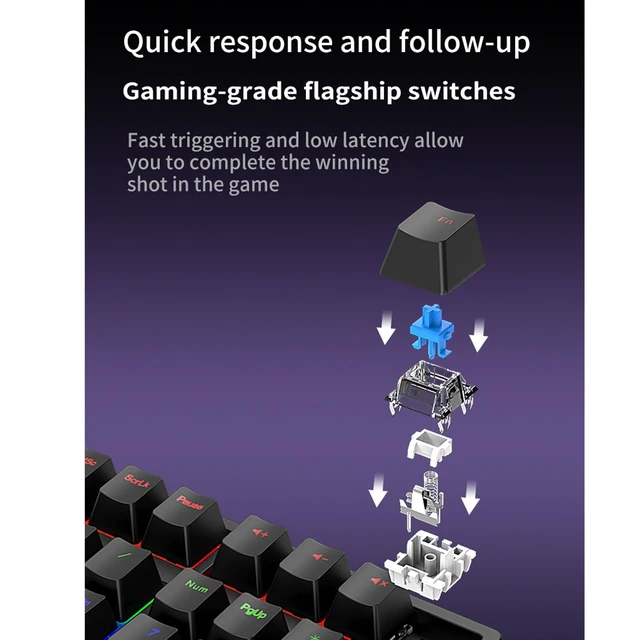
- Fast And Responsive Typing: The blue switch mechanical number pad offers quick actuation, tactile feedback, and a satisfying click sound upon keypress, making it ideal for typing, programming, and gaming.
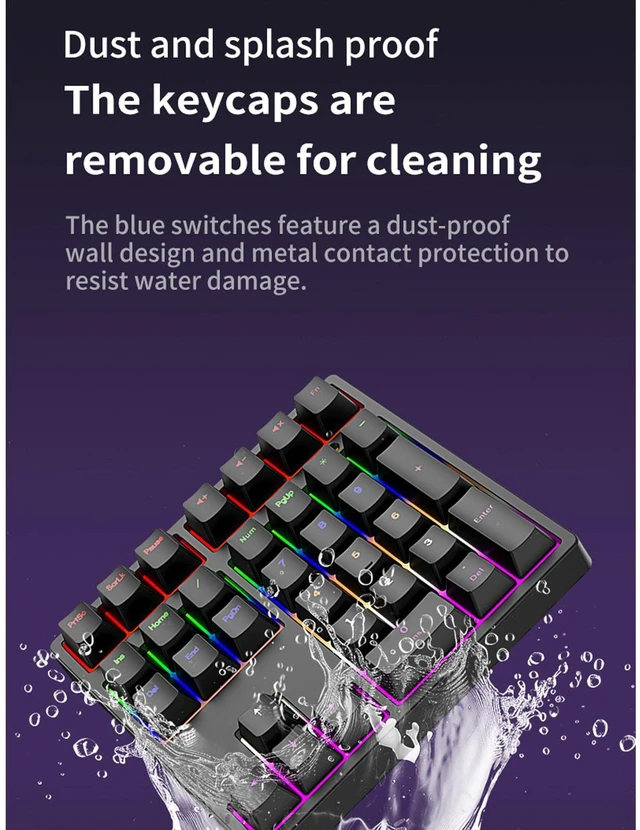
- RGB Backlit: Featuring colorful RGB backlighting, with modes like full bright, breath, and rhythm, the number pad can be toggled on and off with "FN and HOME". The bright and evenly distributed backlight keys make it easy to find the necessary keys even in dimly lit rooms.
- Ergonomic Design: With a stair step key layout and a 15 tilt design, this numeric keypad easily conforms to your hands, reducing finger fatigue while typing. It also features adjustable feet at the bottom to select your preferred keyboard height.
- Multiple
+
+
Overview
Specs
Reviews
Any questions? Ask CelesteSM will help you find out quickly.
Try me now
Specification: Item
Type: Mechanical
Number PadMaterial: PBT, ABS
Keys: 34 keysLighting
Mode: Mixed lighting (17 different lighting effects)
Connection: Type C wired connection (detachable)
Switch Type: Blue switchCompatible
Systems: Support for OS X, support forProduct
Size: Approx. 150x135x45mm/ 5.9 x 5.3 x 1.8 inHow to
Use: 1. Press FN+SCRLK to switch light effect. 2. Press FN+/ to adjust backlight brightness. 3. Press FN+/ to change light effect speed. 4. Press FN+HOME to turn on/off the light.
PackageList: 1 x Mechanical Number Pad1 x Type C Cable
Warranty & Returns
Warranty, Returns, And Additional Information
Warranty
- Please contact the Seller directly for warranty information. Warranty information may also be found on the Manufacturer's website.
- CONTACT
Return Policies
- Return for refund within: 30 days
- Return for replacement within: 30 days
- This item is covered by Hanbo Supply Store Return Policy
Manufacturer Contact Info
- For a directory of all our manufacturers, please click below.
- Manufacturers Directory
LOADING...