Your Browsing History
Meet Your Seller
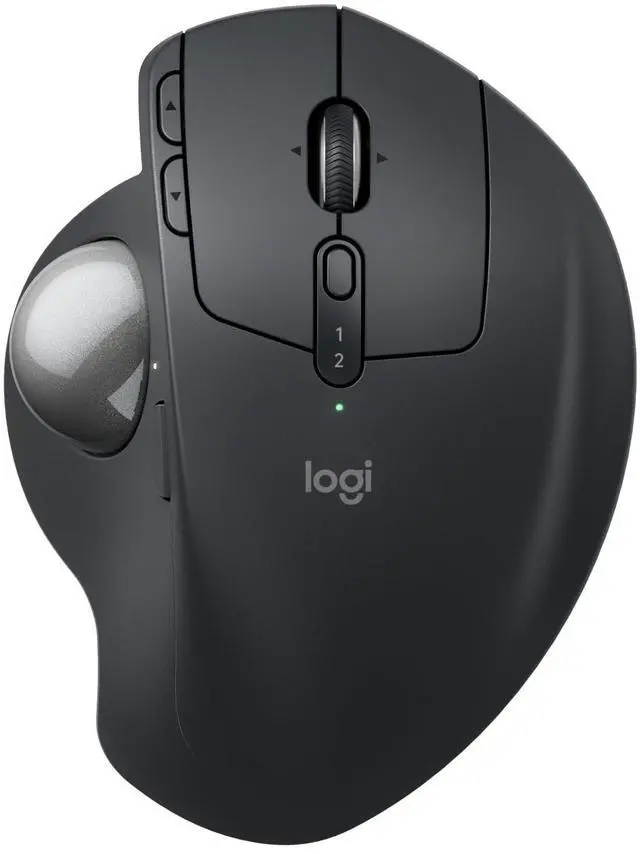
Logitech MX Ergo S Advanced Wireless Trackball Mouse USB C - Graphite
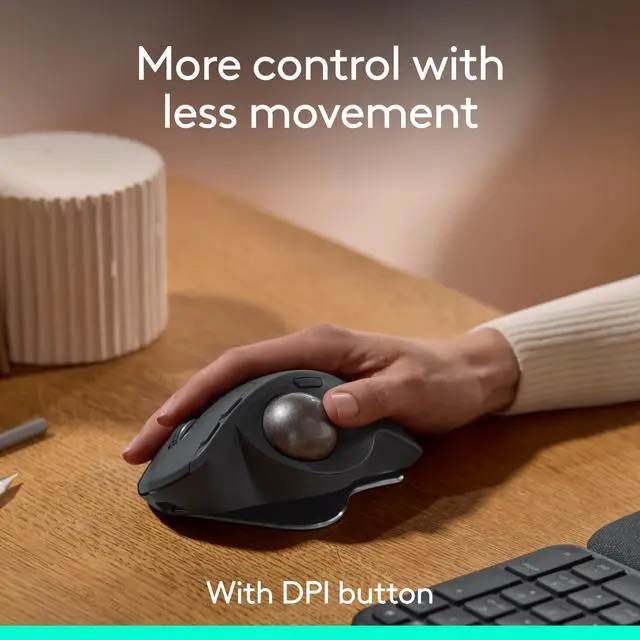
- Advanced thumb control: The MX Ergo S Advanced wireless trackball mouse gives more control with less movement; switch between speed and high-precision tracking at the tap of a button
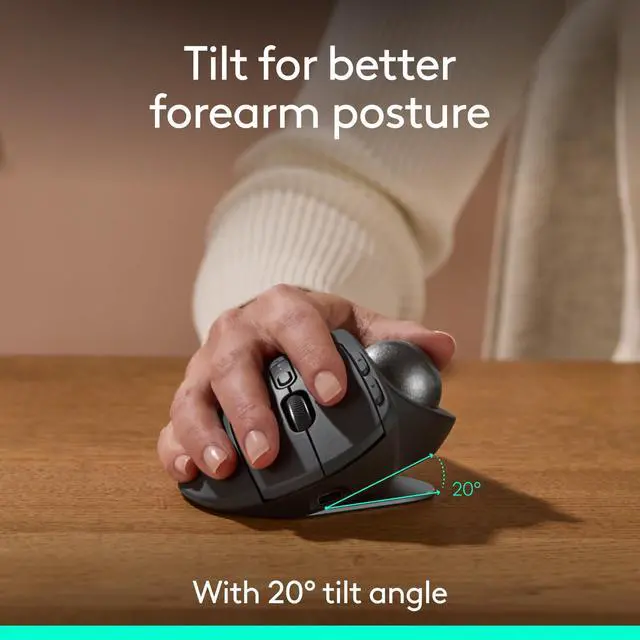
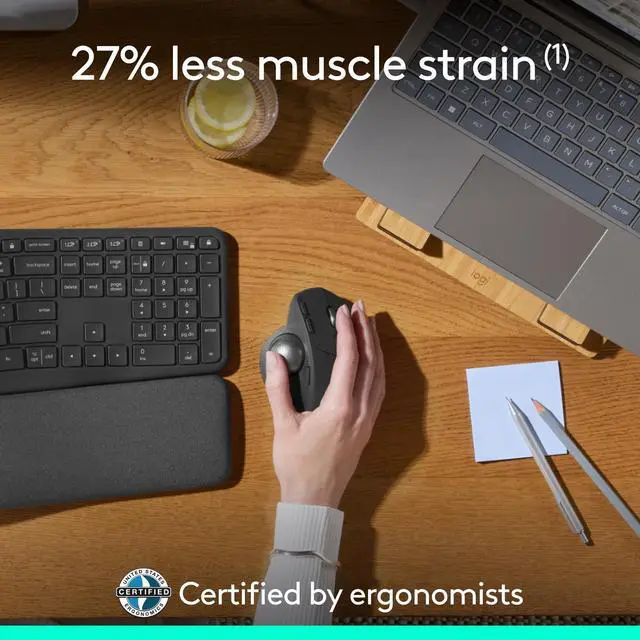
- 20-degree tilt: A wireless ergonomic mouse with a tilt angle for better forearm posture, reducing muscle strain by 27% (1); now with 80% quieter clicks (5)
- Contoured for your hand: The MX Ergo S is certified by ergonomists for improved comfort, with a sculpted ergonomic design, 20-degree tilt angle, and soft rubber grip; for medium- to large-sized hands
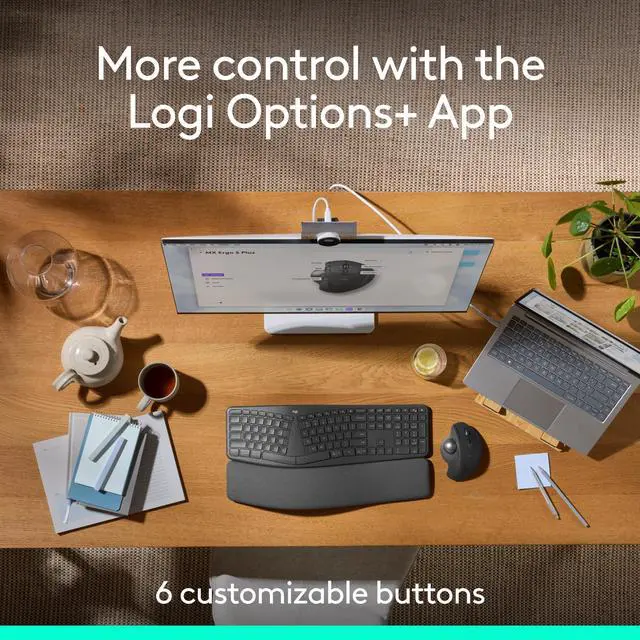
- Boost your productivity using the Logi Options+ App (2): Experience enhanced control in your daily tasks with 6 customizable buttons, time-saving shortcuts, and Smart Actions
- Quick USB-C charging: Enjoy up to 24h of use from a 1 min charge or up to 120 days (3) with a full charge; charges with a USB Type C to Type C or USB Type A to Type C cable (not included)
- Dual wireless connectivity: Connect your rechargeable wire
+
+
Overview
Specs
Reviews
Any questions? Our AI mode will help you find out quickly.
Try me now
The MX Ergo S is Logitechs most advanced ergonomic trackball mouse yet, with a 20-degree tilt angle and precise thumb control - user-tested and certified by ergonomists. The MX Ergo S wireless ergonomic mouse is sculpted to fit the palm of your hand while keeping it relaxed, and it tilts 20 degrees for 27% less muscle activity in the forearm (1), providing elevated comfort throughout your day. Work faster with 6 customizable buttons and a DPI button to effortlessly switch between speed and high-precision tracking. Now with 80% quieter clicks (5). For even more control that's tailored to your needs, assign time-saving shortcuts and Smart Actions using the Logi Options+ App (2).
Connect your wireless mouse to 2 devices via Bluetooth or the included Logi Bolt receiver and switch between devices with the Easy-Switch button. Charge the rechargeable mouse with a USB Type C to Type C or USB Type A to Type C cable (not included) and get 24 hours of use from a 1-minute charge. A full charge lasts up to 120 days (3). (1) In the forearm with 20-degree angle, compared to a Logitech M650 mouse. (2) Requires Logi Options+ app, available for recent versions of Windows and macOS (3) Battery life may vary based on user and computing conditions.
(4) Excludes plastic in receiver, printed wiring assembly, cables, and packaging. (5) Sound level comparison between MX Ergo S and MX Ergo. Left click dBA measured by the Logitech internal lab at 1 m. (6) The device's basic functions will be supported without additional drivers for operating systems other than Windows and macOS.

Connect your wireless mouse to 2 devices via Bluetooth or the included Logi Bolt receiver and switch between devices with the Easy-Switch button. Charge the rechargeable mouse with a USB Type C to Type C or USB Type A to Type C cable (not included) and get 24 hours of use from a 1-minute charge. A full charge lasts up to 120 days (3). (1) In the forearm with 20-degree angle, compared to a Logitech M650 mouse. (2) Requires Logi Options+ app, available for recent versions of Windows and macOS (3) Battery life may vary based on user and computing conditions.
(4) Excludes plastic in receiver, printed wiring assembly, cables, and packaging. (5) Sound level comparison between MX Ergo S and MX Ergo. Left click dBA measured by the Logitech internal lab at 1 m. (6) The device's basic functions will be supported without additional drivers for operating systems other than Windows and macOS.
Warranty & Returns
Warranty, Returns, And Additional Information
Warranty
- Please contact the Seller directly for warranty information. Warranty information may also be found on the Manufacturer's website.
- CONTACT
Return Policies
- Return for refund within: 30 days
- Return for replacement within: 30 days
- This item is covered by Luhang Return Policy
Manufacturer Contact Info
- For a directory of all our manufacturers, please click below.
- Manufacturers Directory
LOADING...