here!
here!
I’m your shopping assistant for PC builds, upgrades, and everything tech.
Got questions? Ask away!
Start a conversation
here!
I’m your shopping assistant for PC builds, upgrades, and everything tech.
Got questions? Ask away!
Start a conversationShipped by Newegg
 Top Rated






Combo Up Savings Up To $350+
The more you add, the more you'll save!
Any questions? Ask CelesteSM will help you find out quickly.
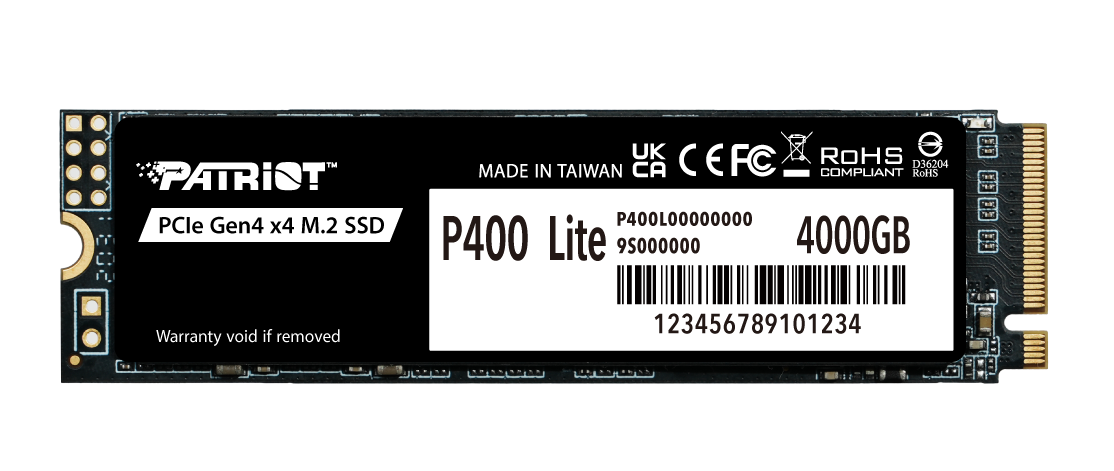
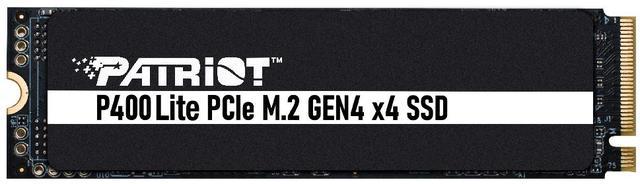
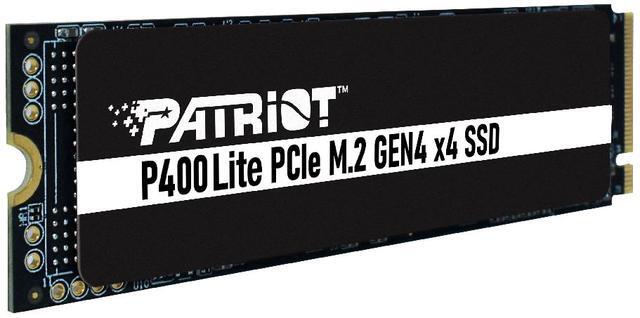
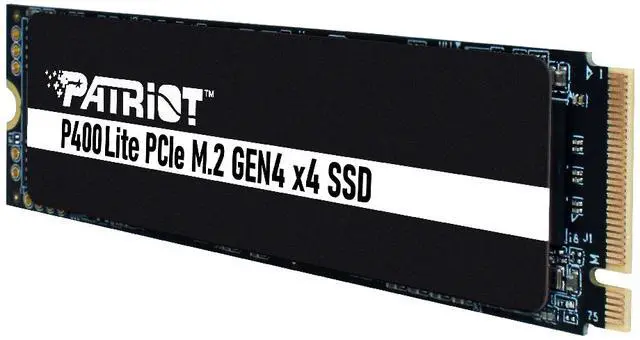
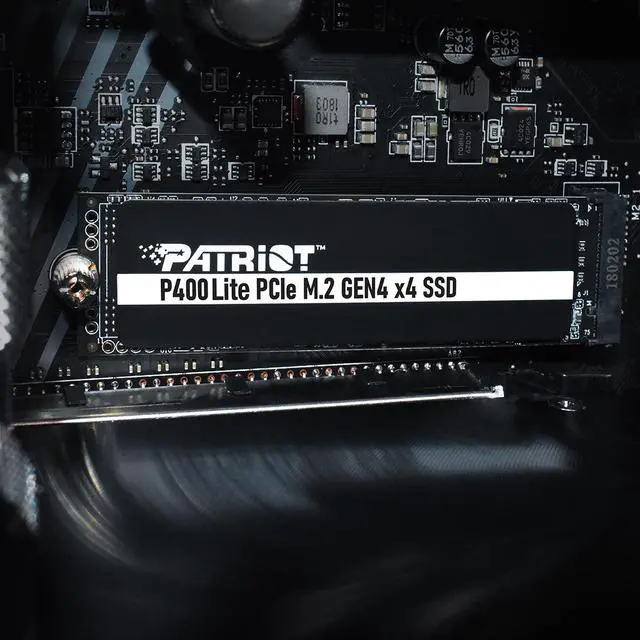
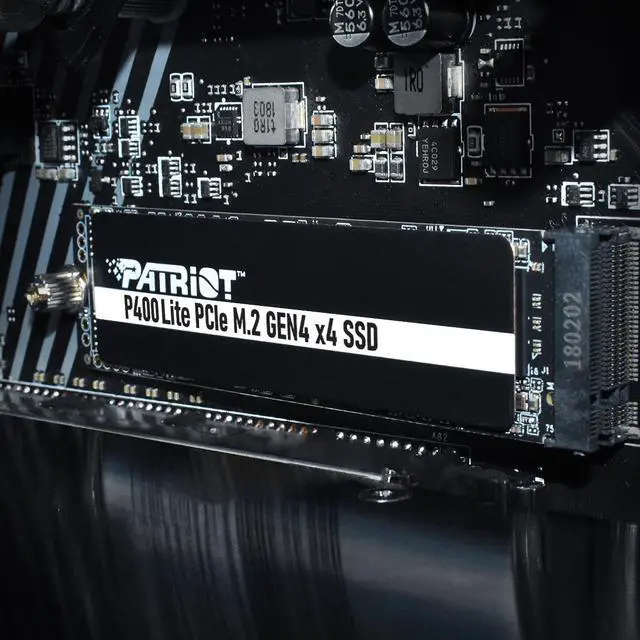
The P400 Lite PCIe Gen4 x4 M.2 2280 SSD is the latest in Patriot’s high-speed PCIe Gen 4 x4 M.2 storage solutions. Featuring low power consumption, multi-application uses and highly compatible M.2 2280 specification for easy installation, the P400 Lite PCIe Gen4 x4 M.2 2280 SSD offers excellent reliability for all users. With large storage capacities, faster data access, quick transfer speeds and an improved graphene heatshield for temperature dissipation, the P400 Lite PCIe Gen4 x4 M.2 2280 SSD offers sharp performance with zero compromise for quality.
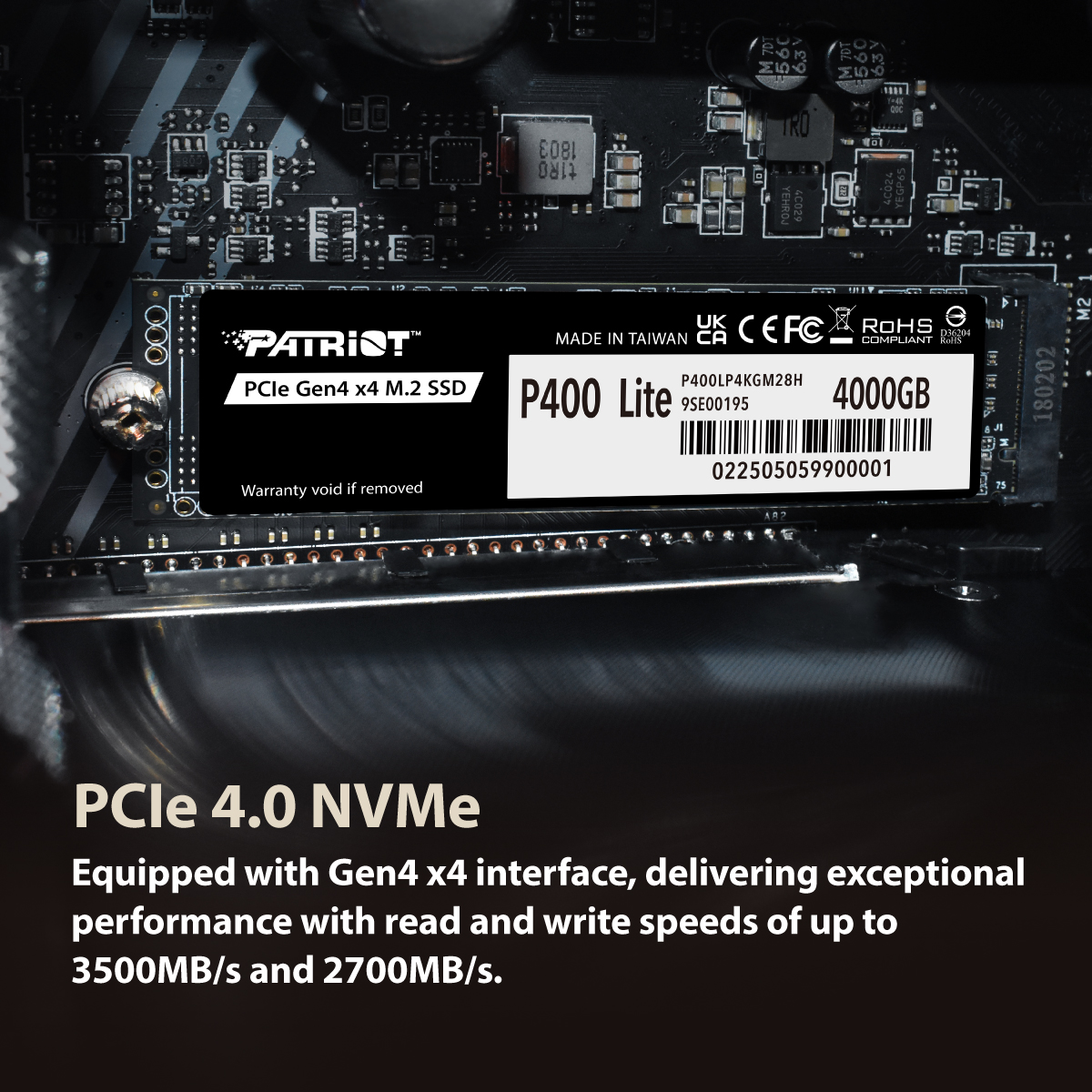
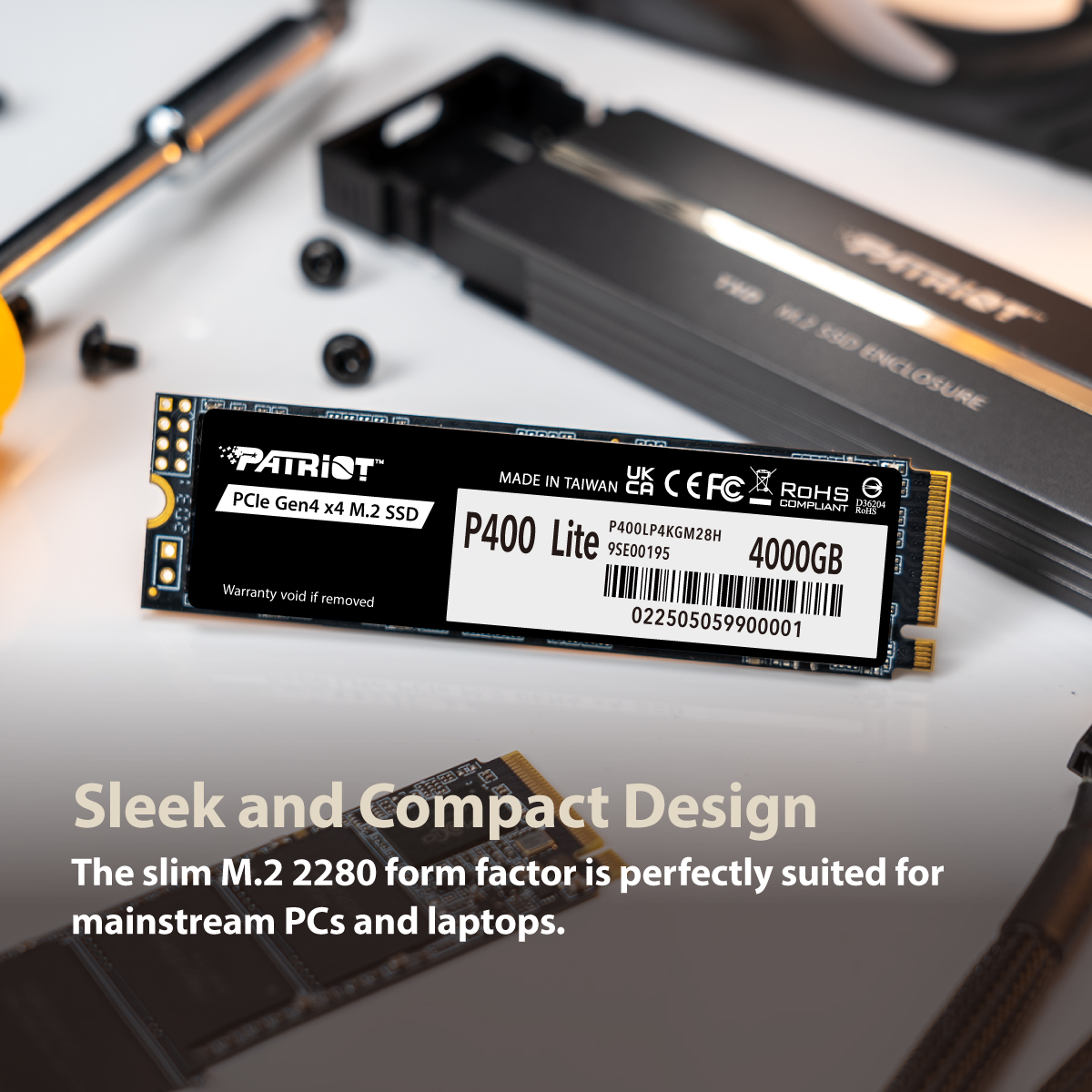
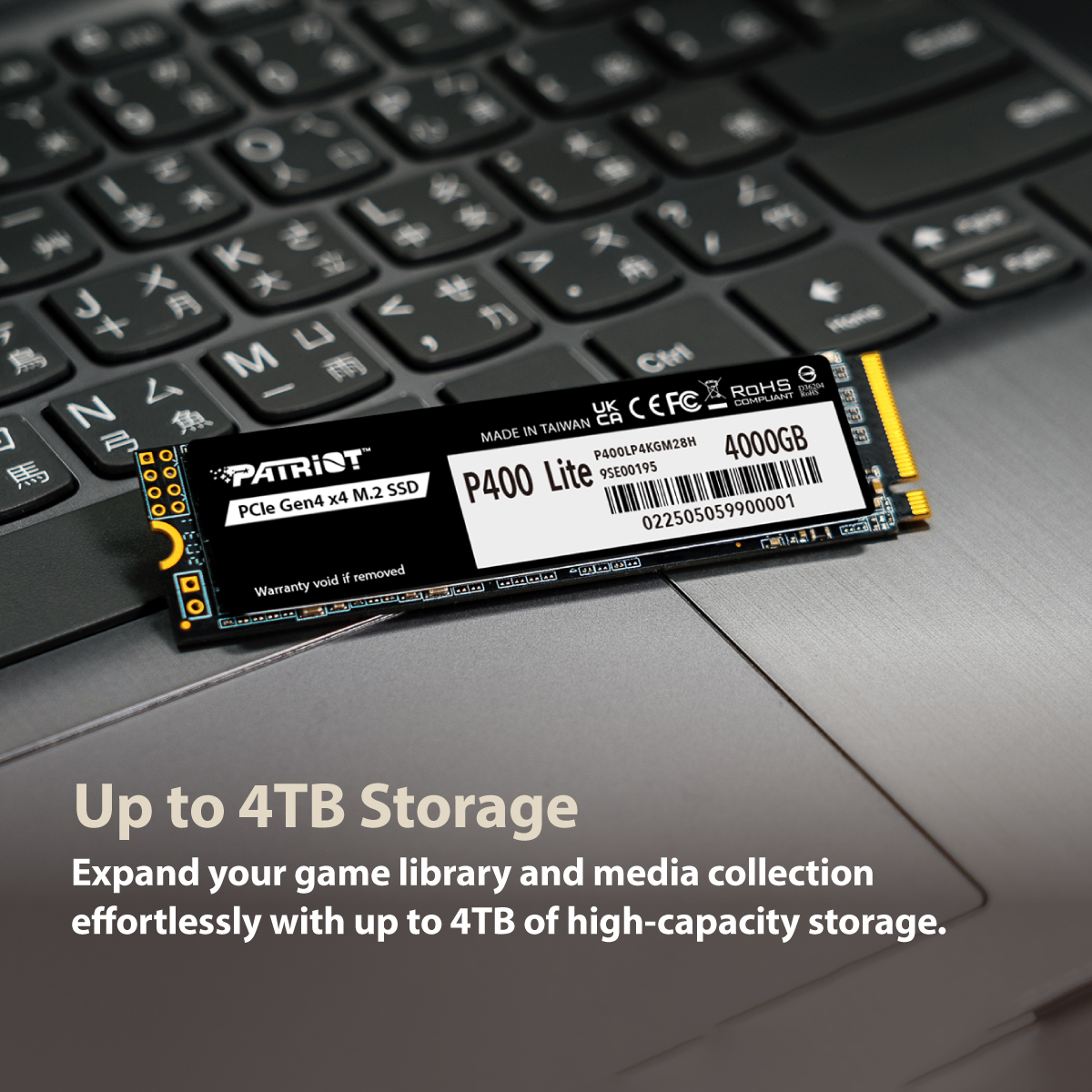
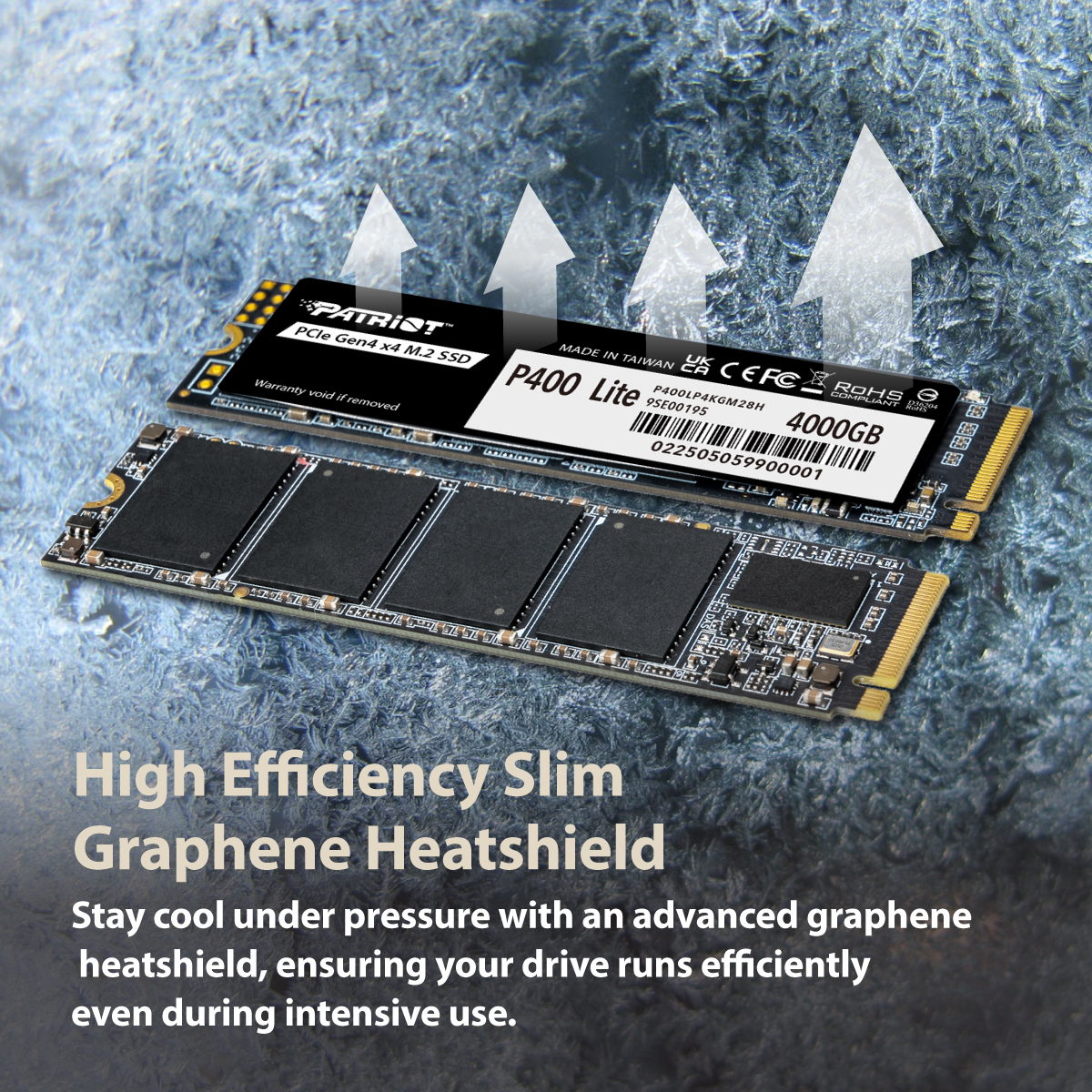
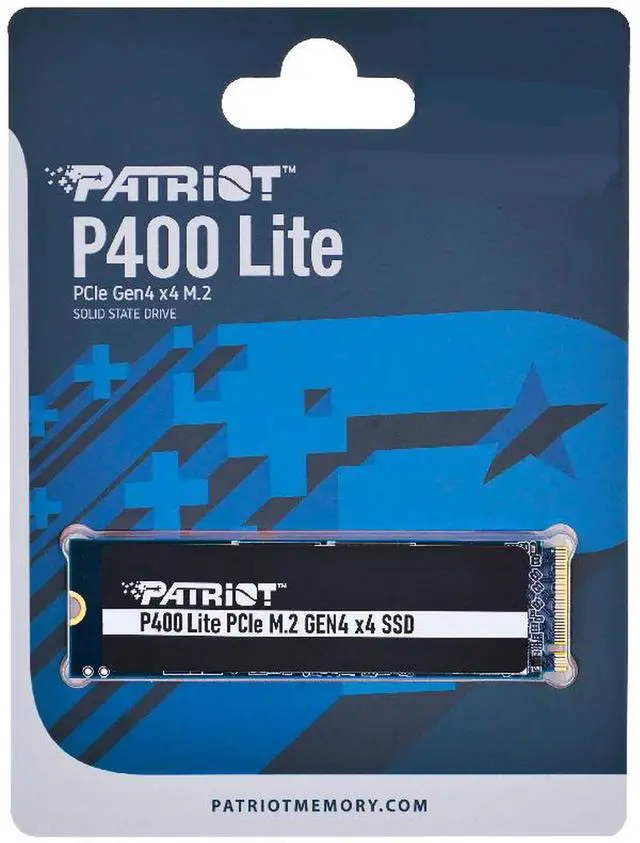
* All pictures are for demonstration only. The graphics on the SSD may differ.
1. Actual performance may vary due to available SSD capacity, system hardware and software components, and other factors.
The Patriot P400 Lite is a 1TB M.2 2280 PCIe 4.0 x4 NVMe SSD with sequential speeds of up to 3,500MB/s read and 2,700MB/s write, suited to consumer PCs needing responsive everyday storage and faster file transfers.
| Attribute | Value |
|---|---|
| Best For | Internal storage for consumer PC and desktop systems, suited to personal, business, gaming, and multimedia use |
| Capacity | 1 TB |
| Interface And Form Factor | M.2 2280 SSD with PCIe 4.0 x4 interface and NVMe 2.0 protocol |
| Read Write Performance | Sequential read up to 3,500 MB/s and sequential write up to 2,700 MB/s; ATTO results list up to 3,500 MB/s read and 2,400 MB/s write |
| Cache | No DRAM; uses HMB |
| Thermal Design And Data Protection | Slim graphene heatshield; no heatsink; includes end-to-end datapath protection |
| Operating System Compatibility | Windows 7, 8.0, 8.1, and 11; Windows 7 and 8 may require a driver |
| Model Identifiers | Patriot P400 Lite, model and part number P400LP1KGM28H |
Q: Patriot P400 Lite or WD Blue SN580 1TB—which should I buy?
A: Choose the P400 Lite if it costs less and you mainly need storage for everyday computing or gaming. Choose the SN580 if you often copy large files: it has higher rated sequential speeds (up to 4,150MB/s read and write versus 3,500/2,700MB/s for the P400 Lite), and a direct multi-drive review found the SN580 generally faster in its copy tests. Both carry five-year warranties.
Q: Is the Patriot P400 Lite enough, or should I get a WD Black SN770?
A: For everyday PC use and gaming, the P400 Lite’s rated speeds of up to 3,500MB/s read and 2,700MB/s write may be sufficient. Choose the SN770 if you want higher rated sequential performance—up to 5,150MB/s read and 4,900MB/s write for the 1TB model—or regularly handle large transfers. The SN770’s additional rated speed is most relevant to compatible workloads, not a guarantee of noticeably faster everyday use.
Q: Patriot P400 Lite or the original Patriot P400—which is faster?
A: The original 1TB Patriot P400 has higher rated sequential speeds—up to 5,000MB/s read and 4,800MB/s write, compared with up to 3,500/2,700MB/s for the P400 Lite. It may suit workloads that benefit from faster sequential transfers; the P400 Lite is the practical pick if its lower speed ceiling meets your needs and you value its five-year warranty. Tom’s Hardware lists a three-year warranty for the original P400, versus Patriot’s five-year warranty for the P400 Lite.
Q: Will this SSD fit and work in my laptop or desktop?
A: It fits systems with an available M.2 2280 slot that supports PCIe NVMe SSDs. Check your device’s specifications first: an M.2 slot that supports only SATA, or a different drive length, may not be compatible. A PCIe Gen 3 slot may run the drive at Gen 3 speeds rather than its rated Gen 4 speeds.
Q: Does it come with a heatsink?
A: It does not include a separate heatsink. The product information lists a slim graphene heatshield and thermal-throttling technology, but these are not the same as a full heatsink. Check whether your device provides SSD cooling or requires a separately fitted heatsink.
Q: Is this a good choice for everyday computing and gaming?
A: It can suit everyday computing, app storage, and game storage in a compatible system. The 1TB capacity and stated sequential speeds of up to 3,500MB/s read and 2,700MB/s write are relevant to those uses. Actual performance depends on the system and workload; the drive has no DRAM cache and uses HMB.
Q: Can I use this SSD in a PS5?
A: The product data lists PCIe Gen 4 x4 and M.2 2280, but its maximum stated read speed is 3,500MB/s and it has no separate heatsink. Those details do not establish that it meets PS5 expansion requirements; verify the console’s current SSD speed and cooling requirements before buying.
Q: Is the Patriot P400 Lite a sensible budget 1TB SSD choice?
A: It may suit a budget PC build or storage upgrade if its price is competitive. It is a 1TB PCIe 4.0 x4 NVMe M.2 2280 drive rated for up to 3,500MB/s reads and 2,700MB/s writes. Check comparable drives and your workload before choosing; the listed specs do not establish that it is the best value at every price.
Q: Will the P400 Lite work in a PCIe Gen 3 M.2 slot?
A: A Reddit discussion specifically asks about using this Gen 4 drive with a Gen 3 motherboard. It can be a candidate if the slot supports M.2 NVMe drives, but it will run at the slot’s supported PCIe generation, so Gen 4 maximum speeds should not be expected from a Gen 3 slot. Confirm the motherboard’s M.2 specifications.
Q: Is the P400 Lite suitable as a Windows drive and for everyday gaming?
A: Its 1TB capacity and NVMe interface make it a possible choice for a consumer PC used for Windows, apps, and games. The listed specifications say it has no DRAM cache and uses HMB, so its sequential-speed rating alone does not establish performance in every workload. For frequent, sustained heavy writes, compare drives with workload-specific reviews and endurance information.