




 here!
here!
I’m your shopping assistant for PC builds, upgrades, and everything tech.
Got questions? Ask away!
Start a conversation
here!
I’m your shopping assistant for PC builds, upgrades, and everything tech.
Got questions? Ask away!
Start a conversation



Any questions? Ask CelesteSM will help you find out quickly.
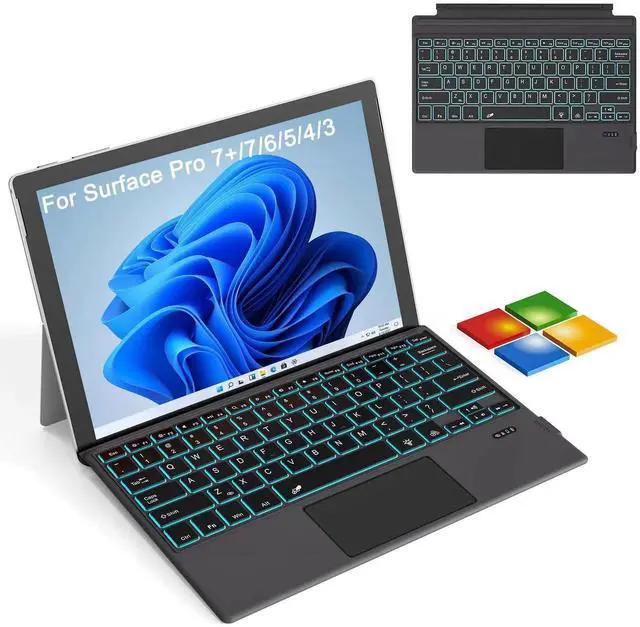
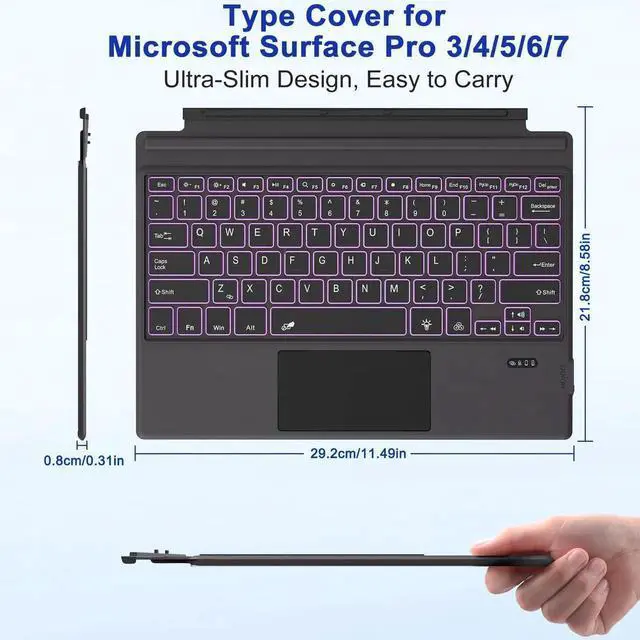
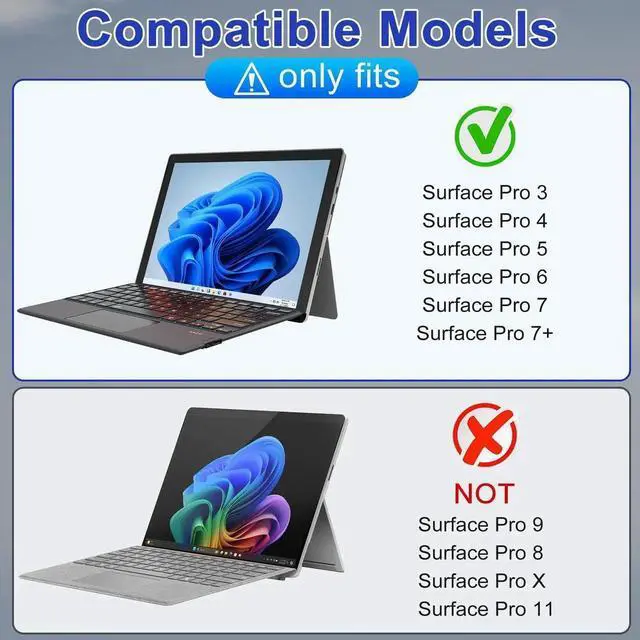
7-color backlight Ultra-thin Bluetooth keyboard trackpad - Microsoft Surface Pro 7+/7/6/5/4/3
With magnetic adsorption function, sensitive touchpad, rechargeable battery, independent shortcut keys, ergonomic design, and anti-mistouch function.
Please confirm your model before purchasing
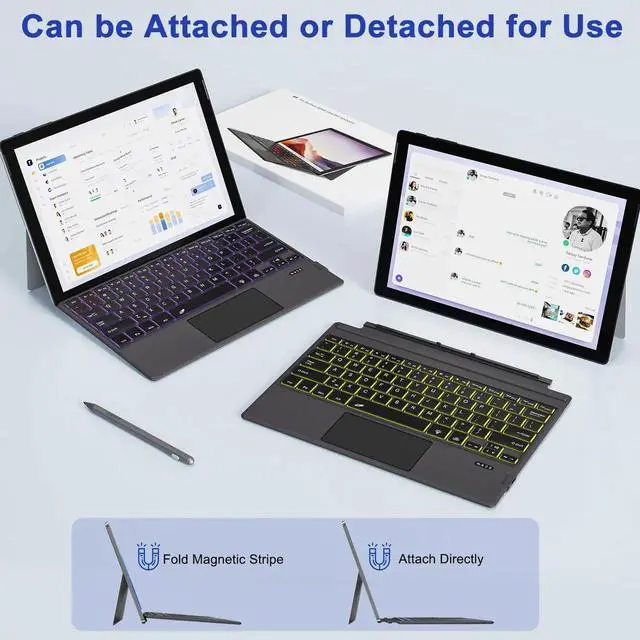
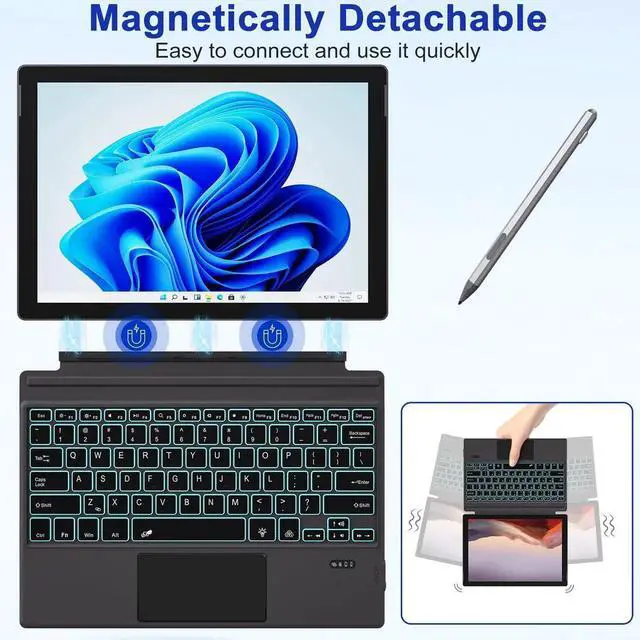
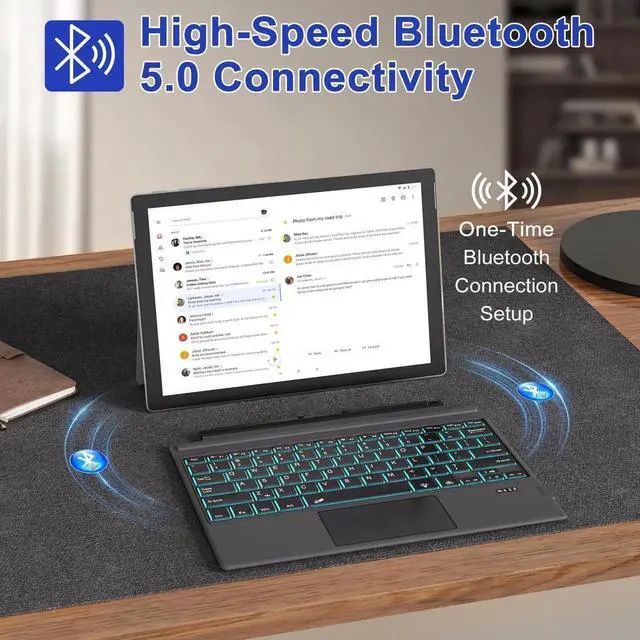
The ultra-thin wireless Bluetooth keyboard can be installed or removed by magnetic adsorption, and you can choose different typing angles to facilitate your typing, drawing, viewing and working. After removal, it still does not affect the stable connection of Bluetooth. Supports Bluetooth pairing within a range of 10 meters.
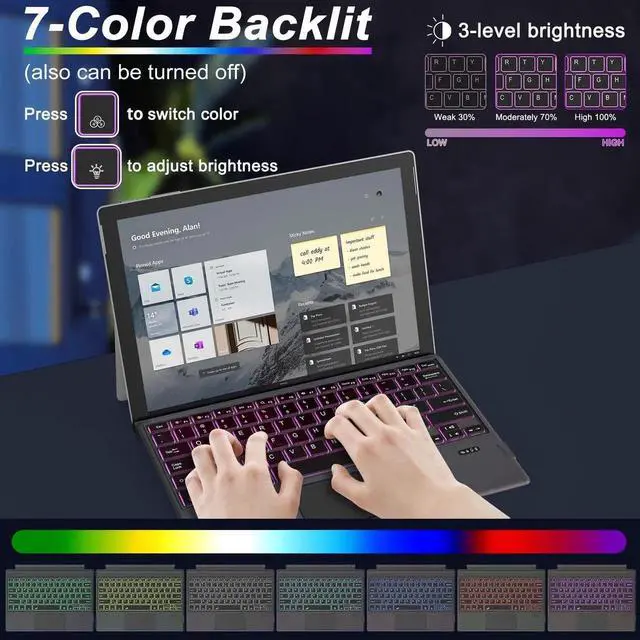
Elegant seven-color backlight design with three adjustable brightness levels. It can also be turned off when not needed.
Built-in sensitive touchpad, supports scrolling and multi-touch gestures, providing more efficient operation. Press Fn+Spacebar to automatically enable and lock the touch screen function. High-precision multi-touch touchpad, supports four-finger operation and up to 12 gestures to control Surface Pro.


