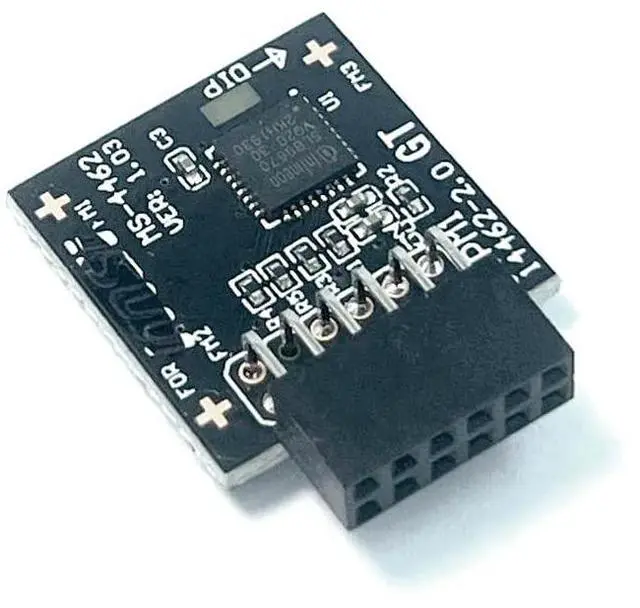
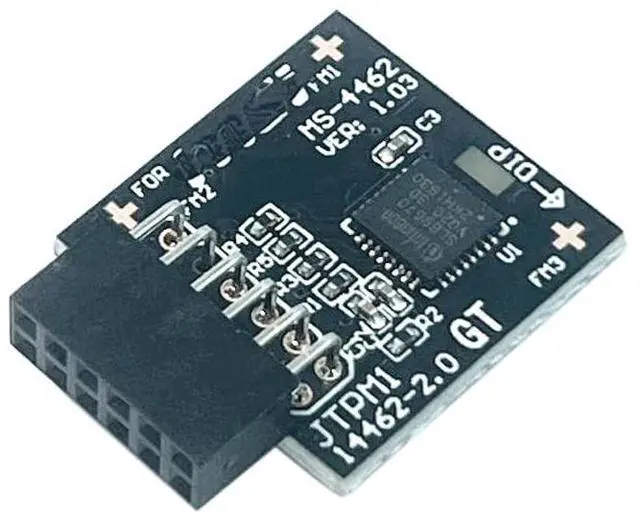
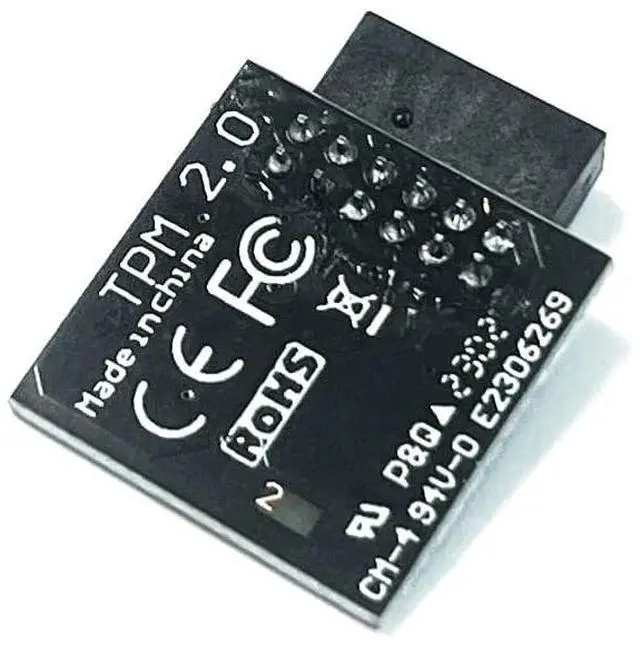
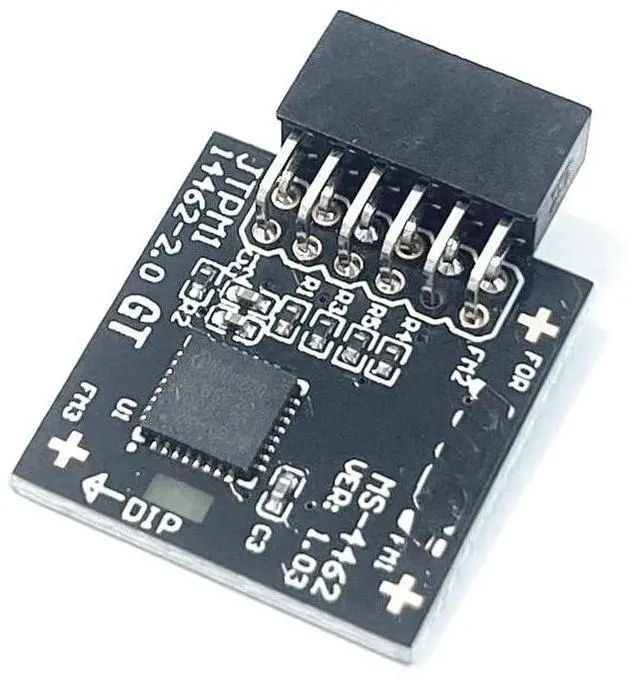
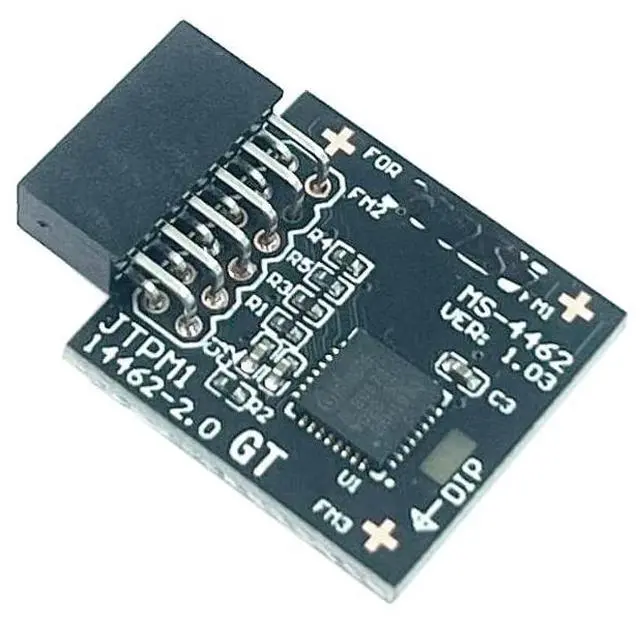
Product performanceCompatible withTPM 2.0
SPI 2.0C hipset: SLB9670PIN
DEFINE:
12Pin-1Attention: 1. This product is only suitable for older motherboards such as INTEL and AMD, and is not suitable for new motherboard models with firmware TPM, as well as all-in-one and laptop computers. 2. The minimum hardware configuration for upgrading to Win11 through
TPM 2.0 is as follows: a 64 bit processor (dual/multi-core) with 1 GHz or faster, 4 GB of memory, 64 GB of storage space, firmware that supports UEFI secure boot and TPM 2.0, DirectX 12 compatible graphics card, and a 720p or higher display screen. 3. The pin size of this product is 12pin-1. Please carefully check whether the position of the pins in the picture matches your motherboard before purchasing. TPM 2.0 SPI 2.0 Sicherheitsmodul (12pin-1)
For MSI: MPG B550 GAMING CARBON WIFIMPG B550 GAMING EDGE WIFIMPG B650 EDGE WIFIMPG B650 CARBON WIFIMPG X570S CARBON MAX WIFIMPG X570S CARBON EK XMPG X570S EDGE MAX WIFIMEG X570S UNIFY-X MAXMEG X570S ACE MAXX670E GAMING PLUS WIFIMEG X670E ACEA520M PROA520M-A PROA520M PRO-C DASHA520M PRO-VHA520M PRO-VDHMAG A520M BAZOOKA WIFIMAG A520M VECTOR WIFIWS WRX80How to choose and install security modules: 1. It is necessary to confirm whether the host has TPM 2.0 or whether TPM 2.0 is enabled. 2. Click on 'Run' and enter 'tpm. MSC' (win+r key) to check if the TPM version is ready. 3. If version 2.0 is displayed but not ready, you need to go to BIOS to set it up and consult the motherboard customer service. 4. Open the host and check the pins of TPM on the motherboard. When installing the module, if there is a chip facing inward, align it with the pins and insert it to ensure that it is fully inserted to prevent loosening.





 here!
here!