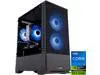
ABS Cyclone Aqua Gaming PC - Windows 11 - Intel Core i7-14700F - GeForce RTX 5060 -  DLSS 4 - AI-Powered Performance - 32GB DDR5 6400 - 1TB M.2 NVMe SSD - CA14700F50602
  •  
  • $999.99 
  • Save: 28%
  • $132.99
  • Free 30-day Returns
  • Price alert
    Shop it at NeweggBusiness.

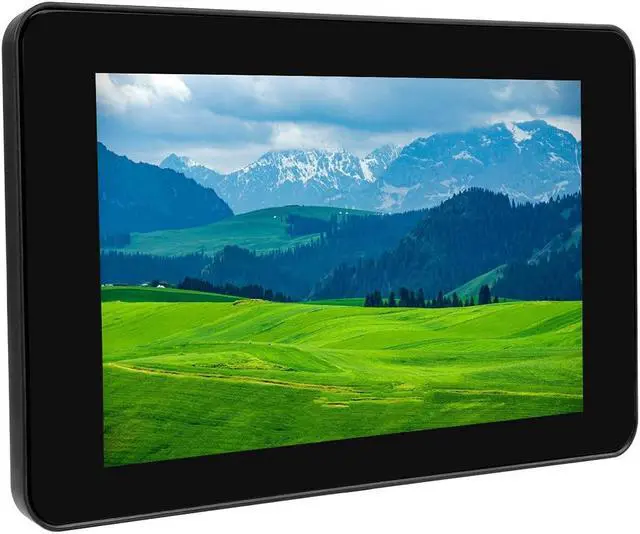
    Waveshare 7 Inch DSI LCD Screen with Case for Raspberry Pi 4B, 800x480 Capacitive Touch Screen Monitor Support Raspbian/Ubuntu/Kali/Win 10 IoT

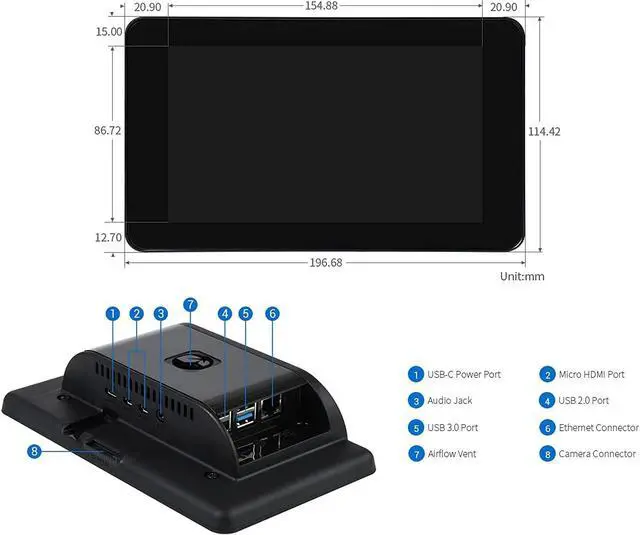
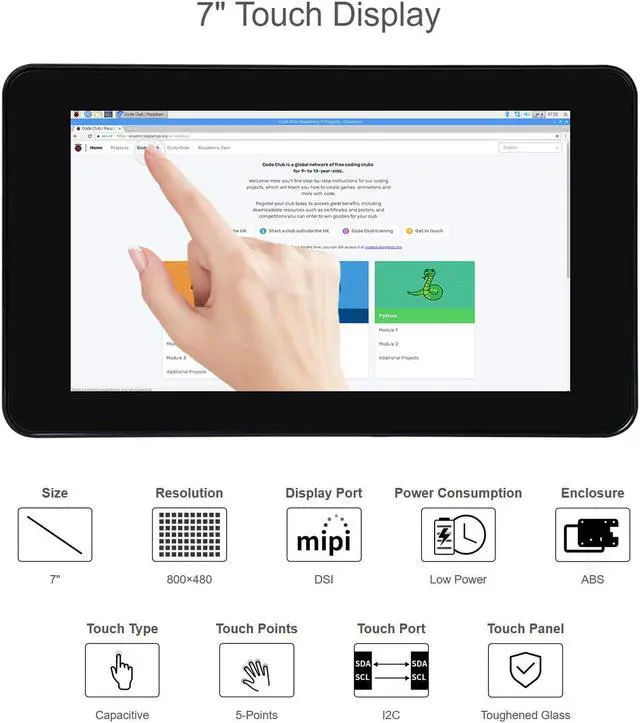
    • 7 inch LCD TFT touch screen with polycarbonate enclosure, 800 x 480 hardware resolution display, MIPI DSI interface, refresh rate up to 60Hz
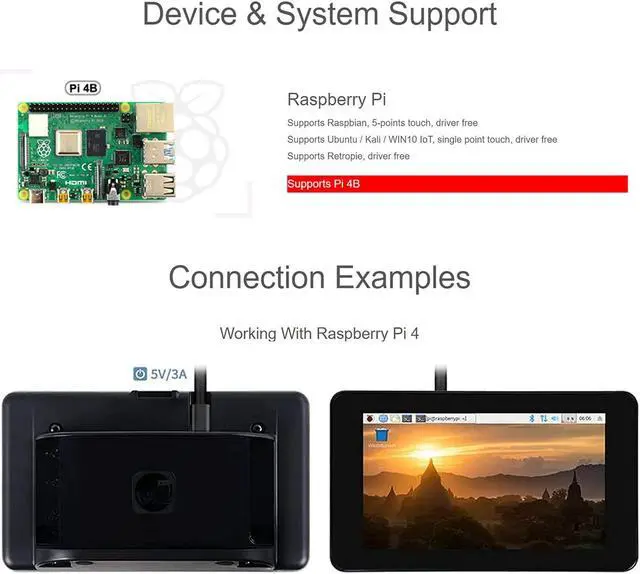
    • 7 inch capacitive touch display supports Raspberry Pi 4B, backlight support adjusts by software
    • Supports Raspbian, 5-point touch, driver free
    • Supports Ubuntu / Kali / WIN10 IoT, single point touch, driver free
    • Supports Retropie, driver free
    +
    +
    Overview
    Specs
    Reviews
    avatar

    Any questions? Our AI beta will help you find out quickly.

    Introduction
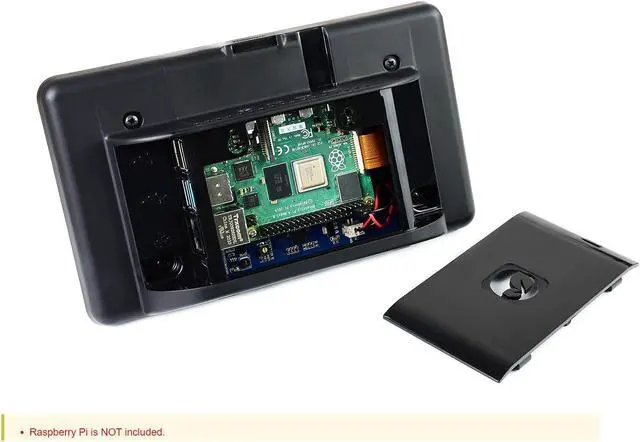
    7 inch capacitive touch display for Raspberry Pi 4B, with protection case, 800 x 480 resolution, TFT wide angle, MIPI DSI interface.

    Features
    1. 7 inch TFT screen. 800 x 480 hardware resolution
    2. Capacitive touch panel, support up to 5-point touch.
    3. DSI interface, refresh rate up to 60Hz.
    4. Supports Raspbian, 5-point touch, driver free
    5. Supports Ubuntu / Kali / WIN10 IoT, single point touch, driver free.
    6. Supports Retropie, driver free
    7. Support backlight adjusts by software.

    Software setting
    1. Download image (Raspbian, Ubuntu, Kali, or WIN 10 IOT) from the
    Raspberry Pi website. https: //www. raspberrypi. org/downloads/
    2. Download the compressed file to the PC, and unzip it to get the. img file.
    3. Connect the TF card to the PC, use SDFormatter. exe software to format the TF card.
    4. Open the Win32DiskImager. exe software, select the system image downloaded in step 2, and click 'Write' to write the system image.
    5. After the image has finished writing, save, and quit the TF card safely.
    6. Power on the Raspberry Pi and wait for a few seconds until the LCD displays normally. And the touch function can also work after the system starts.

    Package Content
    7 inch DSI LCD kit x1
    Black case kit x1

    Development Resources
    https: //www. waveshare. com/wiki/7inch_DSI_LCD?

    Warranty & Returns

    Warranty, Returns, And Additional Information

    Warranty

    • Please contact the Seller directly for warranty information. Warranty information may also be found on the Manufacturer's website.
    • CONTACT

    Return Policies

    Manufacturer Contact Info

    LOADING...